
Download Netflix Subtitles in 2026: SRT and Full-Video Options
Table of Contents
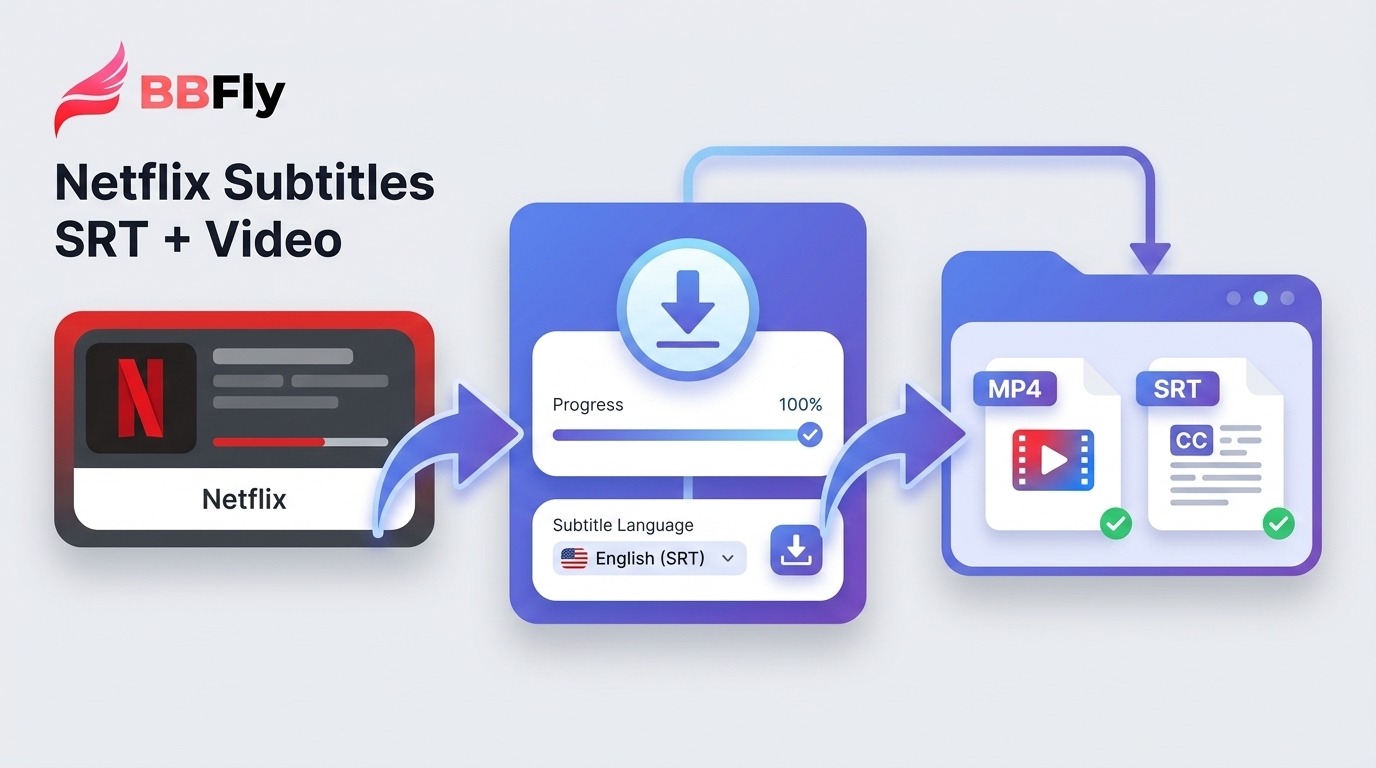
The short answer: you can download Netflix subtitles as SRT files, but Netflix shows captions without offering a standalone export button. For subtitle-only study, use a current browser extension, DevTools capture, or batch conversion; choose a desktop workflow only when you also need the video. The deciding factor is the output you need, not whether a method is free.
If you searched for “download Netflix subtitles,” the usual reason is simple: you can see captions in the player, but cannot save them for offline study. I have kept SRT files for language review long enough to know the weak point is rarely the format. It is choosing a tool that still works in your browser and checking the export before building a study archive. Below are the current subtitle-only routes, recovery steps when they fail, and a separate video-plus-subtitle option.
Download Netflix Subtitles in 2026: The Short Version
Yes, you can download Netflix subtitles without downloading the video, but you must export them yourself because Netflix has no save-subtitle feature in its apps or browser player. Captions reach the player as WebVTT or TTML, which can be exported through a compatible browser workflow or converted after capture.
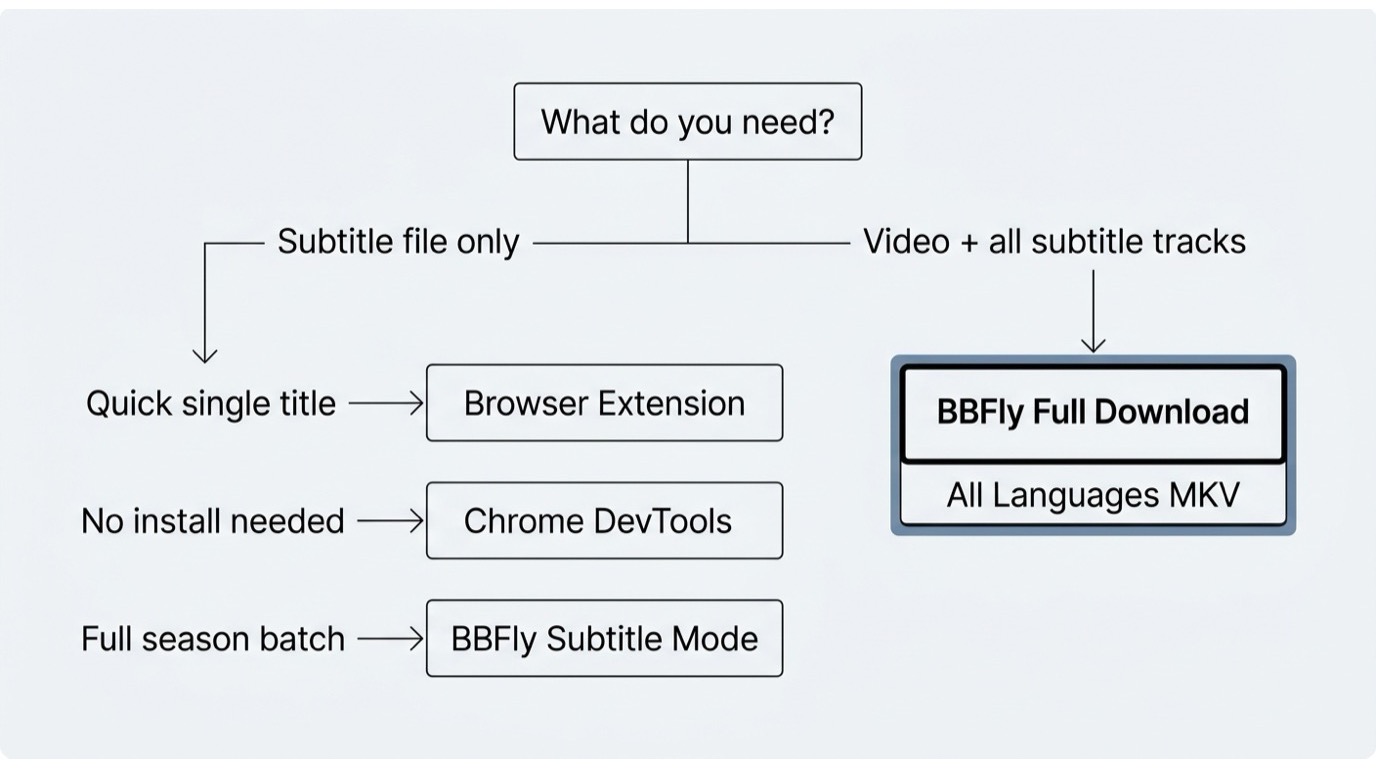
Use a browser extension for a quick SRT export or, where supported, season batching and dual-language files. Use DevTools when you want a manual WebVTT or TTML capture, and netflix-to-srt when you have many captured files to convert. Choose a desktop workflow when you also need the video with separate SRT or integrated subtitles. Official Netflix download expiration rules are a separate limitation of in-app downloads, not a subtitle-file export feature. In my view, output type and your tolerance for compatibility breakage matter more than a simplistic free-versus-paid split.
Why Netflix Offers No Subtitle Export on Desktop
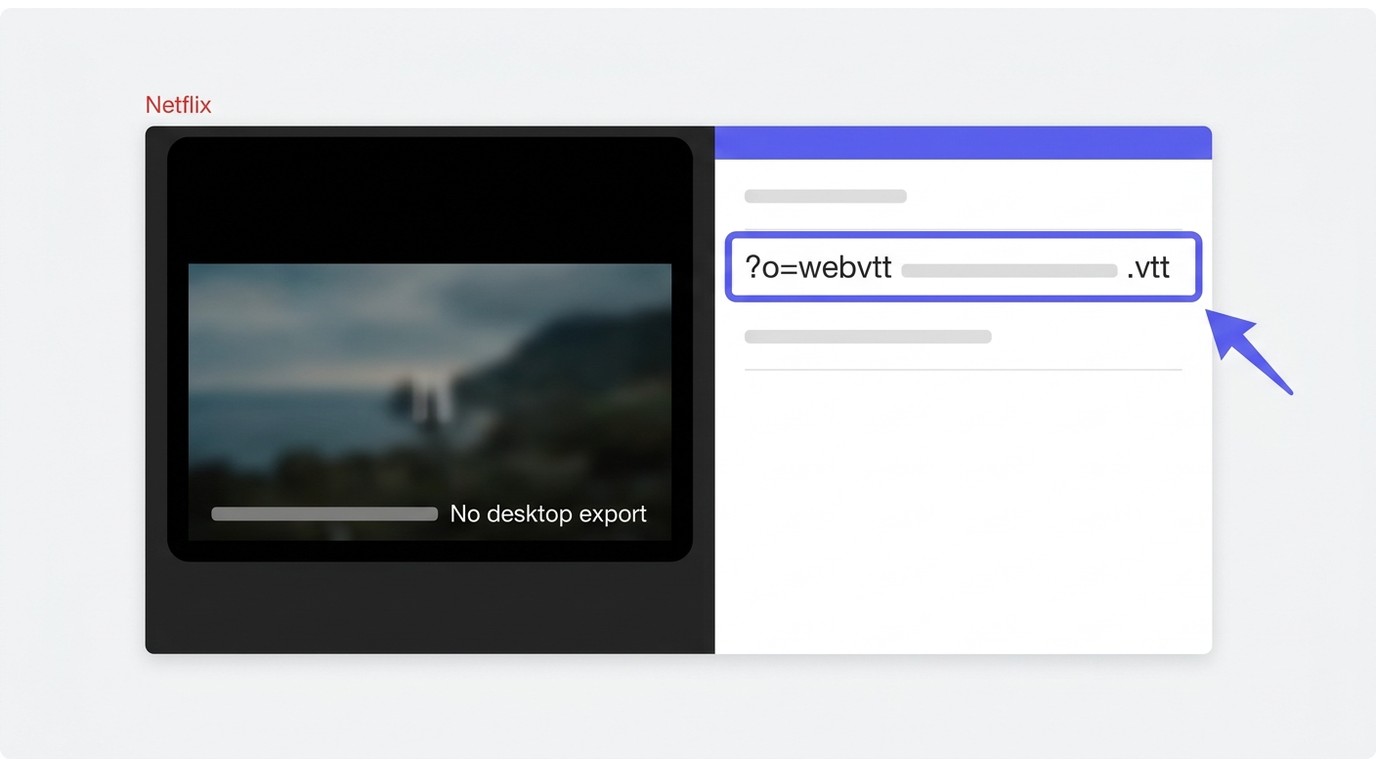
Netflix doesn't let you export subtitles directly because subtitles are part of the licensed content stream, not a separate downloadable asset in the official UI. The captions are loaded into the player as WebVTT or TTML and rendered on the fly; the official apps have never offered a Save button for them. On top of that, Netflix removed the offline-download feature from its Windows app in 2024, and its Mac client never had downloads at all — so on desktop, there is no official path for either the video or the subtitle file.
No subtitle-export button: where the WebVTT actually lives
Open Netflix in a browser, hit play, and within seconds the player has fetched a WebVTT (.vtt) or TTML2 (.ttml2) file for the language you have selected. You can see the requests in the Network tab — ?o=webvtt is the giveaway. Those files are the subtitles. They are simply never surfaced as a download option in any official Netflix UI, on any platform. Every method in this guide is, in one form or another, a way of saving a file that has already arrived at your player.
Desktop Download Limits on Windows and Mac
The mid-2024 Windows app update removed Netflix offline downloads; the app is now stream-only. Netflix downloads remain available on iOS, Android, Amazon Fire tablets, and Chromebooks, but not on desktop. The Mac has never had an official download client, so downloading Netflix on a MacBook requires a different workflow. The practical consequence is straightforward: a desktop reader cannot use the official app to obtain either a video download or a subtitle file.
Why Subtitle Extractors Break After Player Updates
Netflix player changes can affect how an extension detects subtitle requests. Before installing one, check the official listing or repository for its supported browser, recent update history, privacy disclosure, and last-tested version. Extensions are sensible for quick study exports; if you have a deadline, keep DevTools or another tested fallback ready. I do not trust an untested extension with a full-season archive, especially after a player update.
Three Current Ways to Save Netflix Subtitles as SRT
Please note: All three methods below extract subtitles from content you are already streaming through your own Netflix account. Keep the resulting files for personal, offline viewing or study only — redistributing any downloaded file, subtitle or otherwise, is outside the scope of this guide and is contrary to Netflix's Terms of Use.
Before you start, sign in with your own active Netflix account, select a title and subtitle language you are authorized to access, and use any exported file only for personal offline viewing or study where permitted by platform terms and applicable law. Choose the route in this order: decide whether you need subtitle-only output, weigh the maintenance and validation effort, then decide whether you need the video saved with the subtitles.
Method 1: Browser Extensions for Fast SRT Export
1. Choose an extension whose listing identifies your browser and shows a recent update. 2. Review its privacy disclosure and confirm whether it exports SRT, dual-language files, ZIP, EPUB, or season batches. 3. Open the Netflix title, select the subtitle language in Netflix, then use the extension’s export control. 4. Open the resulting file and check a dialogue-heavy scene before exporting more episodes. asbplayer and Subadub are examples, but capabilities vary by extension.
This suits readers who want a fast Netflix subtitle download for study and are willing to check compatibility first. Some current extensions advertise whole-season batches or dual-language output, while others export one track at a time. It is not my first choice for deadline-sensitive work without a backup method.
Method 2: DevTools with Browser-Specific Fallbacks
1. Open Netflix in Chrome or Firefox, select the target subtitle track, and start playback. 2. Open DevTools with F12 and select Network. 3. Search for ?o=webvtt, /?o=, or .ttml2. 4. If no request appears, reload the title with subtitles enabled, turn the subtitle track off and on, then search again. 5. If Chrome still does not expose the request, repeat the process in Firefox. Save the matching VTT or TTML file, then convert it to SRT if your study app requires it.
6. Validate the saved file against several dialogue-heavy scenes before converting a season. This is a useful no-install backup when an extension fails, not an unbreakable method: DevTools behavior can vary by browser and change with the Netflix player.
Method 3: Batch TTML and VTT Conversion
1. Capture the TTML or VTT files first with DevTools. 2. Install Python and set up isaacbernat/netflix-to-srt according to its repository instructions. 3. Place a small sample of captured files in one folder and convert them to SRT. 4. Compare the converted files with the matching scenes before processing the remaining episodes. The project remained active in 2026, but it still depends on a separate capture step and a Python environment.
This is the practical choice for repeated subtitle format conversion and full-season archives. It is not ideal for one SRT file or for readers who want a no-code path. For my own study workflow, I would rather validate two files first than discover a cue-order problem after converting an entire season.
Netflix subtitle download methods at a glance
| Method | Best for | Output | Batch and languages | Current limitation |
|---|---|---|---|---|
| Current browser extension | Fast study exports | SRT, text, or extension-specific formats | Varies; some offer batch or dual-language exports | Browser and player compatibility varies |
| Browser DevTools | No-install raw capture | WebVTT or TTML | Manual, track by track | Requires conversion and troubleshooting |
netflix-to-srt |
Repeated conversion | SRT from captured files | Batch after capture | Requires Python setup |
| BBFly Netflix Downloader | Video plus subtitles | 1080p MP4, separate SRT or integrated subtitles | Batch video downloads | Not for quick subtitle-only exports |
Capabilities and availability shown as of August 2026.
My default is an extension for a single evening’s study and DevTools plus conversion for a full-season archive. The latter takes longer to set up, but it gives you a visible raw file and a validation point before you commit to the rest of the season.
Native Download for Video and Subtitle Files
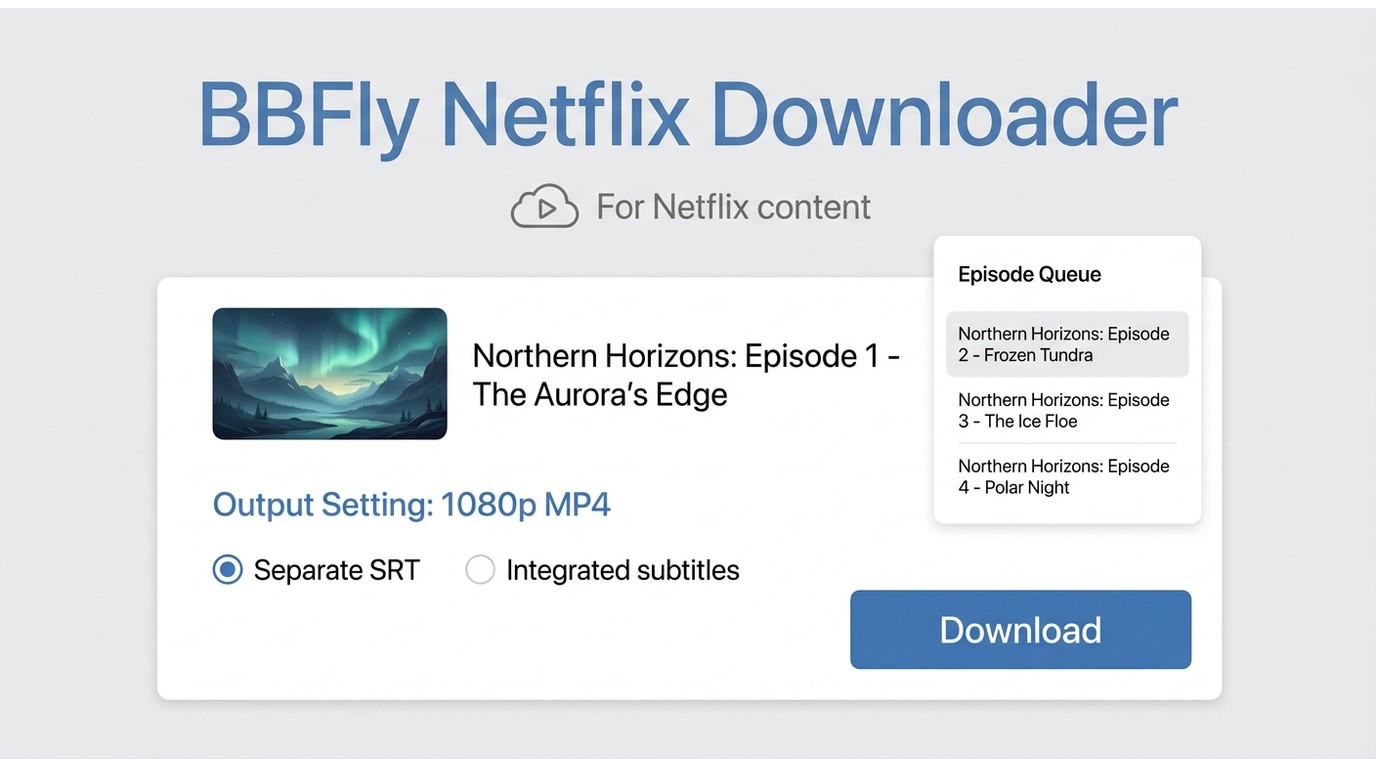
If subtitle-only export is enough, stay with the methods above. If you need the video and subtitles together for content you are authorized to access, a desktop workflow can make more sense. BBFly Netflix Downloader is separate from Netflix’s official download feature and is intended for personal offline viewing, subject to Netflix’s terms and applicable law. It is a fit when the video file is part of the requirement, not when you need one quick SRT.
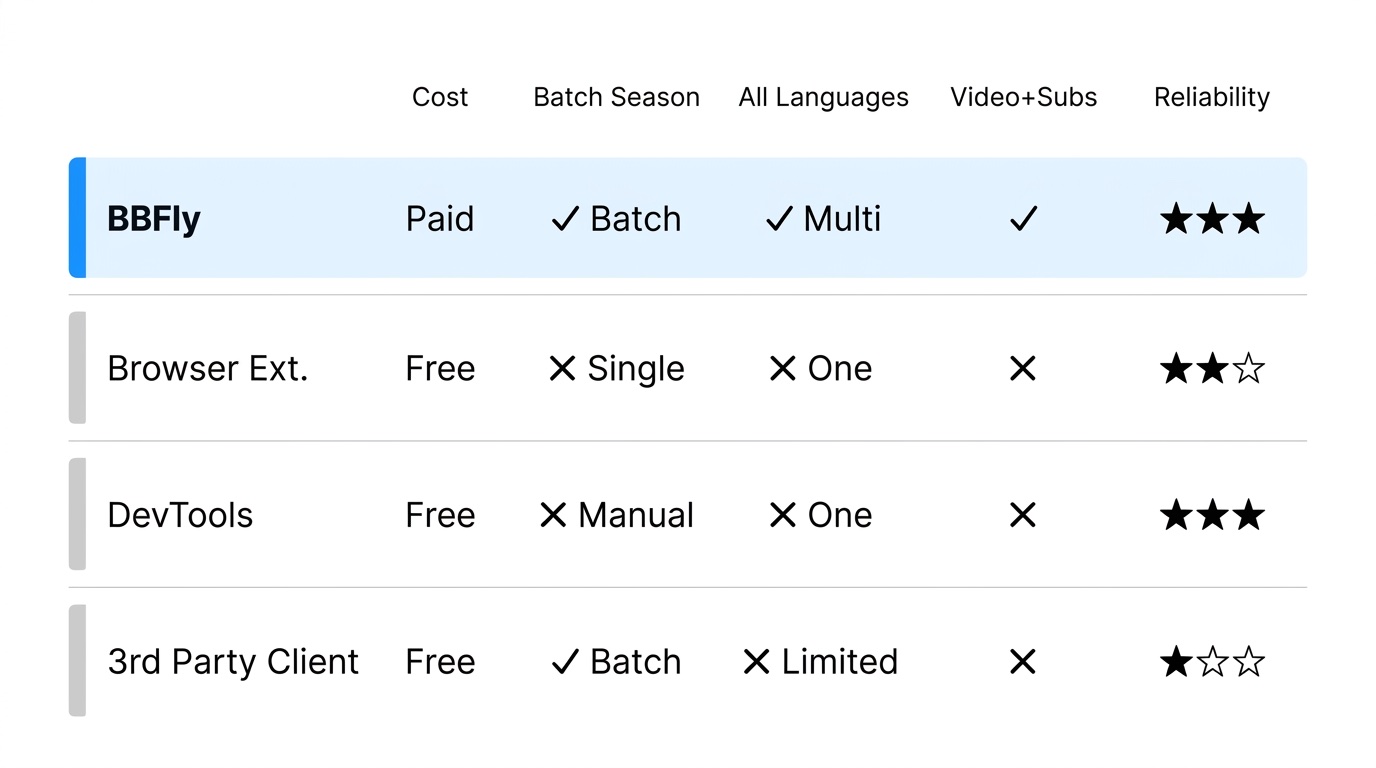
Where BBFly Fits, and Where It Does Not
BBFly supports downloads up to 1080p MP4, batch downloading, and subtitles saved as separate SRT files or integrated into the video. If your priority is a portable video file, the Netflix to MP4 workflow explains that output choice in more detail. For subtitle-first study, however, a clean standalone SRT is usually simpler to inspect, correct, and import.
Batch downloading is useful when a video-plus-subtitle workflow covers multiple episodes. The subtitle decision remains the same: choose separate SRT files when you want easy review and editing, or integrated subtitles when you want them paired with the video. The detailed BBFly Netflix Downloader review covers the broader product evaluation without turning this subtitle guide into a downloader comparison.
My rule is plain: if I need one subtitle file for study, I do not add a video workflow. If I need a local video with subtitles for personal offline viewing, the batch option earns its place. Supported devices and availability may change, so confirm the current status on the official product page.
Netflix Subtitle Download FAQ
The questions readers ask most often after deciding to extract subtitles cluster around format compatibility, legality, multi-language workflow, tool reliability, study-app integrations, and the safety of signing into a third-party tool. Short answers follow.
Why Are Lines Missing or Out of Order in My SRT?
Multi-line cues can be dropped, duplicated, or reordered during extraction or subtitle format conversion. Before processing a full season, compare several dialogue-heavy scenes with playback and look for broken line order, missing text, or timing drift. Fix those sample files first; a large archive of flawed SRTs is just a larger cleanup job.
Is It Legal to Save Netflix Subtitles for Personal Use?
This guide covers personal offline viewing or study of titles you are authorized to access, where permitted by Netflix’s terms and applicable local law. Keep exported subtitle and video files on your own devices, and do not redistribute them. This is an operating boundary, not a universal legal conclusion for every jurisdiction.
Can I Download a Subtitle Language Netflix Does Not Show?
No tool can create a subtitle track that Netflix does not make available to your account. Available languages depend on the title, your profile language, and your region. Current tools differ in whether they export one, two, or multiple available tracks, so check what Netflix displays first and then confirm the exporter’s output options.
Can I Download Netflix Subtitles on Android?
Netflix on Android can display the subtitle tracks available for a title, but it does not provide a standalone SRT export. The file-export workflows in this article are browser- or desktop-based. If you need an SRT for study, capture or export it on a computer and validate it before moving it into your study workflow.
Can I Use Netflix Subtitle Files for Language Study?
Yes. Choose SRT when you want timed lines in Anki or alongside VLC, or use a readable text export for transcript review. Validate timing and cue order first, then import the file or place it beside a matching video with the same base filename. Clean cues matter more than collecting every format available.
Is It Safe to Sign In Through a Subtitle Tool?
Assess the tool before signing in: identify the publisher, read its privacy disclosure, check its update history, review the permissions it requests, and understand how it handles credentials. A workflow that can use an existing browser session may require less credential handling, but that does not remove the need to review its privacy and security information.