Download Foxtel Videos Without ads
BBFly Foxtel Downloader saves ad-free copies of Foxtel videos. The saved video removes pre-roll, mid-roll, and pop-up interruptions, so playback starts clean and stays focused on the story.
BBFly keeps the video uninterrupted, and breaks do not appear during travel or weak network moments.

Save Foxtel Videos up to 1080p
BBFly Foxtel Downloader supports video quality up to 1080p. A 720p choice is available when storage or data is limited. Sports, documentaries, and dramas are all clear enough to watch.
BBFly lets users match resolution to the screen they use most. The same series can be saved in different sizes for different devices while picture quality remains stable and comfortable to watch.

Download Foxtel Videos in MP4/MKV Formats
BBFly Foxtel Downloader exports every video as MP4 or MKV. Moving files to USB drives, NAS, or cloud storage stays simple because the format type is widely supported.
BBFly keeps the output consistent across a whole library. You can quick playback the downloaded videos on travel devices and hotel TVs.

Experience Fast and Reliable Downloads from Foxtel
BBFly Foxtel Downloader emphasizes fast and reliable transfers from Foxtel. Stable speeds help long movies and full episodes finish on time, even when several tasks are active.

Batch Download Multiple Foxtel Videos
BBFly Foxtel Downloader offers batch download to download many videos at once. Full seasons, mini-series, or hand-picked lists can be queued together and handled automatically.
The queue completes items in order, which keeps collections consistent. BBFly reduces repeated clicking and frees time for other work.

Built-in Foxtel Browser
BBFly Foxtel Downloader includes a built-in Foxtel browser. Search, sign in, and play a video inside the app without switching tabs or windows. The page layout matches what users already know, which makes finding episodes easy.
BBFly keeps the whole workflow in one place. Fewer context switches mean fewer page errors and faster starts, and regular viewers move from browsing to download with less friction.

Step 1: : Use the built-in browser to go to Foxtel official website.
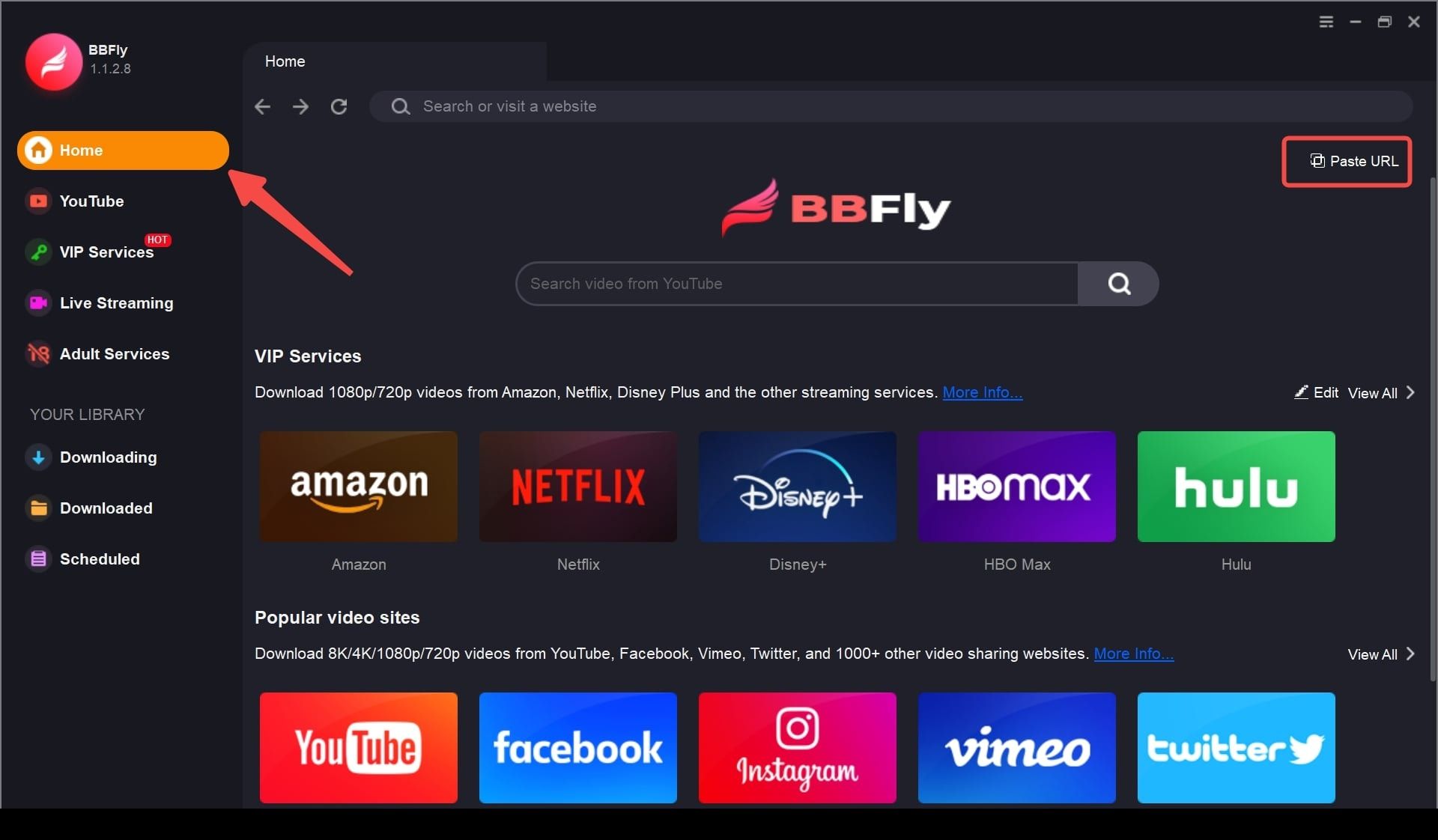
Step 2: Play the Foxtel video you want to download.
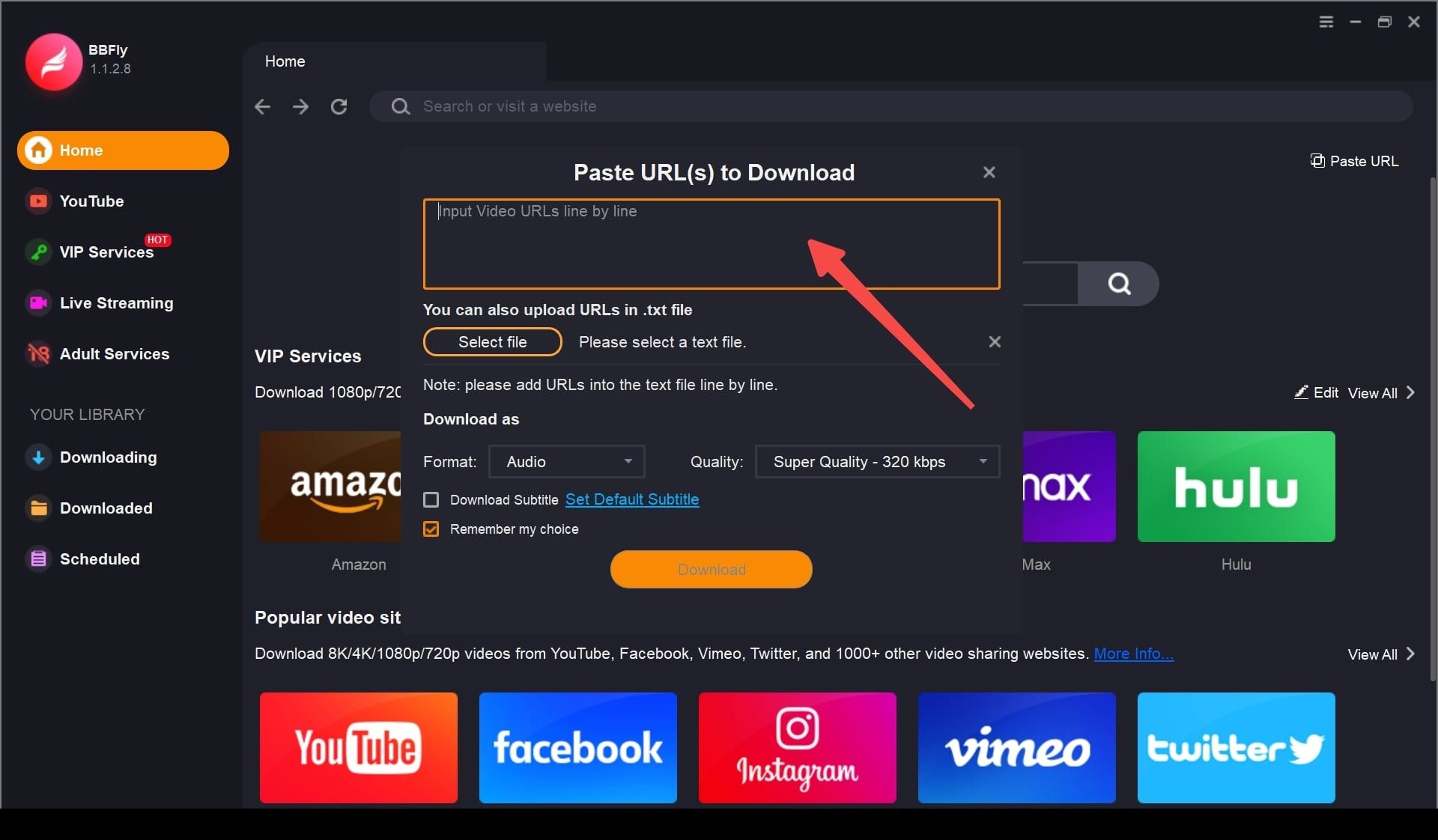
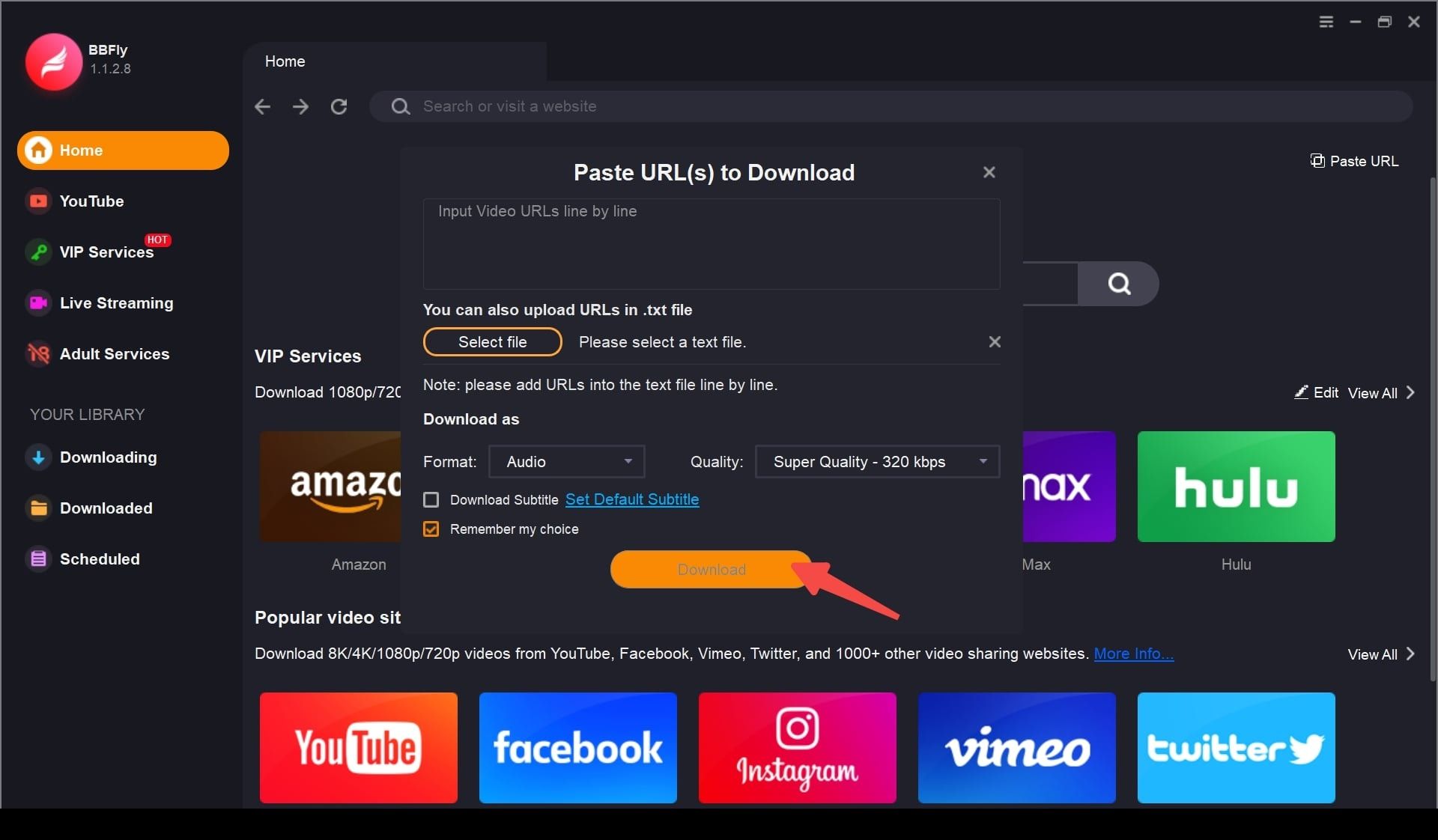
Step 3: Press the “Download Now” button to start saving the video.
System Requirements
- Windows 11/10 (32/64 bit)
- Intel i3 or above
- 4GB of RAM or above
- 40GB of free hard disk space or above
- Live Internet connection required