Download ReelShort Videos in Up to 1080p
BBFly ReelShort Downloader saves episodes in resolutions up to 1080p with clear AAC 2.0 audio. Choose H.264 for wider compatibility or H.265 to reduce storage usage while retaining detailed video quality.

Export ReelShort Episodes as MP4 or MKV
Save each ReelShort episode as a standard MP4 or MKV file instead of limiting playback to the original app. The downloaded videos can be transferred to laptops, tablets, smartphones, external drives, and compatible TVs for more flexible offline viewing.

Download Long Episode Queues at High Speed
BBFly uses hardware acceleration to process ReelShort videos efficiently, which is especially useful for dramas containing dozens of short chapters. Add multiple episodes to the queue and let the software complete the downloads without recording each video in real time.

Step 1: Open BBFly and visit ReelShort through the integrated browser or supported services section.
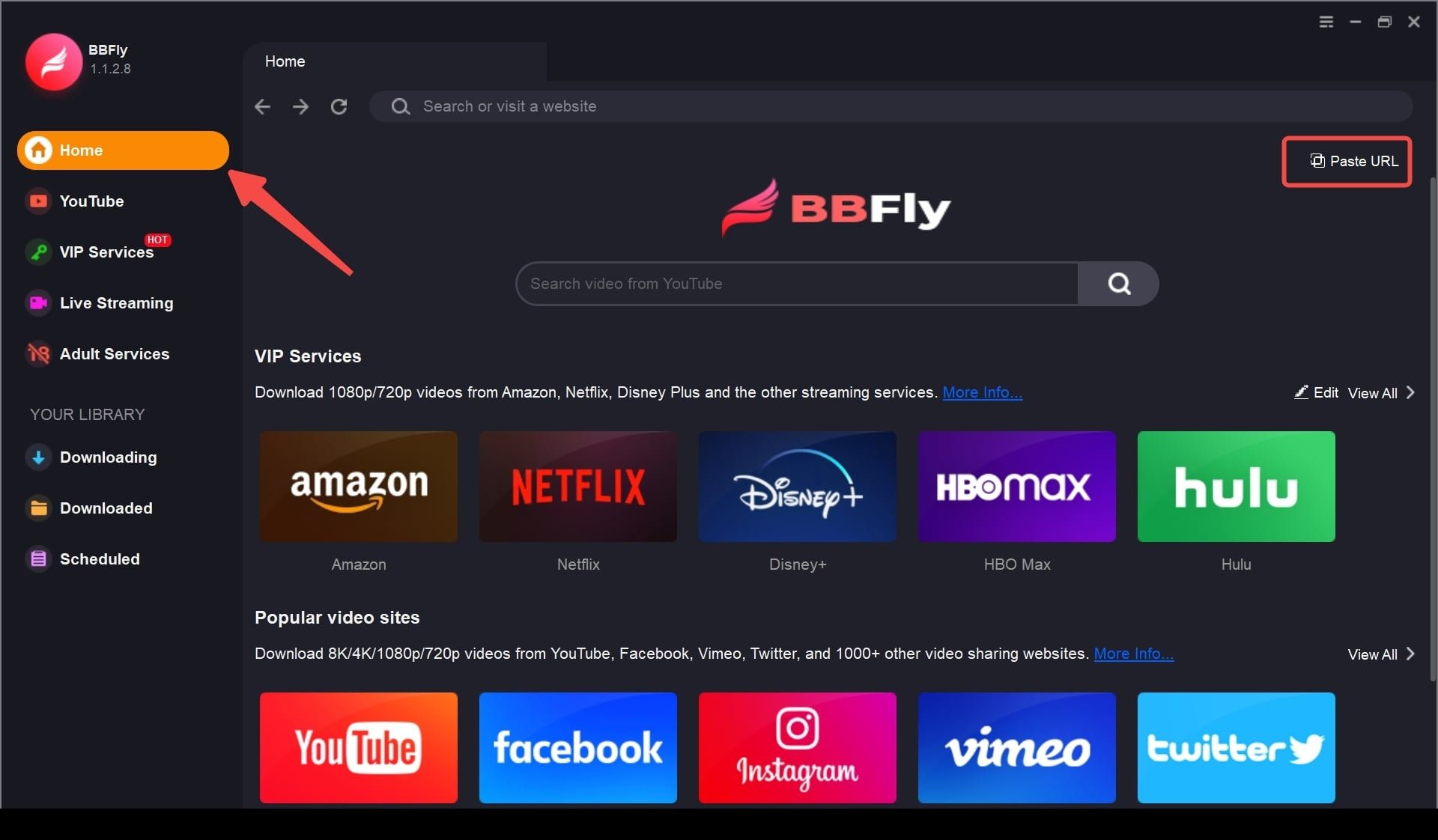
Step 2: Sign in to your ReelShort account, find the drama you want to save, and play an episode for analysis.
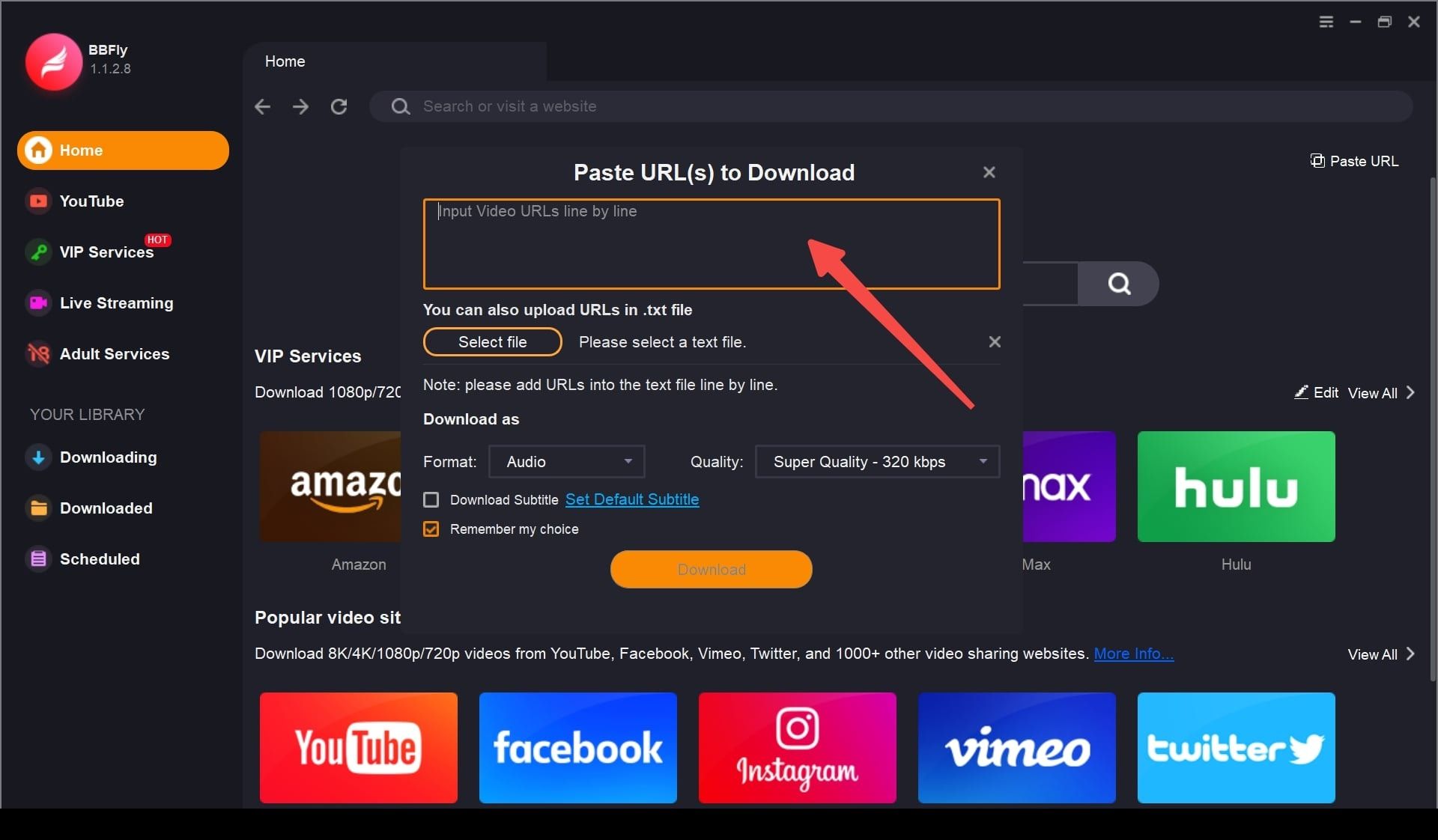
Step 3: Select the episodes, resolution, MP4 or MKV format, H.264 or H.265 codec, and subtitle language, then click “Download Now.”
System Requirements
- Windows 11/10 (32/64 bit)
- Intel i3 or above
- 4GB of RAM or above
- 40GB of free hard disk space or above
- Live Internet connection required