Download ZDF Videos Without Ads
BBFly ZDF Downloader ensures you get ad-free copies of your favorite ZDF content. While ZDF is a public broadcaster, some online streams may include pre-roll or sponsor commercials.
With this ZDF video downloader, all ads are removed during the saving process. Your downloaded video starts immediately and stays focused on the story.

Save ZDF Videos in up to 1080p
BBFly ZDF Downloader supports high-definition video up to 1080p. If you have limited storage on your mobile device, you can also choose a 720p resolution.
BBFly preserves every detail in original quality for ZDF titles. This ensures that the picture quality remains stable on any screen, from your laptop to a large-screen TV.

Download ZDF Videos in MP4/MKV Formats
BBFly ZDF Downloader exports every download ZDF video task as a standard MP4 or MKV file. These formats are compatible with almost all media players and devices.
Feel free to move your files to a USB drive, a tablet, or a home NAS system. BBFly makes it easy to manage your library without compatibility issues, by keeping the output format consistent.

Enjoy 10x Faster Download
With the support of hardware acceleration tech, BBFly offers fast and reliable transfers directly from ZDFmediathek.
Even for long movies or full-length documentaries, BBFly maintains high-speed stability. It can ensure your single download ZDF video task is completed in just a few minutes.

Batch Download Multiple ZDF Series at Once
BBFly offers a powerful batch download feature to free your hands. You can select multiple episodes or even entire seasons of your favorite ZDF shows and add them to your queue. And we will process the entire list automatically. It is the perfect way to build your personal offline library of German TV shows quickly.

Built-in Browser for Easy Usage
BBFly ZDF Downloader features a built-in browser, so you can find content without ever leaving the app.
Simply search for your favorite ZDF shows directly within BBFly and play to download. This integrated experience makes it easier and faster than ever to download ZDF video for offline enjoyment.

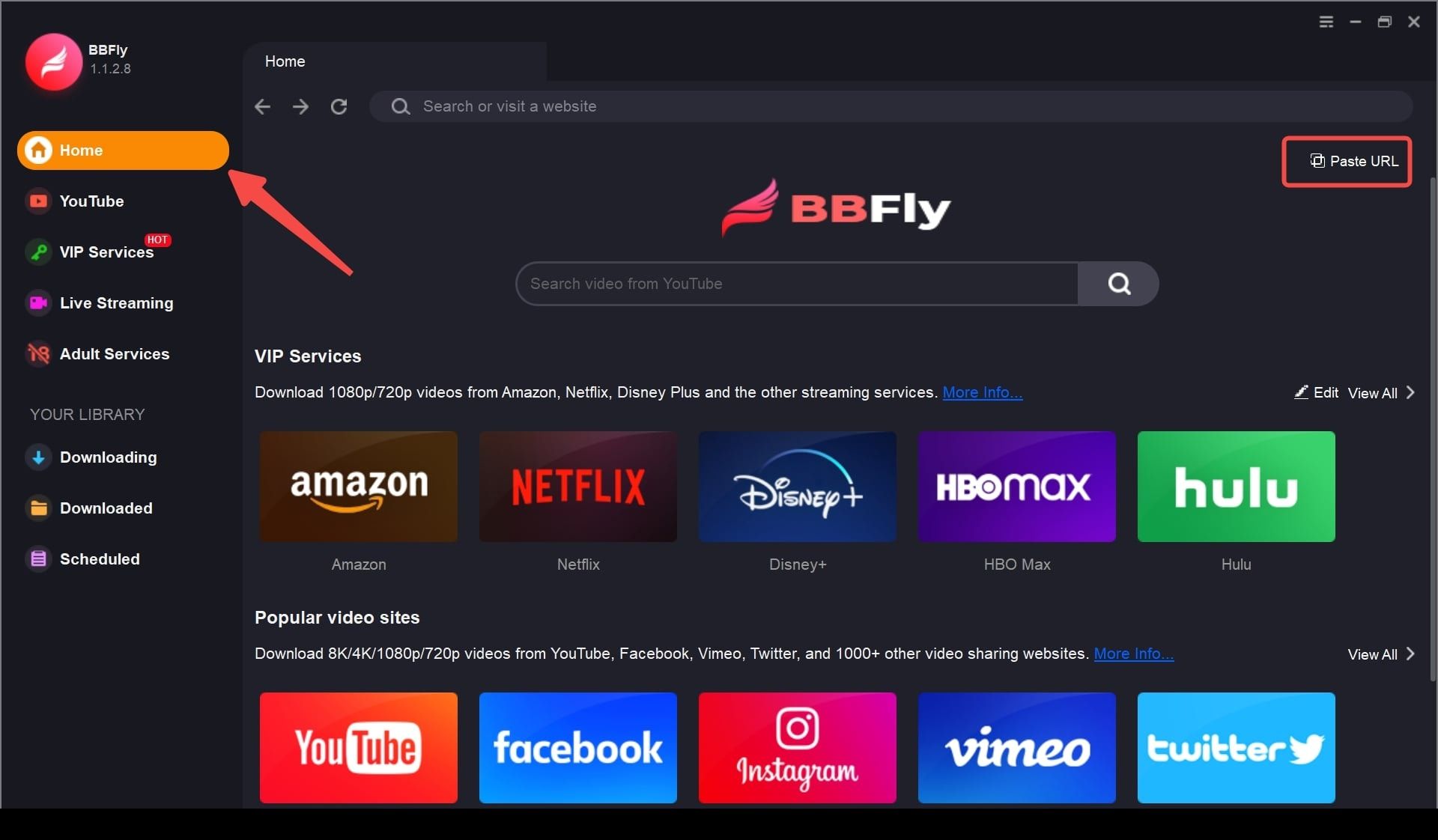
Step 1: Open BBFly and select the ZDF icon from the built-in services to log in to your account.
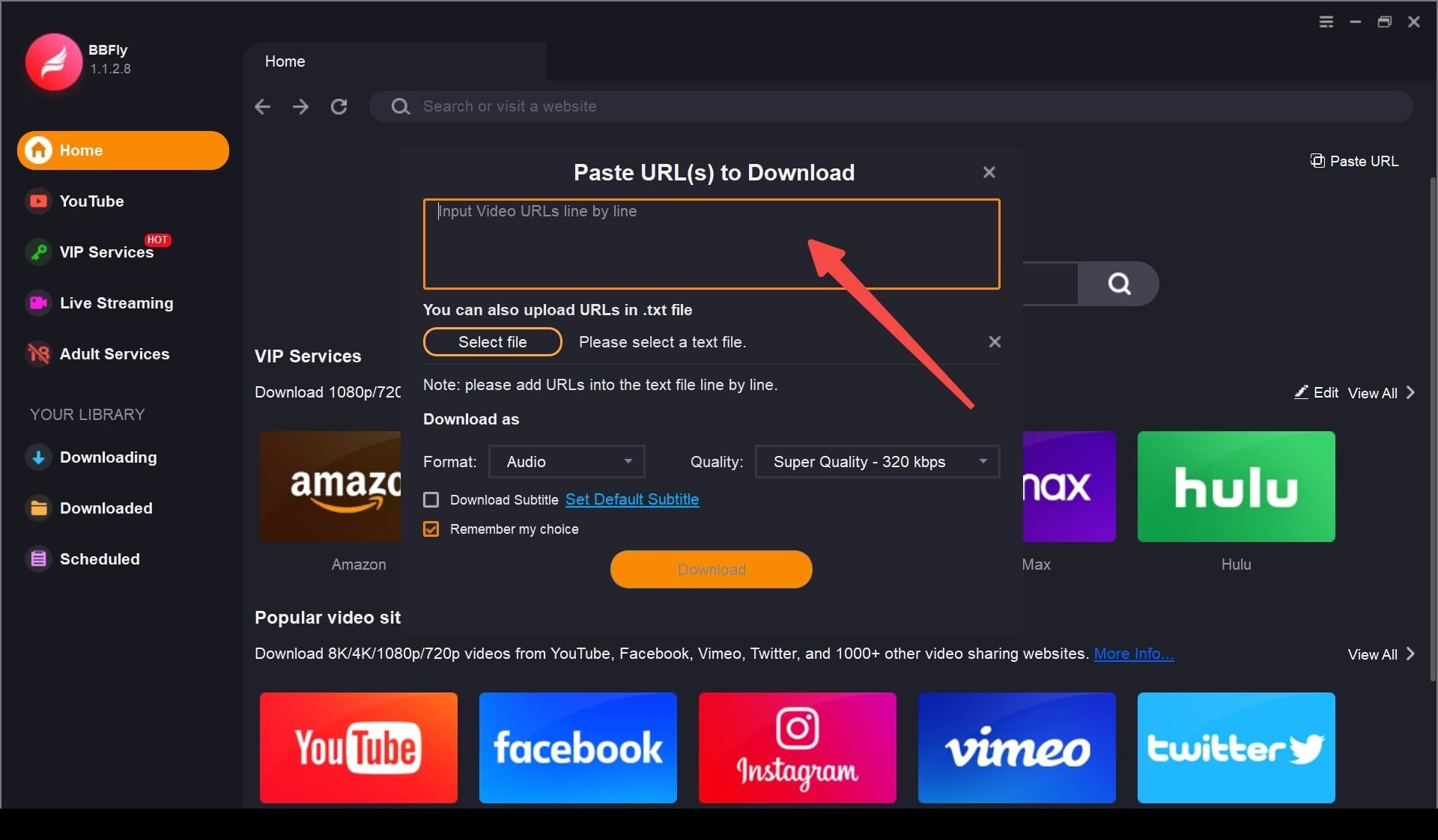
Step 2: Play the ZDF video course you want to save.
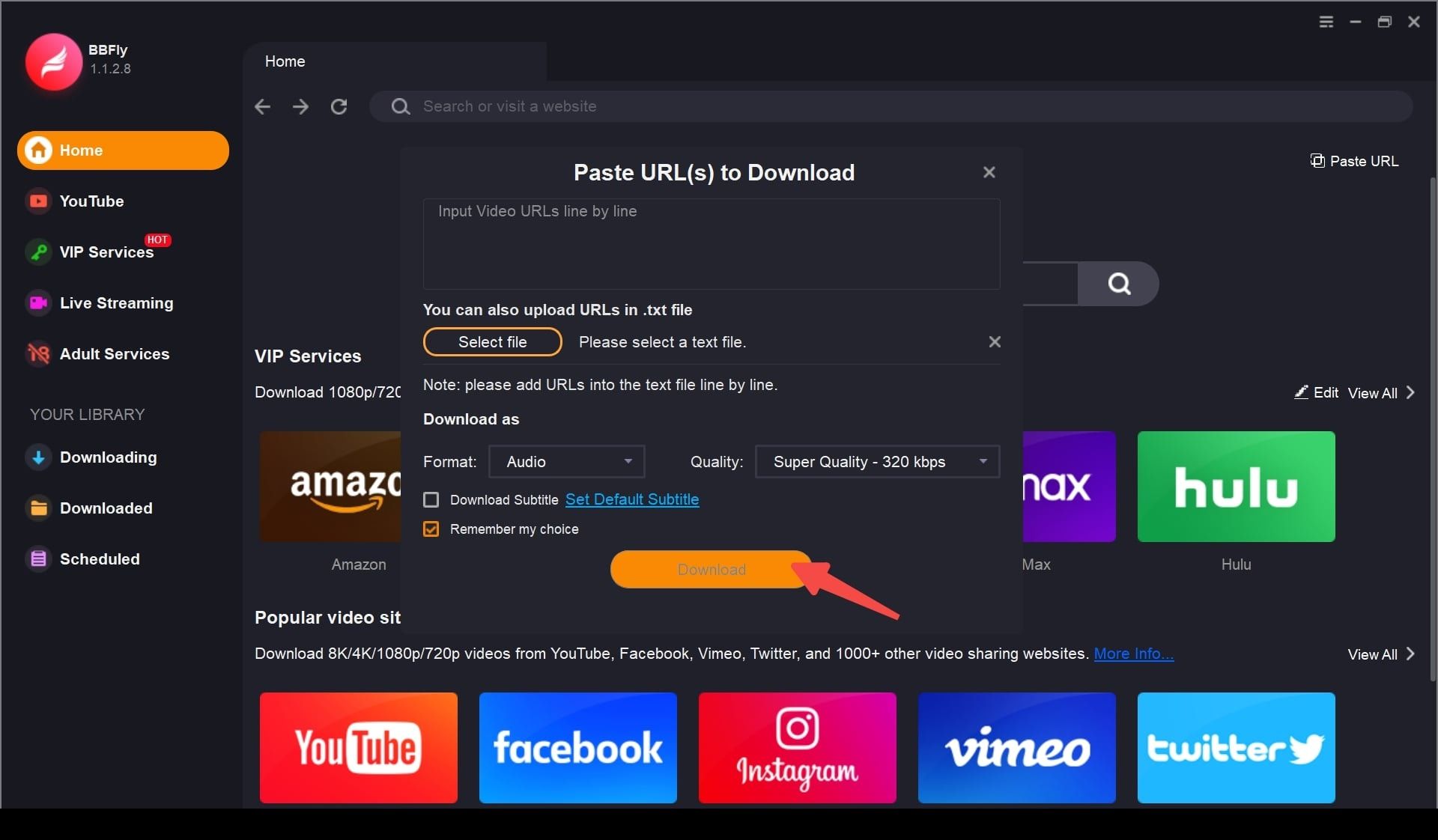
Step 3: Set download options and click "Download Now".
System Requirements
- Windows 11/10 (32/64 bit)
- Intel i3 or above
- 4GB of RAM or above
- 40GB of free hard disk space or above
- Live Internet connection required