Remove Ads for a Clean Match Experience
Commercials and promos disrupt the flow of the game. BBFly automatically removes these ads directly from the source file during the download process.
You do not need to install extra ad-blocking plugins or skip segments manually. The software produces a clean file that plays the match immediately, which is essential for an efficient offline sports archive.

Save DAZN Videos in 1080p High Definition
BBFly DAZN Downloader can download the DAZN videos in 1080p HD if the original videos of DAZN provide 1080p quality. This keeps scoreboards and fast movements clear on big TVs. The output file from BBFly looks just like the original DAZN feed, and the quality is the same.

Convert Sports to MP4/MKV Format
BBFly saves every DAZN video as a standard MP4 or MKV file. These formats work on almost all media players and hardware.
You can move the files to a USB stick, a NAS drive, or your smartphone without conversion. The video plays immediately on your specific device, eliminating compatibility errors.

Experience 10x Faster Downloads
With hardware acceleration, you can finish a 3-hour Super Bowl recording or a boxing event in just 10 to 15 minutes.
BBFly maximizes your bandwidth to process the data quickly. This allows you to finish the download and grab the DAZN videos just before you head out the door.

Batch Download Multiple Matches at Once
Downloading DAZN matches one by one wastes time. BBFly DAZN Downloader fixes this with a fast Batch Mode.
You can select a full tournament list or a season of shows on DAZN. BBFly adds all the links to a queue and processes them in the background. You do not need to monitor the progress; just let BBFly save your DAZN collection automatically.

Built-in Browser with Auto-Detection
Don't copy and paste links from Chrome anymore. The built-in browser in BBFly DAZN Downloader can do everything.

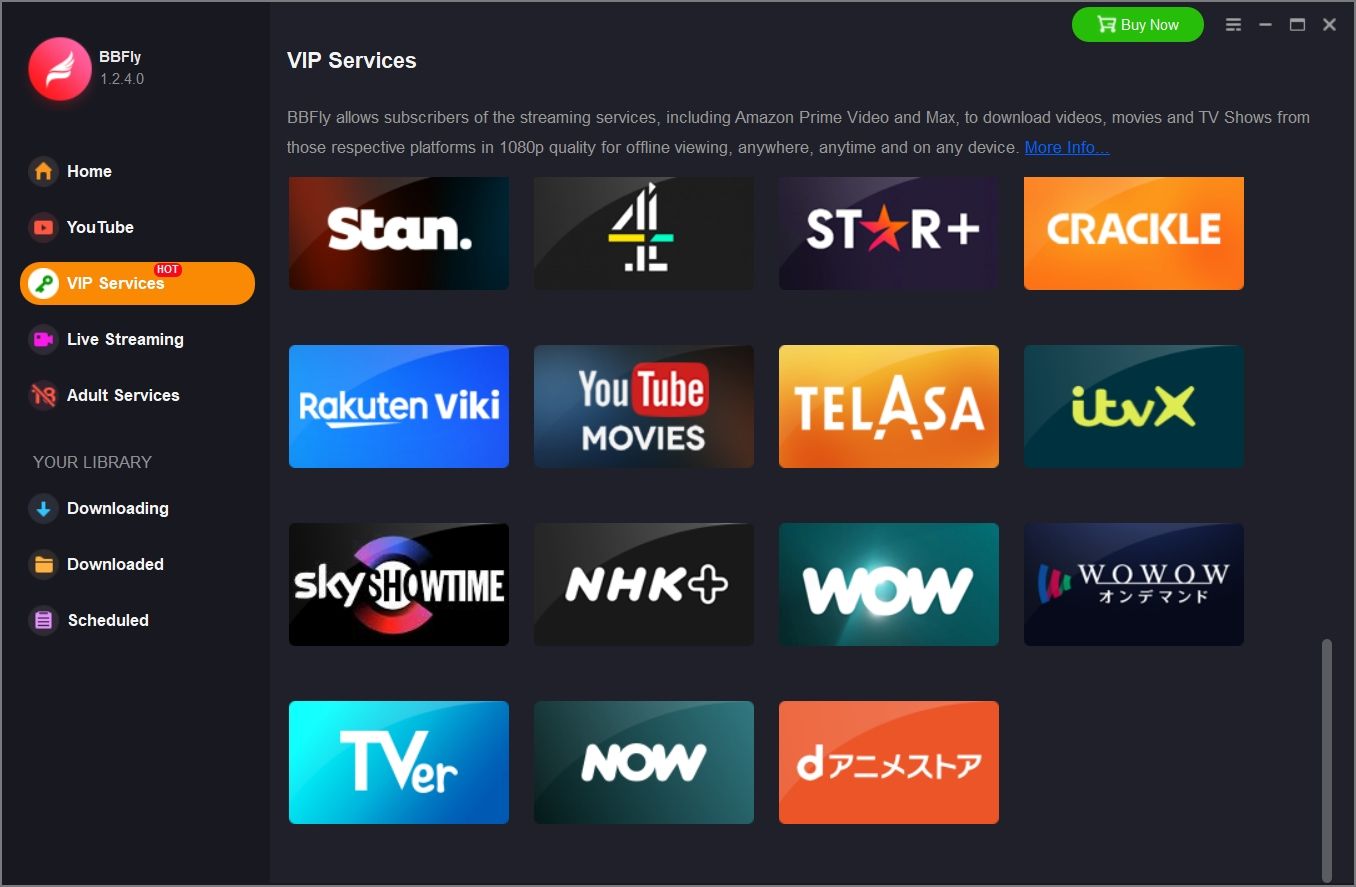
Step 1: Use the built-in browser to go to the DAZN official website.
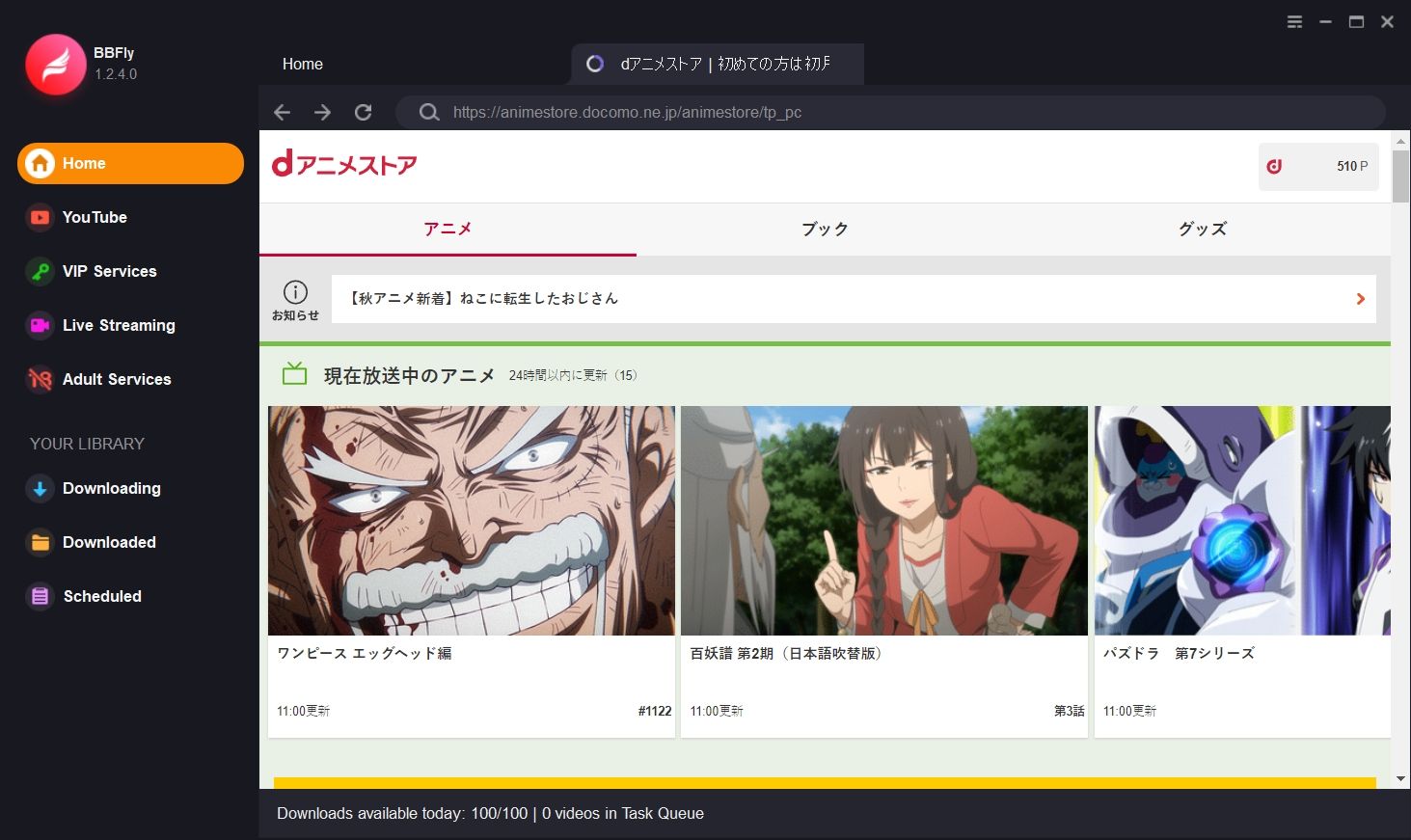
Step 2: Play the DAZN video you want to download.
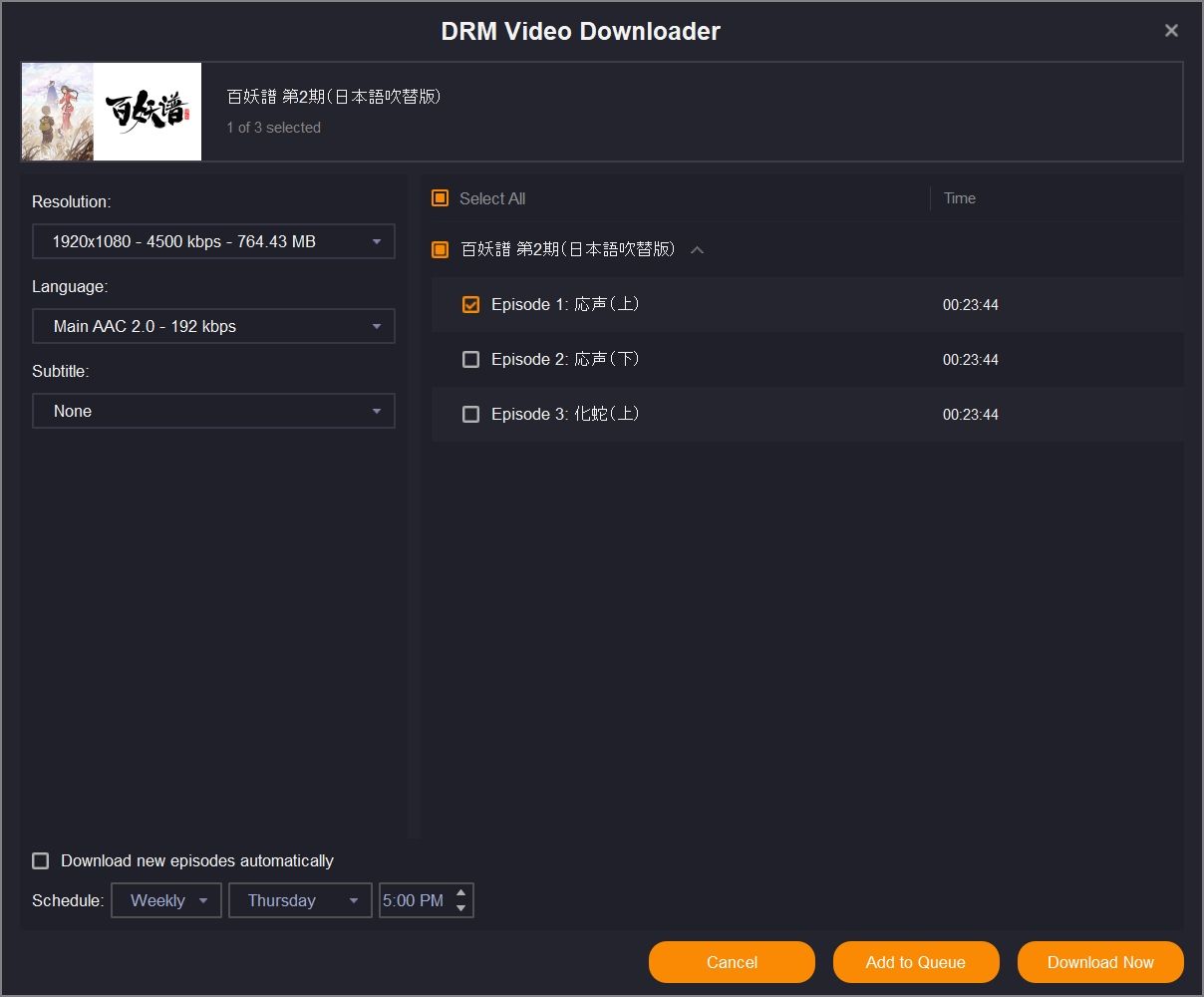
Step 3: Click "Download Now".
System Requirements
- Windows 11/10 (32/64 bit)
- Intel i3 or above
- 4GB of RAM or above
- 40GB of free hard disk space or above
- Live Internet connection required