
Download SonyLIV Videos by Link: App and PC Options
Table of Contents
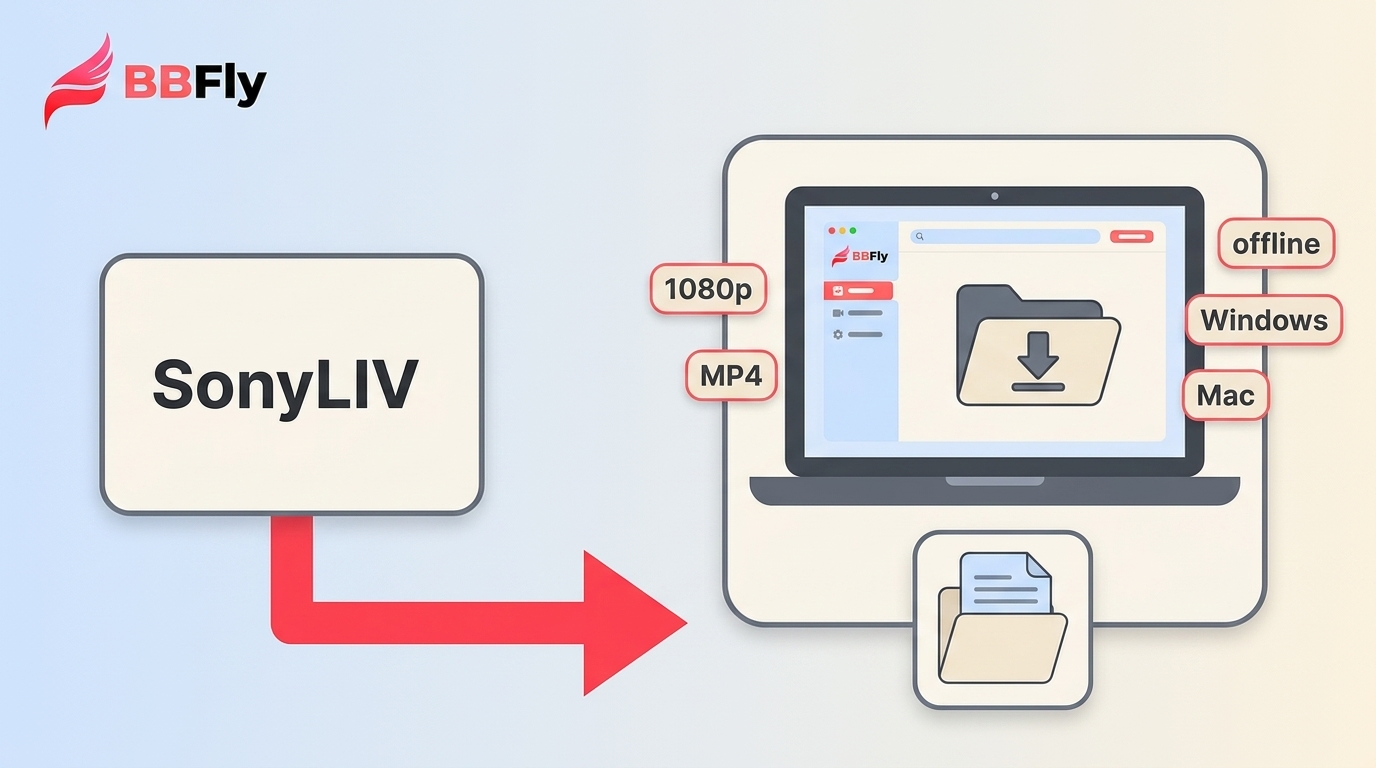
SonyLIV Premium subscribers can download eligible titles in the supported mobile or tablet app, where playback stays in the app. A PC local-file workflow is different, and a pasted page link may not be compatible. My advice: if a phone or tablet is enough, start with the official route.
SonyLIV Download Options at a Glance
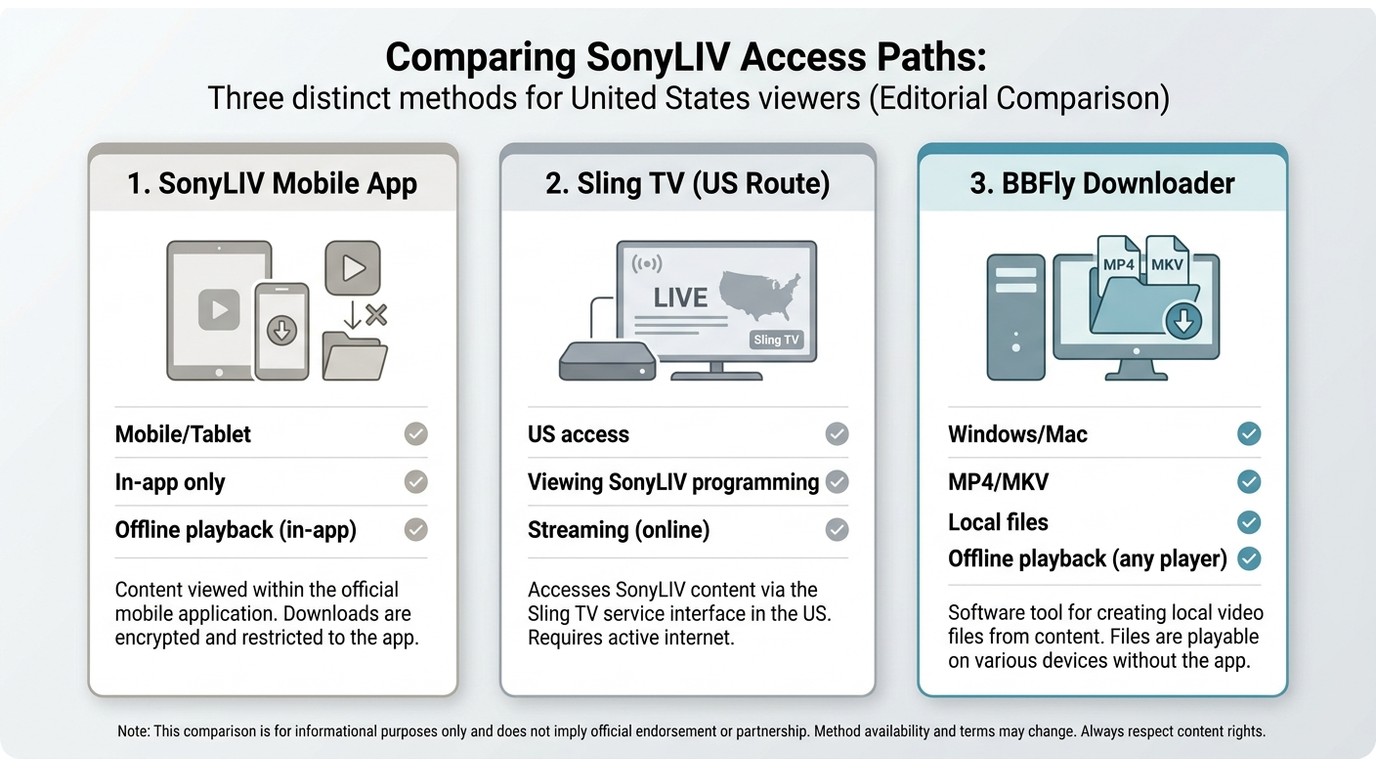
Official In-App Downloads
For eligible content, the official offline option is the SonyLIV mobile or tablet app. Sign in with an eligible subscription, open the title page, select the download option when it is available, and play the saved title from the app's downloads area. These downloads are intended for offline playback within the app, not as transferable laptop files.
PC and By-Link Options
A SonyLIV video download by link is a separate desktop workflow. It can be useful when you need a local file for authorized personal offline viewing, but it is not interchangeable with the official app: title availability, account status, region, and current tool support all affect whether a page URL can be analyzed.
| Access route | Supported device | Where offline playback happens | By-link suitability | Account and region requirements | Best fit |
|---|---|---|---|---|---|
| SonyLIV mobile or tablet app | Supported mobile and tablet devices | Inside the SonyLIV app | Not a by-link workflow | Eligible account, title, and native-service region | Phone or tablet viewing |
| Sling TV access in the United States | Supported Sling TV devices | Within Sling TV's service | Not presented as a native SonyLIV download route | US Sling TV access and its applicable plan | Viewing SonyLIV programming in the US |
| BBFly desktop workflow | Windows and Mac | A compatible local MP4 or MKV file | Possible when the page, account, region, and current build are supported | Authorized access and compatible title conditions | Users who genuinely need a desktop local-file workflow |
| Generic online URL-paste sites | Browser-based | Varies by site | Often unreliable for protected streaming pages | May still be limited by account, region, and page support | Not ideal for sensitive account or consistent-download needs |
SonyLIV Access and Plans in the US
Native SonyLIV vs Sling TV
The native India SonyLIV service is region-restricted. In the United States, SonyLIV programming is available through Sling TV, so an India SonyLIV subscription should not be treated as automatically usable through the US route. Sling TV access is viewing context, not evidence that it offers the same offline behavior as the native SonyLIV app.
Current Plans and Offline Rules
Install the native SonyLIV app from the App Store or Google Play when you are using the India service on a supported mobile device. Plan eligibility and title availability determine whether the in-app download option appears.
Current India subscription structure, as of July 2026:
| Plan | Price | Video quality | Platforms | Streams |
|---|---|---|---|---|
| Mobile Only yearly | INR 699 | Up to 720p | Mobile apps | One |
| Premium monthly | INR 399 | Up to 4K | All platforms | One |
| Premium yearly | INR 1499 | Up to 4K | All platforms | Two |
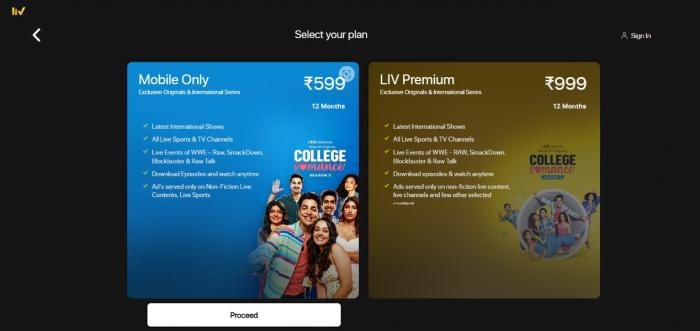
Paid access does not mean every viewing experience is ad-free. SonyLIV's ad-free benefit has exceptions, including sports and some LIV exclusives, so sports viewers should not expect the benefit to apply universally.
US viewers looking for SonyLIV shows should use the Sling TV route rather than assuming the native India app and subscription will travel with them. The catalog, account relationship, and offline features should be treated as separate from the native SonyLIV service.
Download SonyLIV Videos by Link on PC
A desktop local-file workflow is for a different need than app-based offline viewing. Use it only for content you're authorized to access, where permitted by platform terms and applicable law. Before you start, confirm that your SonyLIV account and region allow access to the title, and that you have enough local storage. If I only needed a phone or tablet download, I would not add a desktop workflow to the job.
Check Access and Compatibility First
For Windows or Mac users who genuinely need a local file, BBFly Downloader is one desktop option. A copied SonyLIV page URL is not a promise of success: confirm that the title, account, region, and current BBFly build support the workflow before you proceed. That check is less glamorous than a one-click promise, but it saves time.
Quality and Audio Options
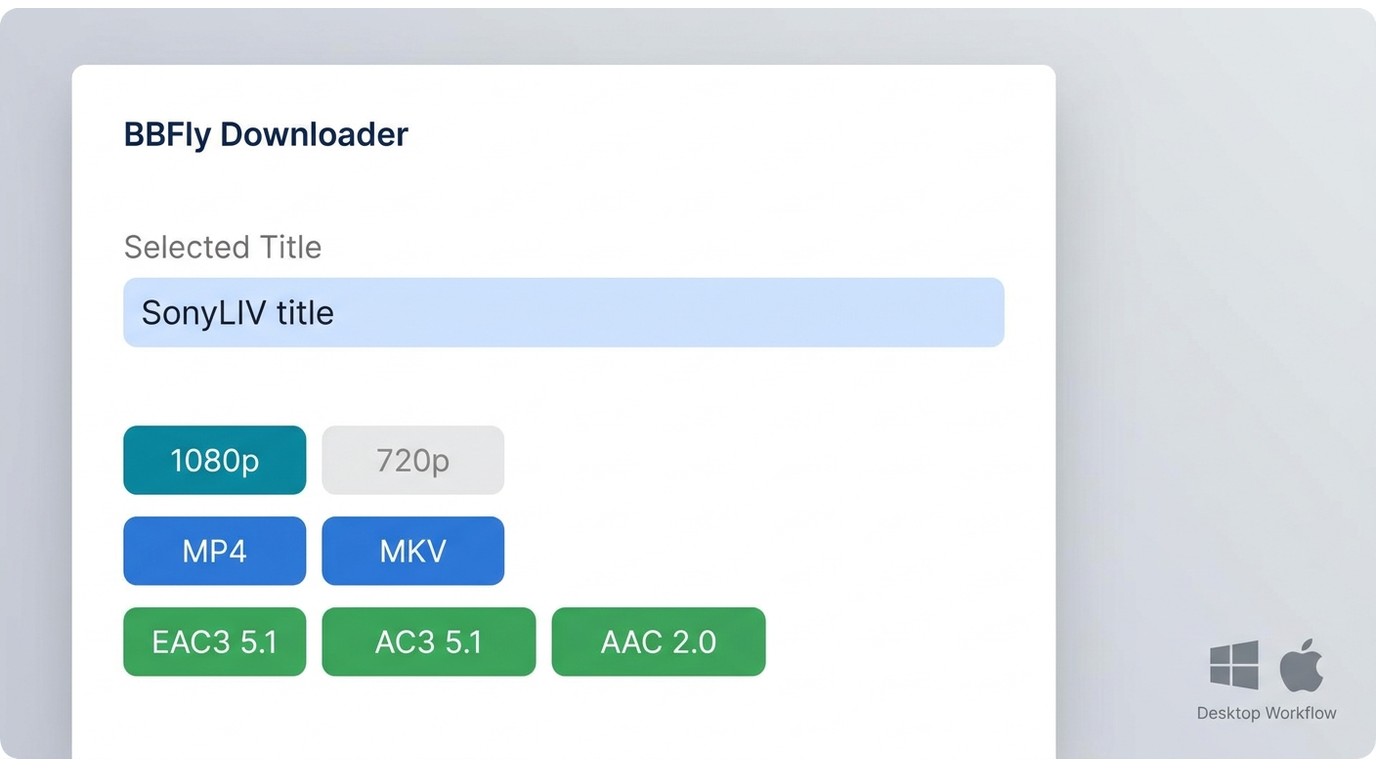
When a compatible title provides them, the desktop workflow can offer up to 1080p video, batch downloads, and selectable EAC3 5.1, AC3 5.1, or AAC 2.0 audio. BBFly Downloader is a Windows and Mac application that can save compatible authorized titles as MP4 or MKV files for personal offline viewing.
This route is best for desktop users who need a local-file workflow. It is not ideal for readers who only need official mobile offline viewing or expect every title to be compatible.
Four-Step BBFly Workflow
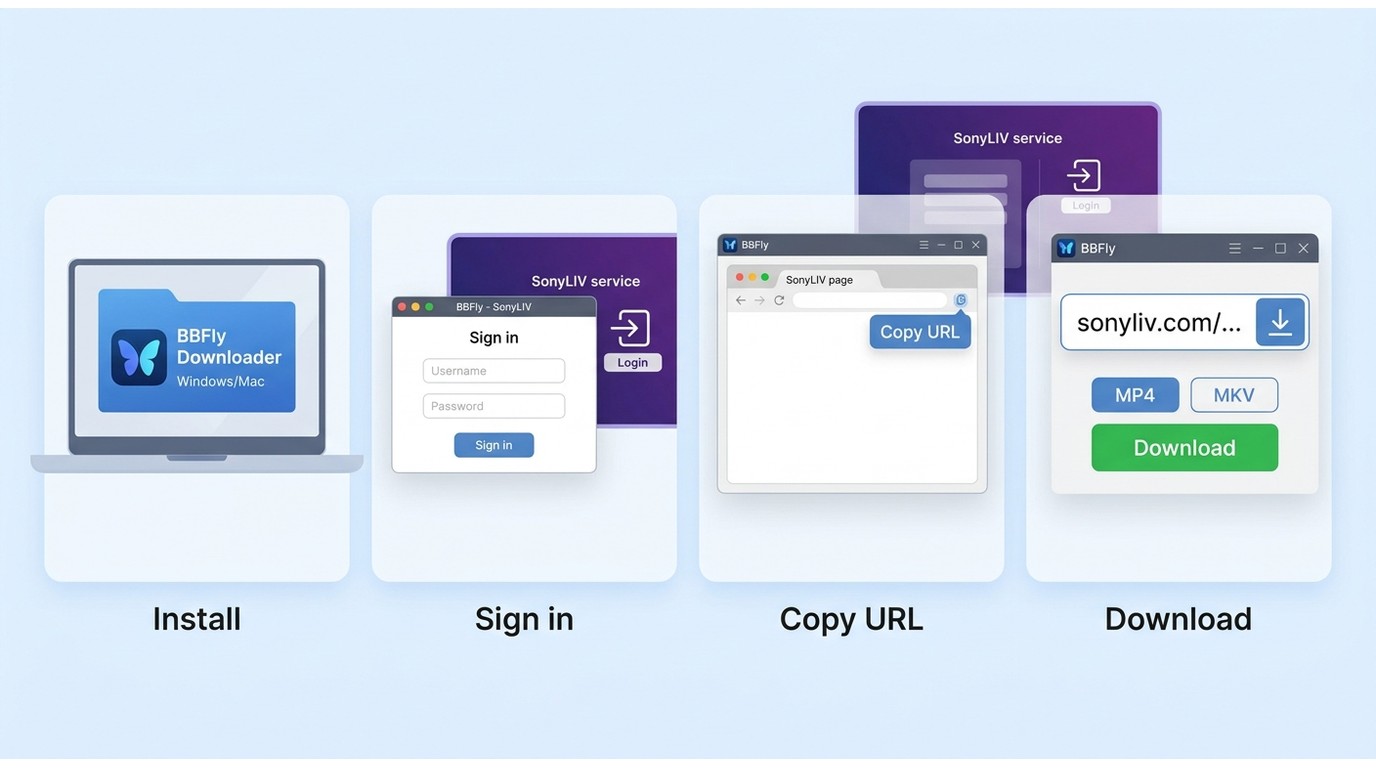
Before you start: use a current Windows or Mac build, sign in to any required accounts, confirm that the page URL is supported, and make sure the title is available in your account and region.
- Install and open BBFly Downloader on your Windows or Mac computer.
- Select “Sign in” if required, then open the SonyLIV service within the desktop workflow.
- Open an eligible SonyLIV title and copy its page URL only after confirming that the account, region, title, and current build support analysis.
- Paste the URL into BBFly's search bar, review available MP4 or MKV and audio choices, then start the download if analysis succeeds.
Download speed can vary with your internet connection, computer, and the source title.
When Link Analysis Fails
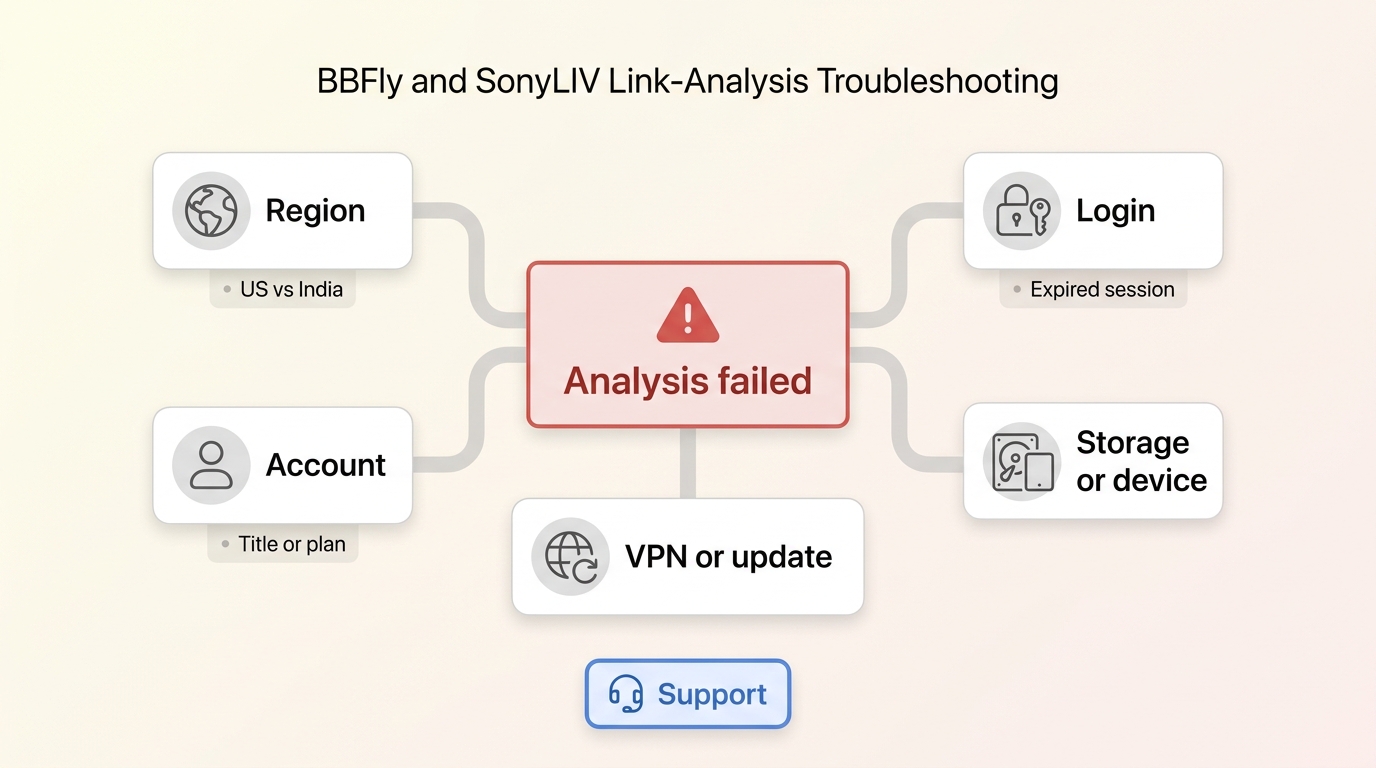
Start by identifying where the process stops. An unavailable download option can reflect title eligibility, account or plan limits, US versus India access, an expired login session, insufficient storage, an unsupported device, or VPN and proxy interference. If the page opens but analysis fails, update the app or desktop tool, disable a false ad-blocker detection trigger where appropriate, and retry with a current supported URL. Platform changes can also affect compatibility, so do not assume another title will behave the same way.
Safe and Responsible Offline Viewing
Use download features only for content you're authorized to access, where permitted by platform terms and applicable law. Official SonyLIV downloads are designed for in-app viewing, while a compatible desktop local-file workflow serves a different purpose. Keep any offline copy for personal viewing and do not redistribute it.
Frequently Asked Questions
Can I move an official SonyLIV download to my laptop?
No. Official downloads are intended to play within the supported SonyLIV mobile or tablet app, not as transferable PC files. A desktop local-file workflow is separate and depends on compatible access conditions.
Why does a SonyLIV link fail in an online downloader?
A page URL can fail because the title is unsupported, the account or region is ineligible, the session has expired, the site has changed, or the tool no longer supports that page. Check the failing stage before assuming the link itself is defective.
Will an India SonyLIV subscription work in the United States?
Do not assume that it will. The native India service is region-restricted, while US viewers can find SonyLIV programming through Sling TV. These are separate access paths with different account and feature conditions.
Are free online SonyLIV downloaders reliable?
Usually not for consistent use. Simple URL-paste sites may reject streaming pages and can raise privacy or compatibility concerns. For authorized viewing, the official app is the sensible mobile route, while a confirmed desktop workflow is more appropriate when a local file is genuinely needed.
Choosing the Right SonyLIV Download Path
Choose the official SonyLIV app first when eligible mobile or tablet offline viewing is all you need. In the United States, treat Sling TV as the access route for SonyLIV programming rather than as a claimed SonyLIV download method. Consider a compatible desktop workflow only for authorized personal offline viewing when a local file is genuinely necessary. If you expect every page link to work, this is not the right path.
If you want to know more about other fantastic streaming platforms, learn more with the following articles: