Watch Saved Channel 5 Shows Without Ads
BBFly removes ads from supported Channel 5 downloads, so an episode, documentary, or entertainment show can play straight through when you watch the saved file. This is especially useful for watching several episodes in a row without repeated commercial breaks interrupting the programme.

Download Channel 5 Programmes in 1080p HD
BBFly downloads supported Channel 5 programmes in 1080p or 720p with H.264 video and AAC 2.0 audio. Choose 1080p for clearer viewing on a larger screen or 720p when you prefer a smaller file for your offline collection.

Choose Between MP4 and MKV
BBFly offers MP4 and MKV as output options for Channel 5 downloads. Choose MP4 for broad playback compatibility, or use MKV when you want video, audio, and soft-subtitle tracks kept together in the same file. Both formats make it easier to store, move, and play downloaded programmes outside the streaming service.

Let Scheduled Downloads Follow New Episodes
BBFly can check a selected Channel 5 series or supported channel for updates at scheduled times. When a new video appears, it can be downloaded automatically. This works well for programmes that release episodes over time, since you do not need to return and add every update manually.

Queue Several Episodes with Batch Downloads
BBFly lets you place multiple Channel 5 episodes in one queue and download them together instead of starting each task separately. It also keeps the available metadata with each video, making episodes from the same series easier to recognize, sort, and find later.

Choose the Audio & Subtitles You Want
BBFly lets you choose from the audio tracks and subtitle languages offered with each Channel 5 programme. Save subtitles separately as SRT or native files when you want to manage them on their own, or remux them into the video as switchable soft subtitles when you prefer everything in one file.

How to Download Channel 5 Videos with BBFly?
Step 1: Launch BBFly and open Channel 5 in the built-in browser.
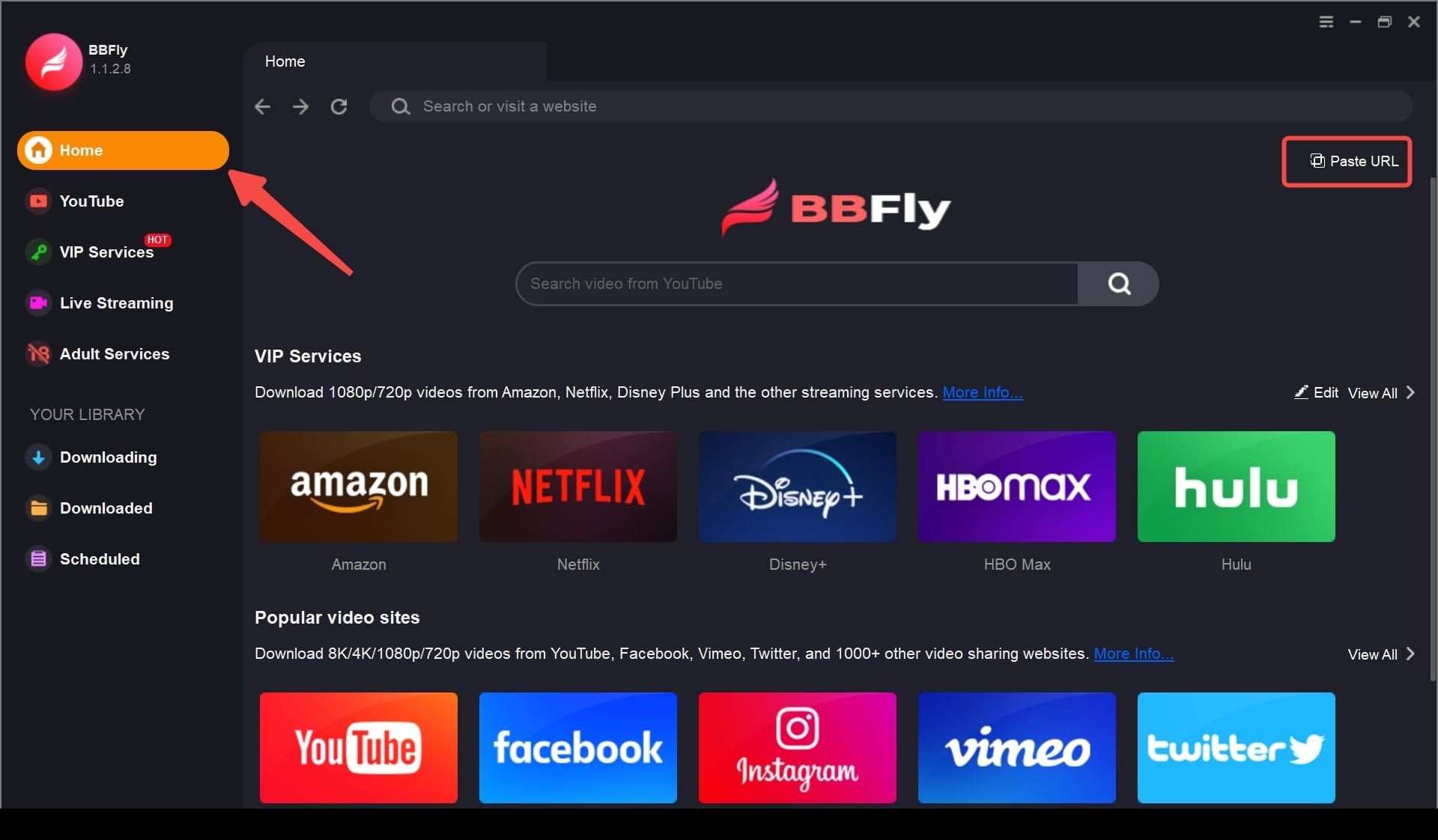
Step 2: Sign in if required, then play the programme or episode you want to download.
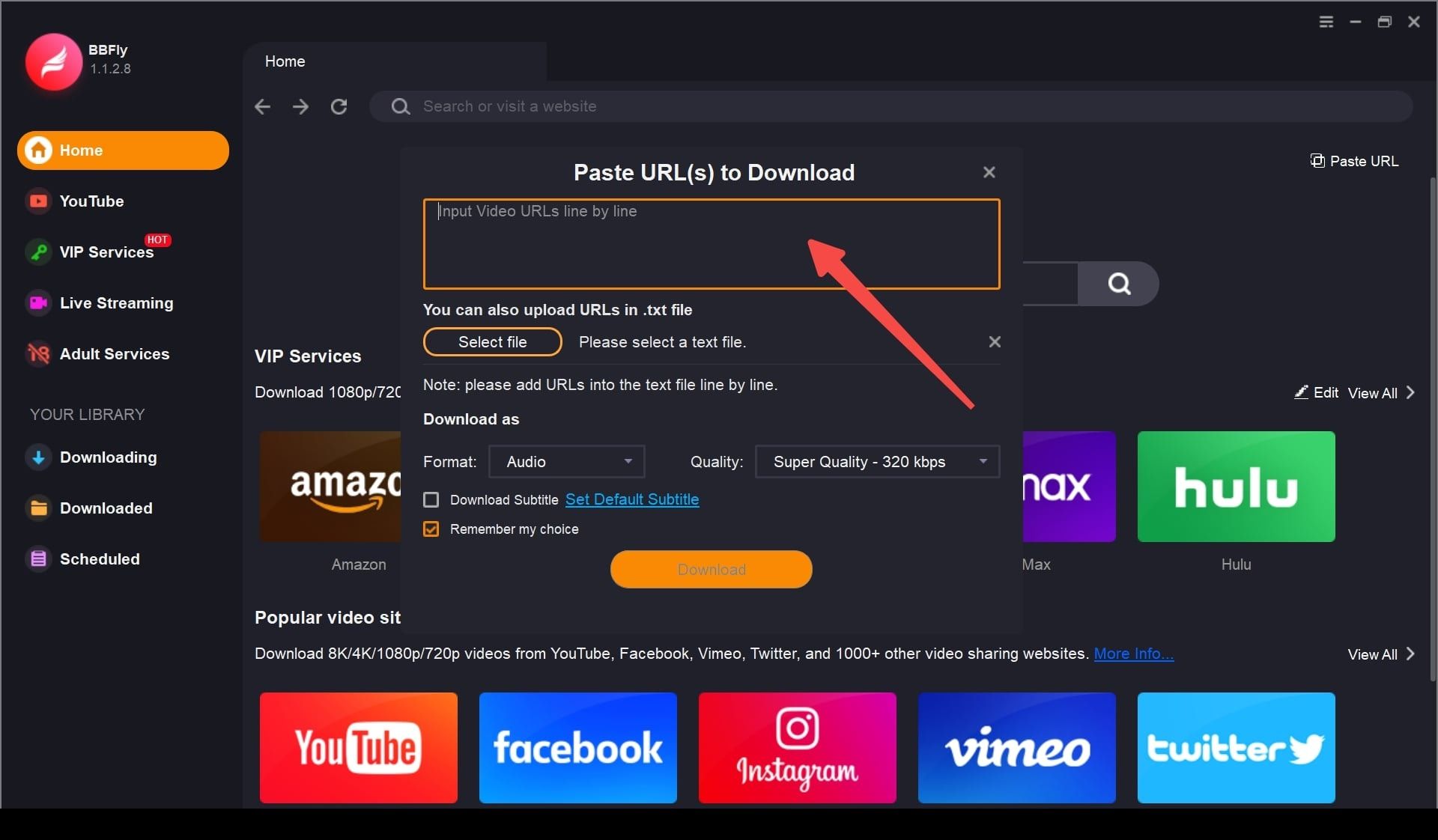
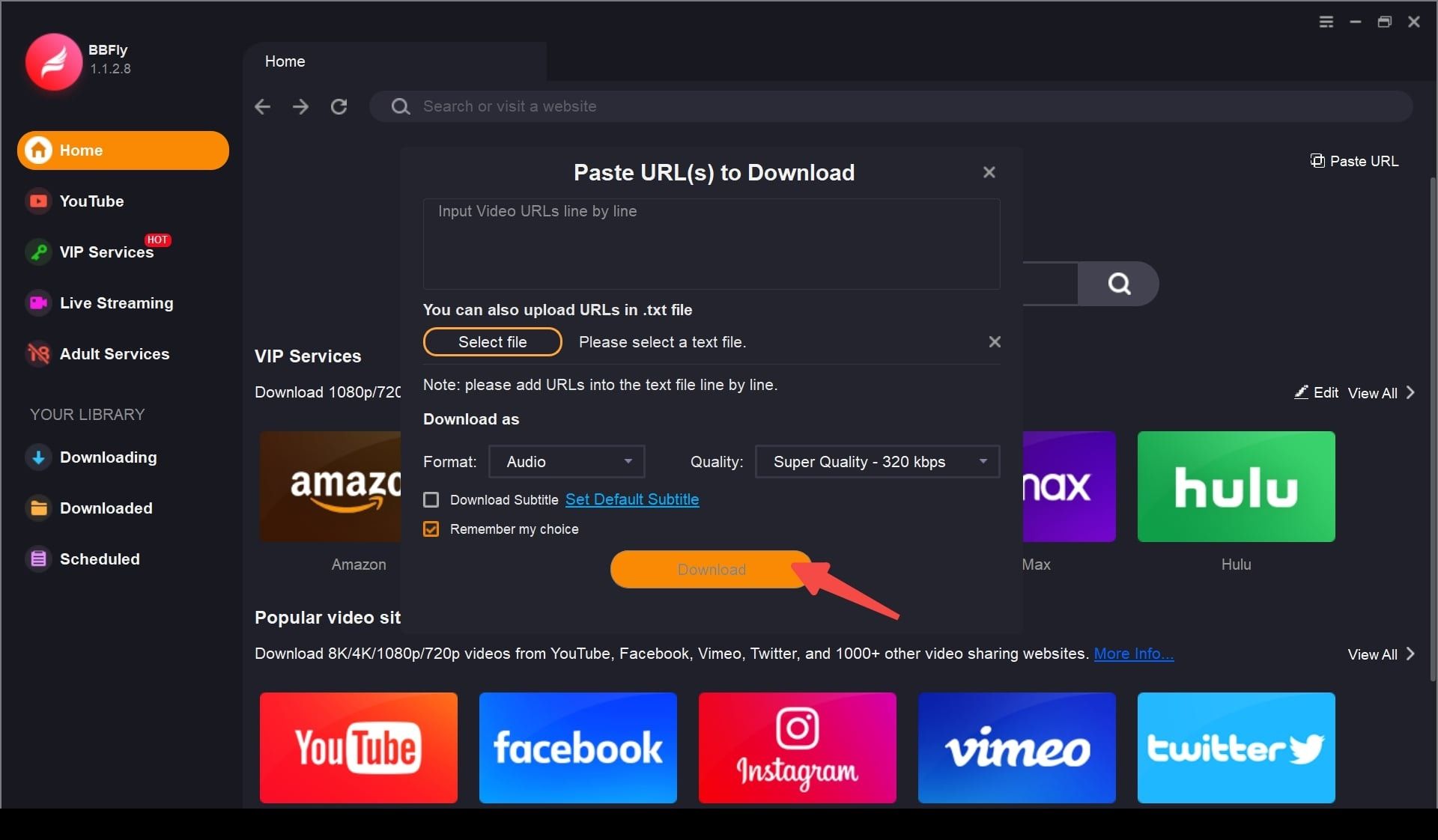
Step 3: Choose the video, audio, subtitle, and format settings you need, then click "Download Now".
System Requirements
- Windows 11/10 (32/64 bit)
- macOS: 11.0 - 15 (Sequoia)
- Intel i3 or above
- 4GB of RAM or above
- 40GB of free hard disk space or above
- Live internet connection required
- Updates: Free tech updates & 24/7 support