
Family Theater CLUB Closed: How to Assess Your Offline Options
Table of Contents
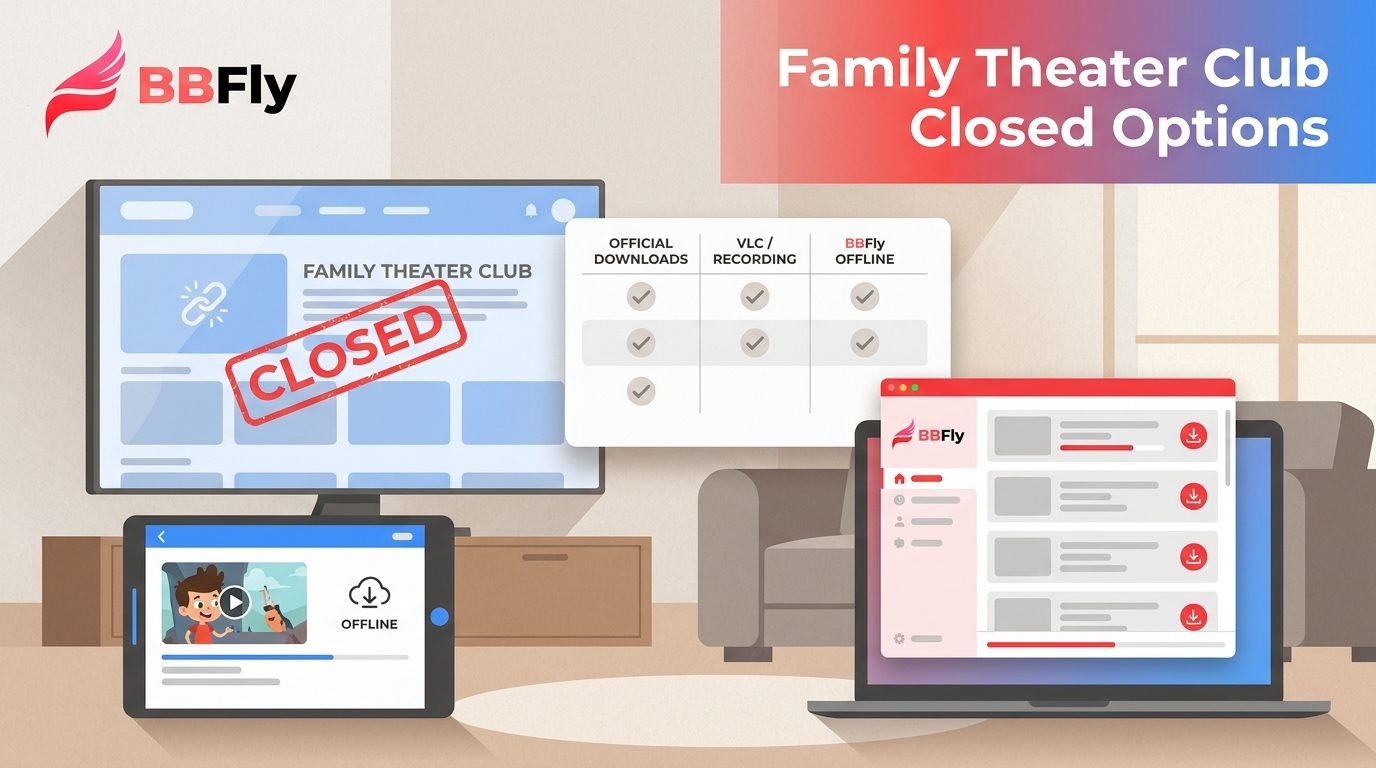
Family Theater CLUB closed on March 31, 2023, so its former sign-in route can no longer provide new downloads. The practical question is whether an authorized source, an official offline option, or a local copy still exists. This guide explains how to assess those offline viewing options without promising recovery of a discontinued streaming service.
The key conclusion: if a title disappeared with the Family Theater CLUB closure and is not available from another authorized source, installing a downloader will not bring it back.
I would check access before touching any tool. It saves a great deal of futile troubleshooting, which is not a hobby I recommend.
Family Theater CLUB Is Already Closed
Family Theater CLUB was a membership service from Family Theater that offered original online programs across subjects including voice acting, animation, idols, food, and occult entertainment. It launched in 2017 and closed, including its free and paid services, on March 31, 2023.
What the March 2023 shutdown means
The original service is no longer an active membership site, and its old playback and download workflow is no longer actionable. A title that was available solely through those servers may no longer be accessible.

What can no longer be recovered
A downloader can save from a source that is still available to you when its terms and applicable law permit it. It cannot recreate a video that vanished with a closed service. The subscription refund arrangement described in 2022 was a historical transition measure, not a current option.
From here, the sensible first move is to verify what authorized access remains, then choose a method that fits that source.
Choose a Method by Stream Type
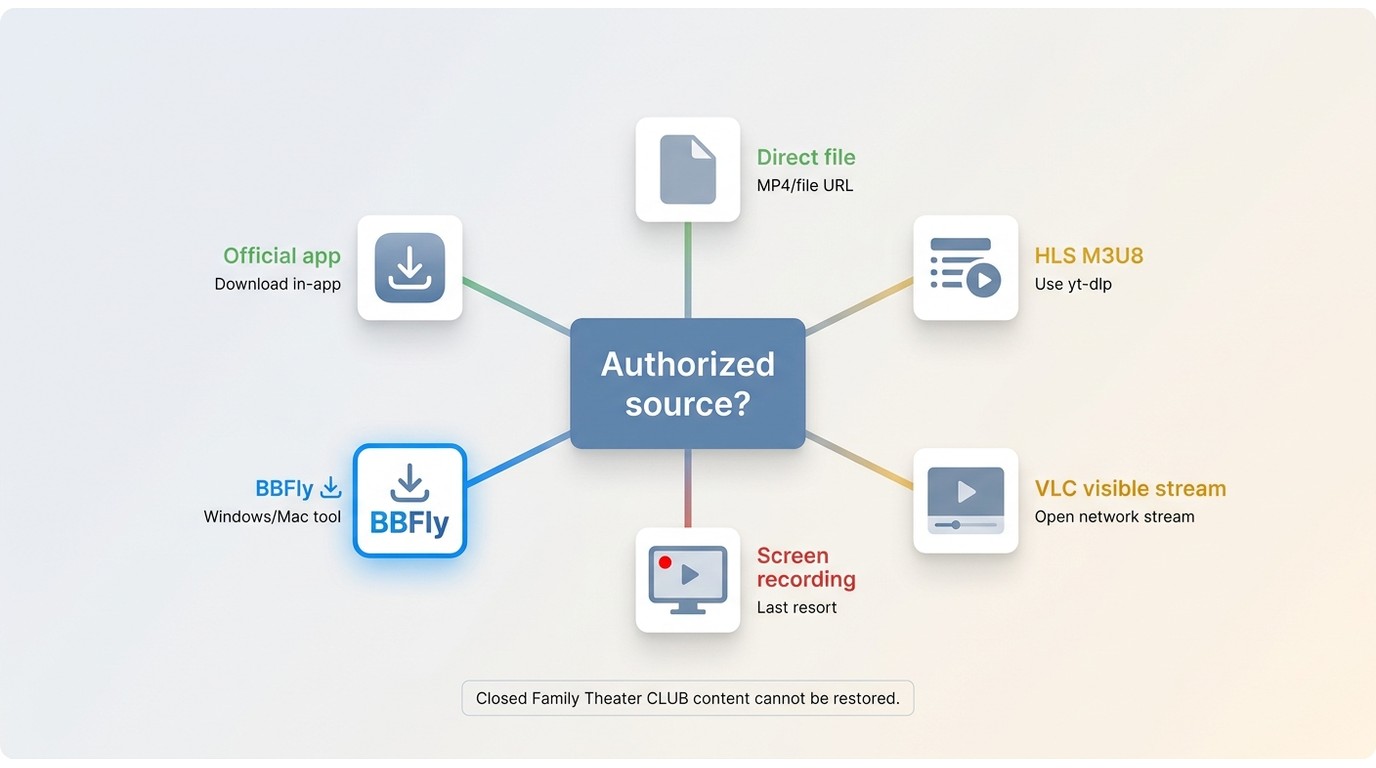
The old Family Theater CLUB login process no longer works. For a title available from a separate authorized source, choose a method based on what that source actually provides: an official download, a direct file, an HLS playlist, or a playable stream. Do not start by cycling through random downloaders; identifying the stream type is usually the faster path.
| Method | Best for | Technical level | Typical quality | Main limitation | When not to use it |
|---|---|---|---|---|---|
| Official offline download | Supported titles in an active service | Low | Set by the service | Usually stays inside the service app | When no official option exists |
| Direct file or browser save | An accessible, unprotected file URL | Low | Matches the available file | Many streaming players do not expose a file | When access is session-bound or protected |
| HLS playlist with yt-dlp | An authorized, non-protected M3U8 stream | Medium | Usually follows the available stream | Requires a visible playlist and basic command-line use | When the stream is protected or inaccessible |
| VLC network stream | A visible, non-protected network stream | Medium | Source-dependent | Not every playlist opens or saves cleanly | When a simpler official option is available |
| Screen recording | A permitted last fallback for playback you can access | Low | Usually lower than the source | Runs in real time and may lose subtitles or quality | When recording is restricted or a direct option exists |
| BBFly FAMILY CLUB Downloader | Supported authorized sources on Windows or Mac | Low | Up to the available source quality | Does not recover closed or unsupported sources | When the source is gone, mobile-only, or unavailable to the tool |
Direct files and official download buttons
Use an official offline feature first when one exists. If an authorized page offers a direct media file, saving that file is generally the least complicated local-file workflow. A missing download button is not proof that no stream exists, but it is a reason to inspect the source carefully rather than assume a universal workaround.
HLS playlists with yt-dlp or VLC
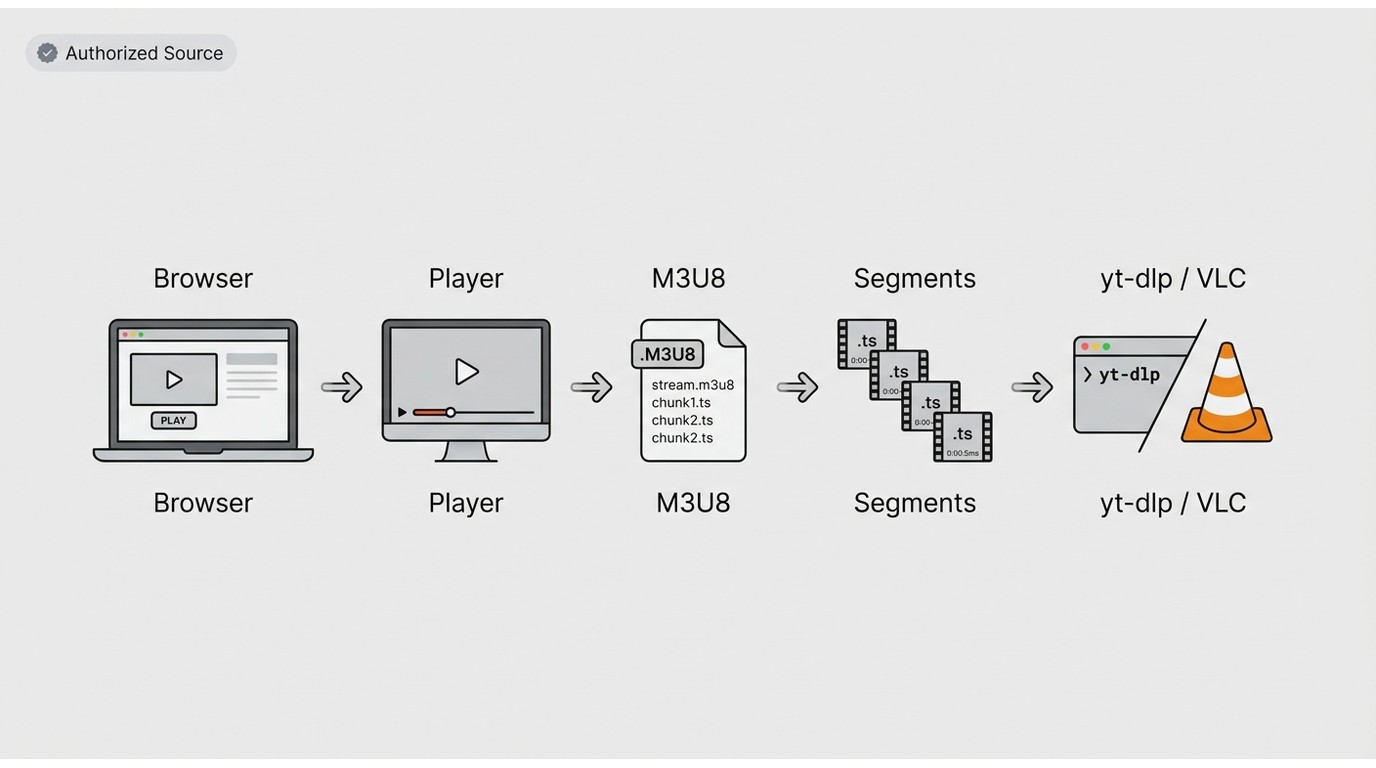
HLS is a streaming format that delivers video through a playlist, commonly an M3U8 file, followed by smaller media segments. On an accessible, non-protected source, a browser stream detector may reveal that playlist. yt-dlp is a command-line program that can process supported media URLs; use it only for content you are authorized to access where permitted by platform terms and applicable law. VLC offers a more visual alternative: open the network stream URL in VLC and see whether the accessible stream plays or can be handled there.
Screen recording as a last fallback
Recording is a last fallback, not an equivalent substitute for a direct file or playlist. It happens in real time, can introduce quality loss, and may not retain captions or alternate audio. If I can choose between a source-preserving route and a recording, I choose the former every time.
A guided desktop option for supported sources
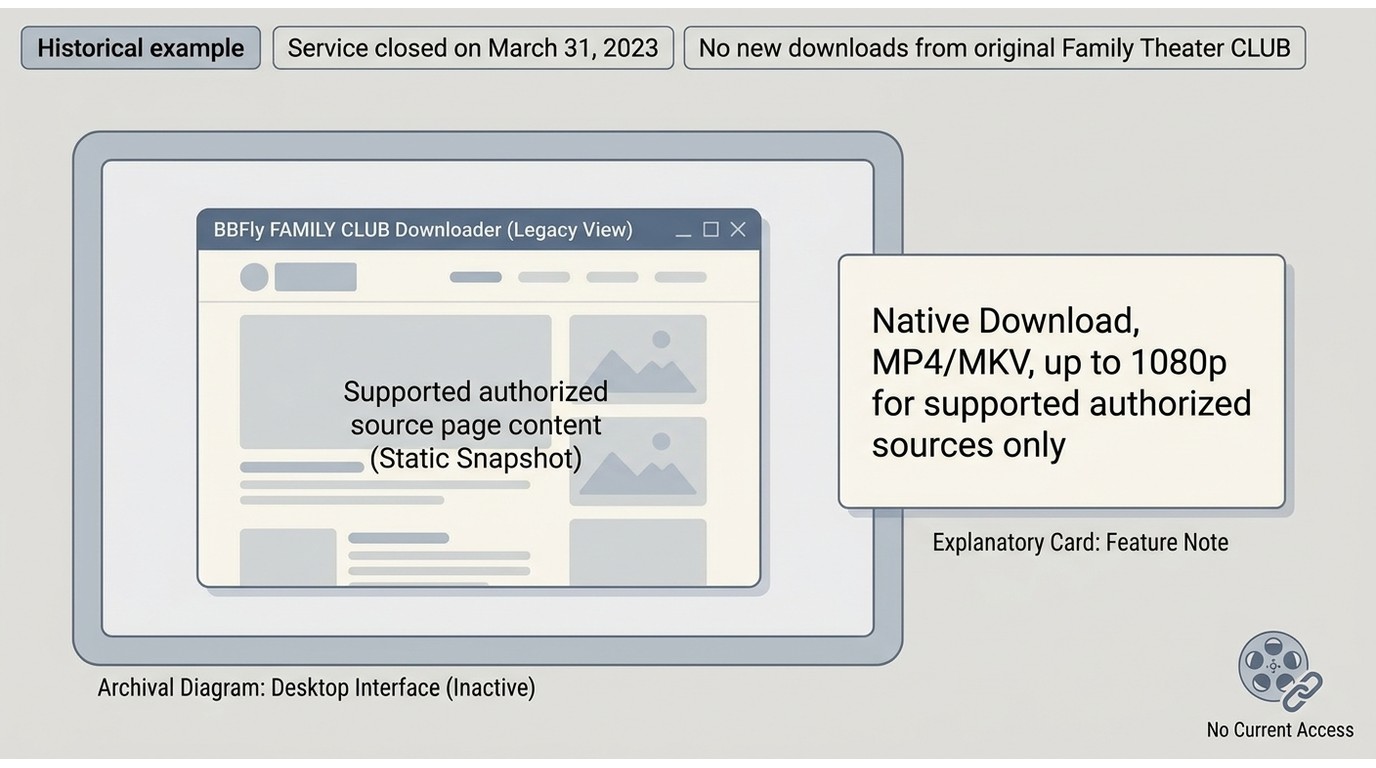
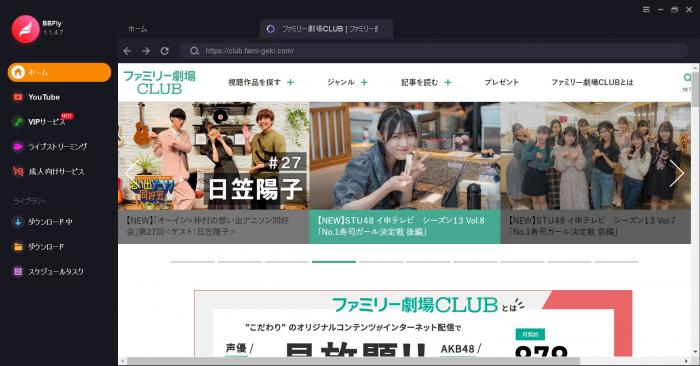
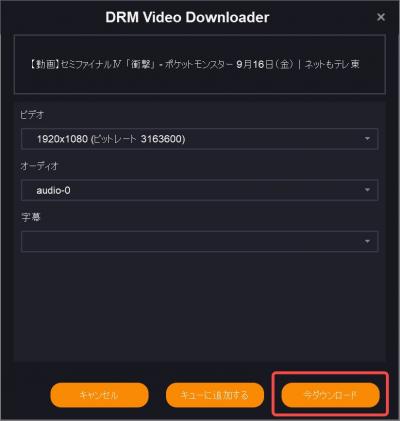
BBFly FAMILY CLUB Downloader is a desktop option for Windows and Mac users with an authorized, supported source who prefer a guided local-file workflow. Its Native Download workflow avoids re-encoding and can save supported content as MP4 or MKV, with up to 1080p depending on the available source. BBFly covers 60+ platforms, but coverage does not change the basic limitation here: it cannot restore Family Theater CLUB titles that disappeared when the service closed.
The two images below are retained as historical examples of the former workflow. They are not instructions for accessing the closed Family Theater CLUB service.
Check What Access Still Exists
Before considering tools, check four things: an official offline copy from a still-active service, an authorized replacement source, a local file or recording you already own, or a lawful archive. If none of these exists, the former Family Theater CLUB catalog is not recoverable from the closed service.
Official downloads and lawful archives first
An official download feature is the cleanest option because it is designed for that service's own offline viewing rules. An authorized archive or replacement source may offer a different route, but its availability and terms still control what you can do.
Local files and recordings you already own
If you already have an authorized local copy, organize it, make a backup where appropriate, and confirm that it plays before spending time on stream tools. Access status matters more than tool choice because no software can fetch a source that no longer exists.
Why Streaming Download Methods Fail
No visible media URL
Modern players often load video through background requests rather than a visible file link. A browser stream detector can sometimes identify a direct file or M3U8 playlist, but it is a detection aid, not a guarantee that the media can be saved.
Unsupported players and protected streams
Protected streaming video, login-bound sessions, expiring URLs, and unsupported players can prevent ordinary tools from working. A missing Media entry does not prove there is no stream, but it does mean a straightforward browser save may not be available.
A plain-English troubleshooting order
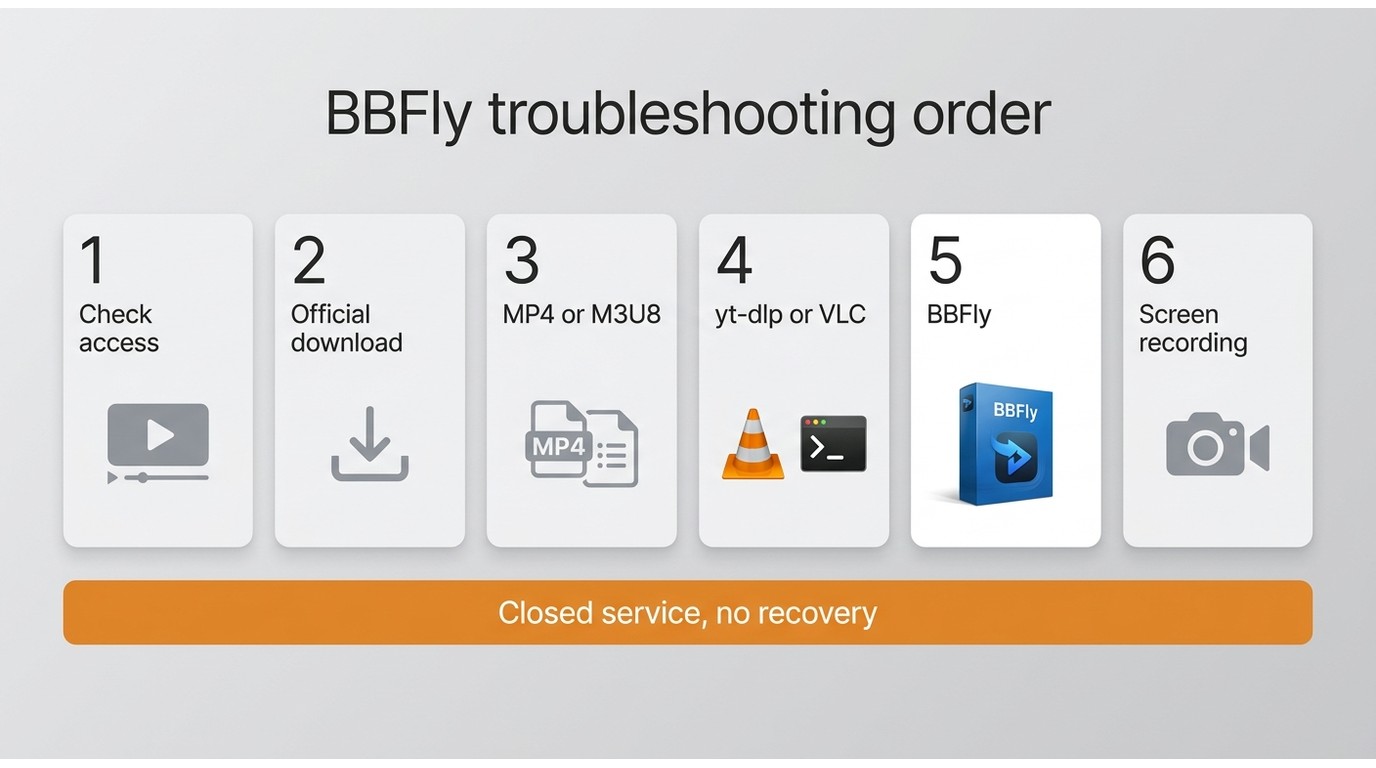
First confirm that you can still access and play the title. Next, look for an official download option, then determine whether the source exposes a direct file or HLS playlist. After that, try a reputable detector and test yt-dlp or VLC only on an authorized, non-protected stream. Consider recording last. In my experience, this order is more reliable than repeatedly switching tools without knowing what the player is delivering.
Quality, Formats, and Subtitles Vary
Resolution follows the available source
A saved file cannot exceed the resolution made available by the source. Direct-file saving or playlist remuxing can preserve the available stream more closely than real-time capture, while screen recording may introduce additional loss. The right choice is the one that meets your viewing needs without pretending to improve what the source never offered.
Check containers, audio, and subtitles
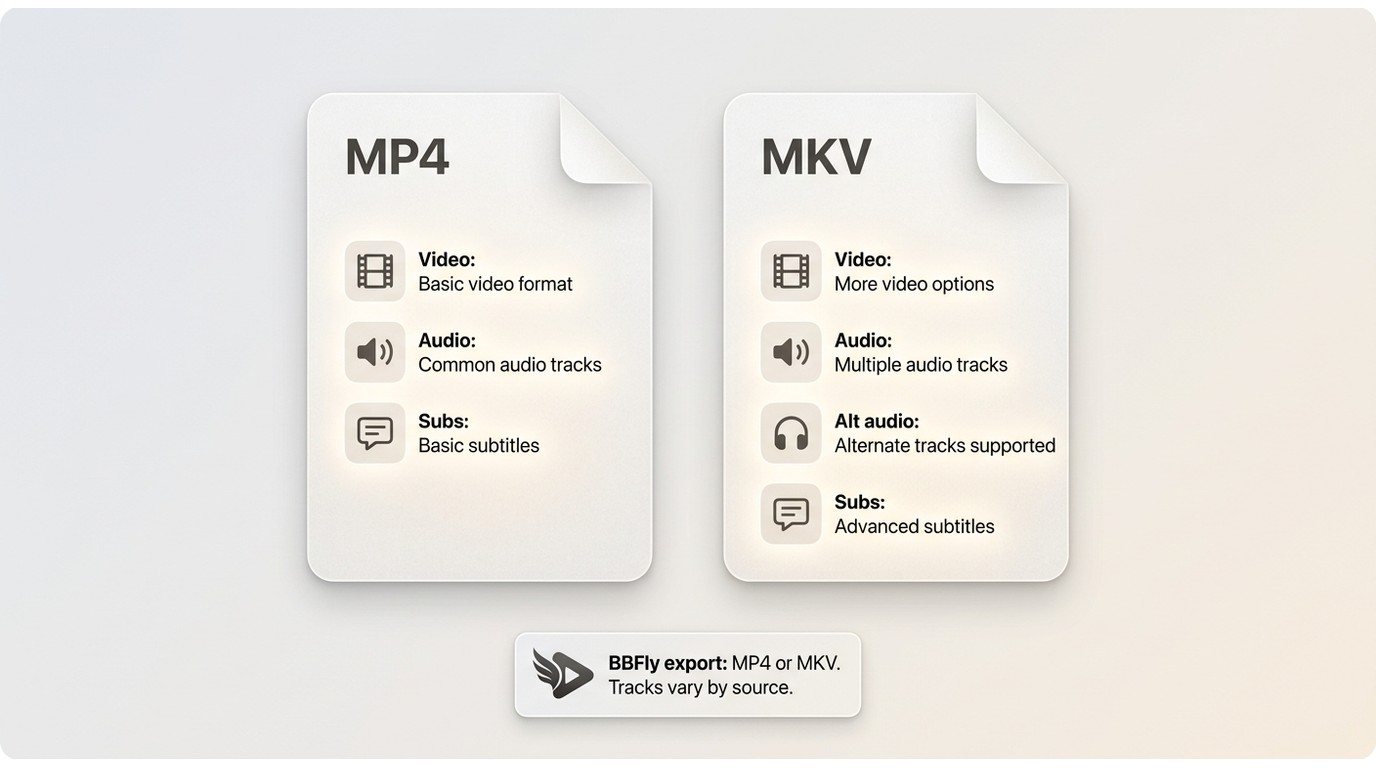
Container format, audio tracks, and subtitle availability vary by source and method. MP4 is widely compatible, while MKV can be useful when a workflow supports multiple tracks. Check playback and captions after saving rather than assuming subtitles will be included. For supported sources, BBFly FAMILY CLUB Downloader outputs MP4 or MKV, but subtitle availability remains dependent on the source and selected workflow.
Use Offline Tools Within Clear Limits
Authorization and platform terms matter
For content you are authorized to access, where permitted by platform terms and applicable law, a local-file workflow can support personal offline viewing. Official downloads come first. Do not share, redistribute, upload, sell, or publicly show saved content.
No method works on every service
Some streams are unavailable, protected, or delivered through players that common tools do not support. That is a technical limit, not an invitation to force a workaround. If an authorized source does not offer a workable path, it is better to stop there than to treat recording or downloader software as a universal answer.
FAQ
Can I still download Family Theater CLUB videos today?
No new downloads can be made from the original Family Theater CLUB service after its March 31, 2023 closure. Previously saved files, authorized copies offered elsewhere, or lawful archives may still be usable, but the former service itself cannot provide new access.
What should I try when a page has no download button?
Start with an official offline feature. If you can lawfully access the page, determine whether it exposes a direct file or an HLS playlist. A browser detector, yt-dlp, or VLC may help with an authorized, non-protected source, but none is a universal solution.
Do browser video downloader extensions work on streaming sites?
Sometimes. An extension may reveal a direct file or playlist, but support depends on the site's player and delivery method. Treat extensions as detection tools, review their permissions carefully, and do not assume they will work with protected or login-bound playback.
Can I save a streaming video on Android?
Use the service's official mobile download feature when available. Desktop tools are generally better suited to stream inspection and local-file workflows, while mobile screen recording may reduce quality and can be restricted by the app.
Conclusion
Family Theater CLUB is closed, and titles that disappeared with the service cannot be recreated from its former servers. Start with official downloads, authorized replacement sources, or files you already own; then choose between a direct file, an HLS workflow, recording as a last fallback, or a supported desktop downloader based on the accessible source.
If I were choosing, I would use the least invasive method that fits the source and preserves the quality and captions I need. BBFly FAMILY CLUB Downloader is worth considering only for readers with an authorized, supported source who want a guided Windows or Mac local-file workflow for personal offline viewing.