
How to Download ARTE Videos: App Limits and PC Options
 By Leah Donovan
Table of Contents
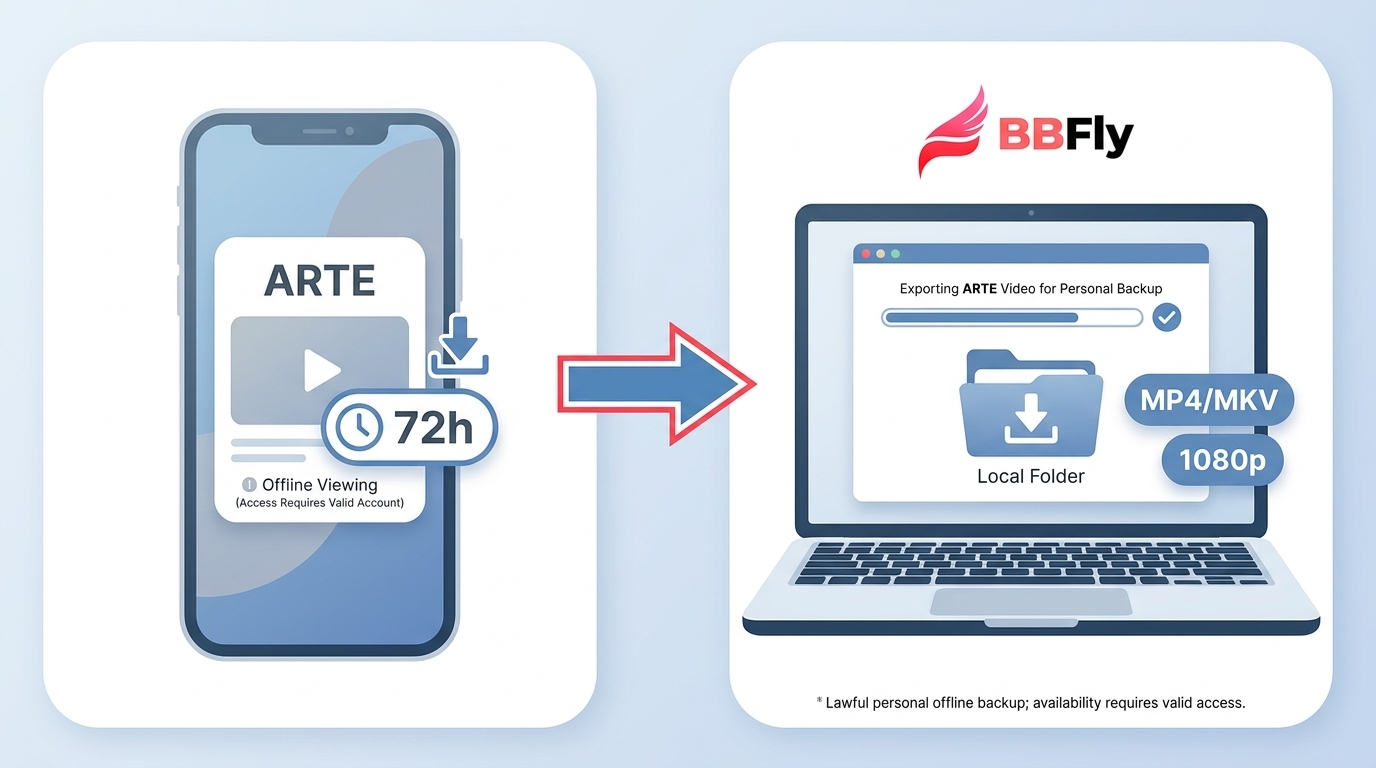
Here’s the short answer: eligible ARTE programs can be downloaded in the mobile app for offline viewing, but those app downloads are not computer files and remain in MyARTE for 72 hours. For U.S. viewers, availability, language options, and any desktop local-file workflow depend on the title and its rights.
What ARTE Offers U.S. Viewers
Where ARTE Comes From
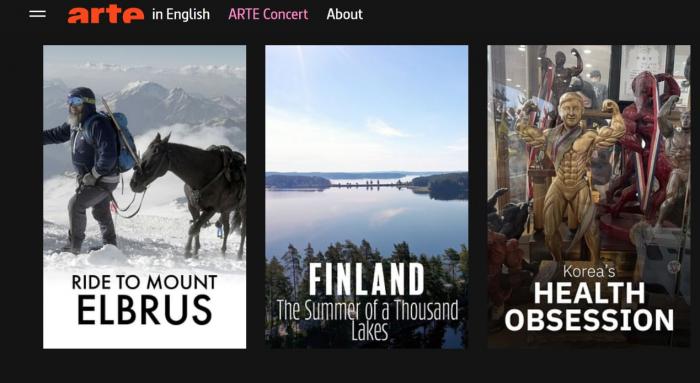
ARTE is a European cultural broadcaster with free programming in documentaries, film, culture, and music. Its language options vary by title and may include German, French, English, Spanish, Polish, and Italian.
Free Programs and Rights Limits
ARTE is particularly worthwhile for viewers looking for documentaries, cultural programming, films, and music rather than a general-purpose entertainment replacement. I would start with the title you want to watch, not an assumption that the entire catalog is either available or blocked in the United States.
Official ARTE Viewing and Offline Limits
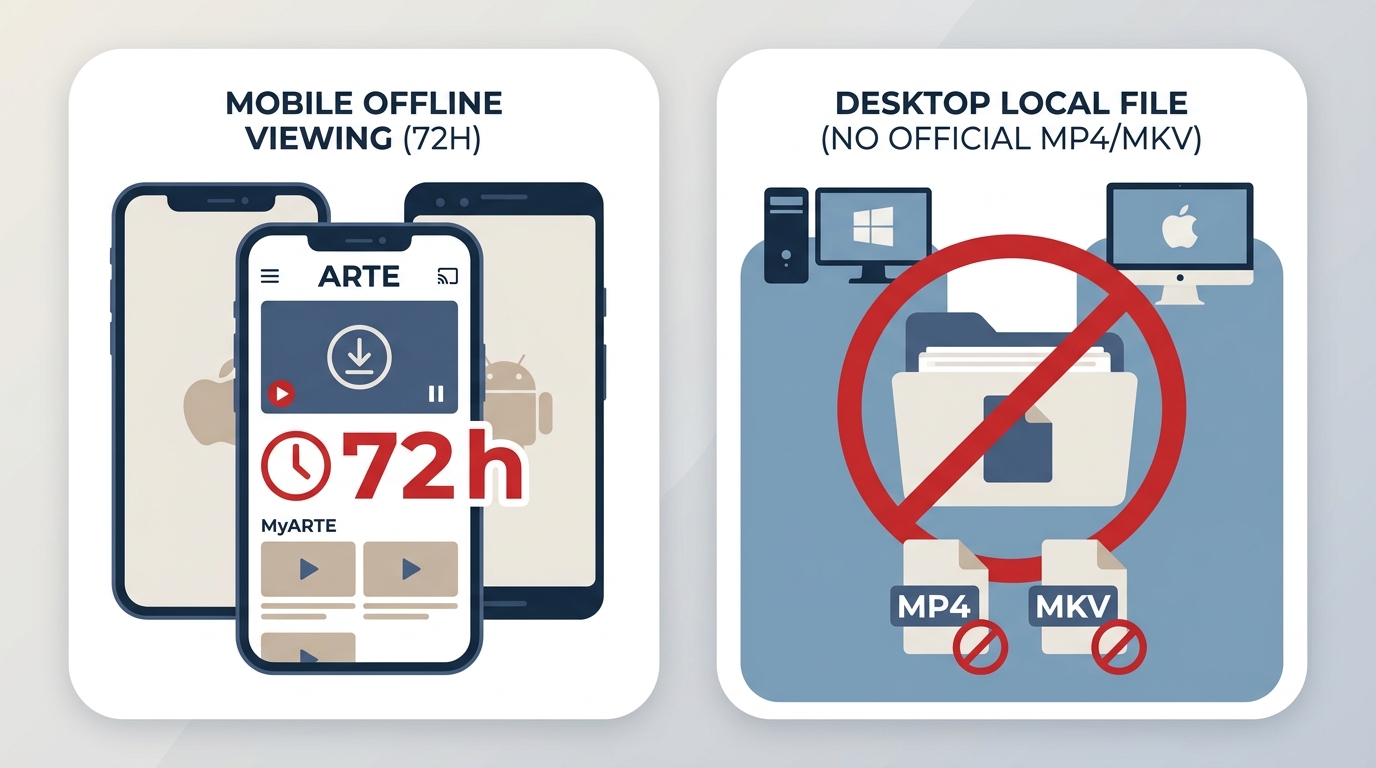
Mobile Downloads Last 72 Hours
Eligible programs can be downloaded through the official ARTE app on iOS and Android for offline viewing. These ARTE app downloads appear in MyARTE for 72 hours, so they are useful for a short trip or commute but are not the same as saving a local computer file.
U.S. Access Depends on Rights
Nearly half of ARTE’s replay catalog is available worldwide, while other programs may be unavailable in the United States because distribution rights differ by program and territory. In practice, checking whether the specific title plays in your browser is more reliable than treating ARTE TV USA access as wholly open or wholly restricted.

ARTE Languages and Subtitle Choices
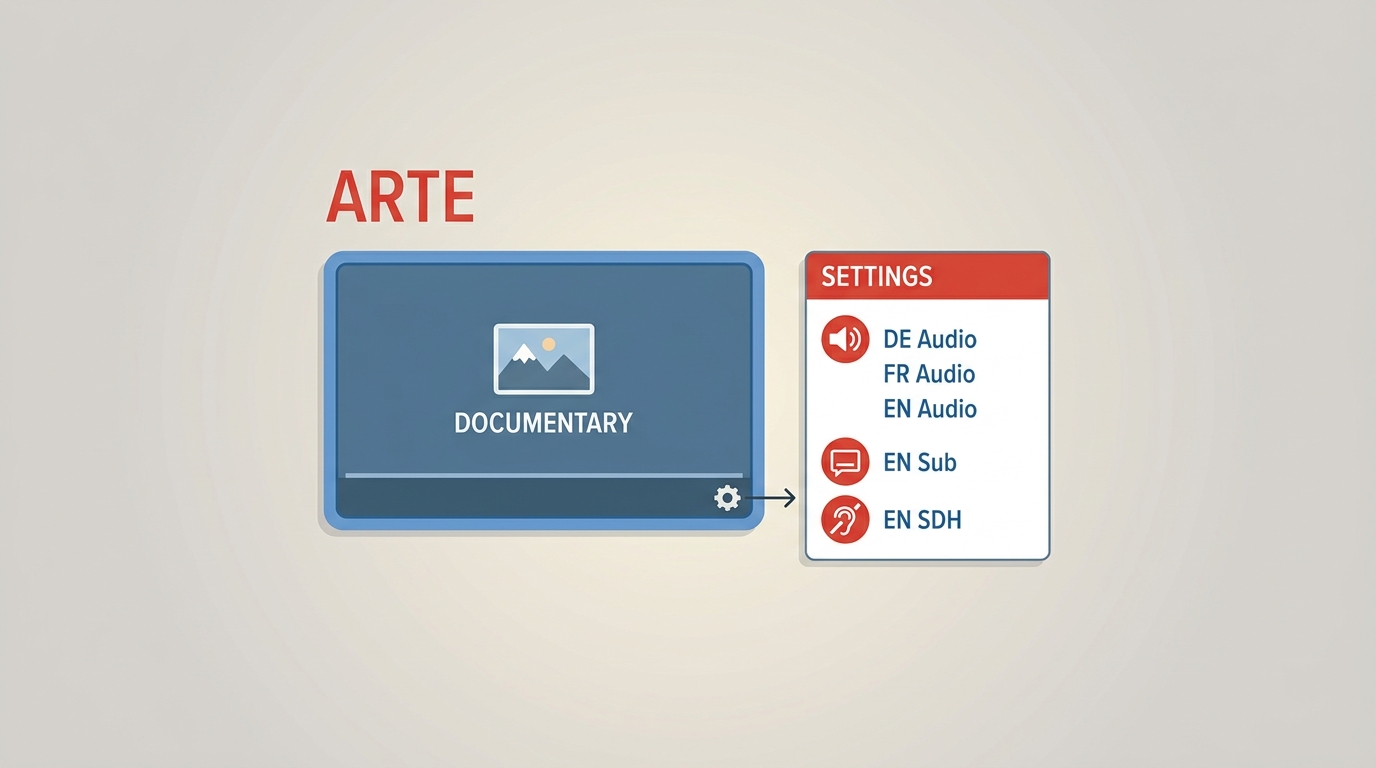
Select Audio and Subtitle Tracks
ARTE language options can include German, French, English, Spanish, Polish, and Italian where available. Audio tracks and standard subtitles vary by program, so open the title’s player options before deciding whether it meets your needs.
Normal and Accessibility Subtitles
Some titles offer more than one subtitle variant, including tracks intended for viewers who are deaf or hard of hearing. Available choices depend on the program and the viewing method; when saving ARTE videos through a desktop workflow, select the needed subtitle track before starting.
MyARTE Organizes Offline Downloads
MyARTE is where eligible ARTE app downloads are organized for offline viewing during their 72-hour availability window. That limit matters: if you only need to catch up on a phone or tablet, the official app is usually the simpler route.
ARTE Download Methods Compared
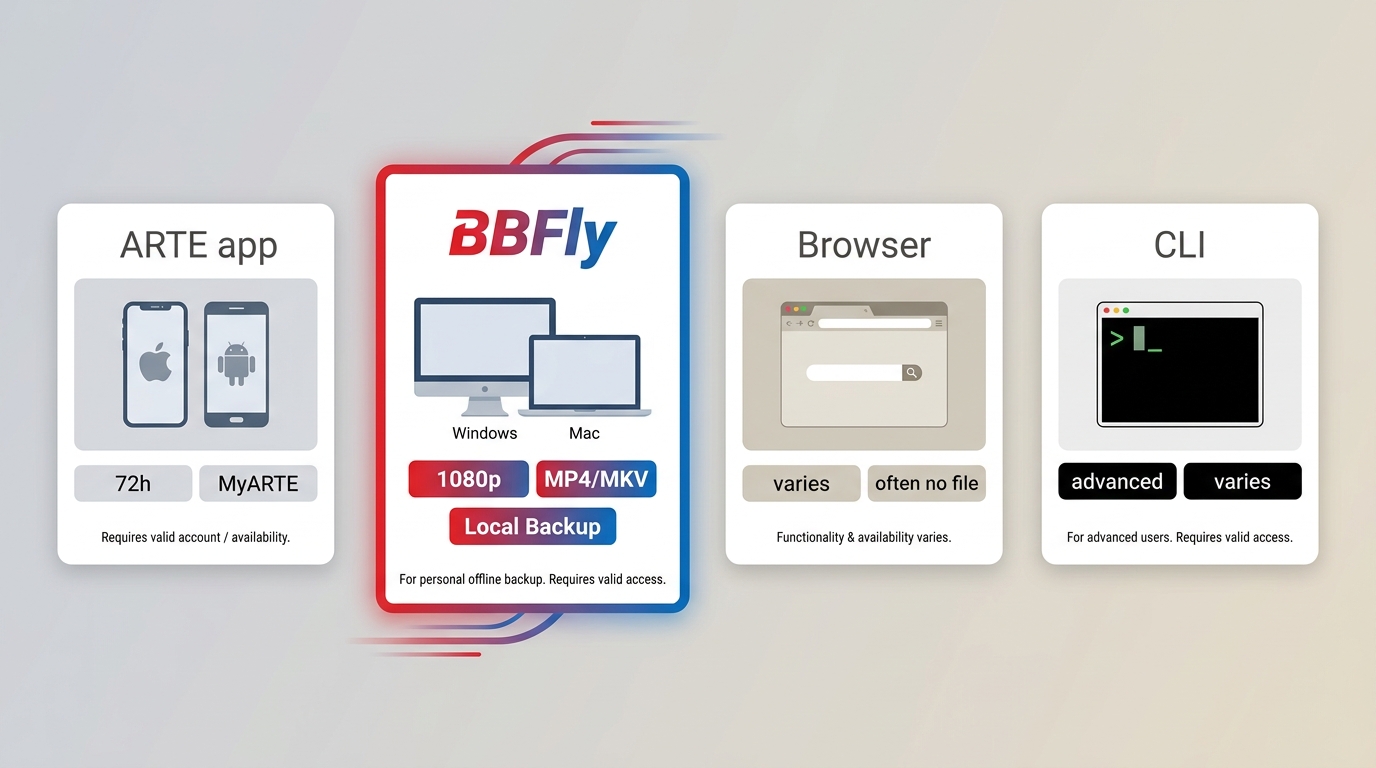
ARTE’s website does not provide downloads to a computer, but eligible titles can be downloaded in the official mobile app for 72-hour offline viewing. A desktop local-file workflow serves a different need and should be considered only for content you are authorized to access, where permitted by platform terms and applicable law.
| Method | Supported device | Offline result | Availability window | Subtitle handling | Setup effort | Best for | Not ideal for | Verified limitations |
|---|---|---|---|---|---|---|---|---|
| ARTE mobile app | iOS and Android | App-managed offline download | 72 hours in MyARTE | Depends on the title | Low | Short-term phone or tablet viewing | Computer-file storage | Eligible titles only; no website downloads to a computer |
| BBFly ARTE Downloader | Windows and Mac | Local MP4 or MKV file for personal offline viewing | Managed as a local file | Select available audio and subtitle options | Medium | Authorized desktop local-file workflows | Viewers satisfied with the official app window | Title and regional availability still apply |
| Browser-based tools | Browser and desktop | Varies by tool and title | Varies | May be limited or inconsistent | Low to medium | Checking current compatibility | Dependable repeatable saving | Site updates can change compatibility |
| Command-line tools | Desktop | Depends on the tool and title | Varies | May require manual track selection | High | Experienced users who can troubleshoot | Simple app-based workflows | Older RTMP and page-source instructions may stop working after ARTE site changes |
Method information is current as of July 2026.
For content you’re authorized to access, where permitted by platform terms and applicable law, BBFly ARTE Downloader is a desktop alternative for saving a local copy for personal offline viewing. It suits Windows and Mac users who need a local-file workflow, while the free official app is a better fit for viewers who simply need eligible titles on a phone or tablet within the 72-hour window.
BBFly ARTE Downloader is a Windows and Mac desktop app that can save supported ARTE videos for personal offline viewing in MP4 or MKV at up to 1080p, with available audio-language and subtitle choices.
Save ARTE Videos with BBFly
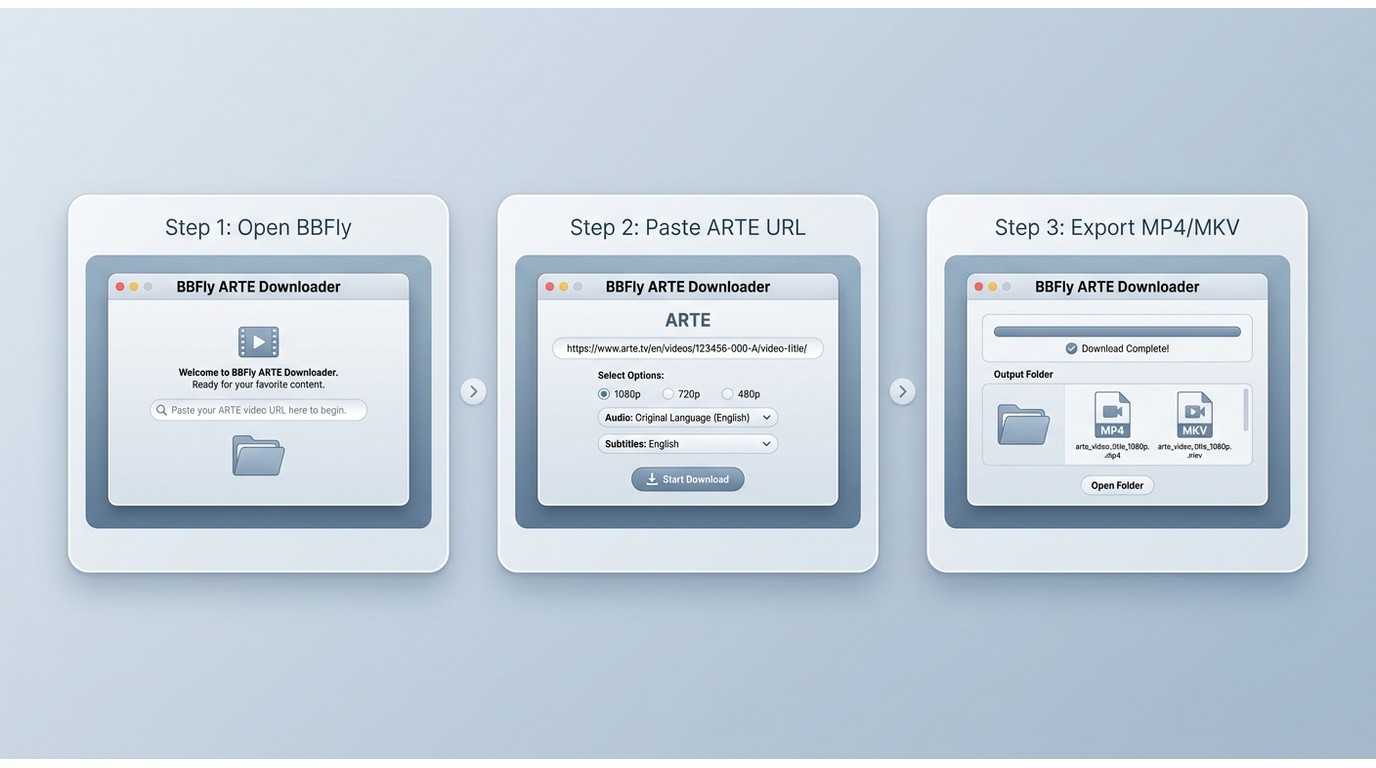
For content you’re authorized to access, where permitted by platform terms and applicable law, use this desktop workflow for personal offline viewing:
- Open the BBFly ARTE Downloader desktop app.
- Paste the ARTE video URL, then select the available quality, audio-language, and subtitle options that match your needs.
- Start the save task and confirm the output location when it is complete.
If a link cannot be analyzed, first confirm that the title plays in your browser in your region, then update the application and paste the full ARTE URL again. I check subtitle choices before starting because selecting the wrong track is harder to fix after the file has been saved.
FAQ
Do ARTE app downloads expire if my phone stays offline?
Eligible downloads remain available in MyARTE for 72 hours. This is a time-limited app download, not a computer file that you manage outside the ARTE app.
Why is a specific ARTE program unavailable in the United States?
Distribution rights differ by title and territory. Nearly half of ARTE’s replay catalog is available worldwide, but individual programs may still be unavailable in the United States.
Can I choose between standard and accessibility subtitle tracks?
Some programs provide standard subtitles and variants for viewers who are deaf or hard of hearing. The available tracks depend on the title and the method used to watch or save it.
What should I try if a downloader cannot analyze an ARTE link?
Confirm that the title plays in your region, use the complete video URL, update the application, and try again. Older extraction instructions may no longer work after changes to the ARTE site.
Which ARTE Method Fits You
Use the official ARTE app when you want simple mobile offline viewing of eligible titles within its 72-hour window. Choose an authorized desktop local-file workflow when that temporary app-based option does not meet your needs. If I were choosing for a short trip, I would use the app; for a managed personal media file on a computer, I would consider the desktop route.
Learn more:
A Complete Guide on Paramount Plus Amazon Prime
Leah Donovan
Leah starts with whether you can watch it in your country, then how to keep it offline.