Save Peacock Videos in High Resolution
BBFly supports downloading Peacock videos in original 1080p and even 4K quality, with HDR10 and Dolby Vision support. It can also save Dolby Atmos, EAC3 5.1, and AAC 2.0 audio tracks. With the H.264 and H.265 codecs, you can save more local space with downloads in higher quality.

Download Peacock Films in Bulk
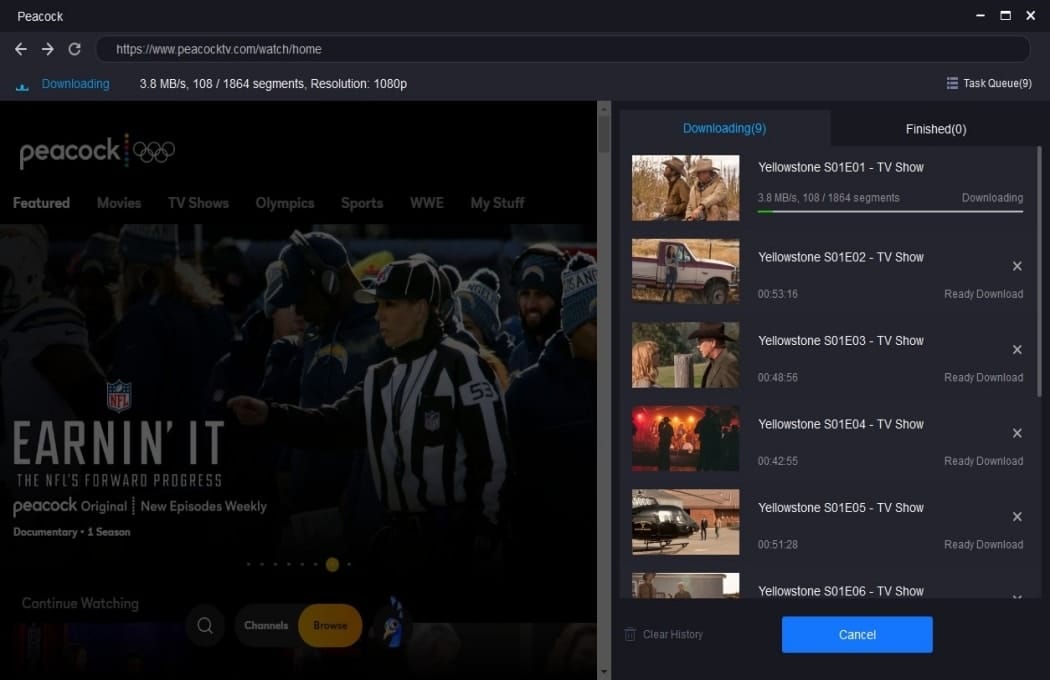
BBFly Peacock Downlaoder has a batch download feature that lets you download many movies together, significantly reducing download time.

BBFly Peacock Downloader Uses Technological Advancement
BBFly Peacock Downloader is able to overcome any barriers, allowing you to easily complete your Peacock downloads, due to the cutting-edge technology given by our software specialists.

Download High-Quality Audio Tracks
BBFly Peacock Downloader enables you to choose audio tracks from EAC3 5.1, AC3 5.1, and AAC 2.0 to optimize your watching experience.

Watch Peacock Downloads Without Ads
During watching Peacock TV videos, you don't need to worry about being interrupted by ads, since BBFly Peacock Downloader automatically eliminates those ads during the download process.

Step 1: Choose "Peacock" from "VIP Services".
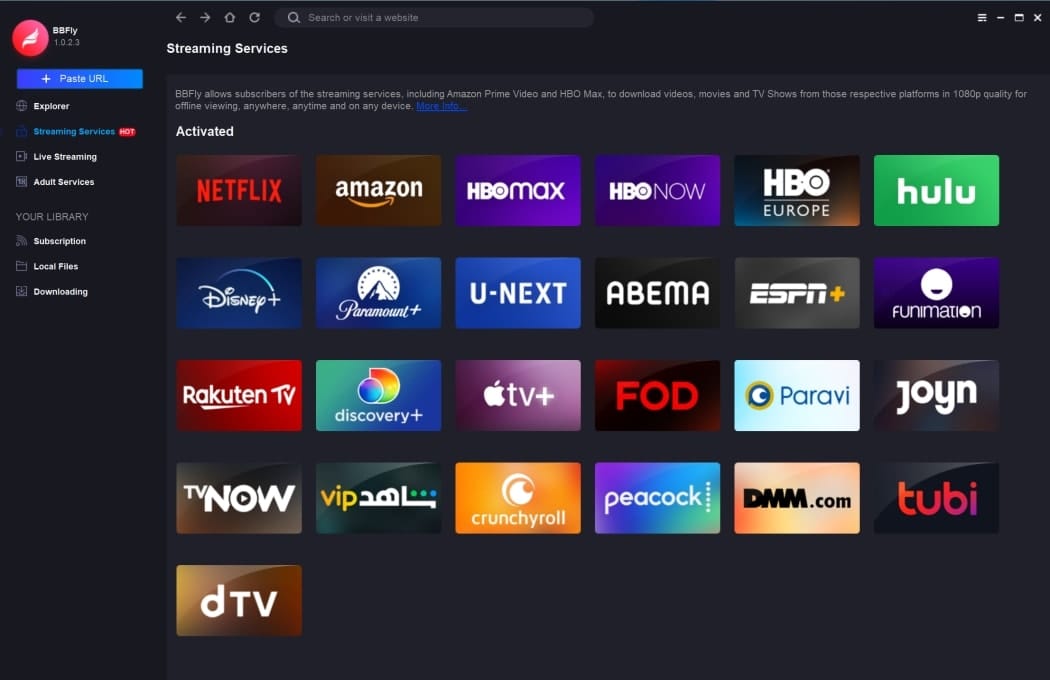
Step 2: Locate the video you want to download.
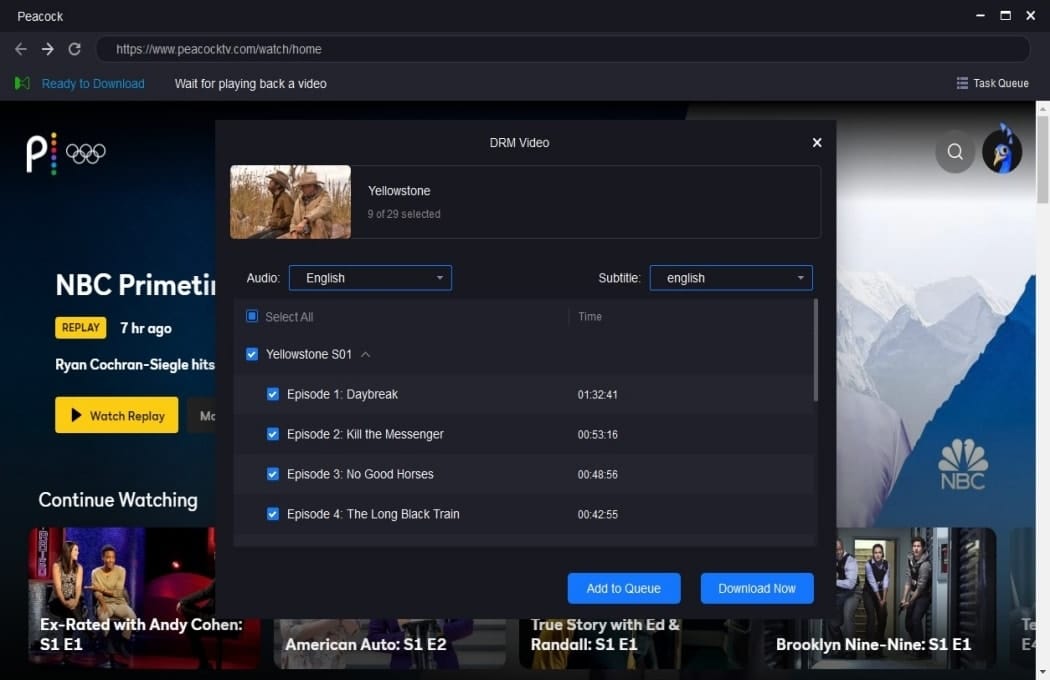
Step 3: Click "Download Now".
System Requirements
- Windows 11/10 (32/64 bit)
- Intel i3 or above
- 4GB of RAM or above
- 40GB of free hard disk space or above
- Live Internet connection required