Enjoy JioHotstar Downloads Without Ad Breaks
BBFly removes ads from downloaded JioHotstar content, so movies, series, and shows play more smoothly from start to finish. Once saved, you can watch offline without commercial interruptions breaking up the experience.

Get 4K HDR Quality for JioHotstar Downloads
BBFly supports 4K, 1080p, and 720p downloads for JioHotstar, with HDR10 or Dolby Vision available on supported titles. Dolby Atmos, EAC3 5.1, and AAC 2.0 audio options help preserve a fuller, more immersive viewing experience after download. JioHotstar UK supports downloads in up to 1080p SDR with AAC audio only.

Turn JioHotstar Titles into MP4 or MKV Files
BBFly converts downloaded JioHotstar content into standard MP4 or MKV files, making it easier to keep a local collection, move videos between devices, and play them with your preferred media player. H.264 and H.265 support also gives you more choice when balancing compatibility and storage efficiency.

Cut Waiting Time with GPU-Accelerated Downloads
BBFly uses GPU acceleration to process JioHotstar downloads more efficiently, helping movies, episodes, and larger download queues finish sooner. Spend less time waiting for files to complete and more time enjoying your saved content offline.

Fill Your Offline Queue with Batch Downloads
Add multiple JioHotstar episodes, movies, or shows to the queue and let BBFly handle them together. It is a convenient way to prepare a full season or a larger watchlist without starting every download separately, while available metadata helps keep saved titles easier to sort and recognize.

Choose the Audio & Subtitles That Match Your Viewing
When JioHotstar provides multiple dubbed audio tracks or subtitle languages, BBFly lets you keep the options you want with your download. Select the available language combination that suits you best and enjoy a more flexible offline viewing experience across movies, series, and shows.

How to Download JioHotstar Videos with BBFly?
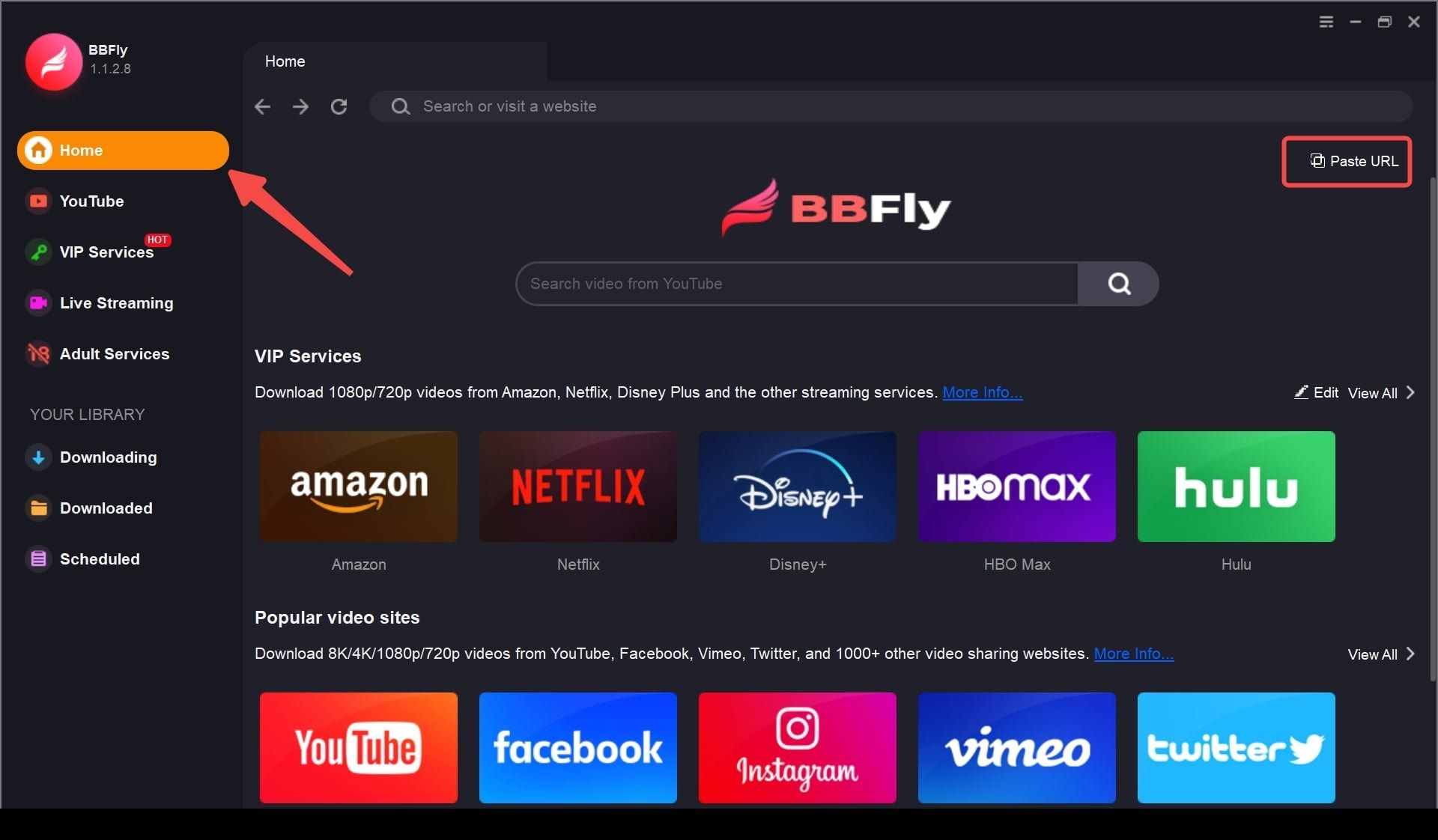
Step 1: Launch BBFly and open JioHotstar through the built-in browser.
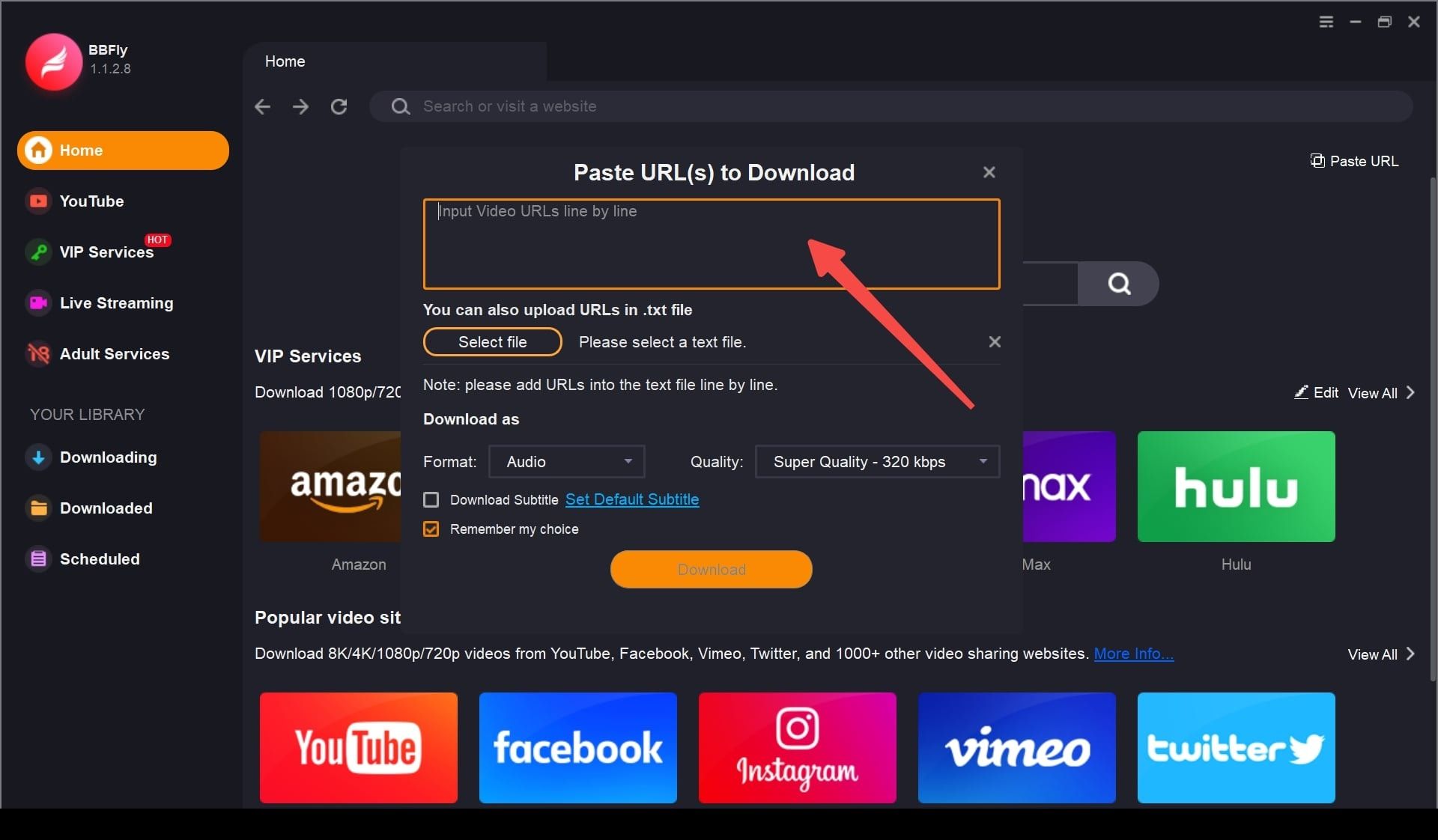
Step 2: Sign in and play the JioHotstar movie, episode, or show you want to download.
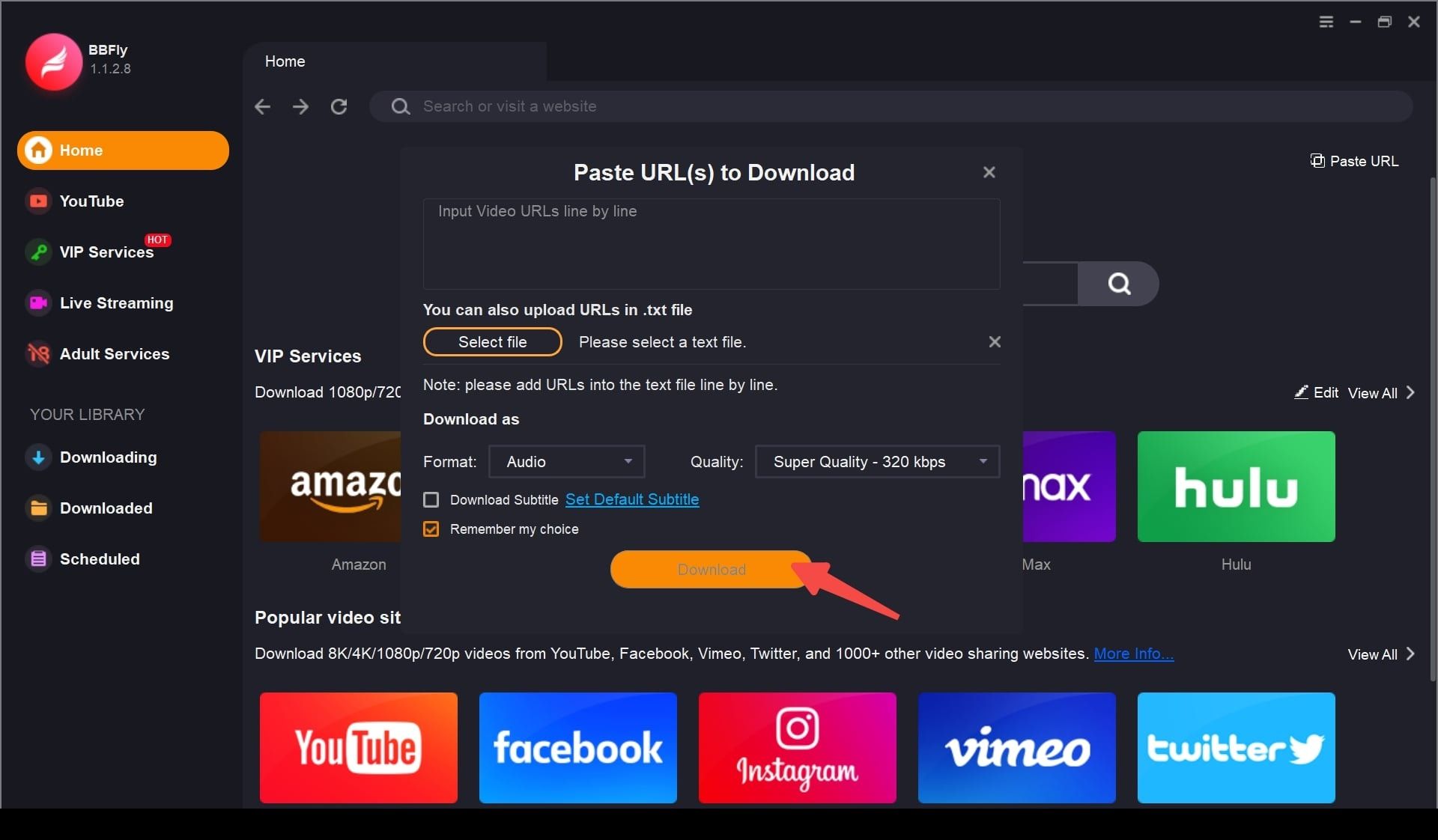
Step 3: Adjust the download settings you need, then click "Download Now".
System Requirements
- Windows 11/10 (32/64 bit)
- macOS: 11.0 - 15 (Sequoia)
- Intel i3 or above
- 4GB of RAM or above
- 40GB of free hard disk space or above
- Live internet connection required
- Updates: Free tech updates & 24/7 support