
How to Download Peacock Shows on PC, Mac, and Mobile (2026 Guide)
Table of Contents
Peacock's offline story has changed twice in the last two years, and most older guides (including the original version of this one) still claim Peacock doesn't let you download anything. That hasn't been true since 2020. What is true is that the official path is narrow: mobile only, Premium Plus only, with a clock attached. Below is the current picture as of June 2026, the limits you'll actually hit, and the workaround I use when I want a Peacock title to live on my Mac rather than rent space in an app.
Can You Download Shows on Peacock? (2026 Answer)
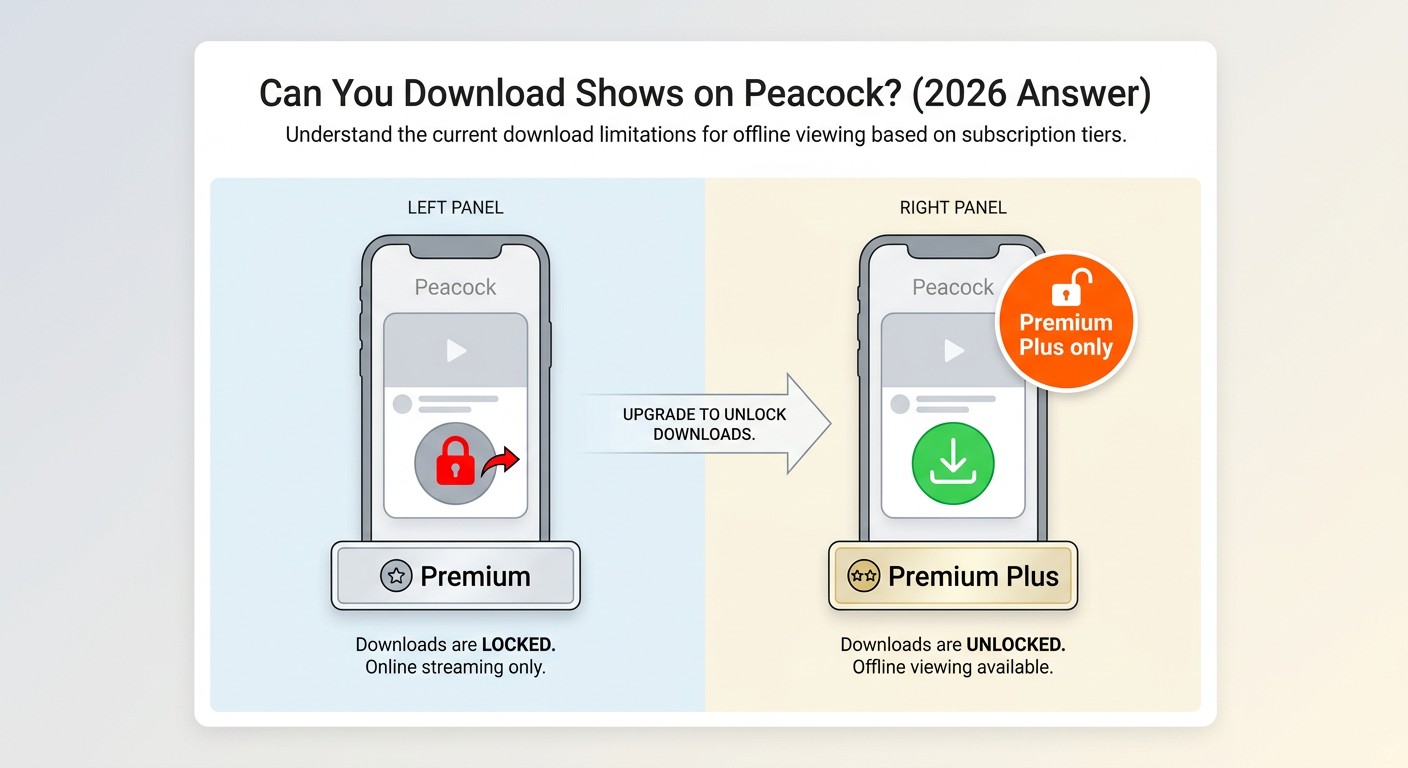
Yes. Peacock has offered offline downloads to Premium Plus subscribers since September 2020, on iOS and Android. There is no native download option in a browser, on a Windows PC, on a Mac, or on a smart TV. If you're on a phone or tablet, the official app handles casual offline needs fine; the 25-title cap and 48-hour playback clock are what push power users toward a desktop workaround.
Which Peacock Plan Includes Downloads
Only Premium Plus includes downloads. Peacock restructured its plans on July 23, 2025, dropping the old free tier entirely. As of June 2026, the lineup looks like this (prices subject to change; check peacocktv.com for current rates):
- Select — $7.99/month. With ads. No downloads.
- Premium — $10.99/month. With ads on most content. No downloads.
- Premium Plus — $16.99/month. Mostly ad-free. Downloads included.
- Premium Plus Student — $5.99/month for eligible students.
The practical read: if downloads are the reason you're subscribing, Premium Plus is the only tier that gets you there. Anything cheaper is streaming-only.
Peacock Download Limits: Titles, Expiry, and Device Rules
Three limits are worth memorising before you plan a long flight or a weekend off-grid:
- 25-title cap. You can hold a maximum of 25 downloaded titles across your account at any one time. New downloads above that need you to delete something first.
- 30-day unwatched expiry. An untouched download disappears 30 days after it was saved.
- 48-hour playback clock. The moment you press play on a downloaded title, a 48-hour countdown starts. After it ends, the file locks and you have to re-download (which means being online again).
I've been burned by the 48-hour rule more than once. You start an episode in an airport lounge, get on a long-haul, and by the time you're back in range the rest of the season has quietly relocked. Mobile downloads are fine as a streaming buffer, but they're not built for an actual library. That's the gap a desktop tool fills.
How to Download on Peacock: iOS and Android Steps
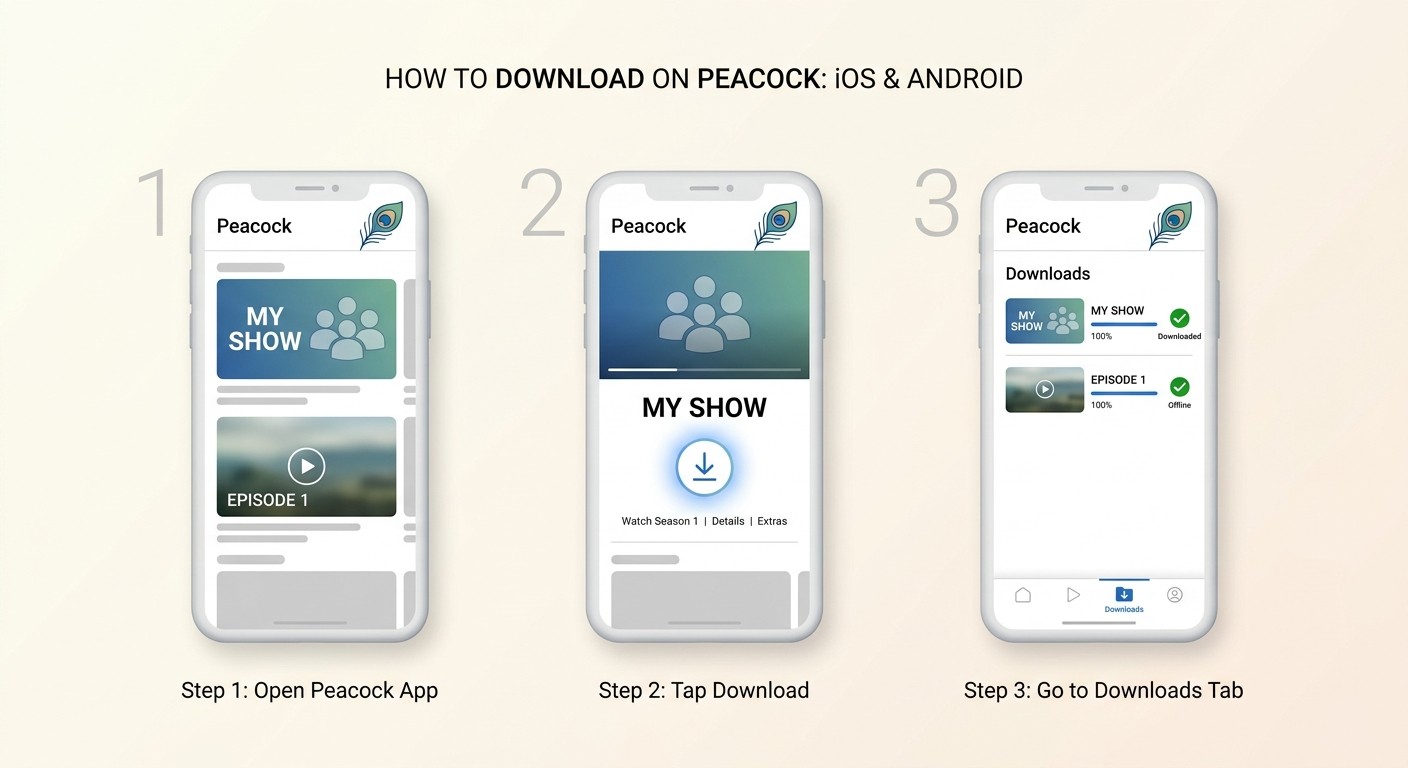
The official Peacock app is the only legitimate way to download Peacock content for offline use on a phone or tablet. The flow is identical on iOS and Android; only the file storage path differs under the hood.
Finding and Saving a Title for Offline Viewing
- Open the Peacock app and sign in to a Premium Plus account.
- Open the details page for the movie or episode you want.
- Look for the download icon (a downward arrow) near the bottom right of the player tile. If the icon isn't there, the title isn't licensed for offline use, no setting will change that.
- Tap it. The download progress appears in the Downloads tab.
One thing worth flagging from hands-on use: the download button lives on the title detail page, not on the row tile in the home feed. On a recent iPhone 15 running iOS 18, I spent a frustrating minute looking for it on the carousel before I remembered I had to tap into the show first. Knowing where it actually is saves the hunt.
Managing and Deleting Your Peacock Downloads
Open the Downloads tab from the bottom navigation bar. From there you can play any saved title or delete it to free up one of your 25 slots. There's no batch delete in the current iOS build, so housekeeping is a tap-per-title affair. If you're routinely brushing against the 25-title cap, that's a signal you're using Peacock as an archive, which it isn't designed to be.
Why Peacock Has No Native Download App for PC or Mac
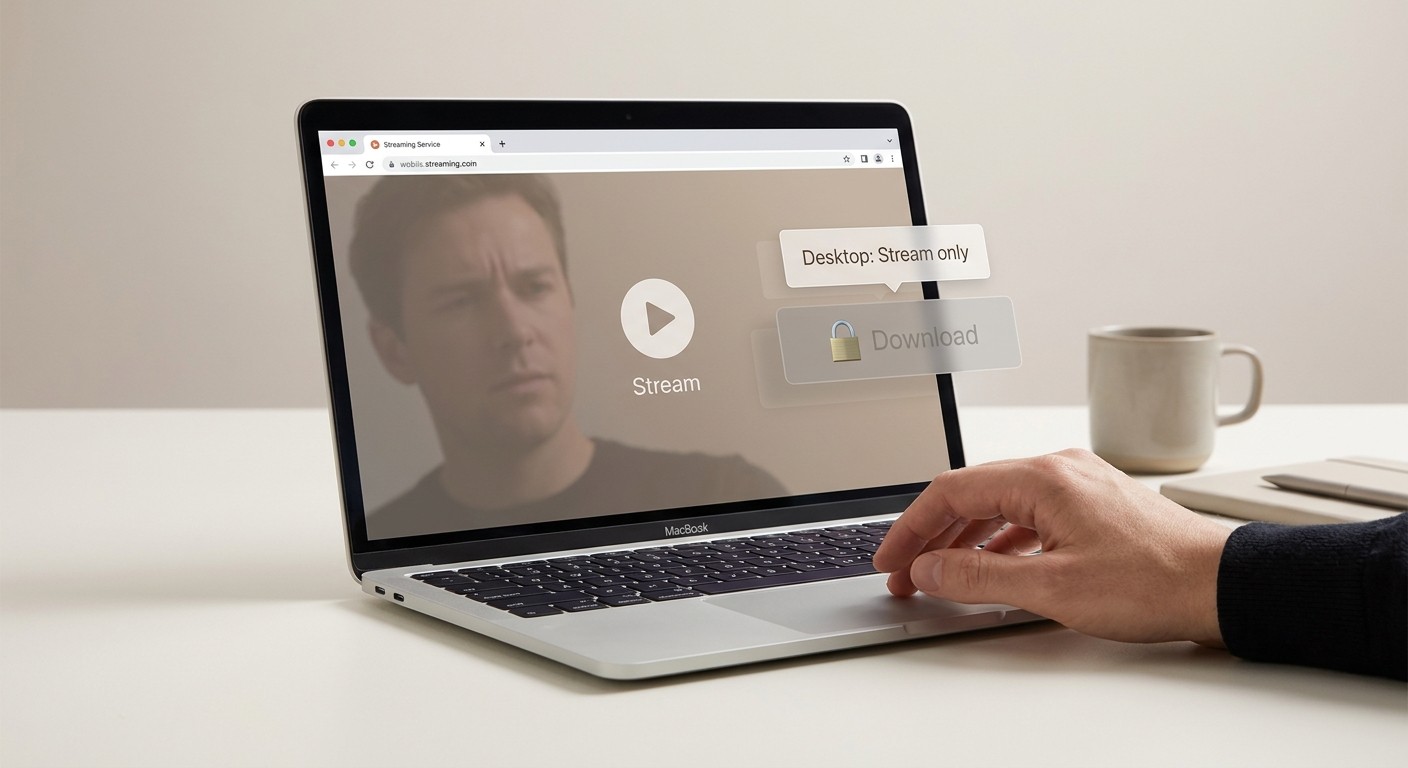
Peacock's desktop presence is browser-only. There is no Windows app, no macOS app, no download button anywhere in peacocktv.com. If you're on a laptop and you lose your connection, the stream stops.
I noticed the gap the hard way. Before a flight last year I opened my MacBook expecting to queue up two episodes the same way I would in the Netflix Mac app. There was no download control in the browser, and nothing in the App Store either. Peacock simply hasn't shipped a desktop client, and there's no public indication that's changing.
For desktop viewers, that leaves two choices: stream live in a browser (and hope your connection holds), or use a desktop tool to save a local copy. For content you're authorised to access under your own subscription, and where applicable law allows personal offline use, a desktop downloader is the only practical workaround for Windows and Mac users right now.
How to Save Peacock Videos on PC and Mac with BBFly
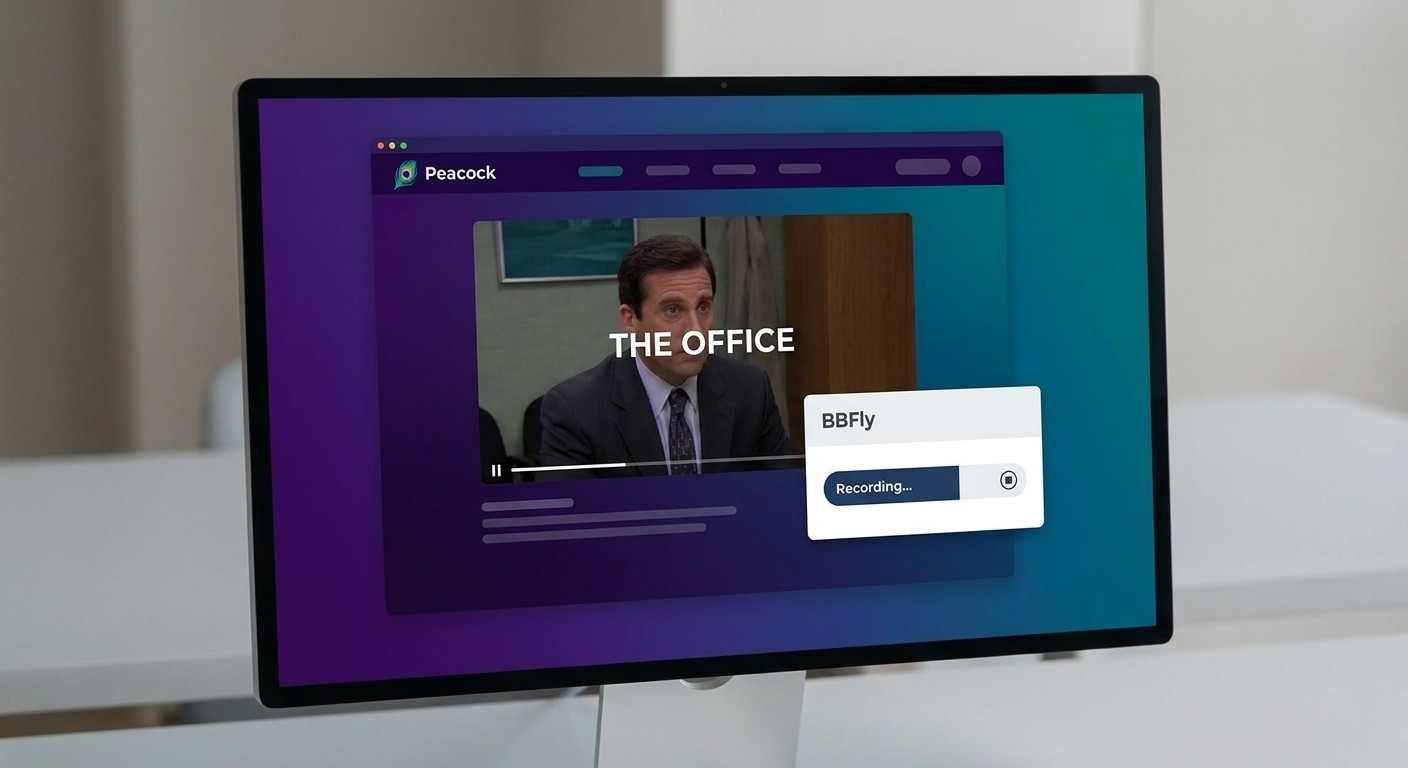
BBFly Peacock Downloader is a Windows and Mac desktop app that saves Peacock content as a standard MP4 or MKV file, up to 4K, for personal offline viewing of titles you're authorised to access under an active Peacock account. It uses a native-download approach rather than screen-recording, which matters more after the late-2025 DRM changes (see the troubleshooting section below).
What BBFly Peacock Downloader Supports: Quality and Format
The spec sheet I keep referring back to:
- Resolution: up to 4K on compatible titles, with 1080p as the common fallback.
- HDR: HDR10 and Dolby Vision preserved where the source carries it.
- Audio: Dolby Atmos, EAC3 5.1, AAC 2.0 — selectable per download.
- Video codec: H.264 or H.265.
- Output: MP4 or MKV, your choice.
- Subtitles: available subtitle languages saved alongside the video.
- Free trial: 3 complete movies per platform within a 30-day window — long enough to verify quality on real content, not just a sample clip.
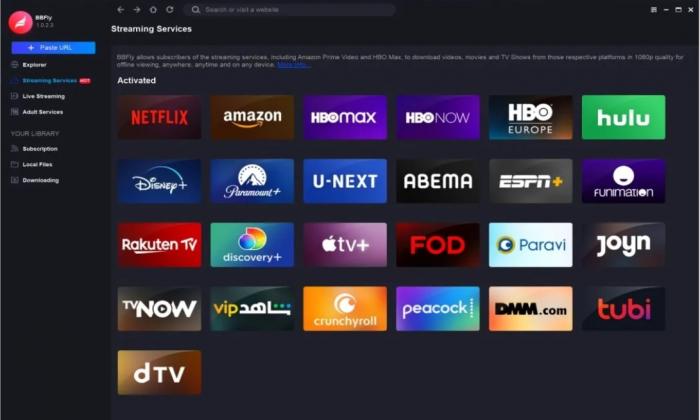
A note on the original article: an earlier version of this page claimed BBFly does batch downloads. That isn't accurate — titles are queued one at a time. Better to know that up front than discover it on download night.
Best for: desktop viewers who want a keepable local file at the highest quality Peacock will hand over. Not ideal for: someone who only needs an episode on a phone once a month — the official Premium Plus app is simpler for that.
Step-by-Step: Downloading a Peacock Video on Windows
- Install BBFly Peacock Downloader on Windows 10 or 11 and launch the app.
- From the VIP Services menu on the left, choose Peacock.
- Sign in with your Peacock Premium Plus credentials inside the in-app browser when prompted.
- Use the search bar to find a title, or paste a Peacock URL directly.
- Choose your resolution (up to 4K), audio track (Dolby Atmos / EAC3 5.1 / AAC 2.0), and subtitle languages.
- Click Download Now. The file lands in your chosen output folder as MP4 or MKV.
In my own test on Windows 11, the app cold-started in about 3 seconds and the queue picked up where I left off after a restart, which is more than I can say for the official Peacock app remembering my last-watched position.
Step-by-Step: Downloading a Peacock Video on Mac
The Mac flow is identical to Windows — the only real difference is where macOS suggests saving the output folder (Downloads by default rather than the Windows user folder). Same VIP Services selector, same search-or-paste entry, same resolution and audio choices, same Download Now button. If you're switching between a Mac at home and a Windows laptop on the road, you don't relearn anything.
Official App vs BBFly: Which Works Better for Your Situation
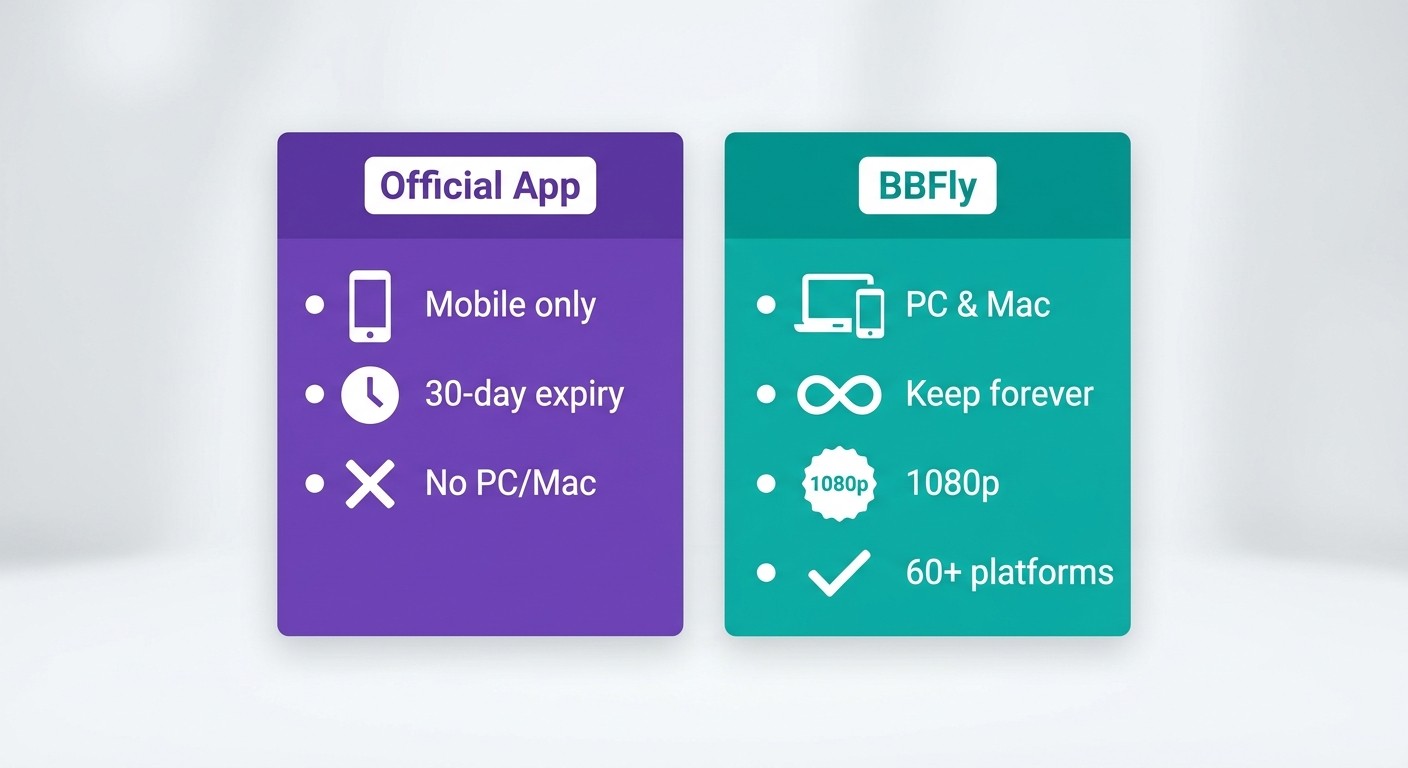
The two paths solve different problems. Premium Plus is built for short-window mobile viewing under Peacock's terms; BBFly is built for desktop users who want a local file. The table makes the trade clear (Peacock pricing as of June 2026, subject to change):
| Dimension | Peacock Official App (Premium Plus) | BBFly Peacock Downloader |
|---|---|---|
| Max download resolution | 1080p | Up to 4K |
| HDR support | None on downloads | HDR10 and Dolby Vision |
| Audio quality | AAC stereo | Dolby Atmos, EAC3 5.1, AAC 2.0 |
| Output format | App-locked container | MP4 or MKV |
| File expiry | 30-day unwatched / 48-hour post-play | No built-in expiry timer (for content you're authorised to access) |
| Supported devices | iOS and Android only | Windows and Mac |
| Download title limit | 25 titles | No fixed cap |
| Subscription required | Premium Plus $16.99/mo | Active Peacock account + BBFly licence (one-time or annual) |
One thing to be explicit about: BBFly is not a replacement for a Peacock subscription. You still need a valid Premium Plus account to access the source content; what BBFly changes is where the resulting file lives and how long it stays playable on your own machine. Worth noting too that BBFly's single licence covers more than 60 streaming platforms — so if you also pull from Netflix or Disney+, it's not a Peacock-only purchase. The Lifetime plan covers 3 devices, which is unusually generous in this category.
Peacock Download Not Working? Common Fixes
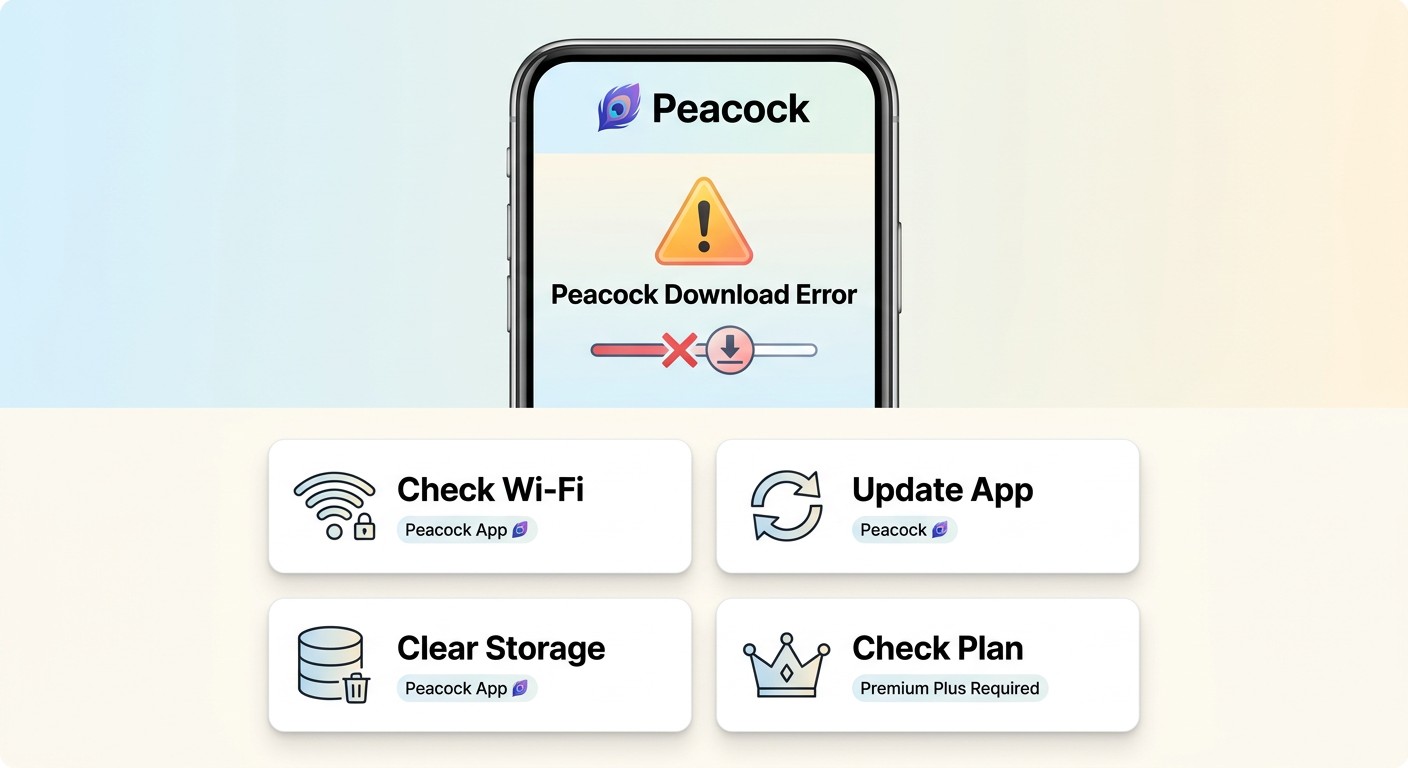
Most Peacock download failures fall into four buckets. Start by checking which one applies before you reach for support:
- No download icon on the title. Some Peacock content is streaming-only because of licensing — no setting on your end can override that. If the arrow icon isn't shown on the title detail page, that title can't be saved offline.
- 25-title cap reached. Open the Downloads tab and delete a few finished titles to free slots.
- Download expired. If the file shows a lock or an error after the 30-day or 48-hour window, you'll need to be online again to refresh it.
- Subscription not recognised. A known platform-specific quirk: Apple billing occasionally fails to report an active Premium Plus subscription to the app, and the download button disappears. Signing out, restarting, and signing back in usually clears it; if not, Peacock support can re-link the account.
One more change worth knowing about: Peacock tightened its Widevine L1 DRM in late 2025, which broke a number of screen-recording-based downloaders that had been hanging on by capturing decoded output. Tools using a native download approach were not affected in the same way, which is partly why I shifted away from recorders entirely.
Legal and Personal-Use Note for Third-Party Tools
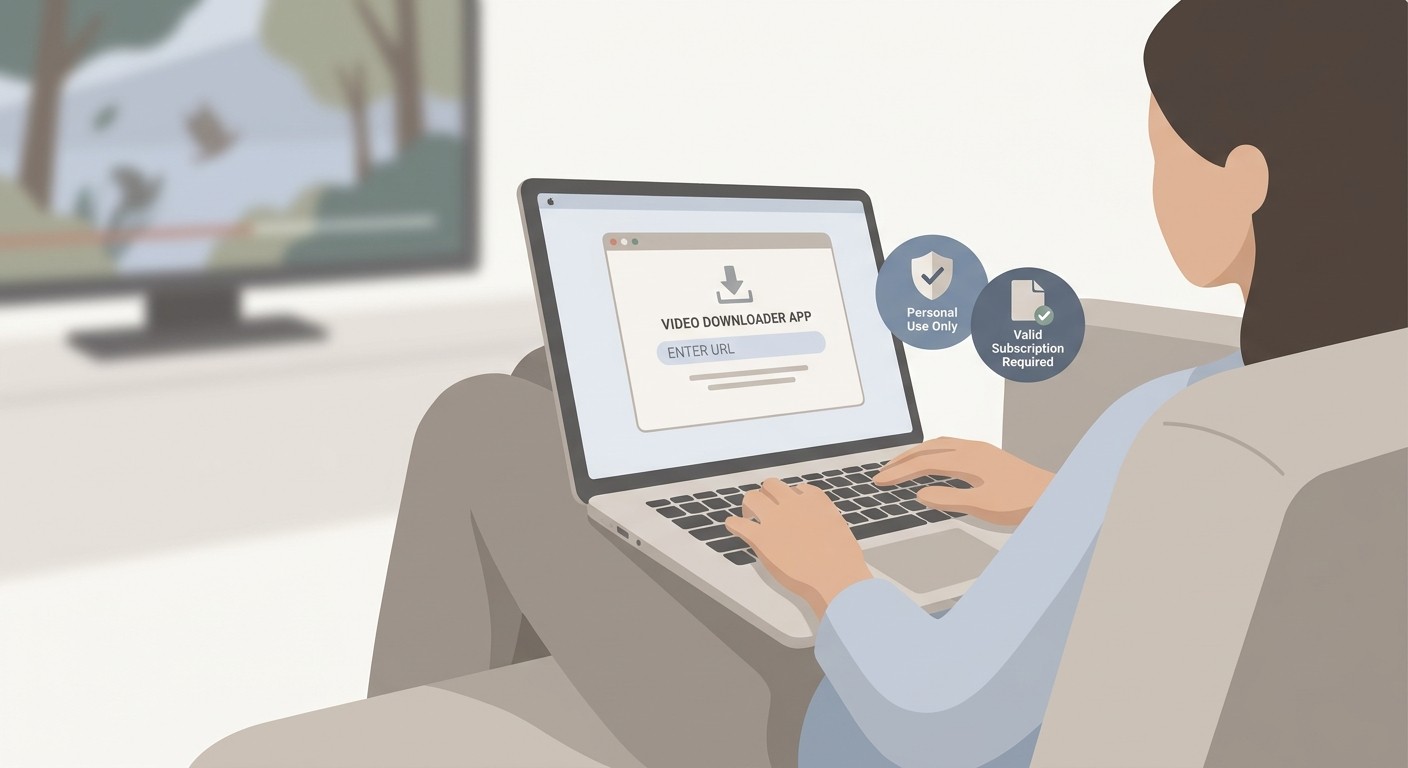
Peacock's Terms of Service restrict unauthorised downloading of its content. Third-party desktop tools that save local copies sit in a personal-use grey area that varies by jurisdiction. Use any such tool only for content you are authorised to access through your own active subscription, and only where personal offline use is permitted under platform terms and applicable law. Files saved locally do not carry a built-in expiry timer, but that is a property of the file format itself, not a permission to redistribute, share, or use the content commercially. BBFly is positioned as a personal offline backup tool, not a means of avoiding a subscription, distributing content, or circumventing platform access controls. Check Peacock's current terms before proceeding.
FAQ: Peacock Downloads Answered
Can you download Peacock shows to watch offline?
Yes, on iOS and Android, if you subscribe to Premium Plus ($16.99/month as of June 2026, subject to change). There is no official download option in a browser, on Windows, or on Mac. Desktop users who want a local copy need a third-party tool such as BBFly.
How many shows can you download on Peacock at once?
Premium Plus allows up to 25 downloaded titles held on the account at one time. Once you hit the cap, you have to delete an existing download before saving a new one.
How long do Peacock downloads last?
An unwatched download lasts 30 days from the moment it was saved. Once you press play, a 48-hour clock starts; after that the file locks and needs an online refresh. These limits apply to the official Peacock app only.
Can you download Peacock on a laptop or PC?
Not through Peacock itself. Peacock has no native Windows or macOS download app and the browser version is streaming-only. For offline viewing on a laptop, a desktop tool like BBFly Peacock Downloader saves Peacock content as a local MP4 or MKV file, for personal offline viewing of titles you're authorised to access.
Does Peacock support 4K downloads?
Peacock streams select titles in 4K, but its official mobile downloads are capped at 1080p. BBFly Peacock Downloader can save compatible Peacock titles in up to 4K with HDR10 and Dolby Vision on Windows and Mac.
Is using a third-party Peacock downloader legal?
Peacock's Terms of Service restrict unauthorised downloading, and the legal status of third-party desktop tools varies by jurisdiction. Treat them as personal-use tools for content you're authorised to access through an active subscription, and check current platform terms and your local law before relying on them.
Why did my Peacock download stop working after the 2025 update?
Peacock strengthened its Widevine L1 DRM in late 2025, which broke many screen-recording-based downloaders that captured the player's output. Tools built around a native download approach generally weren't affected in the same way, but always verify a tool is on a current build before assuming it still works.
Conclusion
The short version: Peacock does support offline downloads, but only on Premium Plus, only on iOS and Android, and only with a 25-title cap and a 48-hour playback clock attached. There is no desktop equivalent from Peacock itself.
For PC and Mac viewers who want a keepable local copy at higher quality than the mobile app offers, BBFly Peacock Downloader is the desktop workaround I keep coming back to — up to 4K with HDR10, Dolby Vision and Dolby Atmos, saved as a standard MP4 or MKV, for personal offline viewing of content you're authorised to access under your own Peacock subscription.