
Download RTVE Play Videos: 2 Offline Options Explained
Table of Contents
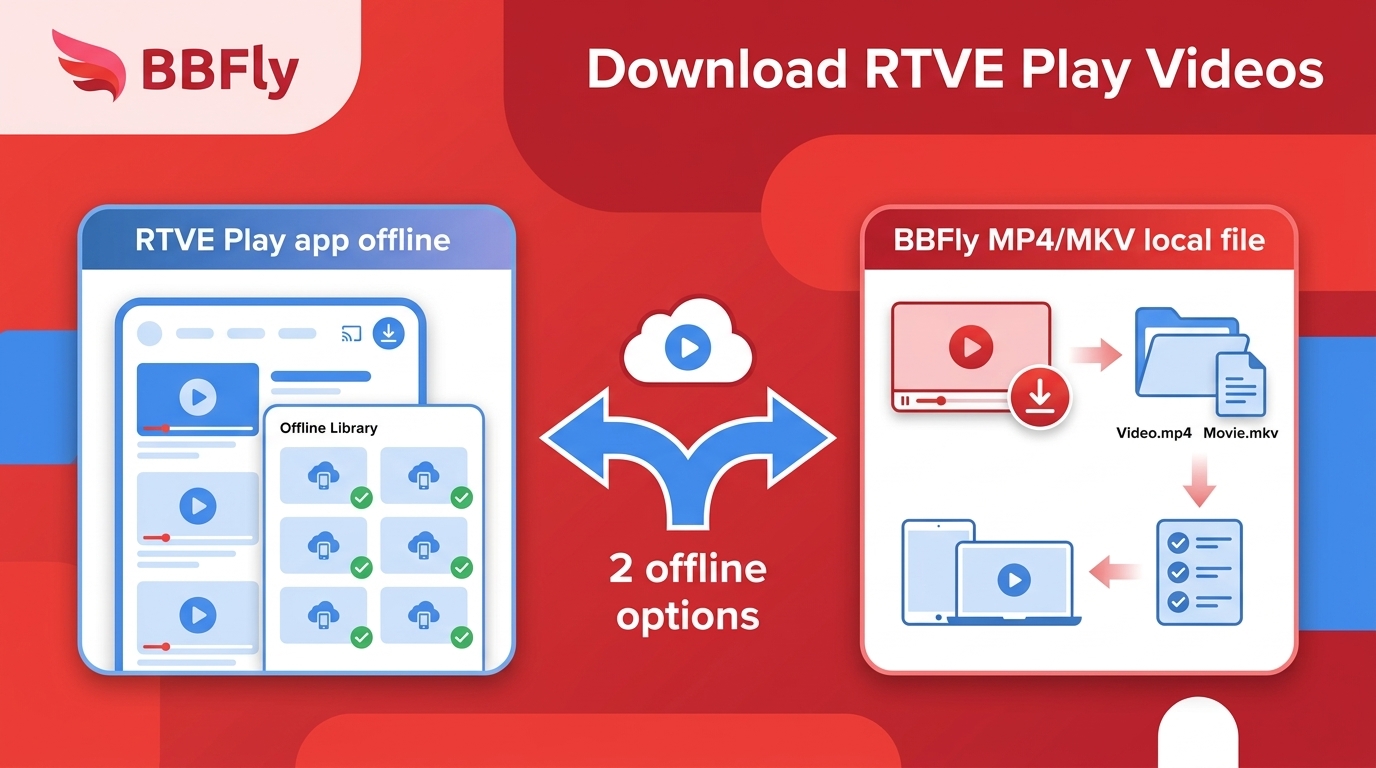
If you are in the United States and want to download RTVE Play videos, the first question is not which tool to install. It is whether the official RTVE Play offline download is available for your title and whether app-only playback meets your needs.
I would check the official route first, then consider a desktop file only when I need to manage playback on a computer. RTVE Play is Spain's public broadcaster streaming service, and availability can vary by program and region.
Official RTVE Play Downloads and Their Limits
An RTVE Play offline download is the simplest option when the app shows a download control for the program you want. The item stays managed by the app rather than appearing as a transferable video in your computer's folders.
What the App Saves
The app saves an eligible program for later playback inside RTVE Play. You need an active connection for the initial access and download; afterward, the saved item can play offline within the app's applicable account, title, storage, and availability limits.
That distinction matters. To save RTVE videos offline in the app is to create an app-managed copy, not a general-purpose MP4 or MKV file.
Eligibility and Device Limits
For an RTVE downloader Android search, start with the official RTVE app download rather than a desktop utility. A visible download button is the useful signal: if it is absent, the title, account, region, or device may not qualify.
The official route is my first choice when eligible in-app playback is enough. It involves fewer moving parts, but it is not designed for readers who need a file they can organize in a computer folder.
RTVE Play Access from the United States
RTVE outside Spain is not a single yes-or-no situation. US access can differ by app-store listing, regional playback rights, account prompts, and the rights attached to each program.
Regional Playback and App Access
Confirm that RTVE Play is available through your device's app store and that the title plays in your current location before planning an offline download. A location-related playback message is an access condition, not a downloader error.
As of July 2026, platform conditions can still vary by title and region. I treat successful playback as the starting line; a desktop workflow does not turn an unavailable program into an authorized one.
Account and Title Availability
Sign in if the service requests it, open the exact episode or film, and check whether it plays from beginning to end. The ability to download RTVE Play videos depends on the selected title, not merely on having the app installed.
- If the app is unavailable, resolve the app-store or device issue first.
- If the app opens but the title is blocked, choose another authorized title or wait for its availability to change.
- If the title plays but has no download control, compare the two offline outcomes below.
Which Offline Method Fits Your Goal
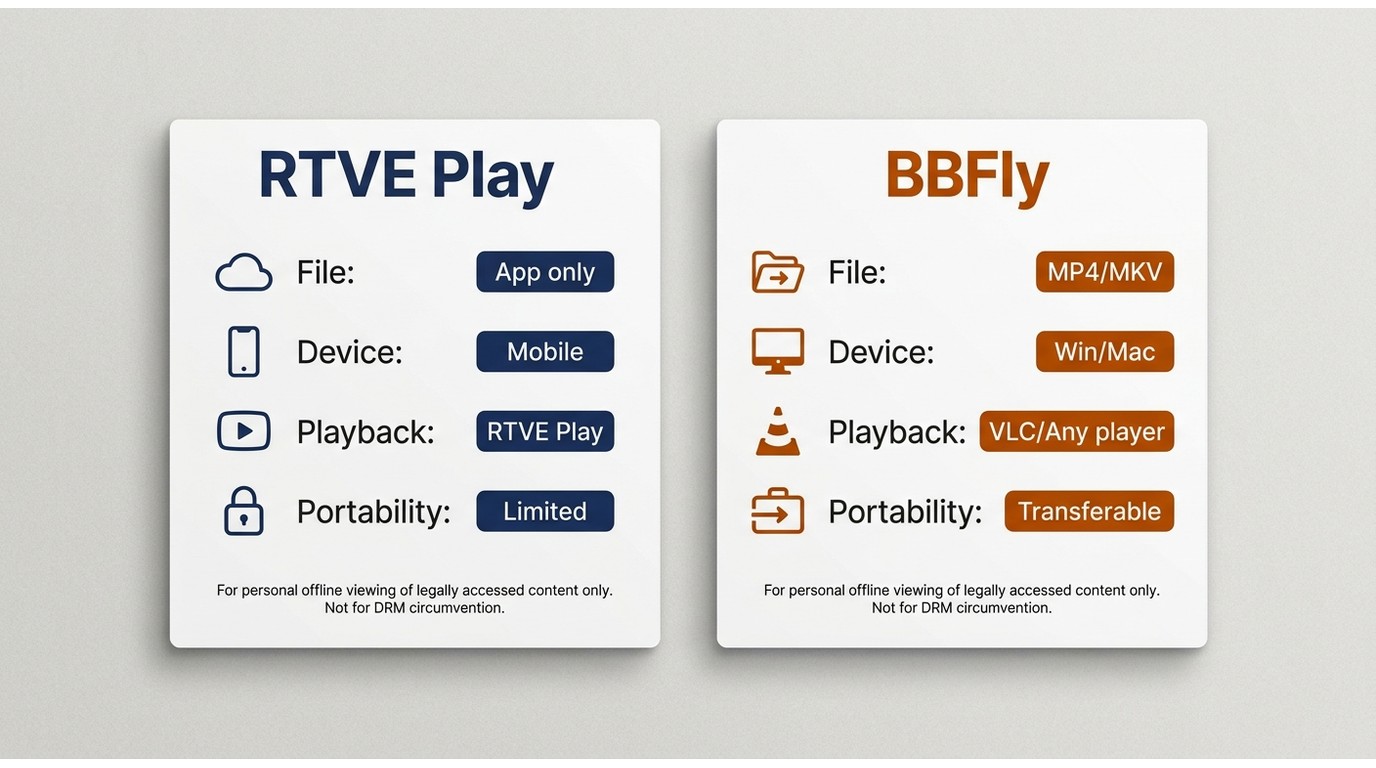
Choose by outcome: official downloads are for playback inside the RTVE Play app, while an RTVE downloader for PC is relevant only when you specifically need an available local output on Windows or Mac.
App Download or Local File
The RTVE Play offline download is better for a supported phone or tablet when app playback is acceptable. A local file is easier to inspect, rename, and play with compatible desktop software, but it requires a supported title and a successful desktop analysis.
| Method | Download outcome | Supported device | Regional and account requirements | Where playback occurs | File portability | Available quality | Subtitles and audio | Common limitations | Best fit | Not ideal for |
|---|---|---|---|---|---|---|---|---|---|---|
| RTVE Play mobile app | App-managed offline item | Supported mobile device | App access, eligible title, and any required sign-in | Inside RTVE Play | Not exposed as a normal desktop file | Set by the title and app | Limited to tracks offered for that item | Regional, title, account, device, and app-storage limits | Eligible viewing on a phone or tablet | Managing a file in Windows or macOS |
| BBFly Downloader on Windows or Mac | Available local MP4 or MKV output | Windows or Mac computer | Authorized playback and a title the workflow can analyze | Compatible local player | Can be organized in the user's own folders for personal viewing | Cannot exceed the quality exposed by the source | Selectable when those tracks are present in the available stream | Detection, link expiry, account context, protection, and host changes | A reader who needs an authorized local computer file | Someone satisfied with the official app or unable to play the title |
Where BBFly Fits
BBFly fits after the access check, not before it. For personal offline viewing of content you're authorized to access, where permitted by platform terms and applicable law, it is a desktop alternative when the official app is unavailable or does not meet a local-file need.
BBFly Downloader runs on Windows and Mac and can save available outputs as MP4 or MKV. My practical test is simple: if app playback solves the problem, stop there; if file management is the actual requirement, continue carefully.
Save a Local RTVE Copy with BBFly
To save RTVE videos offline as a local computer output, first prove that the program is accessible, then let BBFly analyze only what the current playback session exposes. Do not assume that every page will produce the same options.
Check Access and Open the Video
Use the following sequence for an authorized title:
- Open RTVE Play and confirm that the exact program plays in your current region and account.
- Start BBFly on Windows or Mac and open the supported workflow for the title.
- Load the program page and begin playback if analysis does not start immediately.
If playback itself fails, stop and resolve access first. Repeating the same download request cannot fix a regional or title-eligibility block.
Analyze and Select the Available Output
Wait for analysis to finish, then review the RTVE video formats, quality, subtitles, and audio tracks actually listed. Select an MP4 or MKV output only when it matches the source options you need.
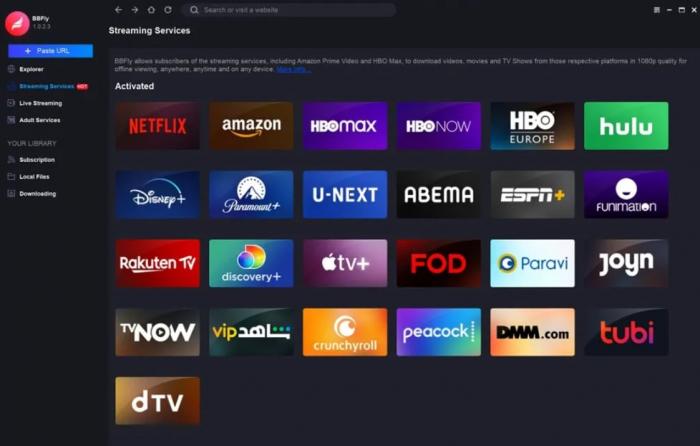
If no choices appear, play the video briefly, refresh the title in a new session, and analyze again. Stop after a fresh session also fails; the item may be unsupported, protected, not ready, or affected by a host change.
Download and Verify the File
Start the download, then open the result before queuing more programs. Confirm that playback starts, the expected audio is present, the subtitle choice is usable, and the file name identifies the program.
If the RTVE download is not working after analysis, discard the stale task and reopen the title rather than retrying an old stream address. I have learned that checking one completed file early is less tedious than discovering a naming or track problem after a long queue.
Fix Common RTVE Download Problems
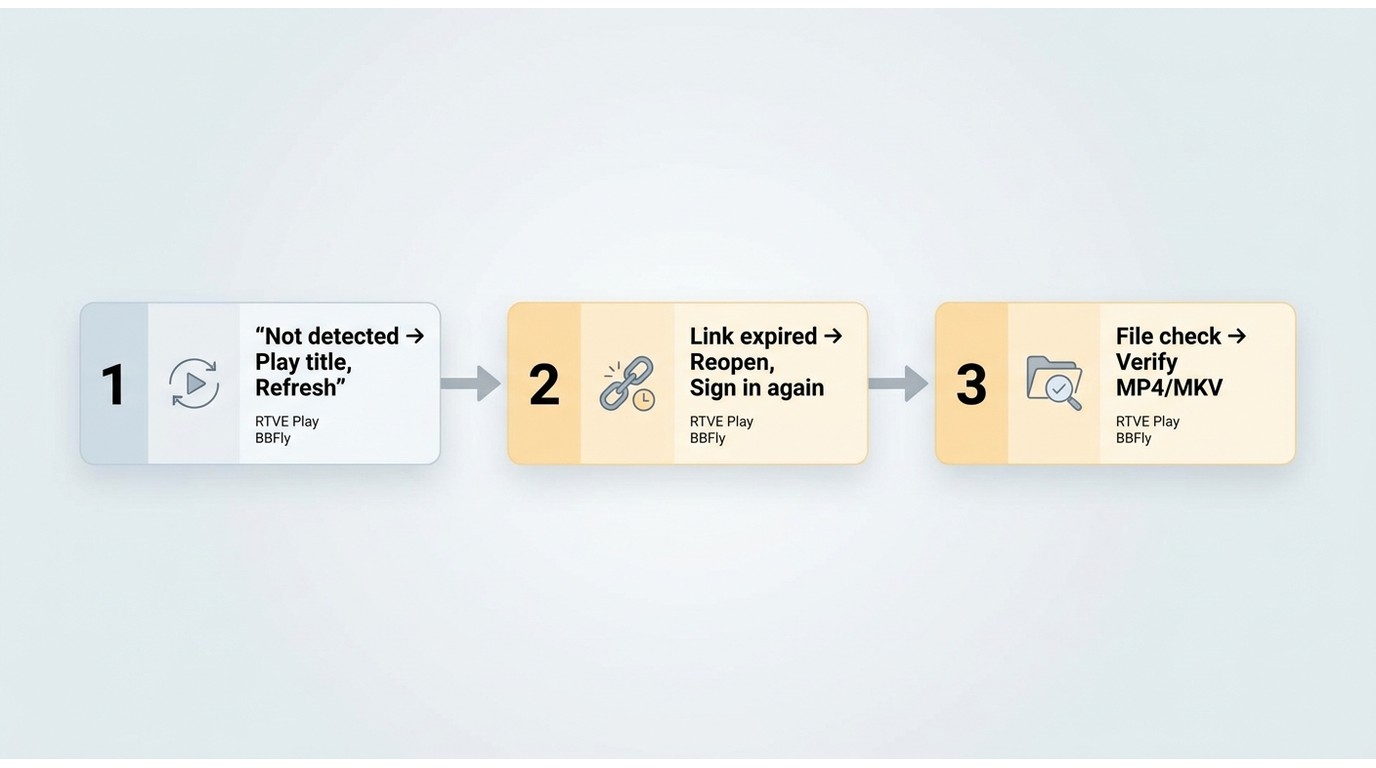
Most RTVE download not working cases fall into three groups: the media is not detected, the HLS or DASH address is stale, or the completed output needs verification and cleanup.
The Video Is Not Detected
Begin playback and wait for the program to become ready before analyzing it. If the page remains on an advertisement, sign-in prompt, regional notice, or loading state, the media request may not yet be available to the downloader.
- Next check: reopen the exact program in a fresh session and confirm normal playback.
- Stop condition: if the title cannot play or a new session still exposes no media, do not keep retrying the same page.
The Link or Plugin Keeps Failing
An RTVE HLS error can appear when a temporary stream address expires, required account context is missing, media preparation is incomplete, or the host integration has changed. Reopen the title to obtain a current session instead of recycling the old link.
- Next check: sign in again if required, begin playback, and submit the current title page.
- Stop condition: if fresh playback works but repeated analysis fails, wait for a host update or use the official app when it offers an eligible download.
The File Needs Manual Cleanup
Some outputs arrive with numeric names or incomplete labels even when the video itself is usable. Play the file, identify the program and episode, then rename it consistently without changing the extension.
My rule is to verify content before organizing it. A tidy filename cannot rescue a file with the wrong language track or missing subtitles.
Compare Quality, Formats, and Portability
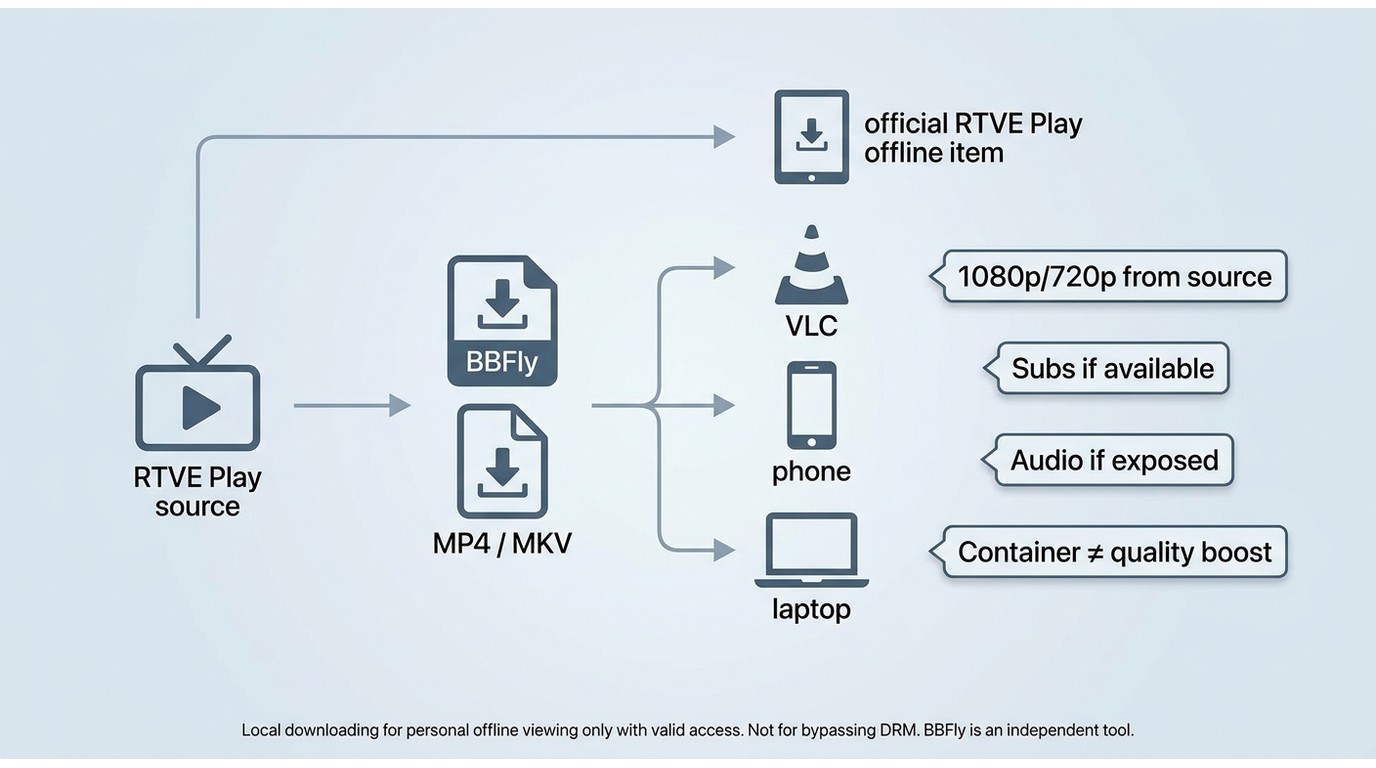
RTVE video formats and quality are title-dependent. Neither the app nor a desktop method can create resolution, subtitles, or alternate audio that the available source does not provide.
Quality Depends on the Available Stream
Review the listed quality before starting a long download. BBFly supports MP4 and MKV, but the selected container does not raise the source resolution or repair a low-quality archival stream.
This is where I am deliberately conservative: choose the best option actually displayed, then verify a short playback segment. A fixed 4K promise would be misleading because RTVE programs do not all expose the same source quality.
Subtitles, Audio, and File Names
An RTVE subtitles download is possible only when the title and method expose subtitle data. The same rule applies to alternate audio: check the track list before starting rather than assuming that every program includes the same languages.
- Confirm the subtitle language and whether it is separate or integrated into playback.
- Confirm the desired audio track before downloading.
- Use a clear title, season, and episode pattern when renaming numeric files.
Use RTVE Downloads Responsibly
Use either offline method only for content you are authorized to access, for personal viewing, where platform terms and applicable law permit. Do not share, sell, upload, or publicly screen downloaded material without the necessary rights.
Personal Viewing and Authorized Access
Official app storage and a local-file workflow produce different results, but neither replaces the need for legitimate access to the RTVE program. The responsible sequence is access first, offline copy second.
Respect Platform and Content Restrictions
If RTVE does not make a title available in your region or account, choose an available program rather than treating the restriction as a technical failure. That boundary keeps the workflow focused on personal offline viewing, not access avoidance.
RTVE Play Download FAQ
These quick answers cover app installation, offline playback, stalled links, and track availability without assuming that every RTVE title behaves alike.
Do I need a Spanish app-store account to install RTVE Play in the United States?
Not in every case. App-store availability can vary by device region, and RTVE may also apply account or title-specific conditions. I would first search your current store, then confirm that the intended program plays before relying on an offline option.
Can I download an RTVE program first and watch it later without Wi-Fi?
Yes, when the title supports an official app download or an authorized local output is completed successfully. You still need an internet connection for initial access and downloading, and the chosen method's playback limits continue to apply.
Why does an RTVE downloader stop after it finds the video link?
The address may have expired, the media may still be preparing, account context may be missing, or the title or host may not be supported. Reopen the program, confirm playback, and analyze the fresh session; stop if the new session also fails.
Can I save RTVE subtitles and alternate audio tracks with the video?
Only when those tracks are offered by the title and exposed by the selected method. Check the available subtitle and audio list before downloading, then test the completed result instead of assuming universal track support.
Choose Your RTVE Offline Method
Choose the official app when an eligible download and in-app playback meet your goal. Consider the desktop route only when you need an authorized local file on Windows or Mac and the title can be analyzed successfully.
BBFly is not a good fit for someone who cannot access the program normally or who is already satisfied with mobile app playback. The sensible choice is the method with the fewest compromises for the result you actually need.
Comparable offline workflows for other services follow different platform rules: Amazon Prime Video downloads depend on Amazon's own access model.
The same method-first distinction applies when evaluating Disney+ offline video options, while Max download choices have separate title and device conditions.
Apple TV+ has its own app-managed behavior, so Apple TV+ offline viewing should be assessed on its own terms.
Regional catalogs also differ. The workflow for Hotstar video downloads does not establish what will work on RTVE Play.
Adult-platform media raises separate authorization and privacy questions; the Pornhub downloader review is relevant only to that distinct use case.

Nora Whitfield
Nora goes deep on one broadcaster at a time, so you don't have to search twice.