Enjoy Ad-Free BBC iPlayer Downloads
BBFly removes ads from downloaded BBC iPlayer programmes, giving you a cleaner way to enjoy dramas, documentaries, and entertainment shows offline. Watch from beginning to end without unnecessary interruptions and focus on the content you actually want to see.

Watch BBC iPlayer Offline in 4K & 1080p
BBFly preserves the visual detail of BBC iPlayer programmes in up to 4K or 1080p, with HLG support for more natural brightness and contrast. AAC 2.0 audio keeps dialogue clear, giving films, dramas, and documentaries a more polished offline viewing experience.

Save BBC iPlayer Videos as MP4 or MKV
Turn BBC iPlayer programmes into standard MP4 or MKV files that are easier to keep, transfer, and play outside the platform. With H.264 and H.265 support, BBFly gives you more freedom to build an offline collection that fits your own viewing setup.

Get BBC iPlayer Downloads Faster with GPU Acceleration
BBFly uses GPU acceleration to speed up video processing and reduce the time spent waiting for downloads to finish. It is especially useful when saving longer programmes or multiple episodes, helping you get your offline viewing ready more efficiently.

Download Multiple BBC iPlayer Episodes in One Batch
Add several episodes or programmes to the download queue at once and let BBFly process them together. It is a convenient way to prepare complete series, documentaries, or multiple favourites for offline viewing without starting every download separately.

Keep the Audio & Subtitles That Fit Your Viewing
When a BBC iPlayer programme includes multiple audio or subtitle options, BBFly lets you keep the available tracks you want with the download. Choose the language that suits you and enjoy the same content offline in a way that feels more personal and convenient.

Step 1: Open BBFly and access BBC iPlayer with the built-in browser.
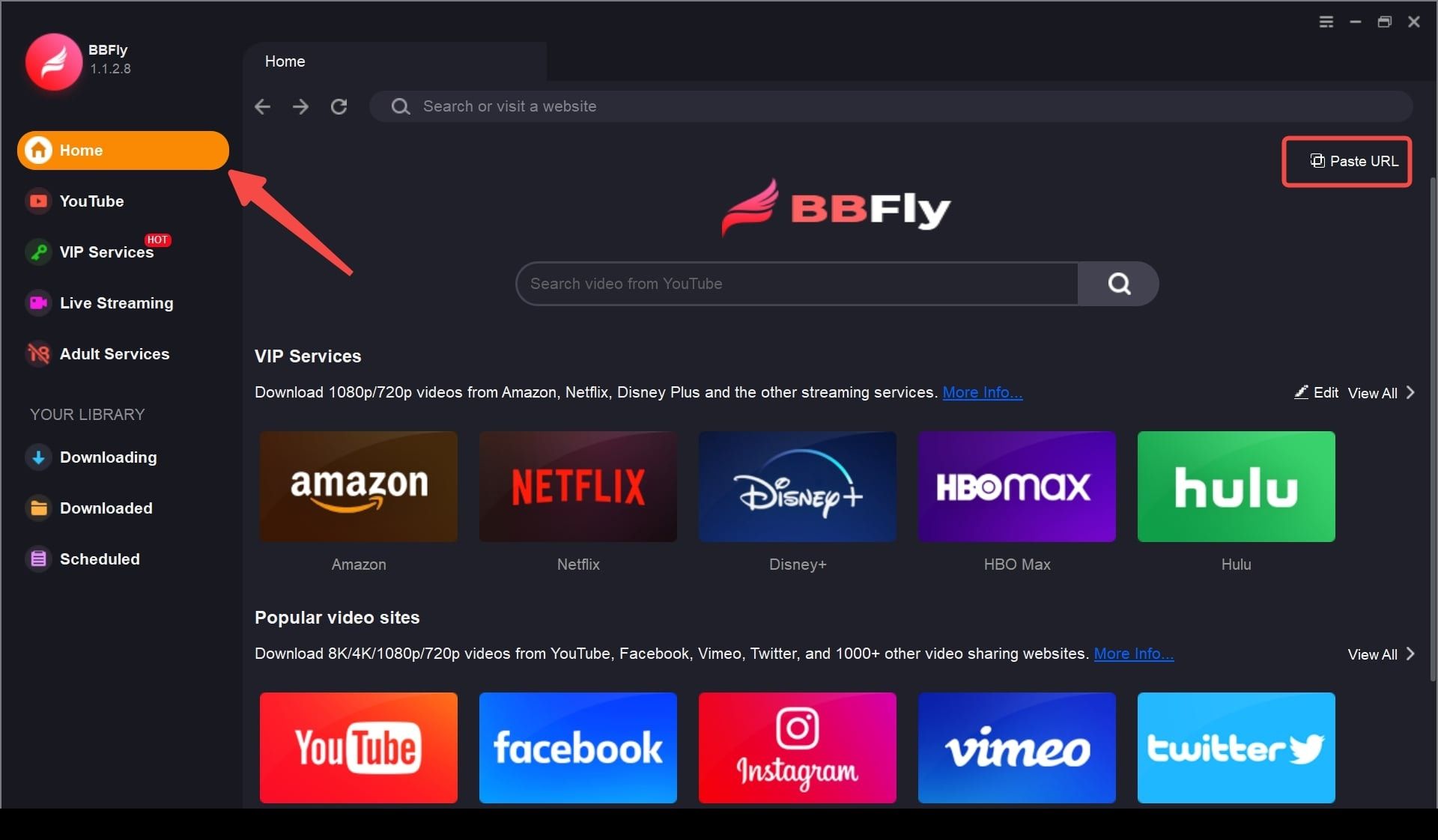
Step 2: Sign in, then play the programme or episode you want to save.
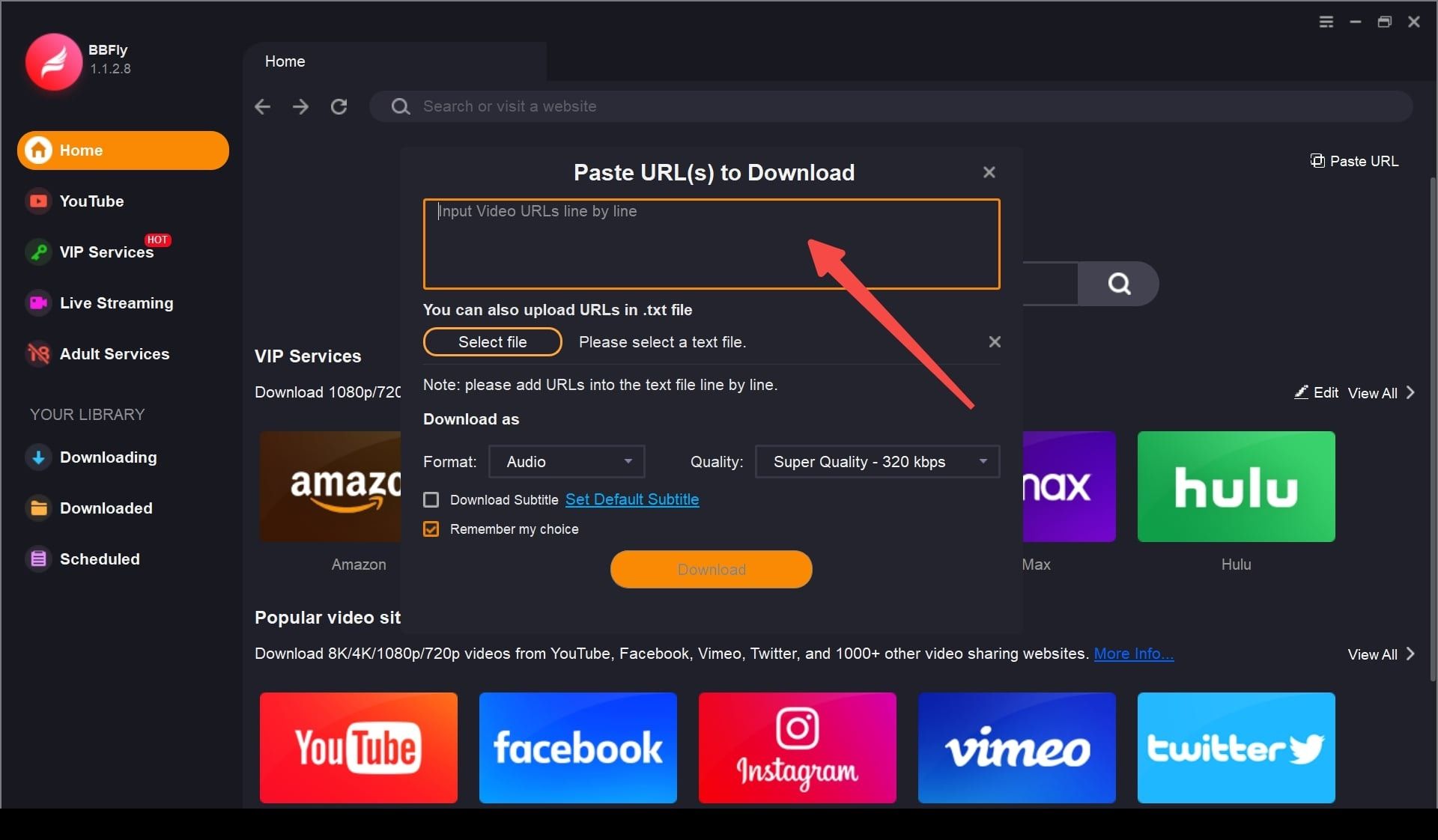
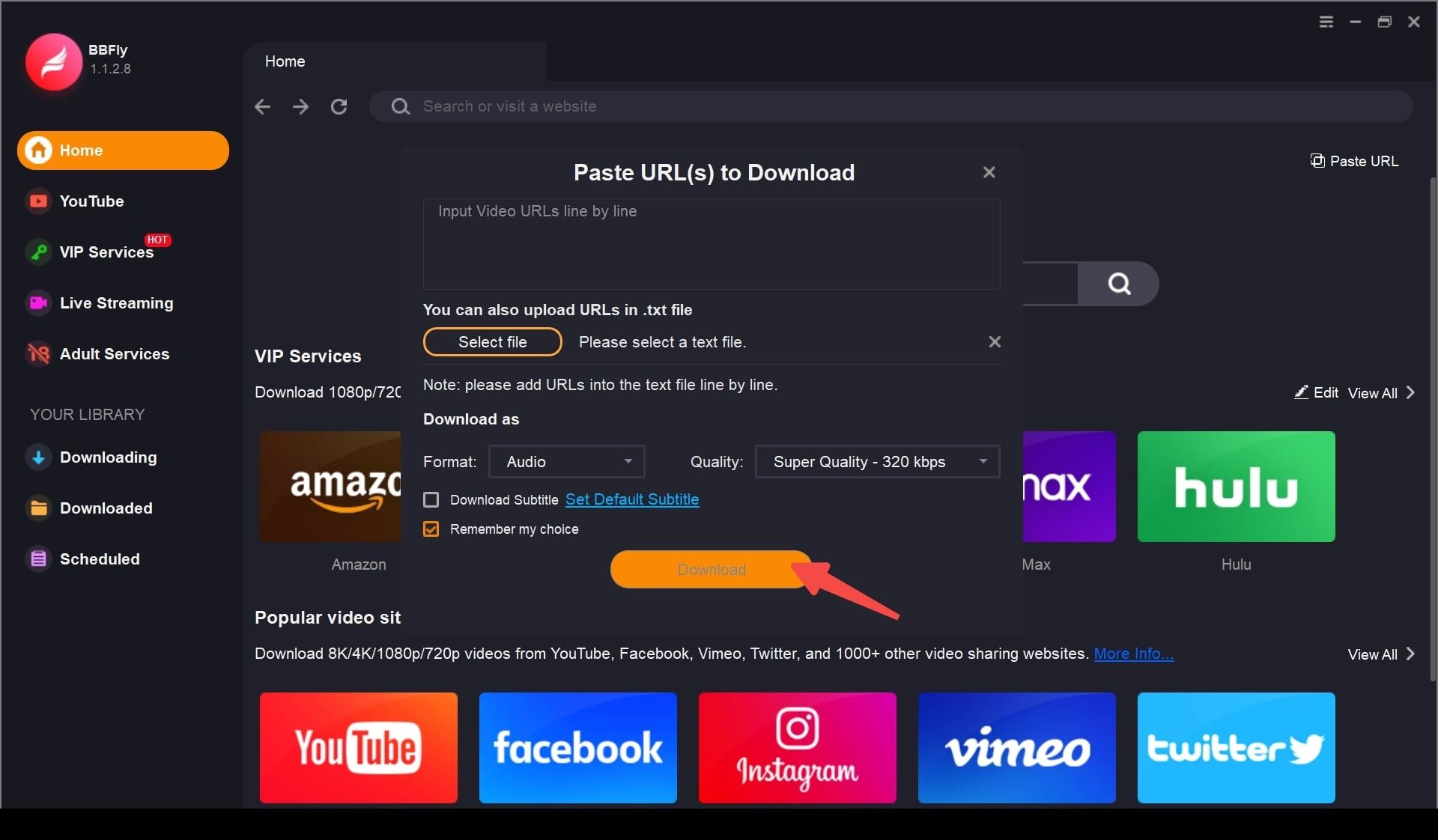
Step 3: Choose your download options and click "Download Now".
System Requirements
- Windows 11/10 (32/64 bit)
- Intel i3 or above
- 4GB of RAM or above
- 40GB of free hard disk space or above
- Live Internet connection required