Download ARD Video in 1080p Quality
BBFly supports original ARD video download in Full HD 1080p resolution. It supports H.264 video codec and AAC 5.1 and AAC 2.0 audio, so that you can get the best visual and sound quality in smaller size. BBFly is a good choice for offline library building.

Convert ARD to MP4 or MKV
BBFly provides flexibility by converting ARD downloads to MP4 or MKV format. It's a universal video format that can be compatible with any device, such as your tablet, smartphone, or Smart TV. On PC, you can enjoy your titles using VLC or any media player you prefer.

10x Faster High-Speed Downloads
Why wait for hours? BBFly offers 10x faster speed and a 95% success rate for all your tasks. You can add multiple videos to the queue and download ARD titles all at once. It is the most efficient way to build your collection.

Download Playlists and Series
Want to save entire series or news segments from ARD? BBFly simplifies this by detecting full playlists automatically. Just select the episodes or films you want, and the ARD video downloader will process them all in the background, helping you build your library while you focus on other tasks.

Built-in Browser for Quick Search
Stop wasting time copying and pasting URLs. BBFly has a safe built-in browser that lets you find content on the ARD website directly. Log in, play a video, and the app will automatically detect the stream for you. It is the most intuitive way to manage your ARD download tasks and keep everything in one place.

Step 1: Launch BBFly and use the built-in browser to visit the ARD website.
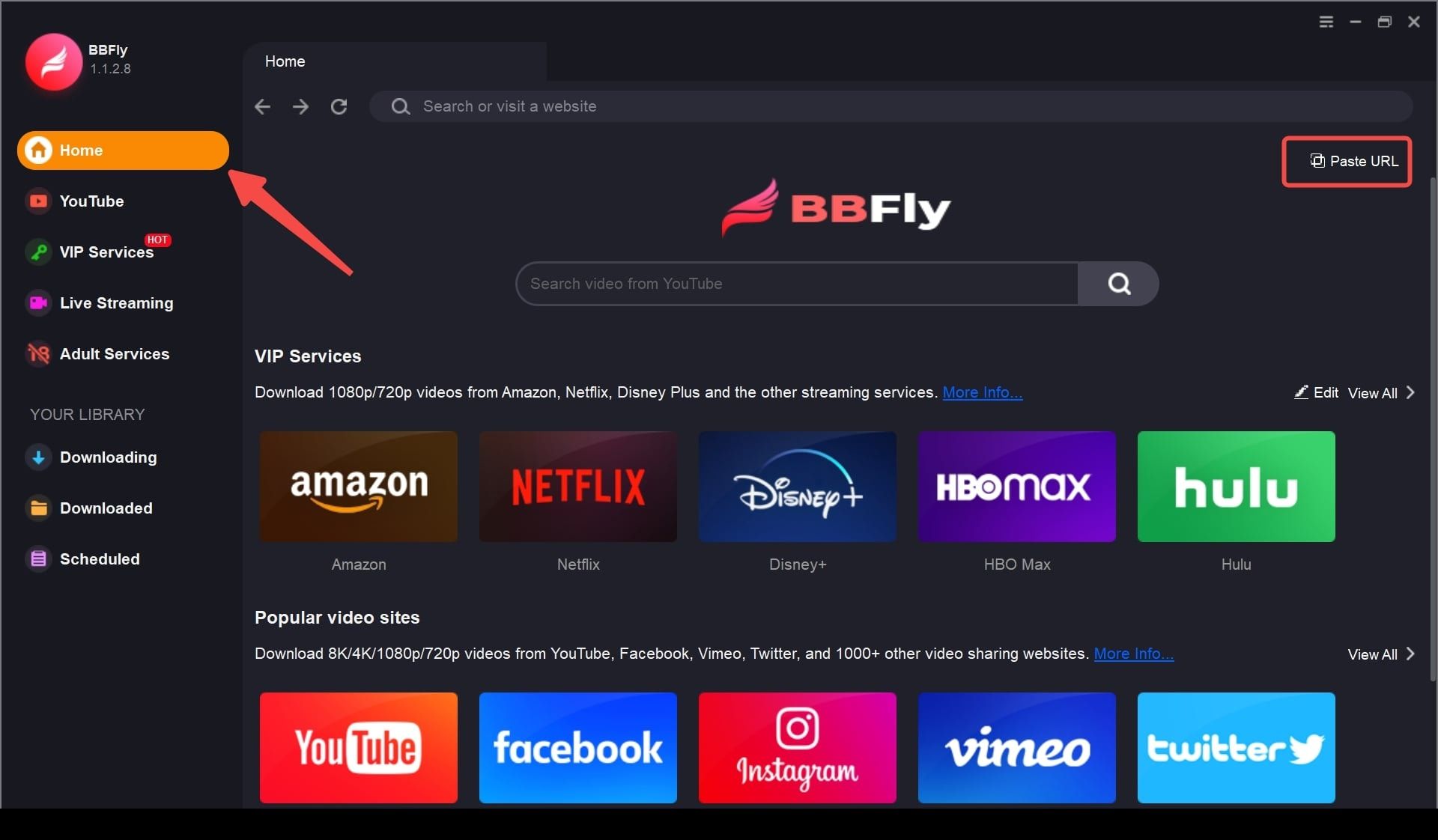
Step 2: Locate and play the video you wish to save.
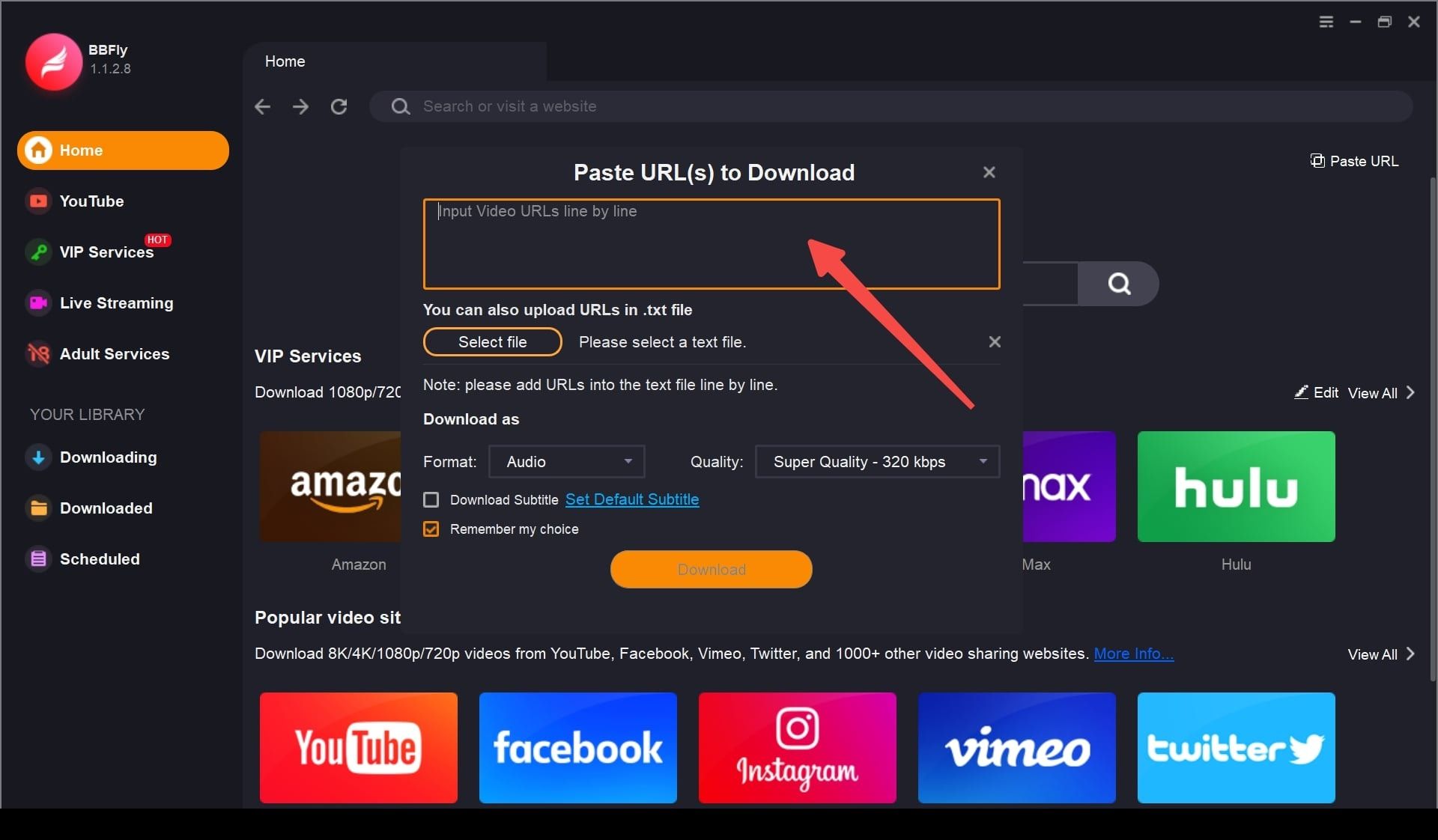
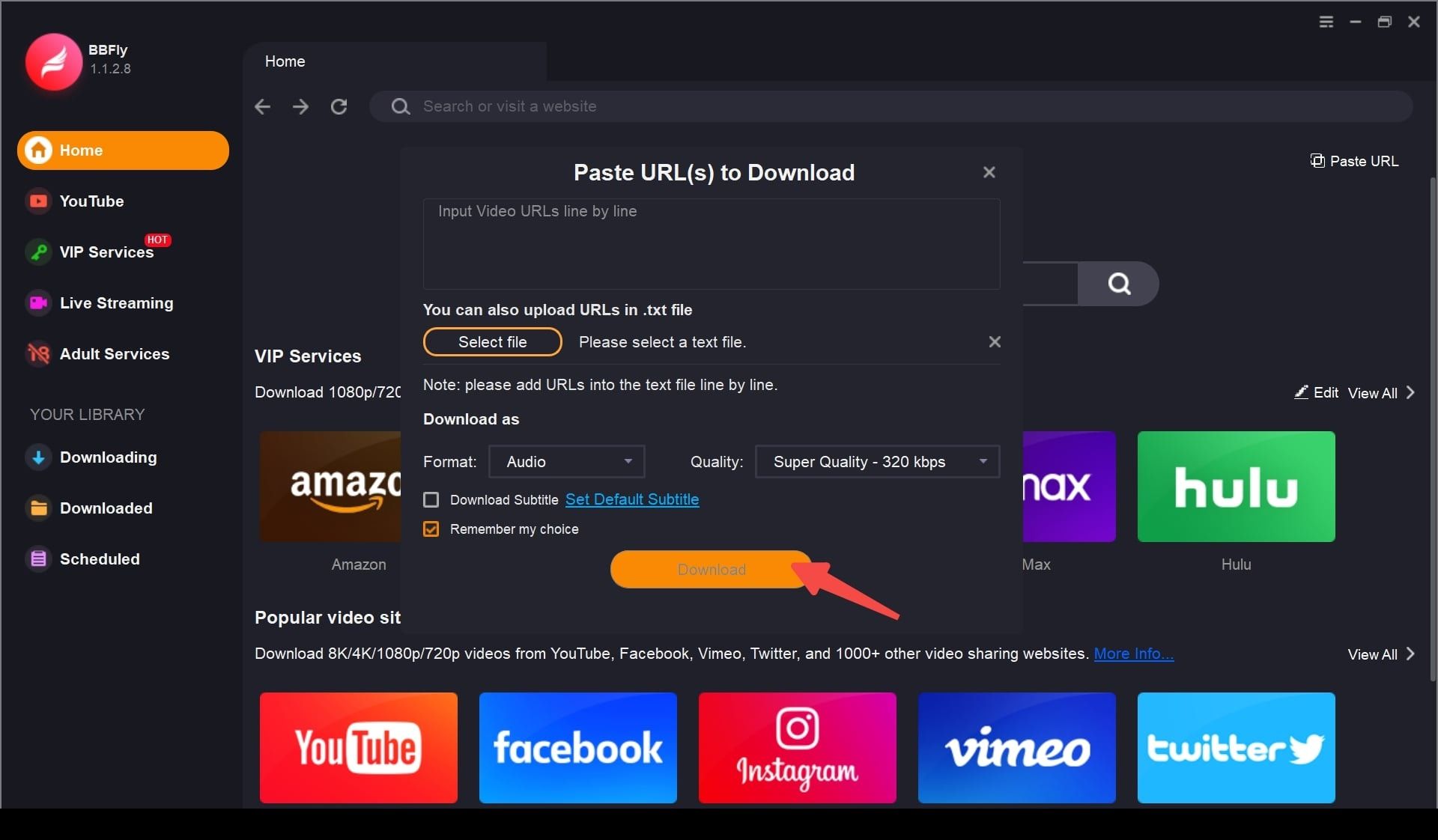
Step 3: Click the download button, choose 1080p quality, and start the process.
System Requirements
- Windows 11/10 (32/64 bit)
- Intel i3 or above
- 4GB of RAM or above
- 40GB of free hard disk space or above
- Live Internet connection required