
How can I download DailyMotion videos?
Table of Contents
To get straight to the point, download Dailymotion videos with a browser tool for an eligible public link, Dailymotion Studio for a video in your own catalog, or a desktop app for repeat use. Use these options only for videos you own or are authorized to access.
The practical choice depends on whether you need a no-install browser tool, an official export of your own upload, or a desktop workflow with broader local-file controls.
- Copy the URL of an eligible public Dailymotion video.
- Choose a suitable authorized method.
- Select an available output option, such as MP4 when offered.
- Save the completed file and confirm that it plays correctly.

3 Download Options at a Glance
There are three practical routes to download Dailymotion videos: an online Dailymotion downloader for a one-off public link, Dailymotion Studio for a creator's own catalog, or a desktop workflow for repeat use and broader controls.
| Method | Installation | Best fit | Eligible content | Output and quality | Devices | Limitations |
|---|---|---|---|---|---|---|
| Online browser downloader | No | One public video without installing software | Supported public links | MP4 and quality choices vary by service and source | Browser on desktop or mobile | Compatibility, batch support, and available streams can change |
| Dailymotion Studio | No additional downloader | Creators exporting their own uploads | Videos in your Studio catalog | Available export options are set by Studio | Web browser | Not a general viewer download button |
| BBFly Downloader | Desktop app | Repeat use with local-file controls | Content you are authorized to access | MP4 or MKV; available quality depends on the source | Windows and Mac | Requires installation and current support for the link |
Method availability and platform behavior are current as of July 2026.
My usual rule is simple: use a browser tool for a one-off public link, Studio for work you uploaded yourself, and a desktop app when you value a more controlled local-file workflow. A file that plays all the way through is more useful than an impressive label attached to a broken download.
Browser Downloaders Need No Installation
An online Dailymotion downloader is the simplest route when you need one supported public video and do not want to install software. Copy the video URL, paste it into the service, select an available format or quality, and save the completed file.
This route is best for a quick, one-off download. It is not a dependable choice for private links, unsupported videos, or large batch jobs. Browser tools can stop recognizing a link when Dailymotion changes how it delivers a stream, so no service can promise that every public link will work.
Official Downloads Cover Your Own Videos
Dailymotion's official download guidance applies to videos in your Studio catalog. In other words, it is the official route for creators who want to export videos they uploaded, not a general download button for arbitrary viewer content.
If the video belongs to someone else, distinguish a public link from a private or password-protected upload. Public availability does not establish permission to save or reuse the video, and private or access-controlled material should not be handled through third-party methods.
Dailymotion Downloads on Phones and Tablets
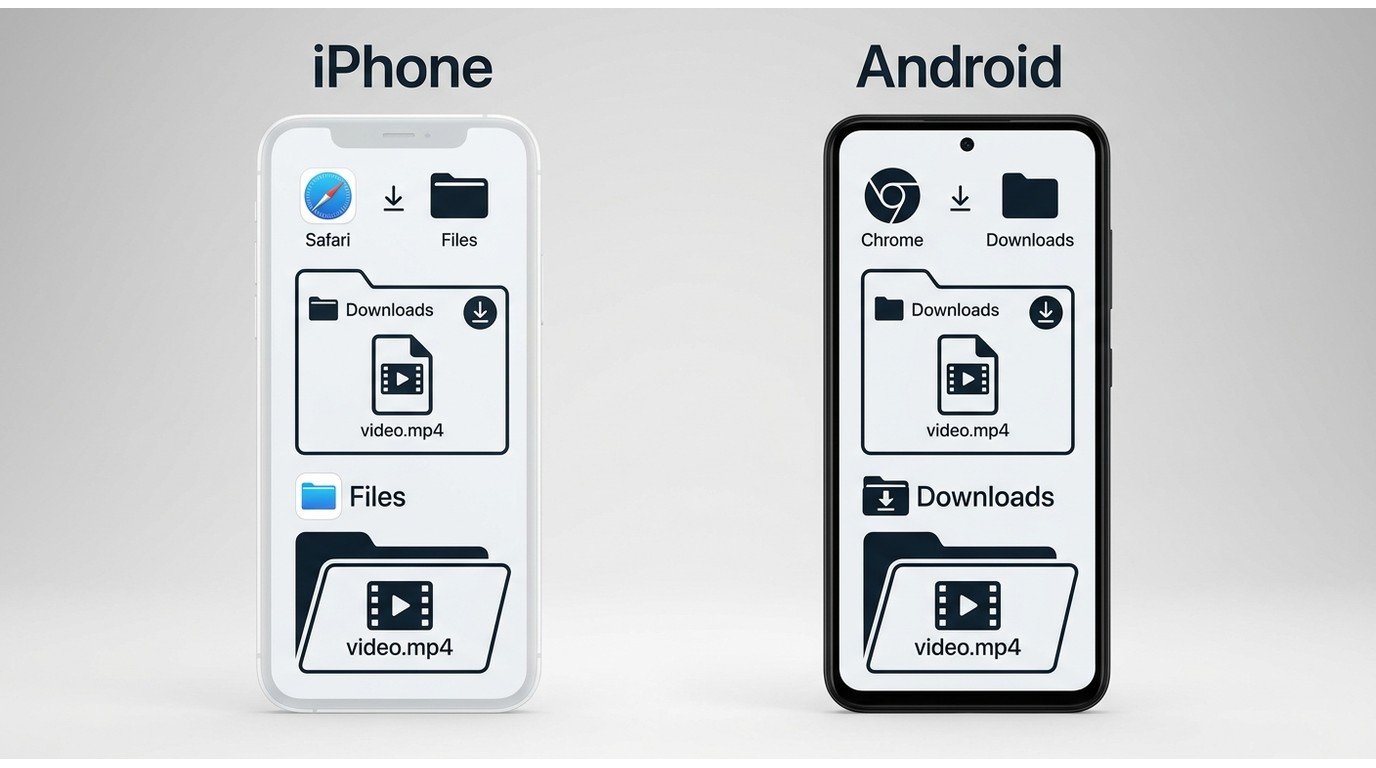
On phones and tablets, a browser-based method is usually the most practical option for an eligible public link. After saving a file, check the browser's download list first. On iPhone and iPad, downloads commonly appear in the Files app; on Android, they usually appear in the Downloads folder or the browser's download list.
Mobile browser behavior varies, especially for larger files and format choices. If you need repeat downloads, clearer file management, or more control over output options, a desktop method can be more practical than working from a phone.
Choose MP4, HD, and the Right Method
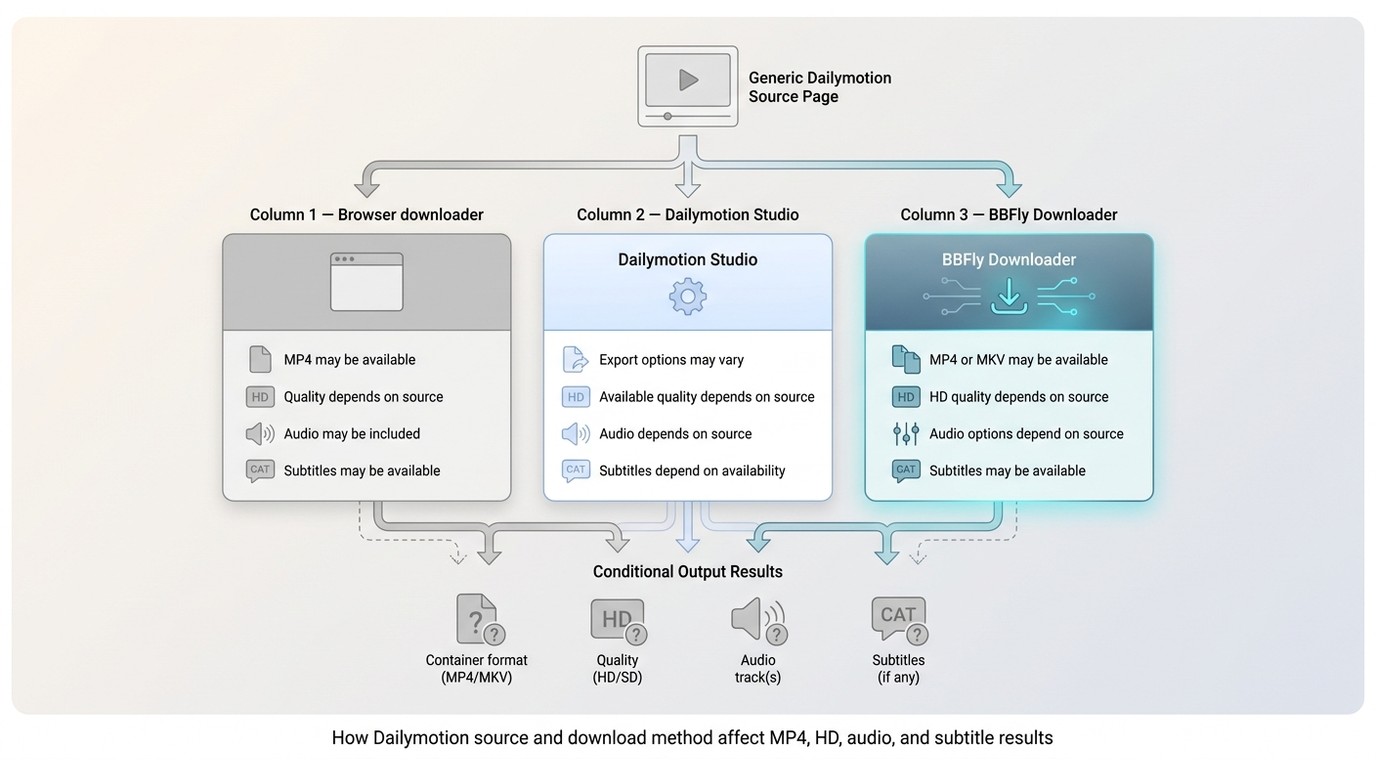
A Dailymotion downloader MP4 option is useful when you need a broadly compatible local file, but available formats, resolution, audio tracks, subtitles, and playlist support depend on both the source stream and the method you choose. An HD download is not guaranteed simply because the original page appears in high quality.
Download speed and available quality vary with the source stream, network conditions, and the downloader's current compatibility. I would choose a complete file with synchronized audio over the largest advertised resolution label, especially when the video is needed for travel or a local media library.
BBFly as a Desktop Download Option
A desktop Dailymotion downloader PC workflow makes sense when browser tools feel too limited for repeat use and you are willing to install software. BBFly Downloader is a desktop option for saving a local copy for personal offline viewing of content you are authorized to access, where permitted by platform terms and applicable law.
It is not the best fit for someone who needs one quick, no-install browser download. For readers who prefer a desktop workflow, however, it supports Windows and Mac, saves available output as MP4 or MKV, and covers 60+ streaming video services.
Where BBFly Fits
BBFly uses a native download workflow that retrieves the available video and audio streams without re-encoding them. It also supports batch downloads, audio-language selection, subtitle downloads, and metadata writing when those options are available for the source.
For repeat use, a maintained desktop workflow can be more practical than a disposable web tool because files and settings are easier to manage in one place. The trade-off is straightforward: installation is required, and support can still vary by link and source.
Steps for Saving a Dailymotion Video
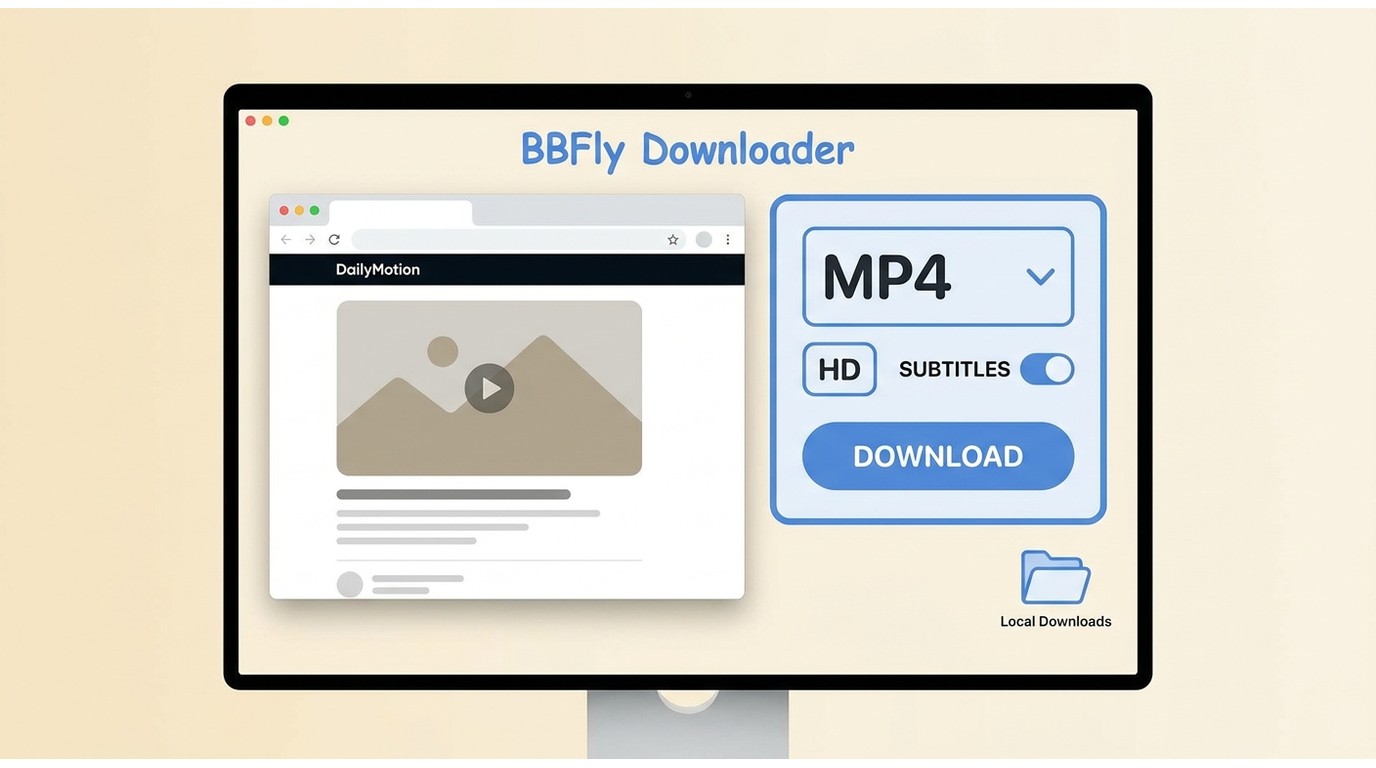
For videos you are authorized to access, start with the standard page-based workflow rather than a technical stream option. That is where many guides become needlessly unhelpful.
- Install BBFly Downloader from its official site and open the desktop app.

- Open Dailymotion in the app's built-in browser or paste the public video URL into the address field, then wait for the available download options to load.
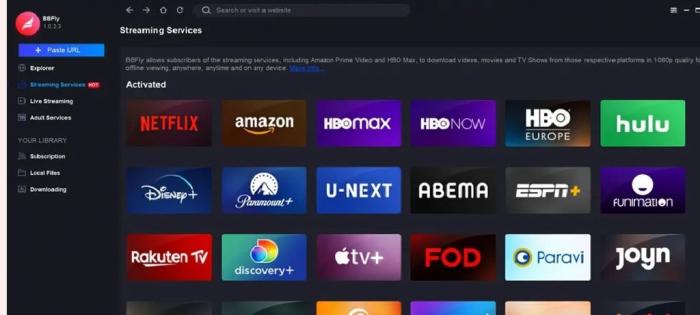
- Select an available video, audio, subtitle, and output option, then start the download.
- When it finishes, open the saved file and confirm that the picture and audio play correctly.
Advanced fallback: M3U8 is a streaming manifest, not usually the first option a casual user should select. Consider manifest handling only when a maintained tool cannot parse a supported page automatically and you understand the available workflow.
Troubleshoot Failed or Incomplete Downloads
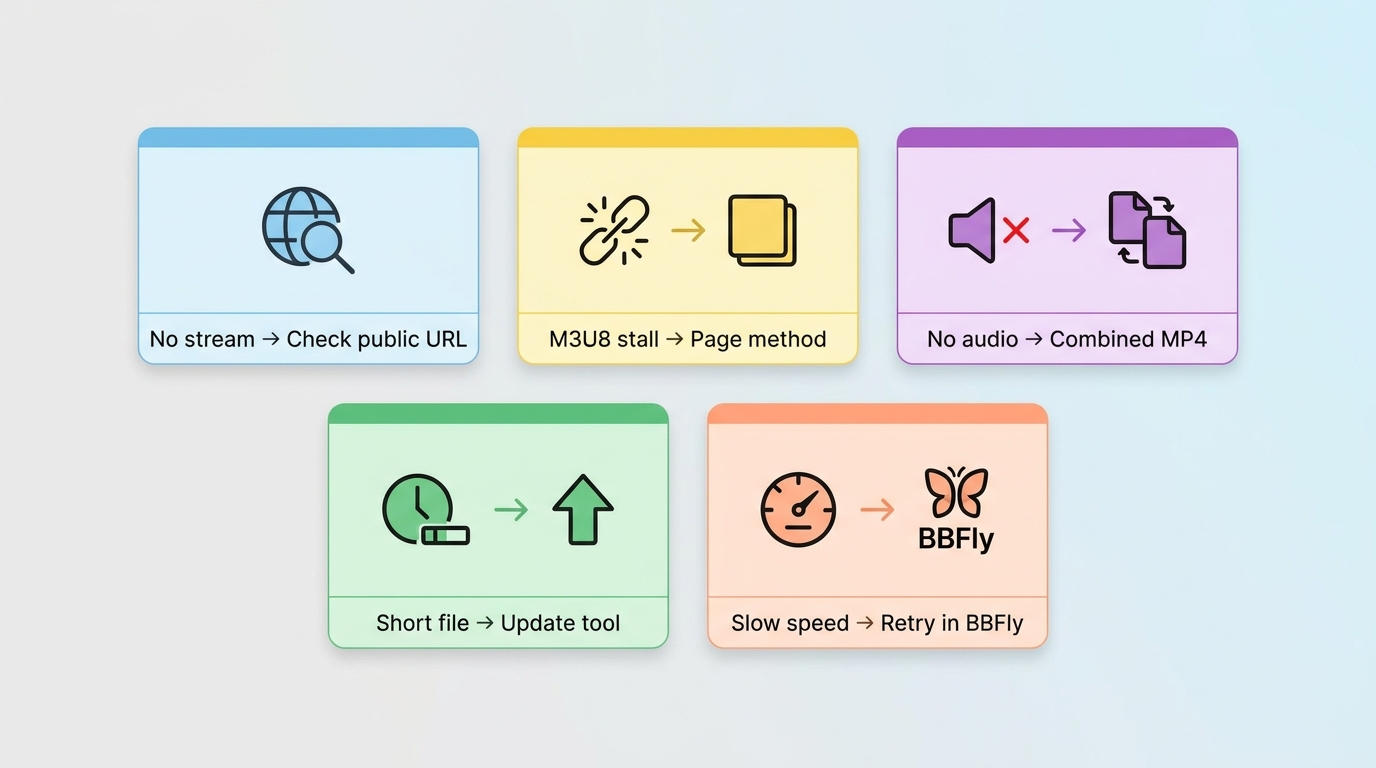
Dailymotion download troubleshooting usually begins with the link itself. If pasting a URL does nothing, confirm that it is public, complete, and currently supported, then retry after refreshing or updating the method. A no-stream error often means the service can no longer detect Dailymotion's current delivery format.
If an M3U8 download stalls, switch back to a standard page-based option if one is available. If the saved video has no audio, choose a combined audio-video MP4 option when offered, because some tools detect separate streams but fail to merge them. A file that contains only a few seconds is another sign to retry with an updated method or choose a different available stream.
Sudden speed throttling can come from the source, network conditions, or the downloader's current compatibility. In my experience, repeatedly forcing the same failing route is rarely productive; check the link, update the method, and switch routes if the result is not a complete, playable file.
Bottom line: choose a browser tool for an eligible one-off public link, Dailymotion Studio for videos in your own catalog, and a desktop workflow when repeat use and local-file controls matter more than avoiding installation.
FAQ
Why does a saved Dailymotion video have no audio?
Some downloaders identify separate video and audio streams but do not combine them correctly. Retry with a maintained method and choose a combined MP4 output when that option is available.
Where do Dailymotion downloads go on iPhone or Android?
On iPhone or iPad, look in the browser download list and the Files app. On Android, check the browser's download list or the Downloads folder. The exact location can vary by browser.
Can I download an entire Dailymotion playlist or channel?
Batch support depends on the method and is not guaranteed. Treat playlists and channels as an advanced use case, confirm that you are authorized to save the content, and verify playlist support before starting a large job.
Can I download a Dailymotion video without a watermark?
The saved result reflects the source stream and selected output. Do not expect a downloader to remove ownership or attribution marks, and do not alter those marks without permission.