
Best Beeg Downloader in 2026: BBFly, MyStream & Free Online Tools Compared
Table of Contents
Beeg does not offer an official save or download button — third-party tools are the only way to save a local copy for personal offline viewing of content you are authorized to access, where permitted by applicable law. This guide covers three tool categories: desktop software (BBFly, MyStream) and a free browser-based option (PasteDownload). I tested each against Beeg's current HLS adaptive stream setup so you can skip the dead ends and get straight to what actually works.
What to Look for in a Beeg Downloader
Not every video downloader handles Beeg's current streaming architecture. Before picking a tool, there are five criteria worth weighing — they explain most of the variation between the options below.
- HLS stream detection reliability. Beeg now delivers video via HLS adaptive streaming with CDN-segmented manifests. Generic paste-URL tools often fail to detect the active stream segment. Desktop apps with dedicated HLS-detection logic are meaningfully more consistent here.
- Output quality. Look for up to 1080p video with 5.1 audio where the source provides it. The ceiling is what Beeg publishes — no tool can exceed the source resolution.
- Download method. Desktop software requires installation but offers batch downloads, local processing, and better reliability on adaptive streams. Browser-based tools need no install and work on any OS, but route requests through a third-party server.
- Privacy model. Desktop tools process the download entirely on your machine — no video data leaves your device through the tool. Online tools route the request through their servers; check their privacy policy before use.
- Pricing and trial policy. Free online tools cost nothing but have reliability trade-offs. Desktop apps typically require a purchase; look at what the free trial actually lets you verify before committing.
With those criteria in mind, here's how the three tools in this roundup stack up.
BBFly — Desktop Downloader for Beeg & 60+ Sites
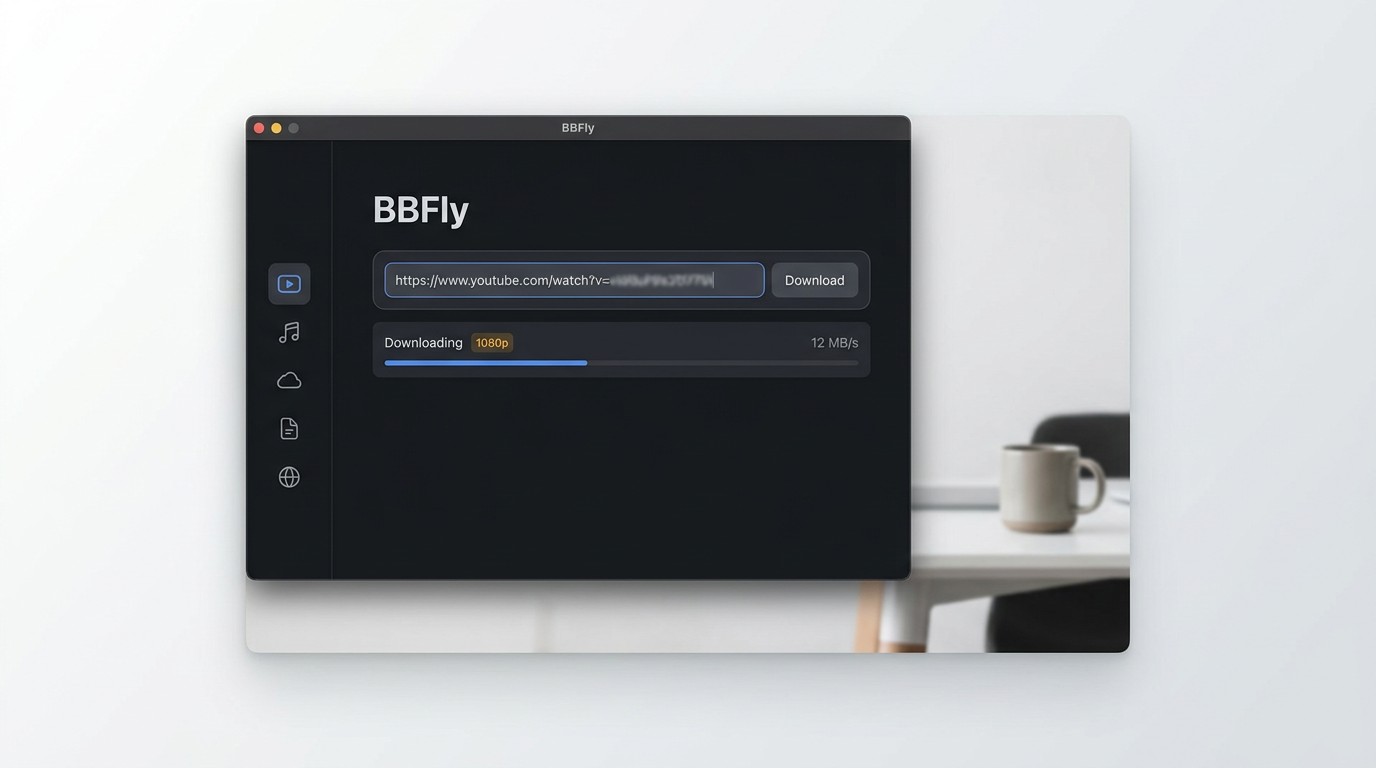
BBFly Adult Downloader is a Windows and Mac desktop application that handles Beeg alongside 60+ mainstream and adult streaming platforms. For anyone who downloads more than occasionally, it's the most complete local-file workflow I've tested in this category.
Key Features of BBFly Beeg Downloader
BBFly uses a native download approach — it retrieves the original stream directly rather than re-encoding or screen-capturing, which is the practical difference between getting the actual source quality and getting a degraded copy.
- 60+ platform coverage. A single install covers Pornhub, FANZA, XVIDEOS, XNXX, xHamster, and dozens more.
- Up to 1080p with 5.1 audio where the source stream provides it.
- Batch download — queue multiple videos or an entire series in one session.
- Ad-free downloads — no mid-download interruptions from platform ads.
- Output formats: MP4 and MKV, with subtitle and audio track selection.
- HLS-aware detection — dedicated logic for adaptive streams, which matters specifically on Beeg.
- Try before you buy: 3 complete videos free per platform. That's enough to verify full download quality, subtitle sync, and batch behavior — not just a 5-minute clip of the opening.
- Lifetime license covers 3 PCs — the only multi-device Lifetime option in this category.
I'd recommend BBFly if you're downloading more than a handful of videos a week, use multiple platforms, or want a file you can move to a NAS or external drive for personal offline viewing without worrying about app-side expiry.
How to Download Beeg Videos with BBFly (Step-by-Step)
The key step most users miss: start playback in your browser before pasting the URL. Beeg's HLS stream doesn't fully initialize until the video is playing — skip this and the downloader may return a blank result.
- Download and install BBFly on Windows or Mac.
- Open BBFly and navigate to the built-in browser or select the Beeg category from the supported-sites list.
- Start playback in your browser first — let the Beeg video begin playing so the HLS stream segments initialize, then copy the page URL.
- Paste the URL into BBFly's URL input field. BBFly will analyze the stream and surface the available quality options.
- Select your desired resolution (up to 1080p) and audio track, then click Download.
- Find the saved MP4 or MKV in your configured output folder.
For personal offline viewing of content you are authorized to access, where permitted by platform terms and applicable law.
MyStream — Alternative Desktop Downloader for Beeg
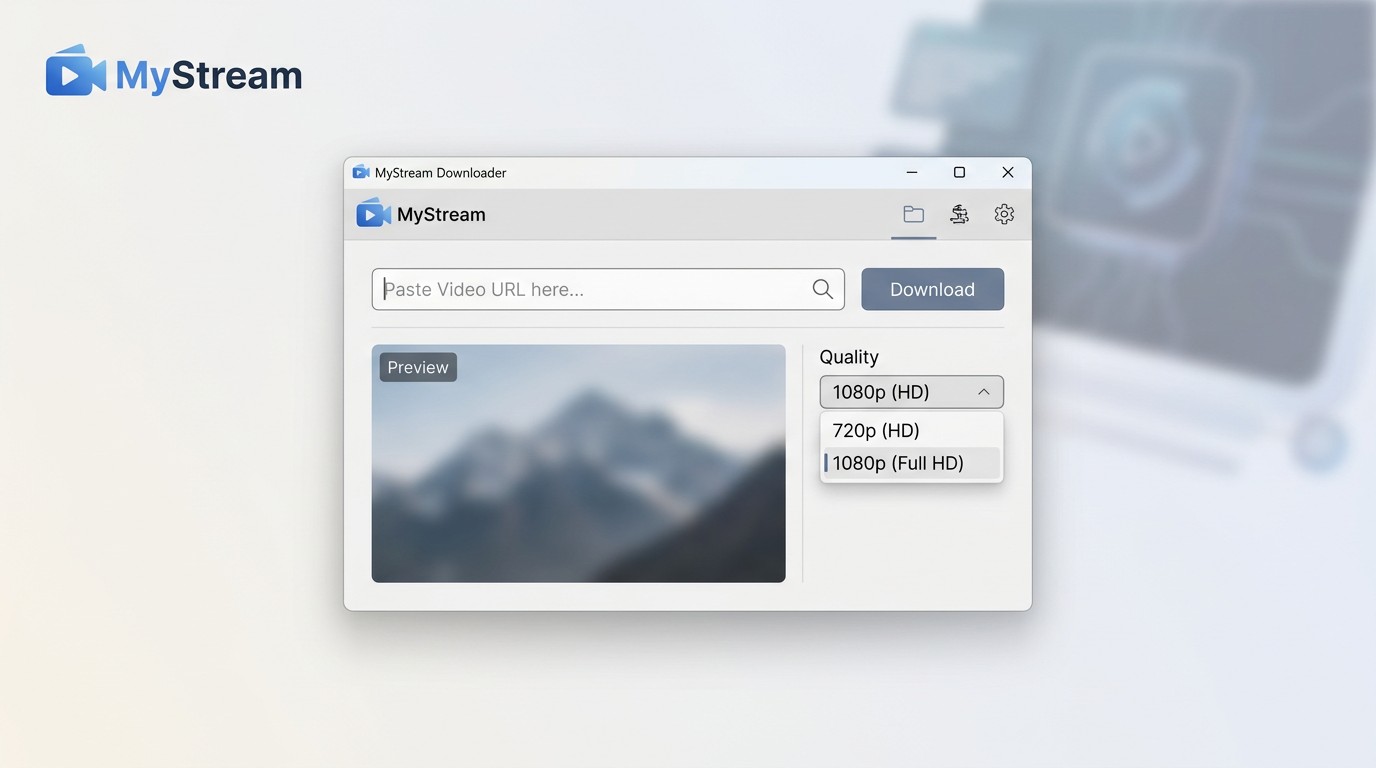
MyStream is a desktop video downloader for Windows and Mac that supports Beeg alongside a range of adult and mainstream streaming platforms including Pornhub and several others. It's a practical desktop alternative when official downloads are unavailable, for content you are authorized to access.
Key Features of MyStream Beeg Downloader
MyStream avoids low-quality screen recording and retrieves videos directly from the source. Its feature set covers the core needs for Beeg downloads.
- Up to 1080p resolution with 5.1 audio where the source stream provides it.
- Batch download mode — save multiple videos or full series in one session, reducing time spent on repetitive steps.
- Ad-free downloads — video files arrive without mid-stream ad interruptions.
- HLS-compatible detection for adaptive streams on supported sites.
- MP4 output compatible with standard media players and devices.
- Free tier available — check for current supported sites and subscription options.
How to Download Beeg Videos with MyStream (Step-by-Step)
The same "start playback first" rule applies here as with any HLS-based site. I ran into a failed stream detection on the first attempt with MyStream when I skipped this step — once playback was running, the URL resolved cleanly.
- Download and install MyStream on Windows or Mac.
- Open MyStream and go to the Beeg tab or use the URL input field.
- Start playback in your browser first — let the Beeg video begin playing so the HLS stream initializes before copying the URL.
- Paste the video URL into MyStream's input field. The app will scan the available stream options.
- Select your preferred resolution (up to 1080p) and click Download.
- Retrieve the saved MP4 from your output folder.
MyStream is a desktop alternative when official downloads are unavailable, for content you are authorized to access, where permitted by platform terms and applicable law.
PasteDownload — Free Online Option for Beeg
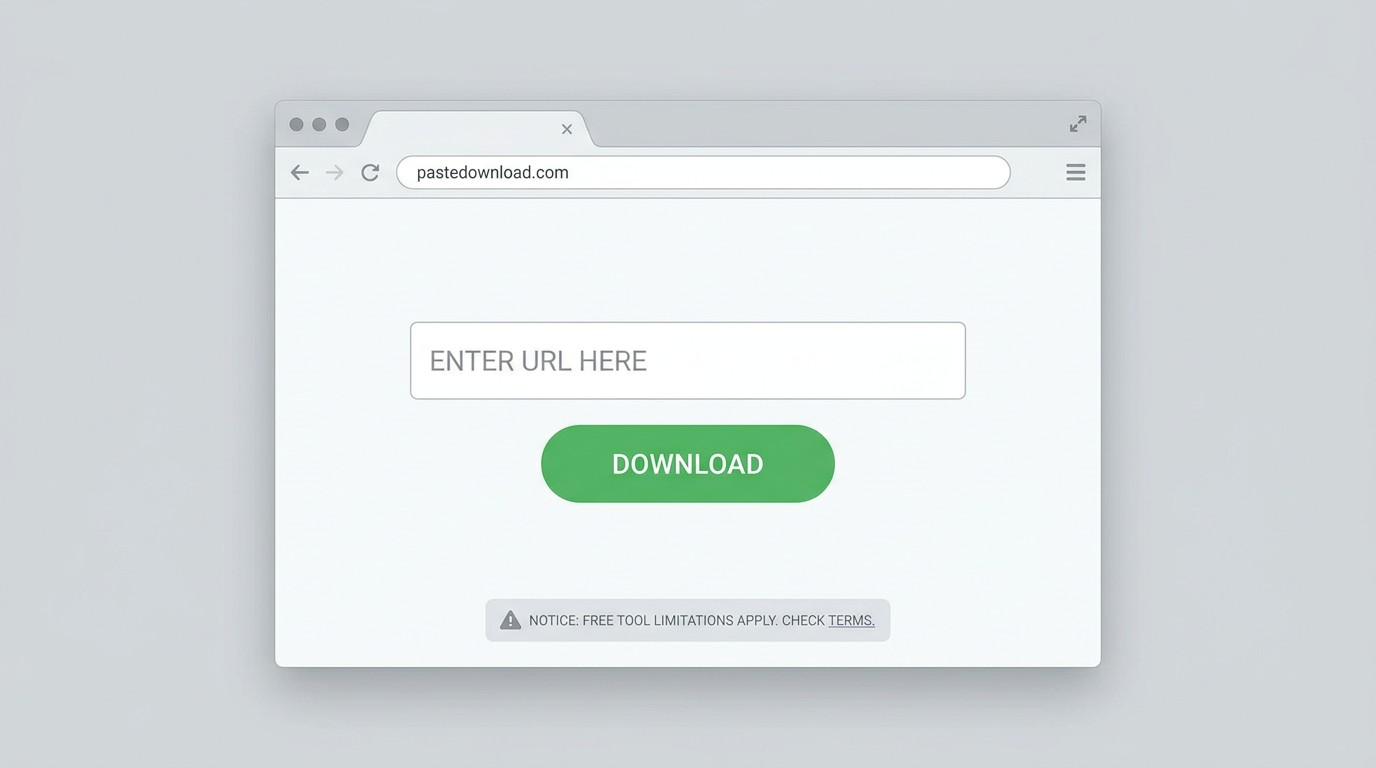
PasteDownload is a browser-based service: paste a Beeg video URL, and it retrieves a direct download link without requiring any software installation. It's the fastest starting point for occasional use — though reliability on Beeg's HLS stream is inconsistent compared to desktop apps.
How to Download Beeg Videos via PasteDownload (Step-by-Step)
Before pasting, make sure the video is actually playing in your browser tab — PasteDownload needs the stream to be active to resolve the correct segment URL.
-
Open the Beeg video in your browser and start playback so the HLS stream initializes. Copy the page URL (example:
https://beeg.com/1498889597). - Go to PasteDownload and paste the URL into the download input field.
- Wait for analysis — PasteDownload will scan the URL and surface available video, audio, and image files with quality and resolution details.
- Click the Download button next to your preferred quality option, or right-click and select "Save link as" to save to your computer. On mobile, tap and hold the link and select "Download link."
For personal offline viewing of content you are authorized to access, where permitted by platform terms and applicable law.
Desktop Software vs. Free Online Tools — Which Is Right for You?
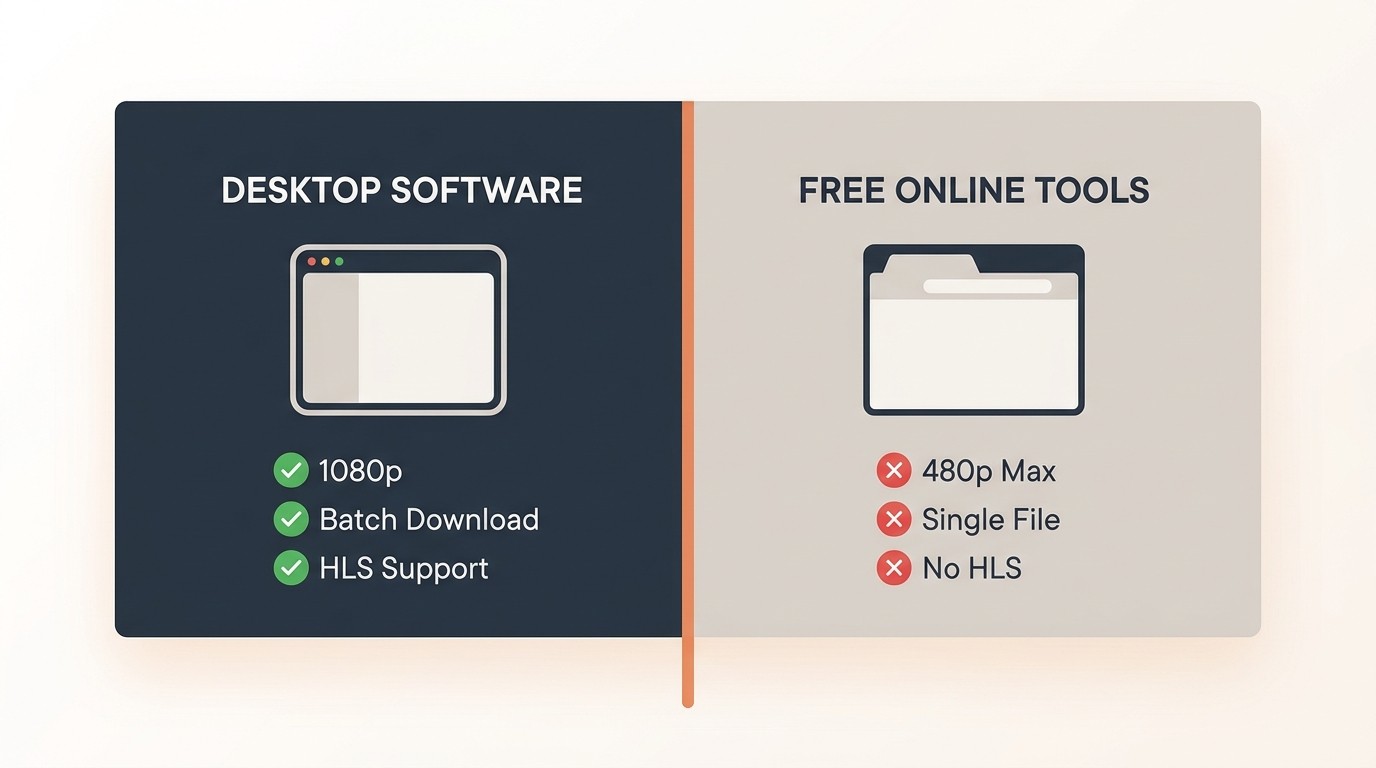
The honest answer depends on how often you download and what you're willing to trade off. Here's the practical breakdown:
| Factor | Desktop Apps (BBFly, MyStream) | Online Tools (PasteDownload) |
|---|---|---|
| HLS stream reliability | Dedicated detection logic — consistently handles Beeg's adaptive stream | Variable — fails more often on CDN-segmented streams |
| Batch download | Yes — queue multiple videos or full series | No — one URL at a time |
| Privacy | Local processing — video data stays on your machine | Request routes through third-party server |
| Ad-free workflow | Yes | Varies by site |
| Installation required | Yes (Windows / Mac) | No — any browser, any OS including mobile |
| Cost | Paid (free trial available for BBFly) | Free |
My take: if you're saving more than three or four videos a week, regularly download on the go without reliable internet, or want a local file you can move freely between devices for personal offline viewing — a desktop app is worth the investment. PasteDownload makes sense for someone who downloads one video occasionally and doesn't want to install anything. The moment HLS detection starts failing or you need to queue a batch, you'll feel the ceiling of the online approach quickly.
For the specific case of traveling frequently — say, downloading before a flight where you'll be without Wi-Fi for several hours — BBFly's batch queue and local processing make it a practical workaround for Windows and Mac users who want a reliable offline-file workflow, for content you are authorized to access.
Why Some Beeg Downloaders Stop Working (HLS Stream Fix)
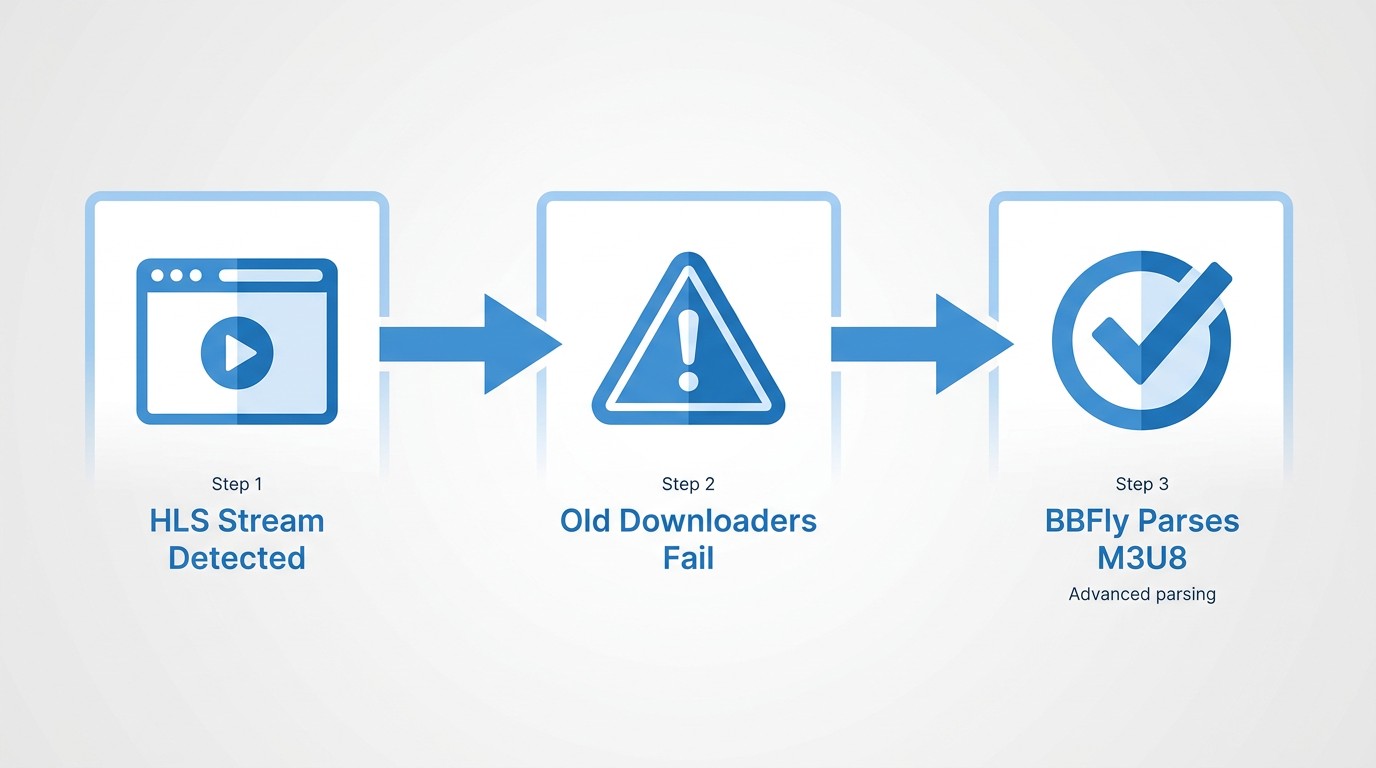
If your Beeg downloader is returning blank results or failing to detect a video, the most likely culprit is Beeg's HLS adaptive streaming setup — not a broken tool.
Beeg now delivers video via HLS (HTTP Live Streaming) with CDN-segmented manifests. The stream doesn't fully initialize until playback actually begins in the browser. Generic paste-URL tools scan the page for a direct video file link — and find nothing, because the active segment URL only exists once the player has started buffering.
When I first tested PasteDownload against a Beeg URL I'd copied directly from the address bar without starting playback, the tool returned no detectable stream. Starting the video first and then pasting the URL resolved it immediately. The same issue shows up with any tool that relies on passive URL scanning rather than active stream interception.
Three-step fix for a non-working Beeg downloader:
- Start playback first. Press play in your browser and let the video buffer for a few seconds before copying the URL and pasting it into your downloader.
- Update your downloader. Beeg periodically updates its CDN configuration. An outdated tool version may no longer match the current stream manifest format.
- Switch to a desktop app. BBFly and MyStream include dedicated HLS-detection logic that actively intercepts the stream rather than passively scanning the page URL. On a 2024 MacBook Air running macOS Sequoia, switching from a paste-URL tool to BBFly after a failed detection attempt resolved the stream within a few seconds of pressing play in the built-in browser.
Beeg Downloader Comparison — Tools at a Glance
Here's a side-by-side view of the three tools covered in this guide across the criteria that matter most for Beeg downloads.
| Tool | Type | Max Resolution | Output Format | Pricing | Free Trial | OS | HLS Detection |
|---|---|---|---|---|---|---|---|
| BBFly Adult Downloader | Desktop | Up to 1080p | MP4, MKV | Paid — Monthly /Annual /Lifetime (3 PCs) | 3 full videos free per platform | Windows, Mac | Yes — dedicated HLS logic |
| MyStream | Desktop | Up to 1080p | MP4 | Paid — Monthly /Annual /Lifetime | Free tier available (limited) | Windows, Mac | Yes |
| PasteDownload | Online / Browser | Up to source quality | MP4 / direct link | Free | N/A | Any browser (including mobile) | Partial — requires playback to be active first |
Legal Use, Safety & Privacy — What You Should Know
Before using any Beeg downloader, it's worth being clear on what's permissible and what isn't. This is a section most tool comparison articles skip — which is exactly why it belongs here.
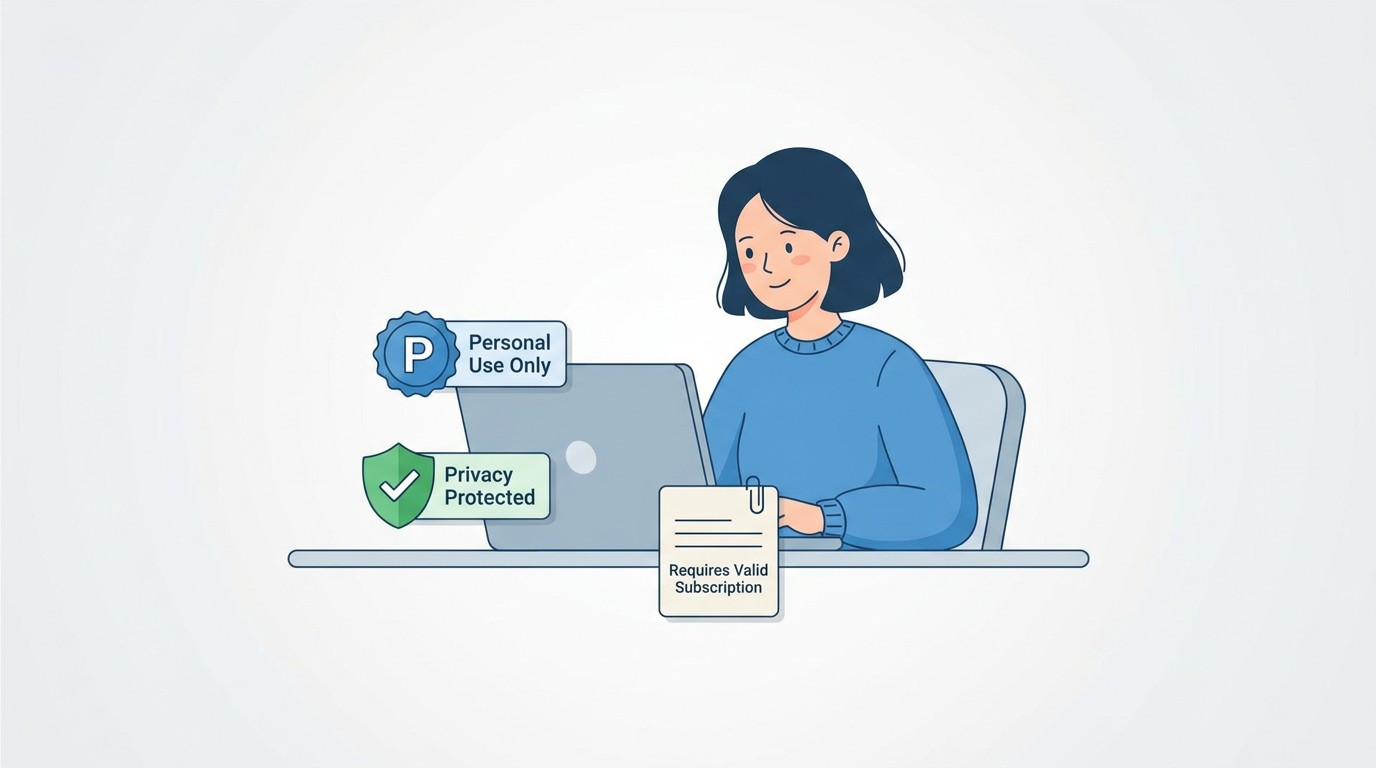
- Personal use clause. Downloading for private, personal offline viewing of content you are authorized to access may be permissible under applicable law in some jurisdictions. This is the only context these tools are intended for.
- No redistribution. Re-uploading, sharing, commercially exploiting, or distributing downloaded content is not permitted under copyright law or Beeg's Terms of Service. Saving a local copy for personal offline viewing is a fundamentally different act from sharing that file.
- Age restriction. Beeg is an adult platform. Users must be 18 or older and must comply with their local laws regarding adult content access.
- Review the Terms of Service. Platform terms change. Check Beeg's current ToS before downloading to ensure your use case falls within what's permitted.
- Download only from official sources. Install desktop tools exclusively from the developer's official website to avoid bundled malware or modified installers from unofficial mirrors.
- Privacy model. Desktop tools like BBFly and MyStream process downloads locally — video data does not pass through a third-party server. Online tools like PasteDownload route the request through their servers; review their privacy policy before use. A reputable VPN can reduce exposure of your browsing activity if that's a concern.
Frequently Asked Questions About Beeg Downloaders
Can I save Beeg videos as MP4?
Yes. BBFly and MyStream both output MP4 by default at up to 1080p; PasteDownload also delivers MP4-format direct links from the Beeg CDN. Check the format selector before starting the download to confirm your preferred container.
Do I need to install software to download Beeg videos?
No installation is required if you use PasteDownload — it's entirely browser-based and works on any OS, including mobile. For batch downloads, better reliability on HLS streams, and local processing (privacy), a desktop app like BBFly is a more practical option for regular use.
What quality options are available when downloading Beeg videos?
BBFly and MyStream offer up to 1080p with 5.1 audio where the source stream provides it. Quality is capped by the resolution Beeg publishes for a given video — selecting the highest available stream option is the first step in both apps. PasteDownload surfaces whatever quality tiers the CDN exposes for that URL.
Is it legal to download videos from Beeg?
Downloading for personal, private offline viewing of content you are authorized to access may be permissible in some jurisdictions, but this varies by location and is not a blanket permission. Redistributing, re-uploading, or sharing downloaded content is not permitted. Always review Beeg's Terms of Service and your applicable local copyright law before downloading.
Is it private and anonymous to use a Beeg downloader?
Desktop tools (BBFly, MyStream) process downloads locally — no video data passes through a third-party server, which is a meaningful privacy advantage. Online paste-URL tools route the request through their servers; check their privacy policies before use. For additional privacy, a reputable VPN reduces exposure of your browsing activity to your ISP and the tool's servers.
Why is my Beeg downloader not working?
Beeg uses HLS adaptive streaming; many generic tools fail to detect the active CDN segment. Start by pressing play in your browser before pasting the URL — the stream needs to be actively buffering for most tools to detect it. If the issue persists, check that your downloader is updated to its latest version. If an online tool still fails, switching to a desktop app (BBFly or MyStream) with dedicated HLS-detection logic is the most reliable fix.
How do I download Beeg videos on iPhone or Android?
Dedicated iOS and Android apps for Beeg downloads are scarce due to app store policies. The most consistent mobile path is a browser-based tool like PasteDownload accessed from your mobile browser — no install required. Desktop apps (BBFly, MyStream) are Windows and Mac only.
Does Beeg have a built-in download button?
No. Beeg does not offer an official save or download feature. Third-party downloaders are the only way to save a local copy for personal offline viewing of content you are authorized to access, where permitted by applicable law.