
How to Download JioCinema Videos in 2026 (JioHotstar)
Table of Contents
Readers who search to download JioCinema videos now need JioHotstar guidance: JioCinema became part of JioHotstar in February 2025, and JioHotstar offline downloads are an in-app option only where the service, account, title, and device support them. This guide explains the limits first.
JioCinema Is Now JioHotstar
What changed in February 2025
JioCinema is no longer the current standalone service. In February 2025, its content was integrated into JioHotstar, which is the name to search for current app and download information. JioCinema remains useful here only as a legacy search term.

Which name current users should search
I would not follow an old JioCinema app tutorial without checking the service name first. That is the main trap here: legacy instructions can send readers toward menus, devices, and account rules that no longer describe the current JioHotstar experience.
U.S. Availability Comes Before Downloads
Regional app and catalog availability
JioHotstar availability, app-store listings, and catalog access vary by region, including the United States. Confirm that the service and supported app are offered for your account and device before looking for a download option. I would make that check first; it is more useful than troubleshooting a button your region or device may never receive.
Why VPN access is not guaranteed
Traffic identified as VPN, proxy, or unblocker use may be restricted, so those routes are not a dependable or officially supported answer to regional availability.
Official JioHotstar Downloads Stay In-App
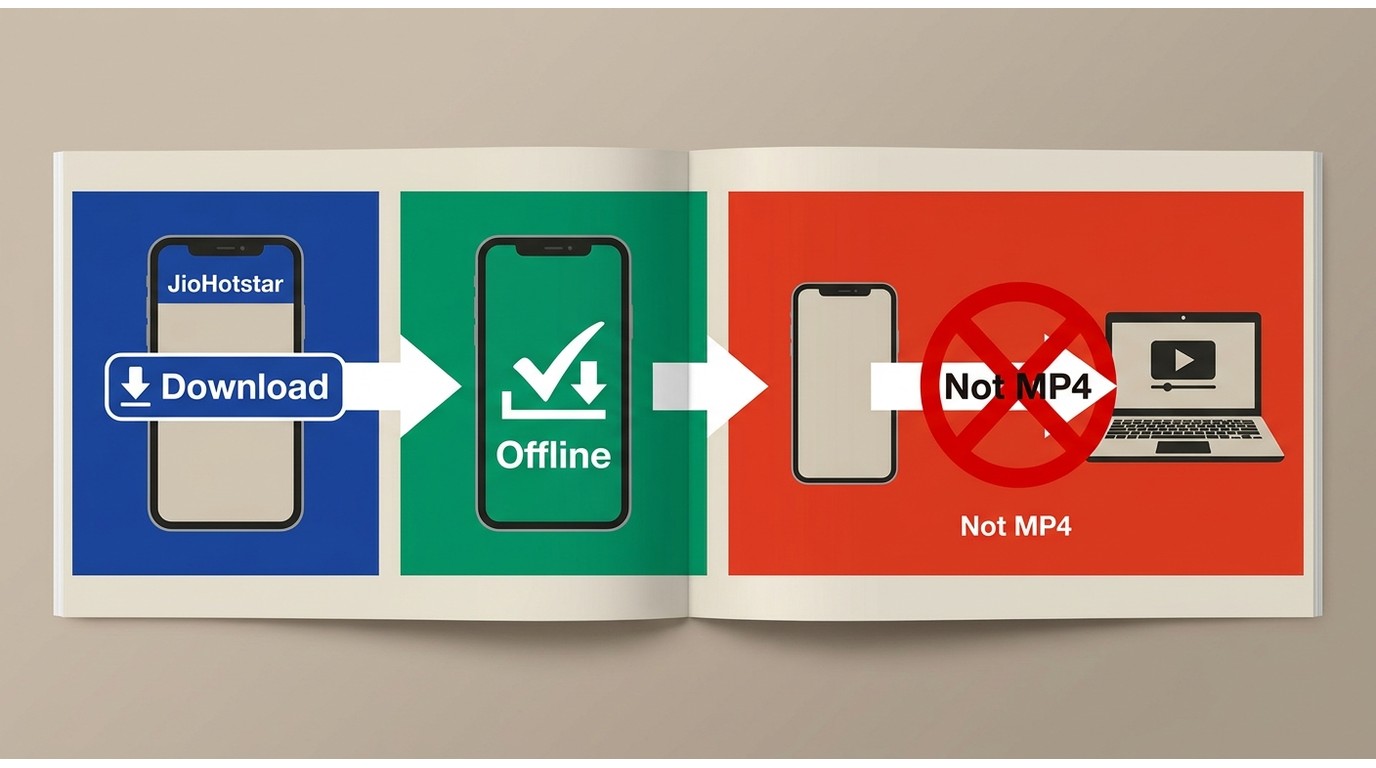
JioHotstar offline downloads are designed for supported mobile users who need in-app offline viewing. They are not the same as a PC download or a file export for another player.
Download eligible titles on mobile
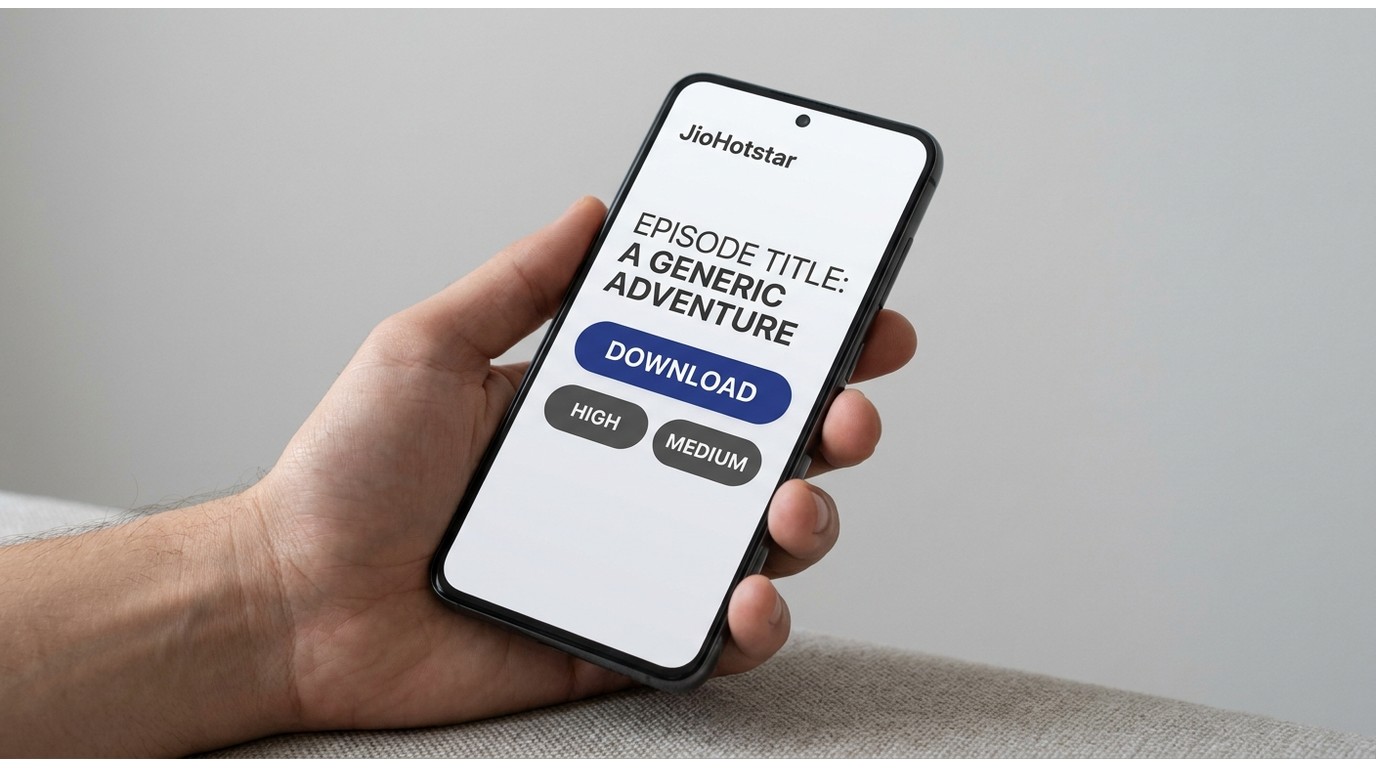
Open an eligible title in the current JioHotstar mobile app and select Download when that option appears. If the interface offers a quality choice, select the one that fits your available storage, then allow the download to finish before leaving the app.
Find and manage saved titles
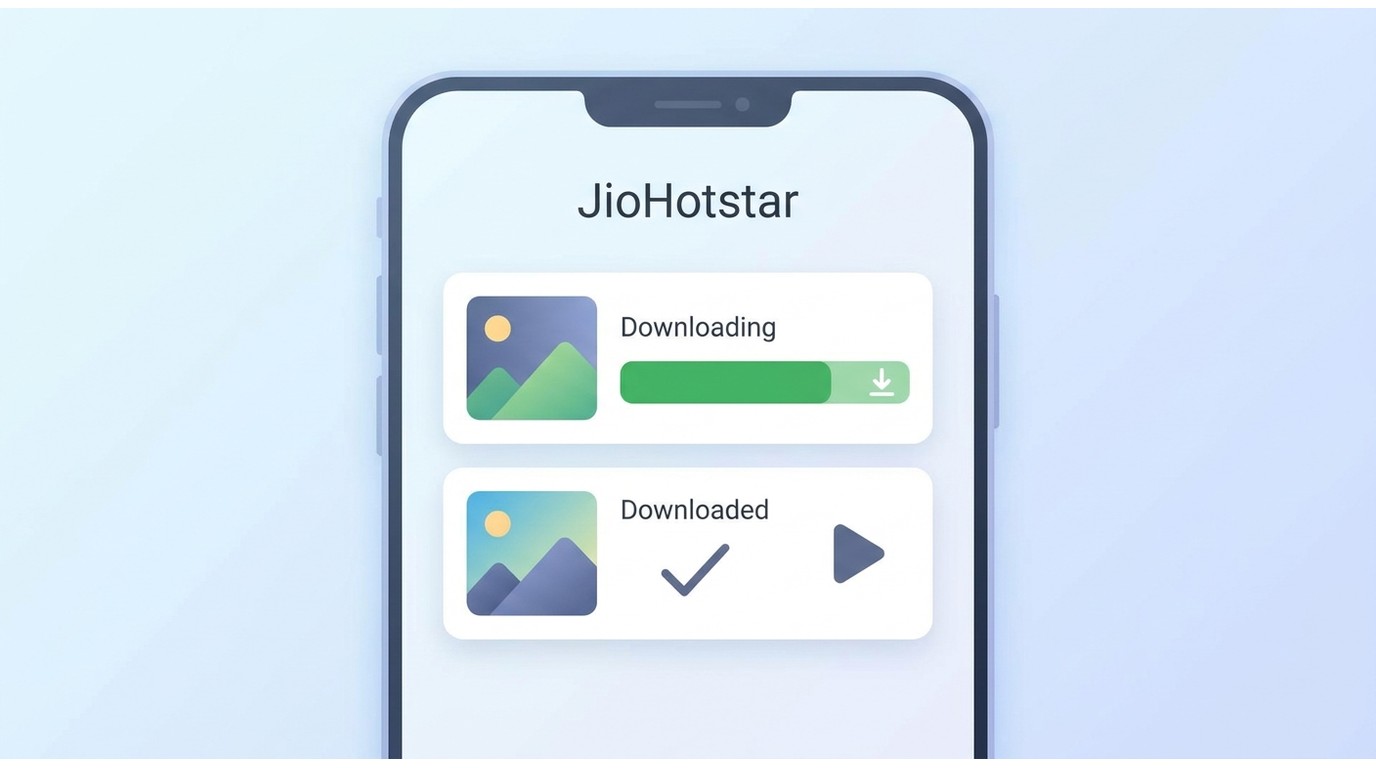
Use the app's Downloads area to check progress and open completed titles. This route is the sensible first choice if your supported phone or tablet is all you need for offline playback.
BBFly Downloader is published by the same company as this site. This article does not present it as a JioHotstar workflow because current JioHotstar compatibility is not stated here.
Official Downloads Have Practical Limits
Storage, quality, and playback rules
Official in-app video downloads use storage within the supported app workflow. Quality controls may be offered in the app, but title availability, quality choices, and offline playback rules can vary by account, device, and region. As of July 2026, treat the app's current download screen as the practical source for the options available to your title.
Why app downloads are not exports
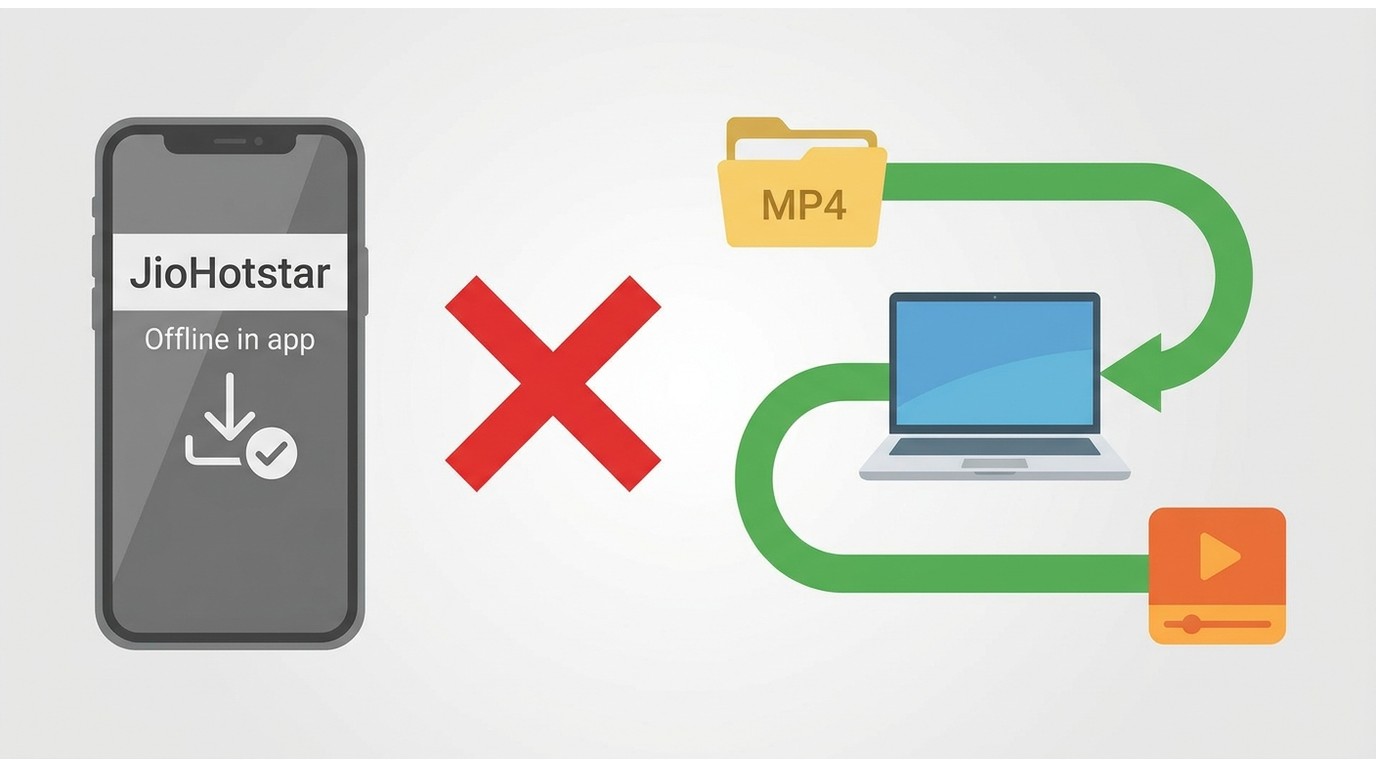
An official offline copy should not be treated as a gallery file, a transferable media file, or a JioHotstar PC download. If you need playback on another device, check the platform's current supported-device options rather than assuming a completed in-app download can be moved.
Desktop Local-File Option for Authorized Content
When a desktop workflow fits
A desktop local-file workflow belongs in this decision only when a product explicitly lists current JioHotstar support. It should be used solely for content you are authorized to access, for personal offline viewing, and where permitted by platform terms and applicable law.
Who should choose another route
Readers who are satisfied with official mobile downloads should stay with the app. A desktop option is not a substitute for service availability, an active account, or authorization to access the title.
Fix Missing or Failed Downloads
The download button is missing
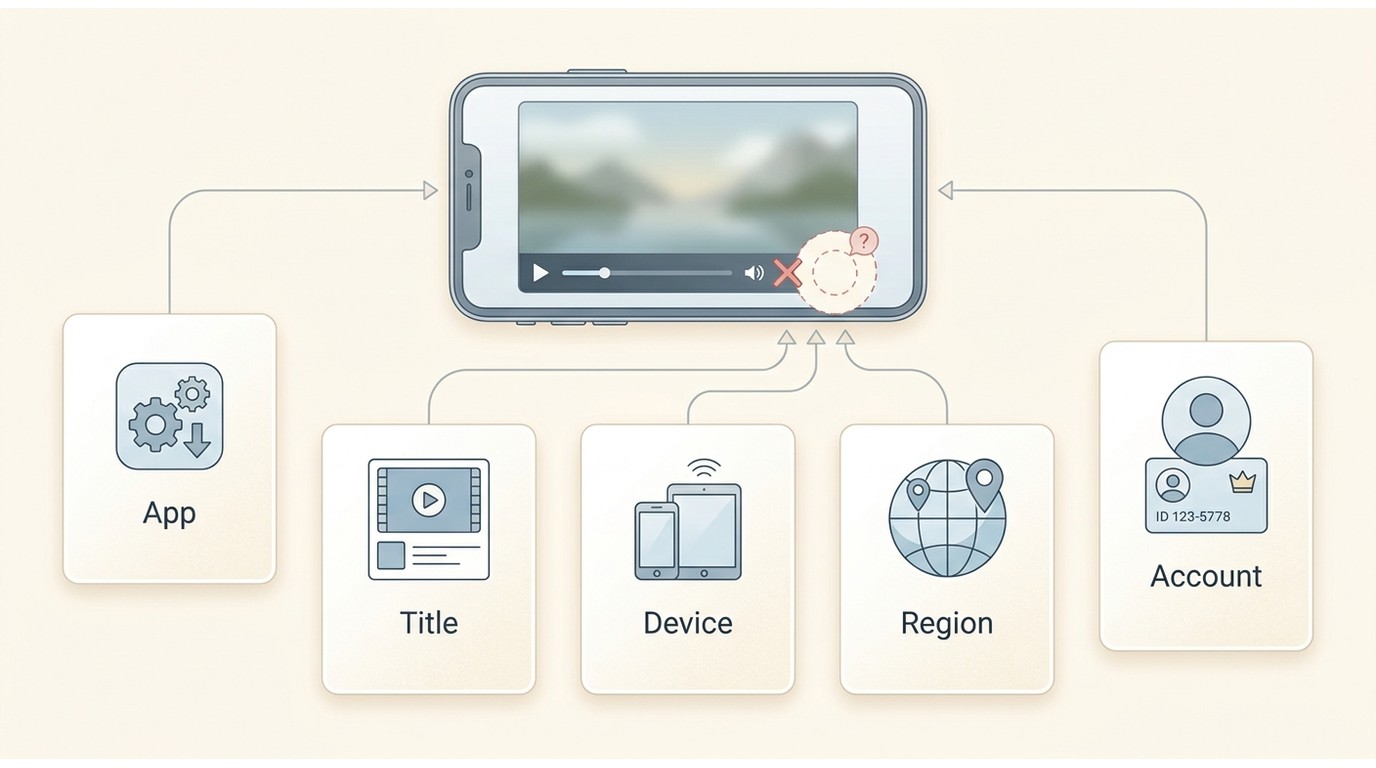
First confirm that you are using the current JioHotstar app, then check the title, account, region, and device. A missing button can reflect eligibility rather than a fault with your phone.
A saved title still needs internet
Open one completed download while you still have a reliable connection, then test it again before travel. In my view, a saved title that requests internet defeats the reason for downloading, so it is better to find that limitation at home than on a flight.
Downloads are slow or low quality
Check available device storage, use a stable connection, and allow the download to complete before judging playback. If the app offers quality settings, compare the available choices; if it does not, the title or account may have a platform-set limit.
Choose the Right Offline Route
For JioCinema offline viewing, start with the official JioHotstar app when your mobile device and title are eligible. If I were choosing, I would use that route for ordinary phone or tablet viewing and consider a desktop local-file workflow only when JioHotstar support is explicitly confirmed and the content is authorized for personal offline viewing. That keeps the decision focused on what you actually need, not on an old tutorial's promises.
Learn more:
How to Download SonyLiv Videos Without Many Efforts
Your Ultimate Guide on How to Get Hbomax/tvsignin Enter Code
Best fuqqt.com Downloader Review
JioHotstar Download FAQs
Do old JioCinema downloads carry over to JioHotstar?
JioCinema's move into JioHotstar does not establish that previously saved app downloads transfer or remain playable. Treat the service transition and the status of an older offline copy as separate questions.
Does an offline download use phone storage?
Yes. Official offline copies use storage on the supported device within the app workflow. The amount of space used can depend on the title and any quality option the app makes available.
Is offline downloading included with every JioHotstar plan?
Do not assume it is universal. Whether Download appears can depend on the account, title, region, and supported device.
Can I transfer a JioHotstar download to another device?
Official in-app downloads should not be treated as transferable files for a PC, gallery, or another media player. Use the platform's supported-device options for playback instead.