
How to Download Globoplay Videos on PC & Mac: 2026 Guide
Table of Contents
I spent a weekend testing yt-dlp and two free browser extensions on Globoplay from my Mac. Every attempt hit the DRM wall. The official app offers no PC or Mac download and, on iOS or Android, caps users at roughly 25 titles with a 48-hour watch window and 30-day storage limit (as of July 2026; check Globoplay's help center for current figures). BBFly Globoplay Downloader is the Windows and Mac workaround I settled on: an authorized personal copy of Globoplay content as a local MP4 or MKV.

Why Globoplay Blocks Downloads on PC
Globoplay's official download button lives inside the iOS and Android apps only; there is no official Globoplay download path for Windows or macOS. Even on the mobile side, the platform enforces hard caps. If you're trying to download Globoplay on PC by pointing yt-dlp at a stream, expect it to fall over on the DRM handshake, which is where a proper Globo play downloader on the desktop becomes the practical choice.
The Globoplay download limits published inside the official app read as follows:
- About 25 downloaded titles across your account before the app blocks further downloads (as of July 2026; verify on Globoplay's help center).
- Up to 5 devices per account, shared with the streaming device pool (as of July 2026).
- 48-hour watch window: once you press play on a downloaded title, it expires 48 hours later (as of July 2026).
- 30-day storage cutoff: any file the app hasn't verified online in 30 days is auto-removed (as of July 2026).
In the community threads I reviewed, users reported that yt-dlp scripts and MPD-manifest grabs failed against Globoplay's protected streams (as of July 2026), and the two free browser extensions I tested on my Mac ran into the same wall. That leaves a desktop-class tool as one practical workaround for Windows and Mac users who want to watch Globoplay offline from a locally saved file. Note that Globoplay content itself is licensed primarily for Brazil, with limited availability in the US and parts of Europe, so your first check should be whether your region is even supported.
| Feature | Globoplay Official App (mobile only) | BBFly Globoplay Downloader (Windows & Mac) |
|---|---|---|
| PC / Mac download | Not supported | Yes |
| Max resolution | 1080p on mobile | 1080p |
| Audio codec retained | Stereo (AAC 2.0) | EAC3 5.1 |
| File lifespan | 48 hours after first play; 30-day storage cutoff | Stays on your drive until you delete it |
| Batch download | Not supported | Yes |
| Supported platforms | Globoplay only | 60+ streaming platforms in one app |
As of July 2026; Globoplay figures can change, so cross-check current numbers on Globoplay's help center. See the next section for the full BBFly spec sheet.
BBFly Globoplay Downloader at a Glance
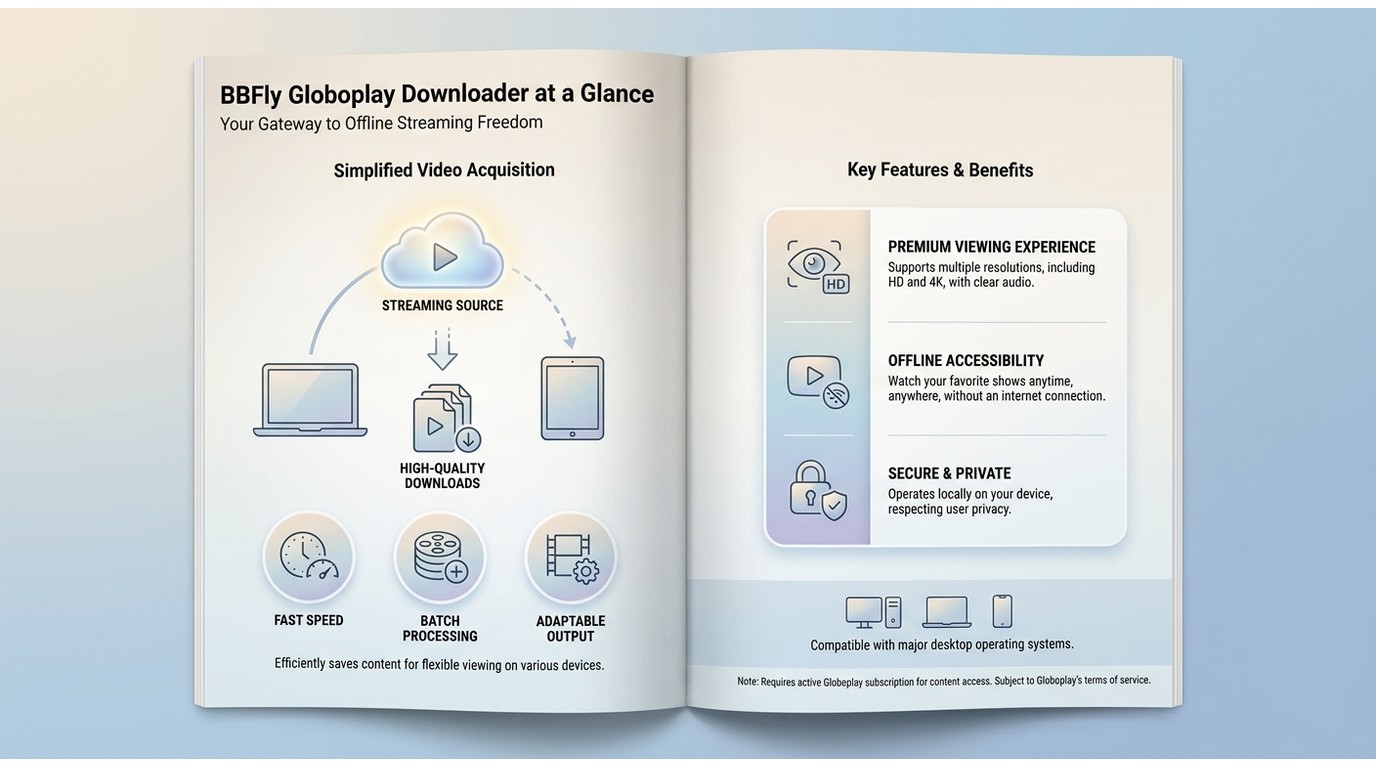
BBFly is one practical desktop alternative for Windows and Mac users who want an authorized personal copy of Globoplay content on their own drive. It's what I settled on after the free options came up short, and five verified specs explain why it fits that job.
- Native Download mode: BBFly talks to the streaming platform's servers and remuxes the original audio and video streams into a container, so there is no re-encoding step and no real-time recording ceiling.
- 60+ streaming platforms in one app: Netflix, Disney+, Amazon Prime Video, Crunchyroll and more sit alongside Globoplay in the same install, so you don't buy a separate tool per service.
- EAC3 5.1 surround audio retained: a real Edge when the source track is a telenovela or a Sunday football broadcast in full 5.1; the free tools I tested downmixed to stereo.
- 1080p output in MP4 or MKV: clean containers that play in VLC, Infuse, Plex, or straight from a USB stick on a smart TV.
- Batch download: queue an entire Globoplay season and let it run overnight instead of babysitting one episode at a time.
Best for you if you're on Windows or Mac, want an authorized personal copy of Globoplay content that lives on your own drive, and care about the surround audio surviving the trip. Not ideal for anyone who only ever watches on a phone; the official Globoplay app handles that path already, and paying for a desktop app to do phone-only viewing is overkill.
Output Quality, Formats & Batch Downloads
The Globoplay video download side of BBFly is where the codec specs matter. Below is the plain technical read-out, no marketing language.
| Spec | What BBFly outputs |
|---|---|
| Audio codecs | EAC3 5.1, AC3 5.1, AAC 2.0 |
| Max video resolution | 1080p Full HD |
| Container formats | MP4, MKV |
| Subtitles | Retained (Portuguese plus any additional language track the platform ships) |
| Batch download | Queue an entire season in one session |
| Metadata | Title, episode, and series info written to file tags |
The audio row is the one I care about the most. Free web-based grabbers I checked capped at 720p and stereo audio, and the official app tends to downmix a native 5.1 source to AAC 2.0 on export. You notice the difference the first time you replay a Sunday football broadcast on a decent soundbar.
Download Globoplay on Windows or Mac in 4 Steps
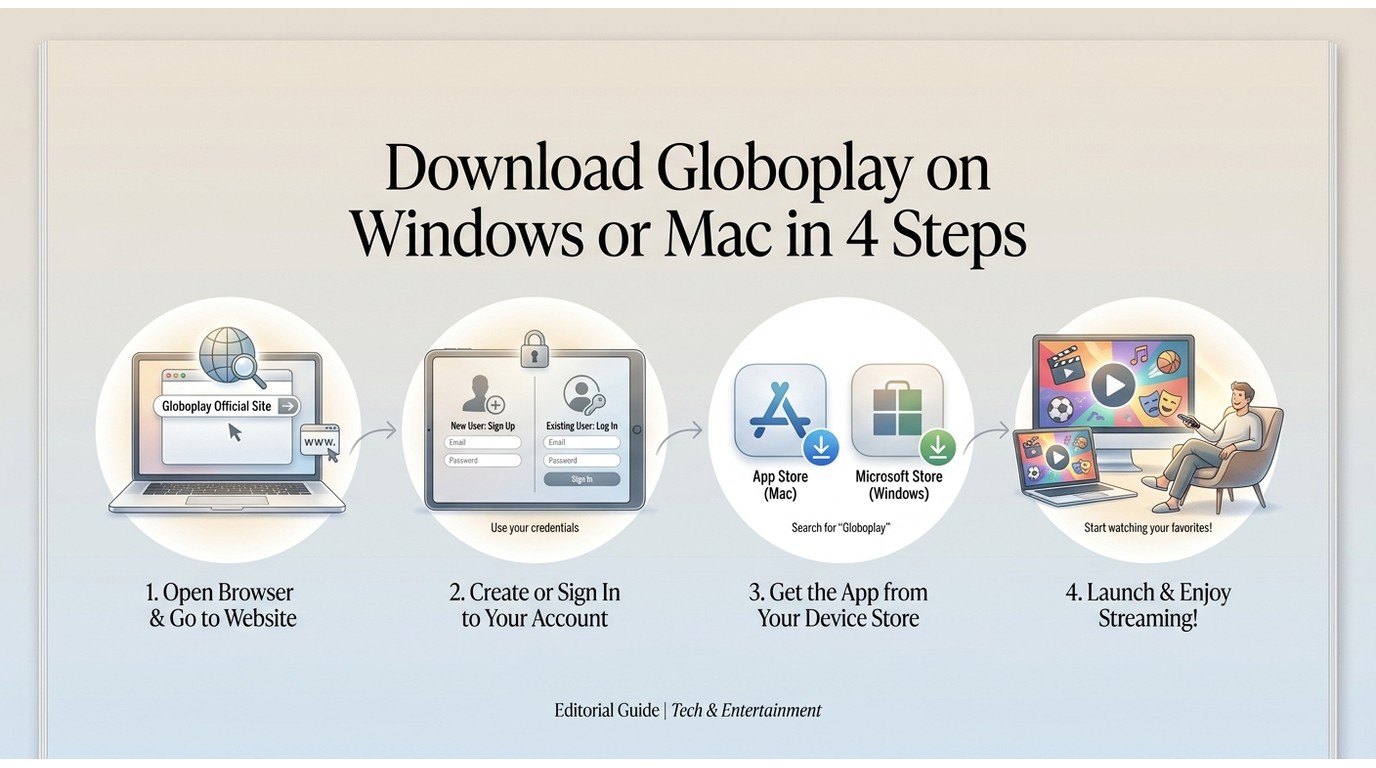
BBFly's Windows and Mac builds share the same interface, so this walkthrough covers both. Sign in with a paid Globoplay account first; the workflow is intended for content you're authorized to access, where permitted by platform terms and applicable law.
- Install BBFly and open the built-in browser. Download the installer for Windows or macOS from the product page, run it through the standard install prompts, then launch the app and click the built-in browser tab. Screenshot: BBFly home screen with the built-in browser tab highlighted.
- Sign into your Globoplay account. Point the built-in browser at globoplay.globo.com and log in exactly as you would in Chrome or Safari. BBFly reads your active session, not your stored credentials. Screenshot: Globoplay login page rendered inside BBFly's browser view.
- Pick the title, then choose 1080p and the audio track. Open the episode or movie you want; BBFly's parser will pop a resolution and audio-track picker. Select 1080p in MP4 or MKV and pick EAC3 5.1 if the source offers it. Screenshot: BBFly download dialog with 1080p MP4 and EAC3 5.1 audio selected.
- Click Download, or queue an entire season. Hit the Download button to start a single file, or add the next episode into the batch queue to line up a full season. Files write to your chosen folder as standard MP4 or MKV. Screenshot: BBFly batch queue with three episodes lined up and running.
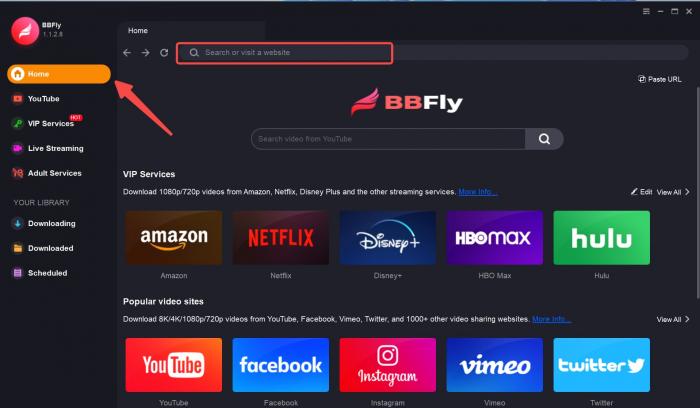
On a mid-2023 MacBook Air with a home 200 Mbps line, one 45-minute Globoplay episode landed as a completed 1080p MP4 in roughly ten minutes, and a batch of four episodes usually finished during a lunch break (as of July 2026; timings vary with source bitrate and network).
Download Globoplay on iPhone or Android with the Official App
The official Globoplay app on iOS and Android does allow in-app downloads. The caps from the section above still apply: roughly 25 titles across up to 5 devices, 48 hours after first play, and 30 days of offline storage (as of July 2026; verify on Globoplay's help center).
- Open the Globoplay app on your phone or tablet.
- Search or browse for the title, then open its detail page.
- Tap the download icon (a downward arrow near the play controls); pick a quality if the app prompts.
- Find the file inside the app's Downloads tab and play it there.
Those files stay inside the app. You can't copy them to a computer, move them to an external drive, or play them in VLC. That boundary is the exact point where the desktop workaround above earns its keep.
Best for casual viewing on your phone. Not ideal for keeping a personal library on a computer.
Legal & Safety Notes for Personal Offline Viewing
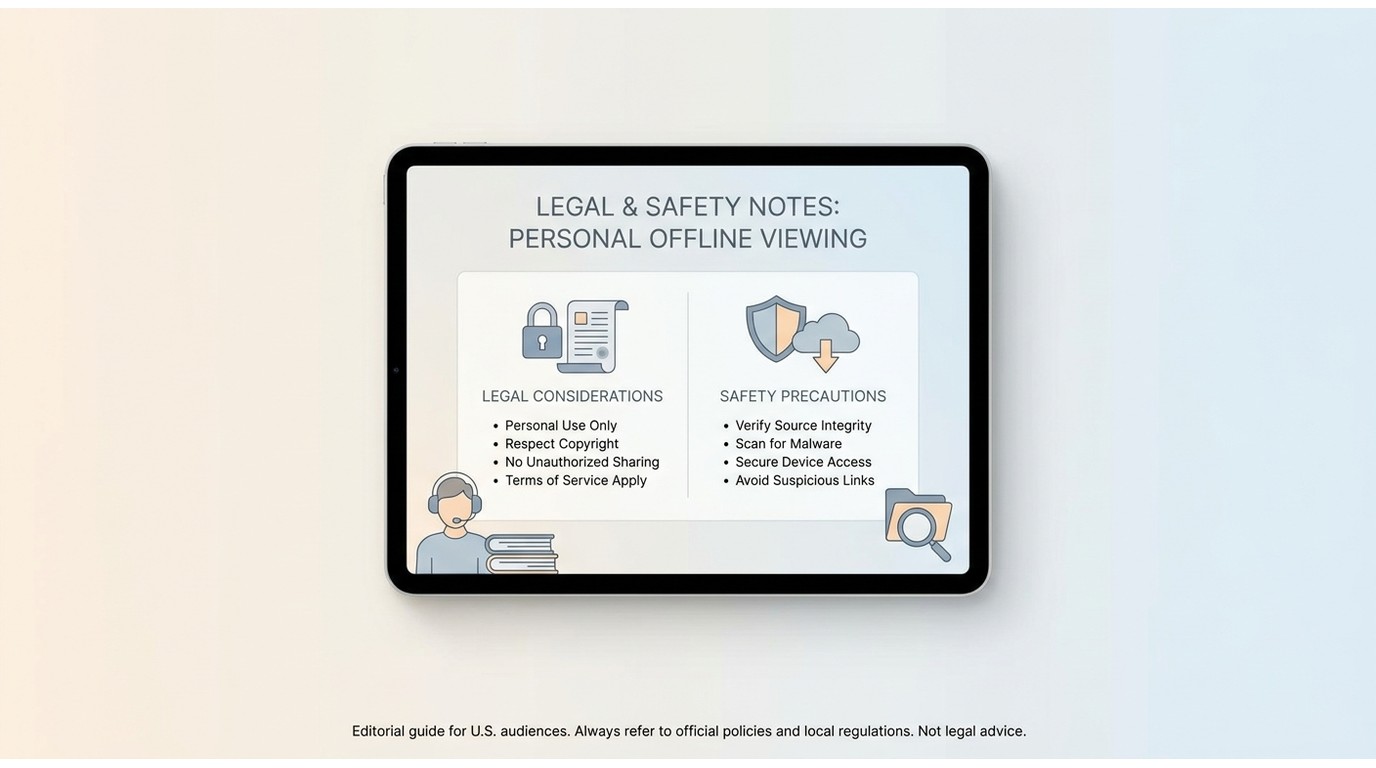
One quick note before you pick a path. Any download workflow here, official app or desktop tool, is intended for content you're authorized to access, where permitted by platform terms and applicable law. The intent is a personal-use backup you watch on your own devices, not something you upload, share on cloud storage with friends, or use commercially.
Read Globoplay's Terms of Service (the download rights sit in the same document that spells out the subscription tiers) and your own country's copyright rules before you press download. In the United States, personal-use backups of content you have legitimately paid for sit in a gray area whose shape depends on how you use the file afterward; redistribution is where the trouble starts.
On tool choice, I'd steer clear of the free "video downloader" web pages that dominate the first two ad blocks on any search. Community reports (and a few browser extensions I checked myself) turned up ad injections, permissions I wasn't going to grant, and installers that bundled software I hadn't asked for. A paid trusted desktop app that runs entirely on your own machine tends to be the safer path. As a Globo video downloader and a Globoplay downloader for Mac and Windows, BBFly fits that description; there are others, and it's worth doing your own diligence.
Frequently Asked Questions
Can I download Globoplay videos on PC?
No. Globoplay's official app is mobile-only, so downloads work inside the iOS or Android app but not on Windows or macOS. To save an authorized personal copy on a computer, you need a desktop-class tool such as BBFly Globoplay Downloader (as of July 2026; verify Globoplay's current support policy on their help center).
What are the Globoplay download limits?
The official Globoplay app caps you at roughly 25 downloaded titles across up to 5 devices. Each downloaded file expires 48 hours after you first press play, and any file the app hasn't verified against your account in 30 days is auto-removed (as of July 2026; check Globoplay's help center for the latest figures).
How long do Globoplay downloaded videos last?
Inside the official app you get about 48 hours of viewing time from the moment you press play, plus up to 30 days of offline storage before the file is auto-removed (as of July 2026). A local MP4 or MKV saved by BBFly for authorized personal viewing lives on your drive under normal file-system rules; it stays there until you decide to delete it.
Is downloading Globoplay videos with a third-party desktop tool legal?
For content you're authorized to access, where permitted by platform terms and applicable law, a locally saved file is generally treated as a personal-use backup. Do not redistribute, resell, or publicly perform the file. Review Globoplay's Terms of Service and your local copyright rules before proceeding; when in doubt, default to the official app.
Does BBFly Globoplay Downloader work on Mac?
Yes. BBFly ships a native macOS build alongside the Windows one, and the workflow is identical: sign in, pick your quality, click Download. The Globoplay downloader for Mac uses the same built-in browser and batch queue as the PC build; see the four-step walkthrough above for the full path.
What is the best Globoplay video downloader in 2026?
For US readers on Windows or Mac, BBFly Globoplay Downloader is the practical pick: Native Download mode, EAC3 5.1 audio retention, 1080p MP4 and MKV output, and 60+ streaming platforms covered in one app. In the forum threads I reviewed, multiple users reported that free browser extensions and yt-dlp workflows failed on Globoplay's DRM-protected titles (as of July 2026), so a paid trusted desktop app is the more reliable route. Not ideal if you're strictly a phone-only viewer; the official app is easier there.
Verdict: The Simplest Way to Save Globoplay Offline
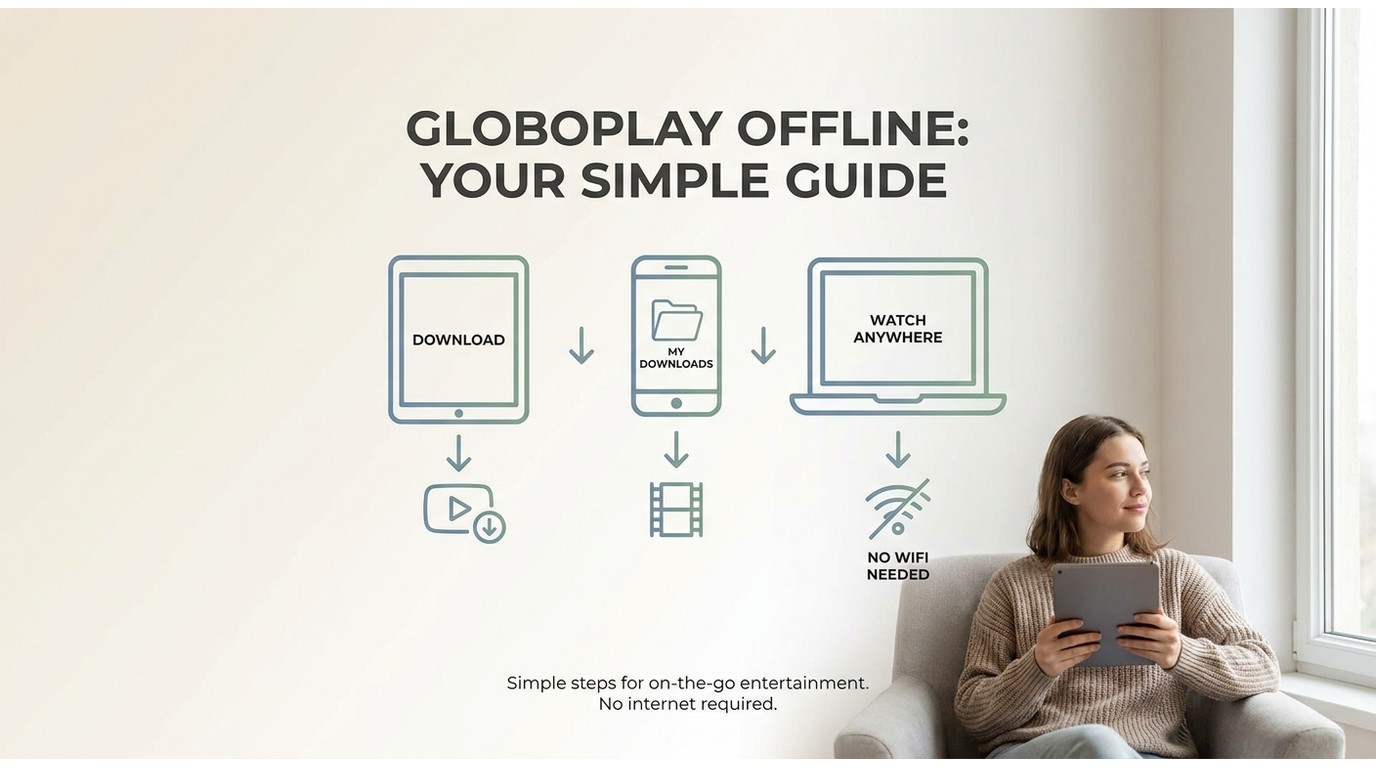
The split-path is now clear. If you only watch Globoplay on your phone, the official app is fine. If you want a Windows or Mac file you can hand to your media library, drop on a USB stick, or play back with the full EAC3 5.1 mix intact (the same soundtrack the official app tends to downmix to AAC 2.0 in my tests), BBFly Globoplay Downloader is the practical route.
Not for you if you never leave your phone. But if you do, BBFly's trial runs 30 days and lets you download 3 full Globoplay titles before you commit, and the Lifetime license covers 3 PCs, which lines up cleanly with a small household (as of July 2026; check the birdbirdfly.com product page for current pricing).
If you juggle multiple subscriptions, the same install also downloads from Netflix, Disney+, Amazon Prime Video, Crunchyroll and 60+ other services, so it's one app, one paid seat. Related walkthroughs on the same platform: download videos from ZDFmediathek, download Peacock videos, and download videos from ZEE5.