
ABEMA Download: BBFly AbemaTV Downloader
Table of Contents
Here's the short answer: ABEMA's official offline viewing lives inside its supported mobile apps, so there is no first-party way to download ABEMA videos on PC. For US viewers, the practical sequence is region availability first, then a choice between the official mobile route, a desktop local-file workflow, or an advanced command-line setup.
ABEMA Downloads on PC: What Works
Official Downloads Are Mobile-App Features
Official ABEMA downloads are tied to supported mobile apps, an eligible plan, eligible titles, and ABEMA's current offline-viewing rules. That is convenient when you simply need a few shows on a phone or tablet, but it does not create a standard file for a Windows or Mac media library.
A Desktop Local-File Alternative
For content you are authorized to access, where permitted by platform terms and applicable law, BBFly AbemaTV Downloader is a desktop option for saving a local copy for personal offline viewing. Unlike screen-recording an ABEMA video, a local-file workflow is not limited by real-time playback and avoids an extra recording pass.
Best Route for Each Viewer
My rule is simple: start with your device and region, then decide how much setup you can tolerate. Use the official app for straightforward mobile viewing, a graphical desktop workflow when you want files and queue management, or a command-line route if you are comfortable maintaining technical tools yourself.
Accessing ABEMA From the United States
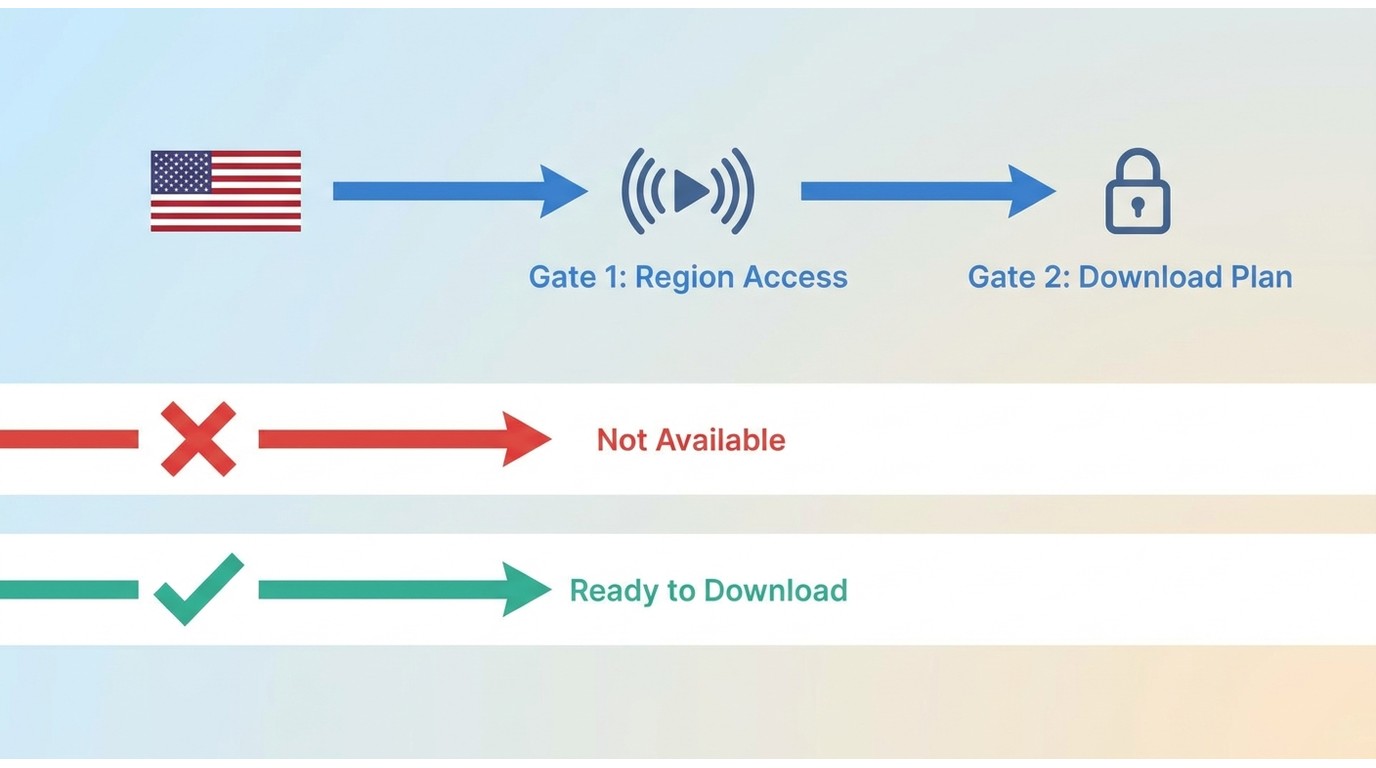
Region Limits Before You Start
ABEMA is Japan-focused, so a title can be unavailable to a US connection before any download method is relevant. A Japan-region connection may be required for some titles, but availability still depends on the program and ABEMA's licensing rules. Treat region access and offline saving as separate questions: a tool cannot make an unavailable title eligible.
Plans, Devices, and Eligible Videos
Official downloads require a supported mobile app, an eligible plan, and a title that ABEMA makes available for offline viewing. As of July 2026, standard ABEMA Premium is ¥1,180 per month. ABEMA Premium with ads is ¥680 per month and does not include downloads.
Official Downloads and PC Files Compared
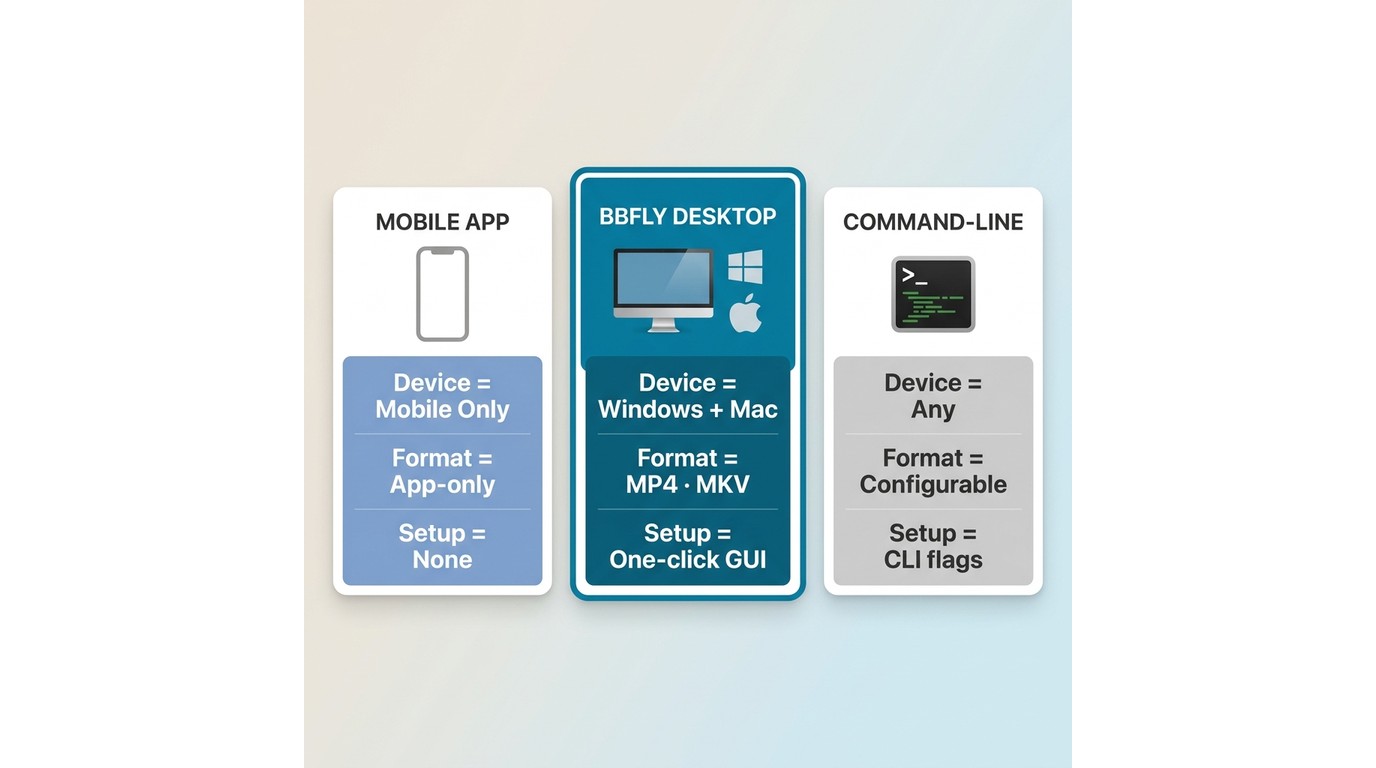
The three routes below are not interchangeable. The official app favors simple mobile viewing; a graphical desktop route favors file management; and command-line tools trade convenience for control.
| Route | Device | Plan and region | Eligible content | Offline model | Output | Setup | Best fit | Key limitation |
|---|---|---|---|---|---|---|---|---|
| Official ABEMA mobile download | Supported mobile apps | Eligible paid plan and title availability; Japan-focused access | Titles ABEMA marks as downloadable | Viewed in the ABEMA app | App-managed download | Low | Mobile viewers who want the official route | No standard Windows or Mac file workflow |
| BBFly desktop local-file workflow | Windows and Mac | Authorized access, applicable terms, and title availability still apply | Built around standard VOD titles | Local copy for personal offline viewing | MP4 or MKV | Moderate | Desktop users who want a graphical queue and library workflow | Behavior can vary by title and region |
| Advanced command-line workflow | Windows, Mac, or Linux | Authorized access, region availability, and current tool support | Depends on the current extractor and URL type | Local files configured by the user | Format depends on the tool and settings | High | Technical users who can troubleshoot updates | Site changes can break a previously working command |
For me, the deciding factor is not a feature count. The official route is sensible for app-based viewing, while a desktop route becomes worthwhile when you need a local-file workflow you can organize yourself.
BBFly Output and Workflow Specifications
For authorized content and personal offline viewing where permitted by platform terms and applicable law, this desktop route supports local-file organization rather than app-only playback.
| Specification | What it means in practice |
|---|---|
| Video and audio | Up to 1080p video with AAC 2.0 audio, subject to source availability |
| File formats | MP4 and MKV output for local playback workflows |
| Organization | Batch downloads, series follow-up, metadata writing, audio-language selection, and subtitle download support |
| Platforms | Windows and Mac |
The useful distinction is the local-file and library workflow, not a checklist of features. If you only need a few episodes inside the official mobile app, the simpler official route is usually the better fit.
Download ABEMA Videos With BBFly
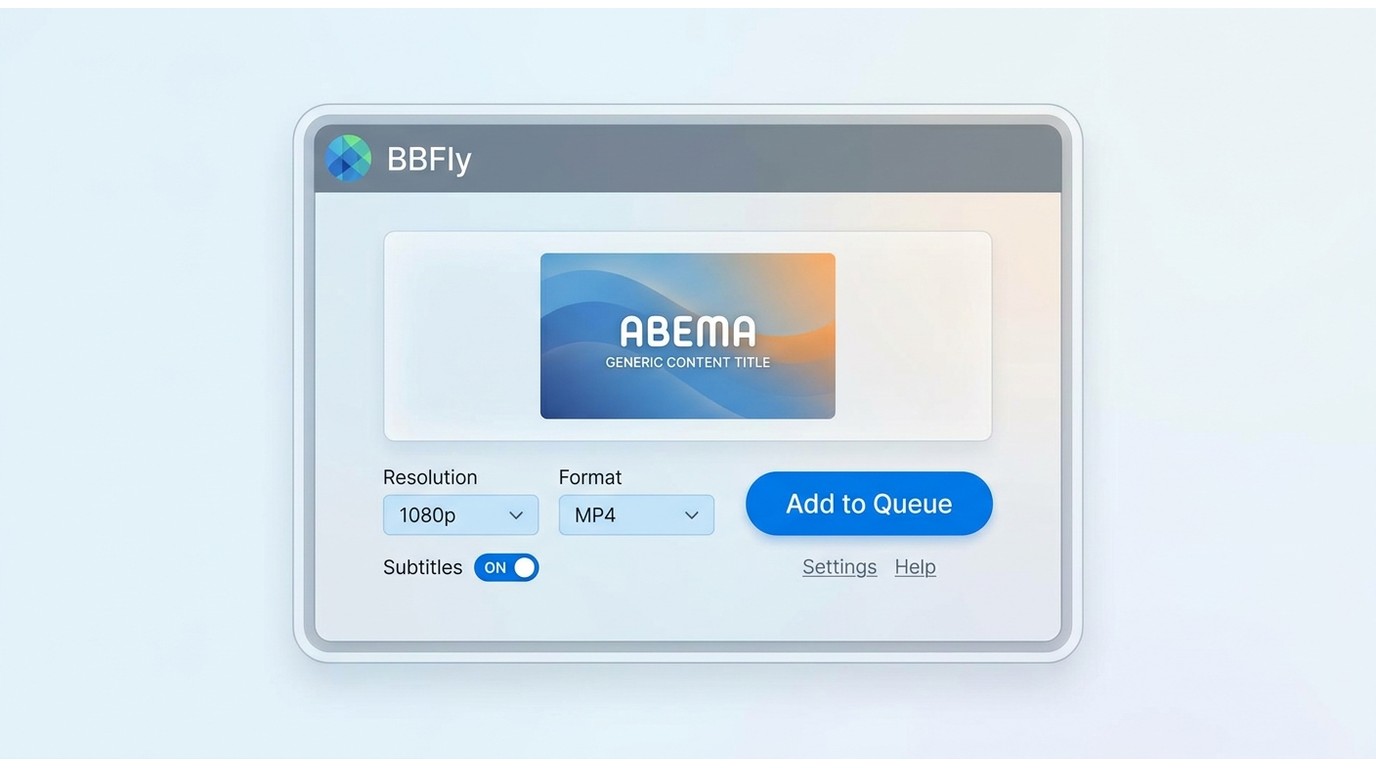
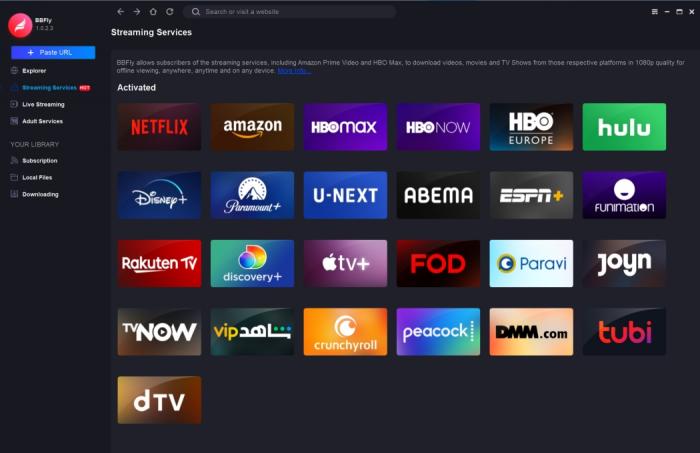
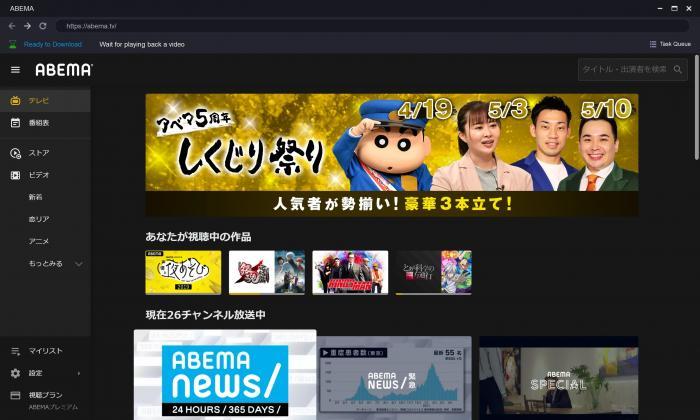
Before starting, install the current BBFly application, sign in to ABEMA with an account authorized to access the title, and confirm the title is available from your region. The steps below assume a standard VOD title.
Step 1: Open ABEMA in BBFly
Step 2: Choose the Video and Settings
Step 3: Start and Check the Download
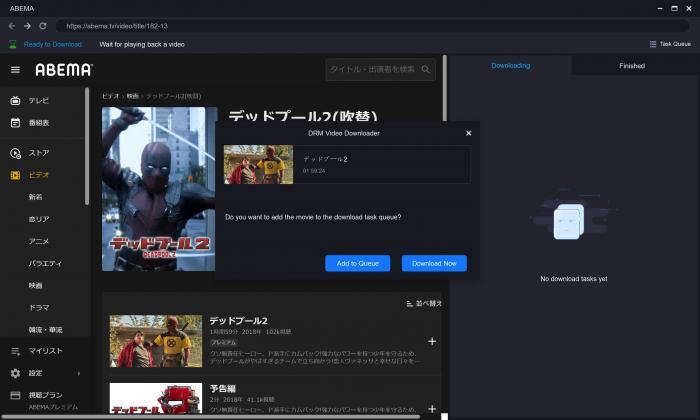
Choose the available resolution, MP4 or MKV format, audio language, and subtitles before adding the title to the task queue. When processing finishes, open the output folder and confirm that the file, audio track, and subtitles match the selections. If analysis does not begin, first recheck the sign-in, region availability, and whether the exact VOD URL is supported.
Fix Common ABEMA Download Problems
Region or Sign-In Errors
If ABEMA reports a title as unavailable, check region access and account entitlement before touching download settings: confirm you are signed in with an account that has rights to the specific program, then retry the exact title page. A sign-in error can also mean the account simply does not include that program.
Analysis or Download Failures
ABEMA pages and download tools change over time. Update the application, reopen the exact title page, and try a standard VOD title before assuming a broad service failure. I would not rely on an old command-line patch as proof that current URLs work; advanced control is useful, but a maintained graphical workflow is usually less fragile for nontechnical viewers.
Subtitles, ABEMA Live, and Global Archive Support
Support is not uniform across ABEMA's content types. Standard VOD is the baseline the desktop workflow is built around; ABEMA Live streams behave as continuous broadcasts rather than saved titles, and ABEMA Global archive URLs are served from a separate catalog — either can fail analysis or produce partial results even when a standard VOD title from the same account works. Subtitles are equally source-dependent: select the available options before adding a task, then verify the completed file, and do not assume every program ships with Japanese subtitles. When in doubt, test the exact URL with the current application.
Choose the Right Offline Method
Who BBFly Suits
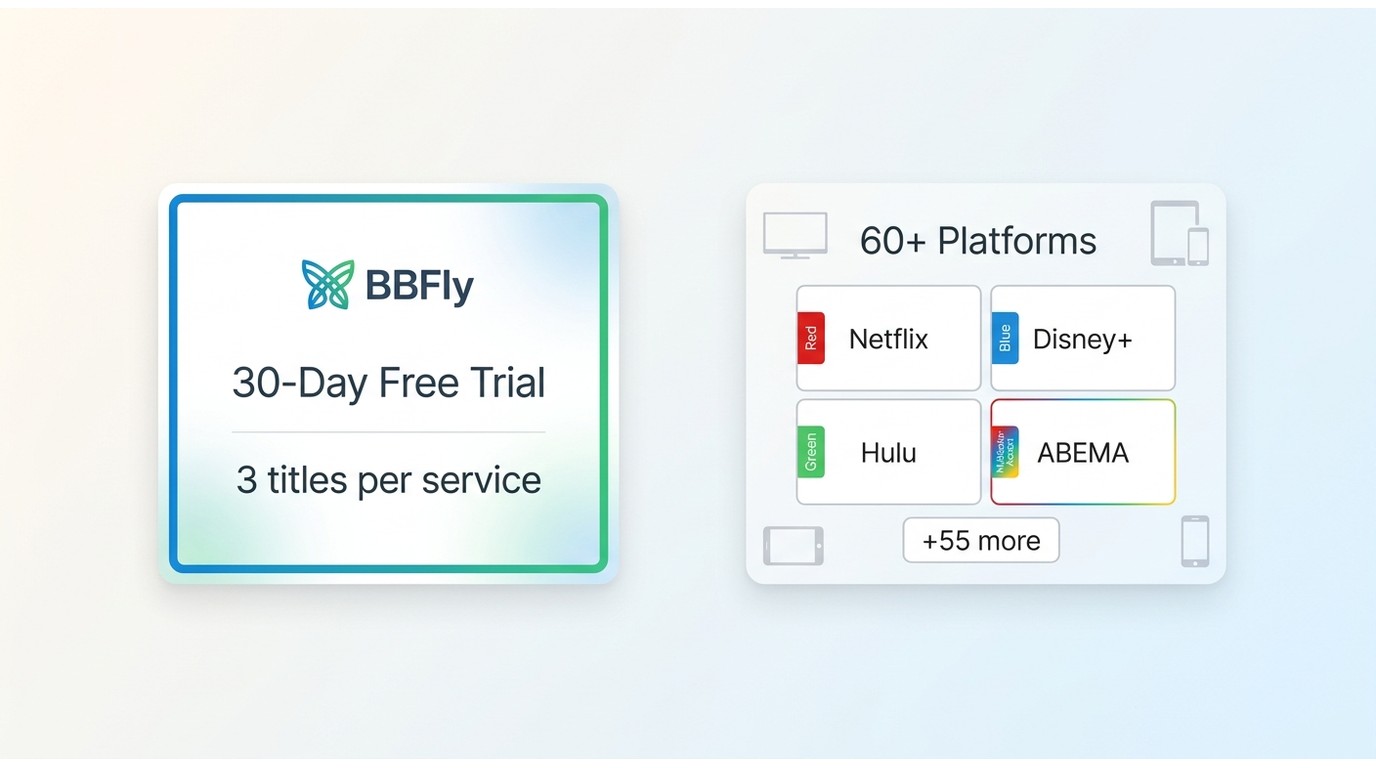
BBFly suits Windows and Mac viewers who are authorized to access the title and want a graphical local-file workflow, batch organization, and native download mode for personal offline viewing. Its 30-day trial allows three complete titles per streaming service, which is enough to judge whether the workflow fits your own library habits. Coverage of 60+ streaming services is a secondary benefit for people who already use more than one platform.
When Another Route Fits Better
Use the official ABEMA app when app-based mobile offline viewing is all you need. An advanced command-line workflow may fit readers who prefer a free, hands-on setup and can maintain it when services change. Neither desktop option is appropriate for content you cannot lawfully access.
Frequently Asked Questions
Does the ad-supported ABEMA plan include offline downloads?
No. ABEMA Premium with ads does not include downloads. Official ABEMA offline downloads require the standard eligible plan, a supported mobile app, and a title that ABEMA has made available for offline viewing.
Can BBFly save ABEMA Live programs or ABEMA Global archives?
Do not assume so. Standard VOD, Live streams, and ABEMA Global archive URLs can behave differently, so support should be checked with the exact title and the current application.
Can Japanese subtitles be kept with an ABEMA download?
When subtitle options are available for the source title, select them before creating the task and confirm the completed file afterward. Subtitle availability varies by program, so it should not be assumed for every ABEMA title.
Why is ABEMA unavailable in my region?
Because ABEMA is Japan-focused and licensing can limit titles outside Japan — see Accessing ABEMA From the United States above for the full explanation.