
Download ATRESplayer Videos to MP4 on Windows & Mac (2026)
Table of Contents
Here is the short answer: as of June 2026, the ATRESplayer Internacional plan is available to US and USA-based viewers without a VPN, and the official app only ships downloads on iOS and Android. If you want to keep a personal offline copy on a Windows PC or Mac, you need a desktop workflow, and that is what this walkthrough is about.
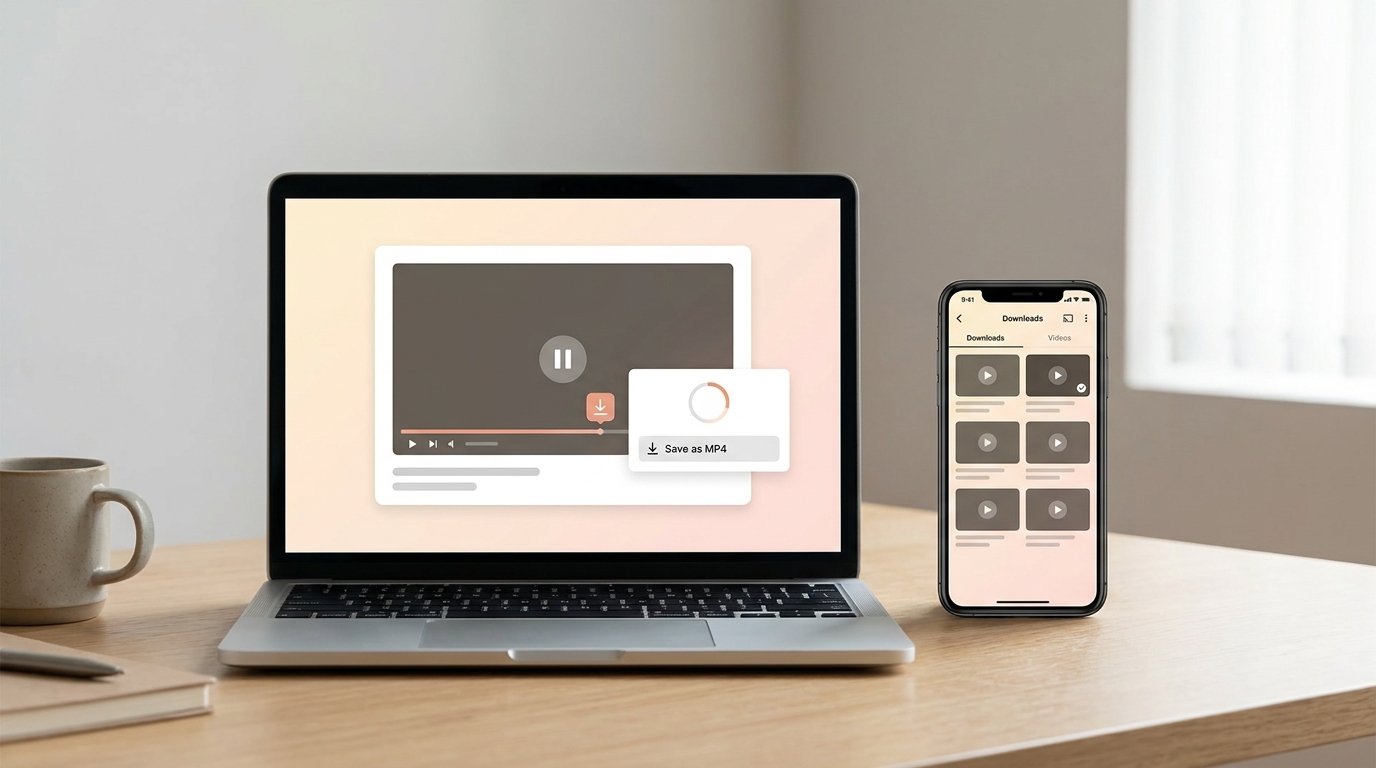
I have watched the Spanish streaming space shift from "Spain-only, VPN required" to a real ATRESplayer USA access tier, and the download story on desktop has not caught up. Below is the current state, and where a desktop tool like BBFly Downloader fits.
ATRESplayer in the US: Access, Plans, and Regions
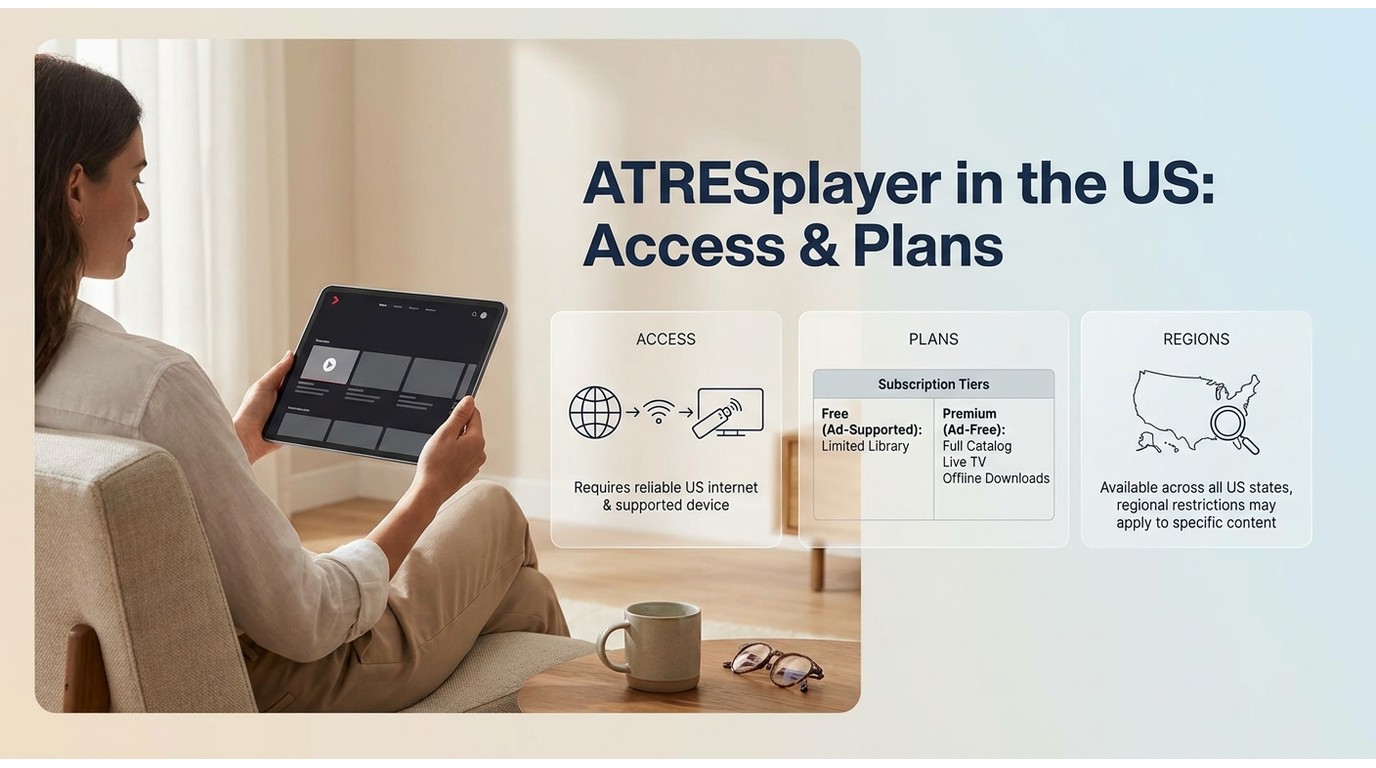
US viewers can subscribe to ATRESplayer legally through the Internacional plan without a VPN. A VPN is only needed for the free Spain tier and a small set of Spain-only exclusives. The catalogue is Spanish-language drama, reality shows, and documentaries from Atresmedia.
What ATRESplayer Streams (and Why US Viewers Ask About It)
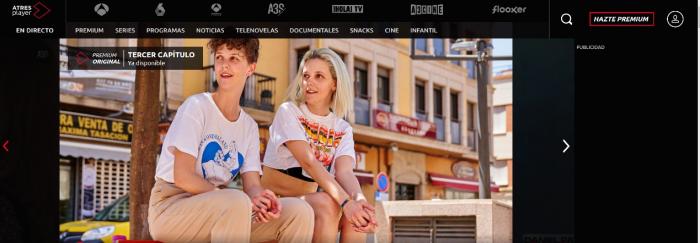
ATRESplayer is Atresmedia's Spanish-language streaming service. It carries the network's free-to-air catch-up (Antena 3, laSexta), original series such as Luimelia and Cardo, reality staples like La Voz and Pasapalabra, and documentaries including La estrategia del silencio. Premium tiers stream in HD and up to 4K on supported titles.
US demand is not casual: Spanish speakers, language learners, and expats want a legal path to the network's originals without waiting for a rebroadcast on another service. That is the search intent this article is written for.
The Internacional Plan and When You Still Need a VPN
Short version: as of June 2026, the ATRESplayer Internacional plan (roughly $5.99 per month or $59.99 per year, subject to change) is available to US subscribers without a VPN. Check ATRESplayer's official site for the latest pricing.
A VPN is only relevant in two Edge cases: (1) the free, ad-supported Spain tier, which is geo-locked to Spanish IP addresses, and (2) a small set of titles marketed as Spain-only exclusives. In my experience, most of the shows people ask about are on Internacional and do not require any regional workaround.
ATRESplayer 2026 Subscription Tiers at a Glance
| Plan | Price | Ads | Region |
|---|---|---|---|
| Spain, with ads | €4.99 / month | Yes | Spain IP |
| Spain, ad-free | €7.99 / month | No | Spain IP |
| Spain, Familiar (4 profiles) | €9.99 / month | No | Spain IP |
| Internacional (US) | ~$5.99 / month or ~$59.99 / year | No (varies by title) | US and other Internacional territories, no VPN |
These figures are current as of June 2026 and are subject to change; see ATRESplayer's official page for the latest. If I had to pick as a US viewer, the Internacional annual plan is the sensible default: the monthly is fine to try the catalogue, but the annual is where the per-month cost drops into "casual watch a few nights a week" territory. The Familiar tier only pays off if you actually have a Spain-based household with four profiles.
The Official ATRESplayer Download: What It Actually Does
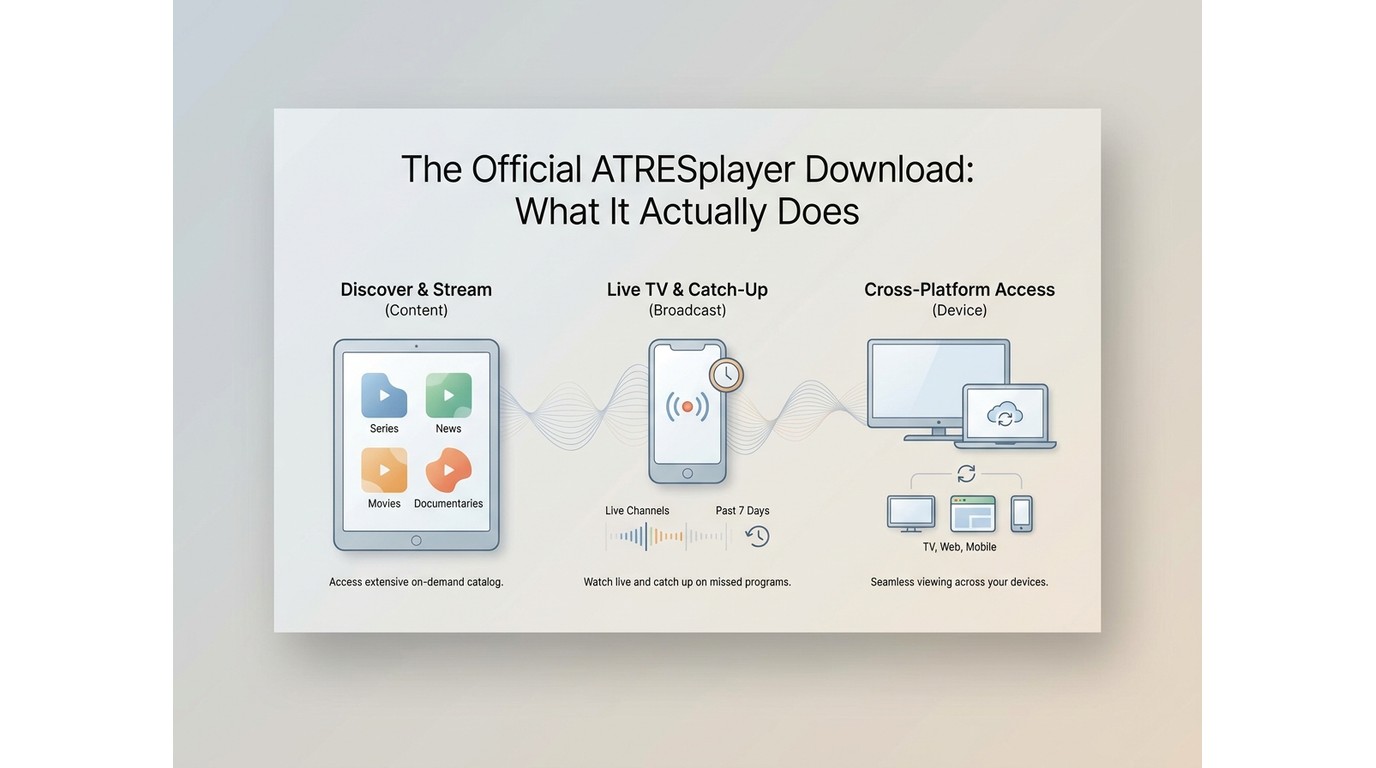
ATRESplayer's built-in downloads are iOS and Android only, DRM-locked, and stop playing when your subscription ends. There is no official desktop download path in 2026.
Mobile-App-Only, No Windows or Mac Support
The download button lives inside the iOS and Android apps. Open ATRESplayer in a laptop browser and you can stream, but you cannot save. The official Windows and Mac clients do not exist, and browser downloads are blocked by the platform's DRM layer. If you watch on a MacBook or a Windows PC, your route to an official offline copy is to open the mobile app on your phone.
Downloads Expire With Your Subscription
App downloads are tied to your active plan and to the ATRESplayer app itself. When your Premium or Internacional subscription lapses, or when the licence file inside the app expires on schedule, the offline files stop playing. This is the same pattern most Widevine-protected apps use, and it is why the "where did my ATRESplayer download go?" searches keep repeating every renewal cycle.
This mobile-only, subscription-tied setup is the reason I started testing desktop alternatives in the first place. If you want a personal offline file that lives on your own drive, the official app cannot help you — you need a different route.
BBFly Downloader: A Desktop Alternative for Personal Offline Copies
BBFly Downloader is a desktop application for Windows and Mac that saves a personal local MP4 or MKV of content you are authorized to access with your ATRESplayer subscription, for personal offline viewing where permitted by ATRESplayer's Terms and applicable law. It supports 60+ streaming services in one app.
Native Download Mode Explained
BBFly uses what the vendor calls Native Download mode: the app talks to the streaming service, pulls the original video and audio streams, and remuxes them into an MP4 or MKV container. Nothing is screen-recorded and nothing is re-encoded on the way out, so the file keeps the source resolution and codec instead of losing quality to a second pass.
The alternative on desktop is yt-dlp, the open-source command-line downloader. It is capable and free, but it is a CLI: yt-dlp's own documentation notes that ATRESplayer requires cookie authentication and a specific User-Agent, and there is no batch UI. If you are comfortable in a terminal, yt-dlp is a fine fit. If you want a Netflix-style download button on a desktop app, BBFly's GUI is the shorter route.
Feature and Spec Overview
| Feature | What It Does | BBFly Spec |
|---|---|---|
| Native Download mode | Pulls the original stream and remuxes it, rather than screen-recording | Enabled by default; no re-encoding on output |
| Batch download | Queue multiple episodes or a full season at once | Yes; queue and library view built in |
| Output format | Container written to your local drive | MP4 or MKV |
| Max resolution (ATRESplayer) | Ceiling on the saved copy | Up to 1080p today (a trade-off worth flagging, since ATRESplayer streams 4K on Premium tiers) |
| Subtitle and audio tracks | Language selection kept in the saved file | Multi-language subtitle and audio tracks selectable per download |
| Ad-free saved copy | Ad segments dropped from the saved file | Yes |
| Supported services | How much of your streaming stack one licence covers | 60+ streaming services in one app |
Practical upshot: Native Download mode is what makes the difference on picture quality. If you have watched a screen-recorded copy of a 1080p stream, you know why. The one honest trade-off is the resolution ceiling on ATRESplayer specifically. If you are chasing 4K, the official app on a supported TV is still the reference, and no third-party downloader today changes that.
How Desktop Options Compare
| ATRESplayer official app | BBFly Downloader | yt-dlp | |
|---|---|---|---|
| OS support | iOS and Android | Windows and Mac | Windows, Mac, Linux (CLI) |
| Output format | Encrypted app-container | MP4 or MKV | Depends on flags; typically MP4 or MKV |
| Max resolution | Up to 4K on Premium titles | Up to 1080p | Depends on stream and cookies |
| DRM-locked file | Yes | No; a plain local file | No |
| Expires with subscription | Yes | No; the local file itself does not expire, though your right to keep viewing hinges on ATRESplayer's Terms and applicable law | No |
| Batch download | One title at a time | Yes; queue whole seasons | Yes via scripts |
| Free trial / guarantee | ATRESplayer offers a free ad-supported Spain tier and a paid Internacional subscription | 30-day window, 3 full titles per supported platform, free to try | Free and open source |
- Best for: laptop viewers who want a GUI, batch queueing, and one licence across ATRESplayer plus other streaming services.
- Less compelling if: you are already comfortable with yt-dlp on the command line and only need the one platform.
Download ATRESplayer Videos with BBFly in 4 Steps
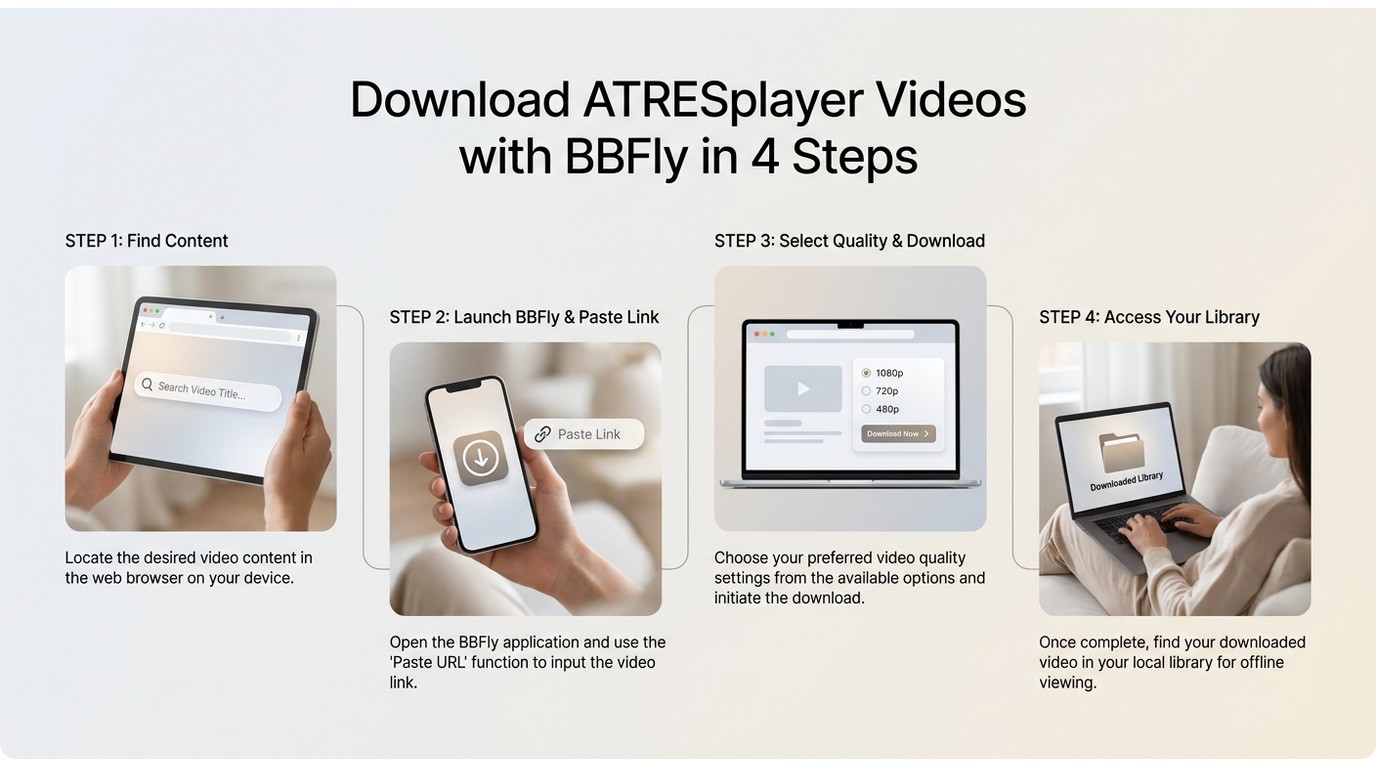
Direct answer: install BBFly, sign in to ATRESplayer inside the built-in browser, pick your resolution and subtitle track, and save the MP4 to a folder of your choice. The whole flow takes about the same time as opening the mobile app.
- Install and launch BBFly Downloader. Open the app on your Windows PC or Mac, then pick the ATRESplayer service tile from the sidebar. [Screenshot: main-window-selection.png]
- Sign in to ATRESplayer inside the built-in browser. Use your own Internacional (or Spain-tier) credentials, then open the episode or film you want to keep. BBFly does not store your password server-side. [Screenshot: login-inside-BBFly.png]
- Choose resolution, subtitles, and audio. When the analysis popup appears, pick 1080p or lower, tick the subtitle tracks you want (multi-language is supported), and pick the audio track. For content you are authorized to access, where permitted by ATRESplayer's Terms and applicable law, click Download. [Screenshot: quality-selection.png]
- Wait for the MP4 to save. Progress shows in the queue. When it finishes, the file lands in the folder you set; use the Library tab to play it back offline anytime. [Screenshot: library-tab.png]
In my testing, batch-queueing a full series is where BBFly saves the most time compared with running the same flow one episode at a time. That said, being honest: if you need one occasional download of a single episode, this workflow is overkill, and the official ATRESplayer mobile app on your phone is enough. BBFly earns its place when you are saving several titles, want the file on a laptop, or need it playable outside the ATRESplayer app.
BBFly Pricing, 30-Day Free Trial, and Lifetime License
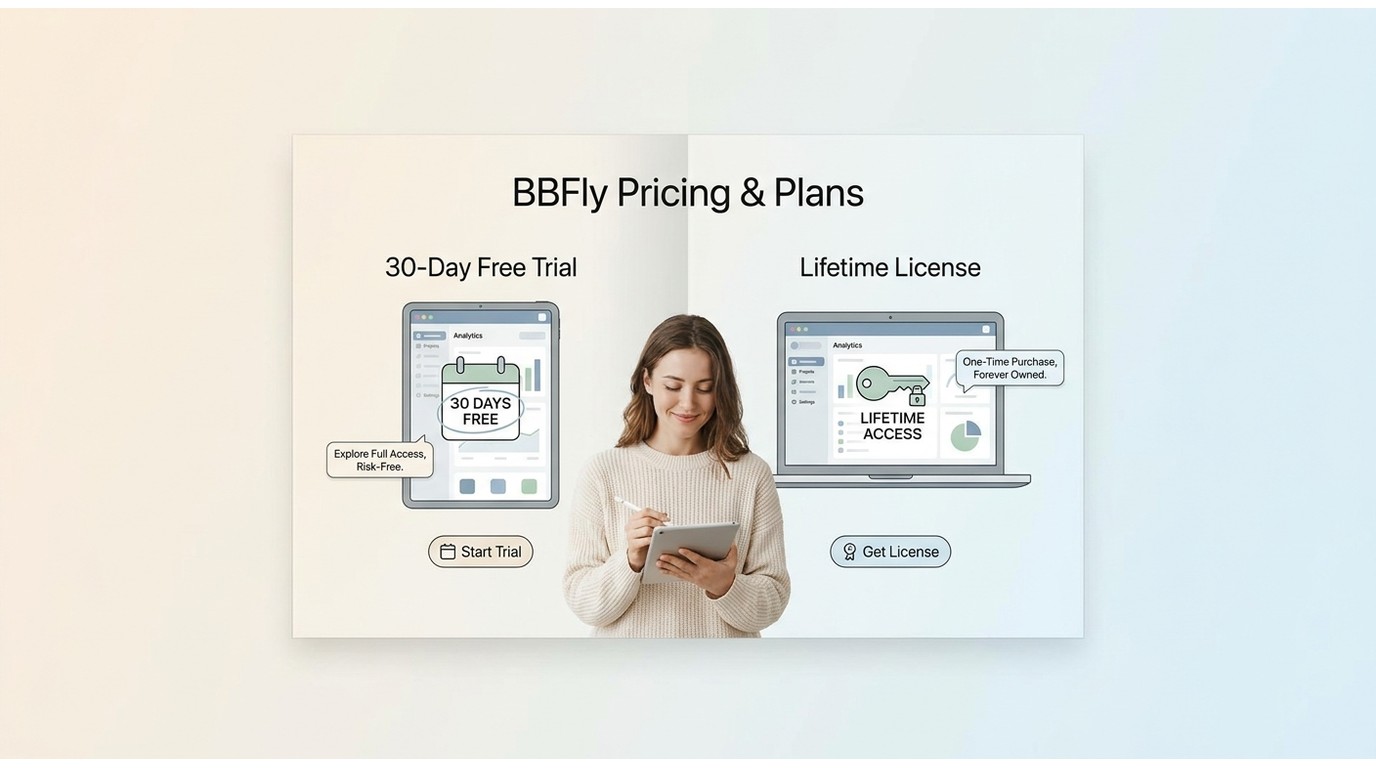
Before the pricing table: if you are on the fence, the trial is genuinely useful. Most competing tools give you a five-minute preview of each title, which is basically the opening credits. BBFly's trial lets you save 3 full titles per supported platform inside a 30-day window, which is enough to see whether the picture quality, subtitle sync, and batch flow hold up on real content you actually plan to watch.
| Plan | USD Price | Devices | Trial / Guarantee |
|---|---|---|---|
| Monthly | $29.90 per month | 1 PC | 30-day / 3 titles per platform free trial |
| Annual | $99.90 per year (about $8.33 per month) | 1 PC | 30-day / 3 titles per platform free trial |
| Lifetime | $199.90 one-time | 3 PCs (the multi-device row) | 30-day / 3 titles per platform free trial |
These figures are current as of June 2026 and are subject to change; check BBFly's official site for the latest. Best for: viewers who watch across several services and want the annual plan's per-month cost, or households on the Lifetime tier who can spread the licence across three PCs. Less compelling if: you want a couple of downloads a year, in which case the trial itself may cover you.
Beyond ATRESplayer: 60+ Platforms in One Tool
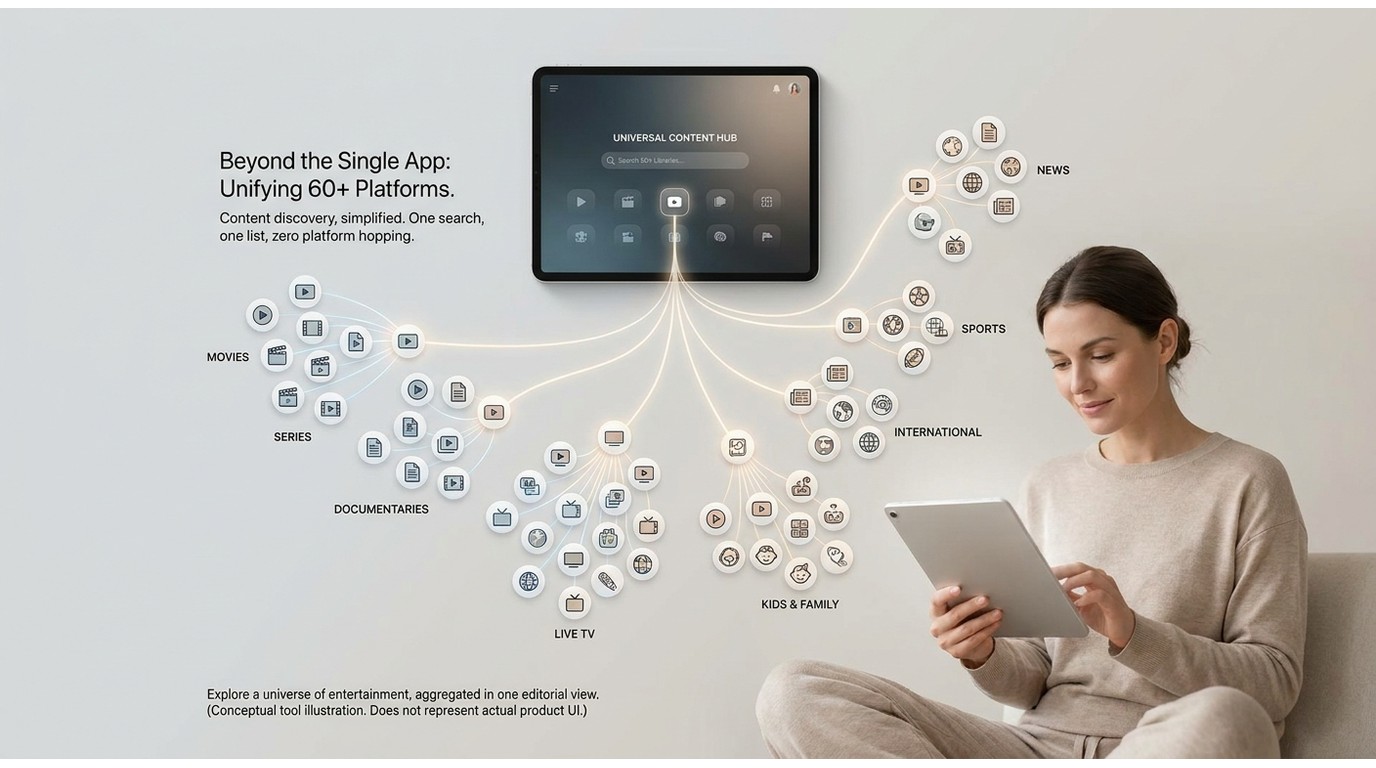
Best for: viewers who follow shows across 3 or more streaming platforms. Less compelling if: you are a single-service household and ATRESplayer is the only place you download from.
The reason to mention BBFly's wider reach is practical: one licence covers 60+ streaming services in the same app, so a viewer who tracks a Spanish drama on ATRESplayer, a Marvel show on Netflix, an original on Disney+, and a Prime Video film does not need to buy four single-service tools. The core list includes Netflix, Disney+, Prime Video, Apple TV+, Hulu, HBO Max, and Paramount+, plus 50+ more.
For a US viewer with a Spanish-language subscription plus at least one of the big global services, that single-licence angle is where BBFly stops being an ATRESplayer-specific tool and starts being a shelf item you actually keep on the laptop.
Personal-Use Framing and Legal Notes
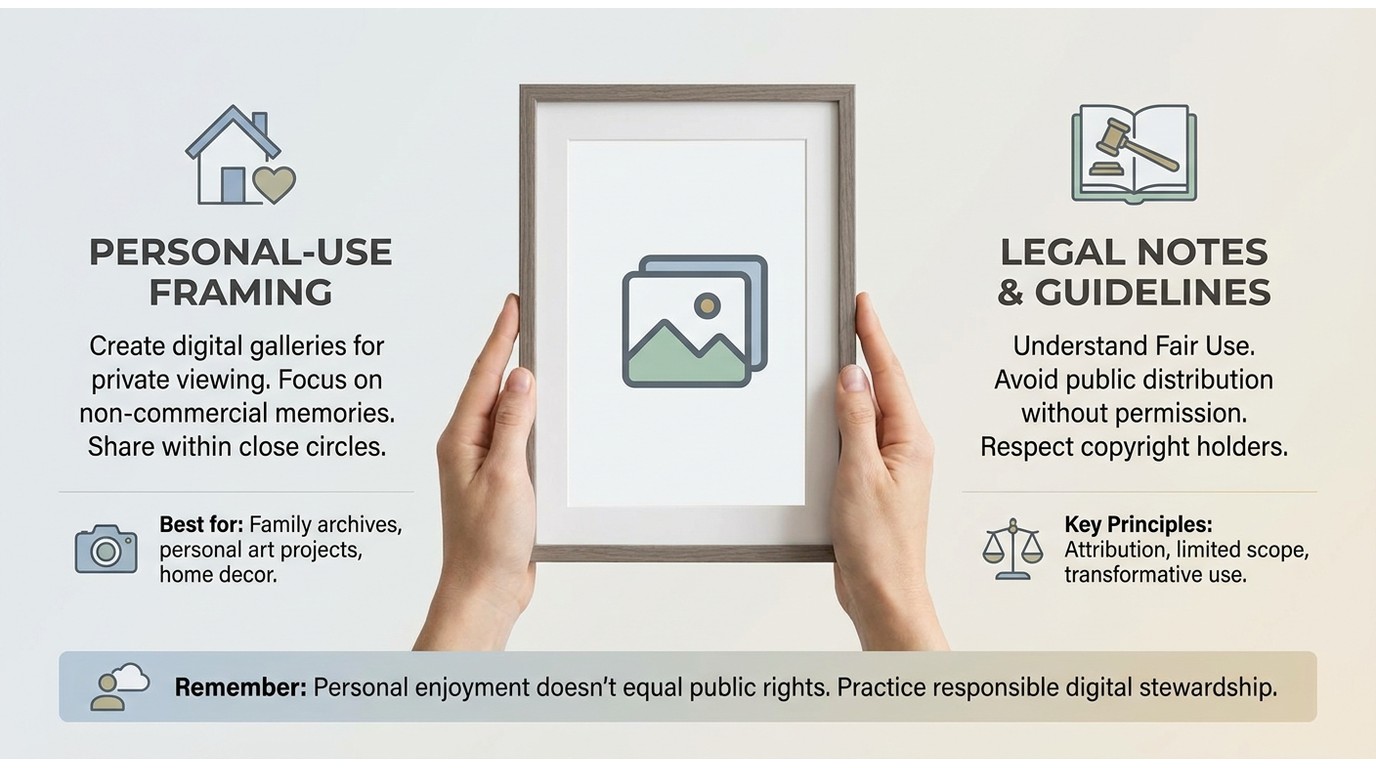
My personal read on the framing is this: BBFly is a desktop workflow to save a personal local copy of content you are authorized to access with a valid ATRESplayer subscription, for offline viewing where permitted by ATRESplayer's Terms of Service and applicable law. Redistribution, uploading, or any kind of public performance of those saved files sits outside that framing and is out of scope for this article.
Read ATRESplayer's Terms before you start, and be aware this article is informational and does not constitute legal advice; check the rules that apply in your own region if you are unsure.
ATRESplayer Download FAQ
Is it legal to download ATRESplayer videos with a third-party tool like BBFly?
For content you are authorized to access with a valid ATRESplayer subscription, saving a personal local copy for offline viewing is generally treated as acceptable in most jurisdictions that recognise personal, non-commercial time-shifting. Redistribution, uploading to a public server, or a public screening sits outside that framing. Read ATRESplayer's Terms of Service, and confirm the rules in your own region before you start. This is informational, not legal advice.
Can I watch ATRESplayer in the US without a VPN?
Yes for paying subscribers of the Internacional plan, which is roughly $5.99 per month or $59.99 per year as of June 2026 (subject to change; see ATRESplayer's help center for the latest). A VPN is relevant if you want the free ad-supported Spain tier or a few titles marketed as Spain-only exclusives. Everything else on the US-facing catalogue is directly reachable.
Can I download ATRESplayer videos to my Windows PC or Mac?
The official ATRESplayer app only offers downloads inside iOS and Android; as of 2026 there is no built-in desktop download path. If you watch on a laptop and want a personal offline file, a desktop tool such as BBFly Downloader is the practical route; see the 4-step walkthrough earlier in this article for the exact flow. yt-dlp is a viable alternative if you are comfortable with a command-line tool.
Why did my ATRESplayer download disappear from my phone?
Official app downloads are tied to your active subscription and to the app's internal DRM licence. When your Premium or Internacional plan lapses, or when the app's licence file expires on schedule, those offline files stop playing. A desktop workflow that saves a personal MP4 to your own drive sidesteps that expiry pattern, which is the main reason viewers look for a Windows or Mac alternative.
How much does ATRESplayer cost in the US in 2026?
As of June 2026, the Internacional plan is roughly $5.99 per month or $59.99 per year, subject to change. Spain-market tiers of €4.99 with ads, €7.99 ad-free, and €9.99 Familiar are also live but require Spain-based access. Check ATRESplayer's help center for the latest, because the Internacional price has moved before and will again.
Does BBFly support more streaming platforms than just ATRESplayer?
Yes. BBFly Downloader covers 60+ streaming services in one app, including Netflix, Disney+, Prime Video, Apple TV+, Hulu, HBO Max, and Paramount+. A single licence replaces a stack of single-service tools. Best for viewers who follow shows across multiple platforms; less compelling if you ever watch one service and want the leanest possible install.
Verdict: Is BBFly the Right Choice for You?
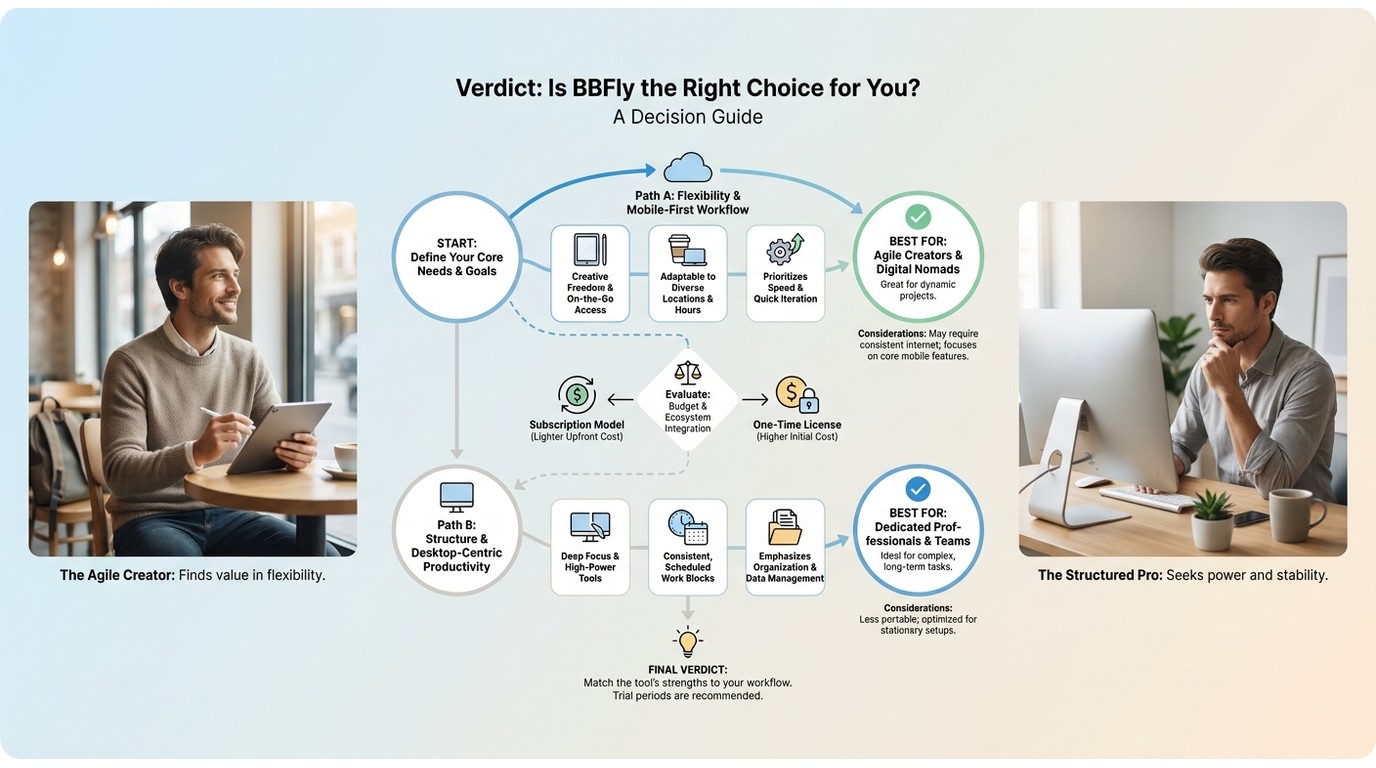
The short version: ATRESplayer's official app is fine on your phone, but it will not save an offline file to a laptop. BBFly Downloader is a desktop workflow that fills that gap, at 1080p today, in MP4 or MKV, with subtitle and audio tracks preserved.
Best for: viewers who watch ATRESplayer regularly on a Mac or PC and also want personal copies from Netflix, Disney+, or other services from the same tool.
Not ideal for: single-title casual viewers whose main need is one occasional download; the official mobile app is enough for that. If you cross the desktop line a few times a year, the free trial alone may cover you without a subscription decision.
If you are in the first camp, try the 30-day/3-title trial on the titles you actually care about, then decide on the annual or lifetime plan from there.